New Trade Zone
Trade Zone is now live
Use the new Trade Zone for auctions and instant-price trades so Pokemon and item offers are easy to find.

Lacomus
Registered User
-
Joined
-
Last visited
Everything posted by Lacomus
-
5 hours remaining
-
14 hours remaining
-
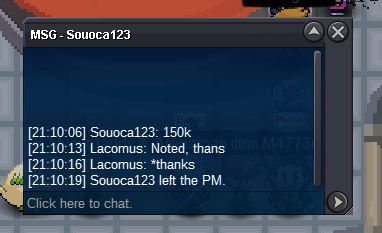
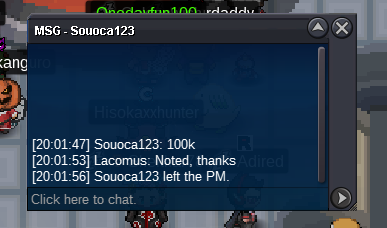
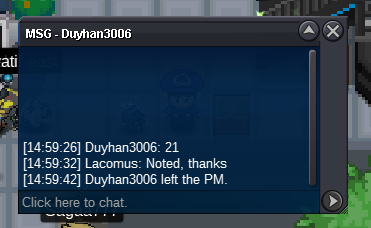
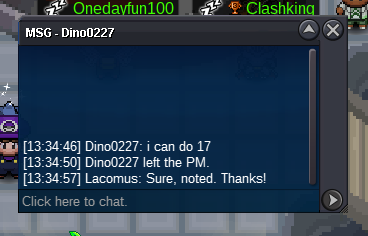
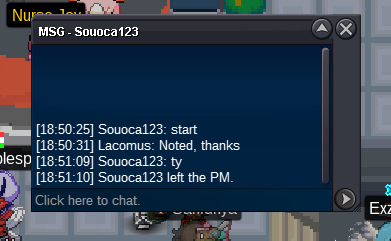
@Antonio425 Thanks. Sorry for inconvenience@Antonio425 Start taken by @Souoca123 was busy cropping
 Welcome to the auction 🙂 Start: 50k Min bid: 5k Payment: Pokedollars Duration: 48 hours (after the first bid) UPDATES - Highest bidder @Wildrover 360k - Auction closed
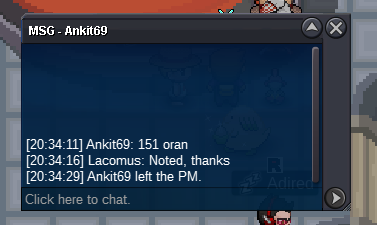
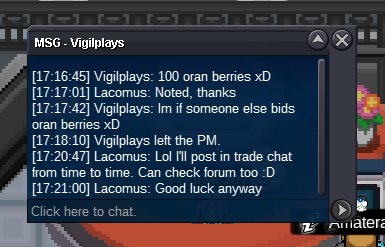
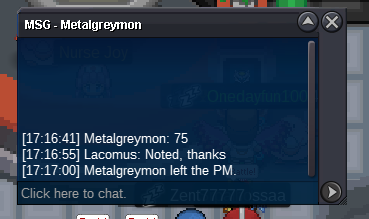
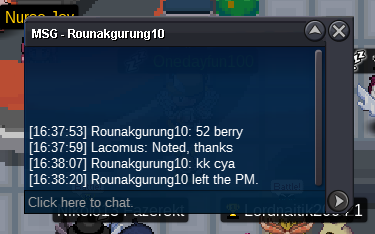
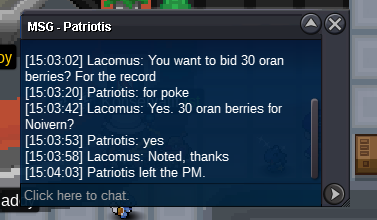
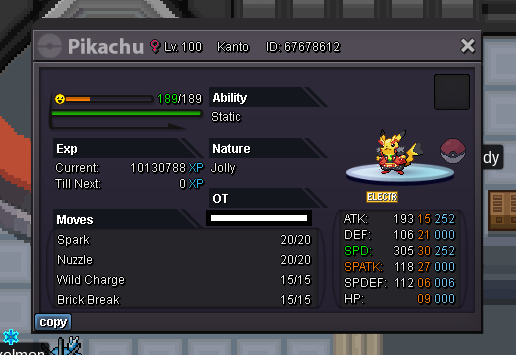 Sorry @Raikaisa665 took me a couple minutes cropping this out. The bidder above has taken it at 102
 Yeah, I agree. Kinda fun going 1 at a time / gives people a chance. Can't really do much about it (or have influence over such things)@Acetzy
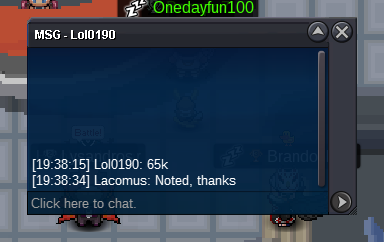
 @Acetzy You'd have to do 73, since @Bejs did 72. Sorry30 hours remainingAero 432kAero 345kStart Aero (100k)
Account
Navigation
Search
Configure browser push notifications
Chrome (Android)
- Tap the lock icon next to the address bar.
- Tap Permissions → Notifications.
- Adjust your preference.
Chrome (Desktop)
- Click the padlock icon in the address bar.
- Select Site settings.
- Find Notifications and adjust your preference.
Safari (iOS 16.4+)
- Ensure the site is installed via Add to Home Screen.
- Open Settings App → Notifications.
- Find your app name and adjust your preference.
Safari (macOS)
- Go to Safari → Preferences.
- Click the Websites tab.
- Select Notifications in the sidebar.
- Find this website and adjust your preference.
Edge (Android)
- Tap the lock icon next to the address bar.
- Tap Permissions.
- Find Notifications and adjust your preference.
Edge (Desktop)
- Click the padlock icon in the address bar.
- Click Permissions for this site.
- Find Notifications and adjust your preference.
Firefox (Android)
- Go to Settings → Site permissions.
- Tap Notifications.
- Find this site in the list and adjust your preference.
Firefox (Desktop)
- Open Firefox Settings.
- Search for Notifications.
- Find this site in the list and adjust your preference.