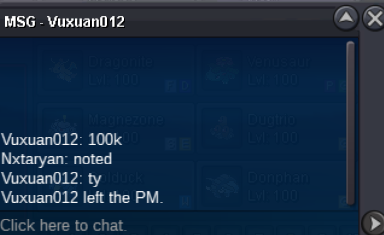
New Trade Zone
Trade Zone is now live
Use the new Trade Zone for auctions and instant-price trades so Pokemon and item offers are easy to find.


Nxtaryan
Registered User
-
Joined
-
Last visited
Everything posted by Nxtaryan
-
Best service shopppp !
-
@Gen1shiniesplz won the auction Gz
.png.e8a704e1c8233ddc8ecb8308b6f47aa4.png)
.png.e818d0ca42ef1fb4ac0fe57600531fd8.png)
-
15min left !!
-
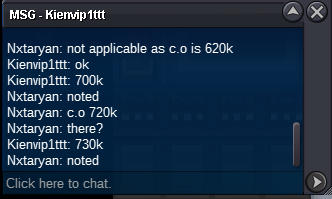
5hours left !250k bold clef20 hours left !25hours left@Mijoribid not be applicable as the previous offer was 700k & c.o is 720k
.png.9194f4a3a04fdc7241d0f15f48138168.png) 150k clefa Bold32hours left!5hours left!Screenshot_2024-12-01_225125.webp
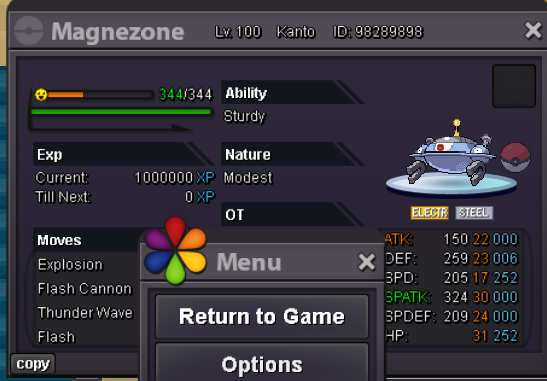
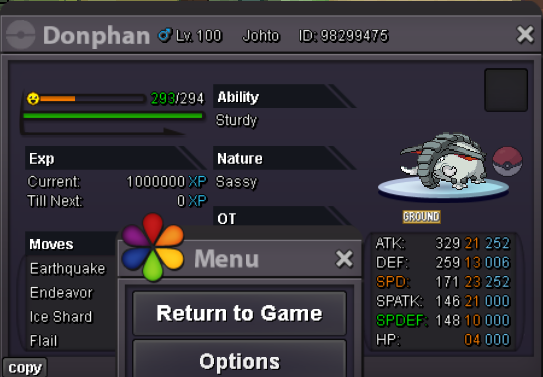
150k clefa Bold32hours left!5hours left!Screenshot_2024-12-01_225125.webp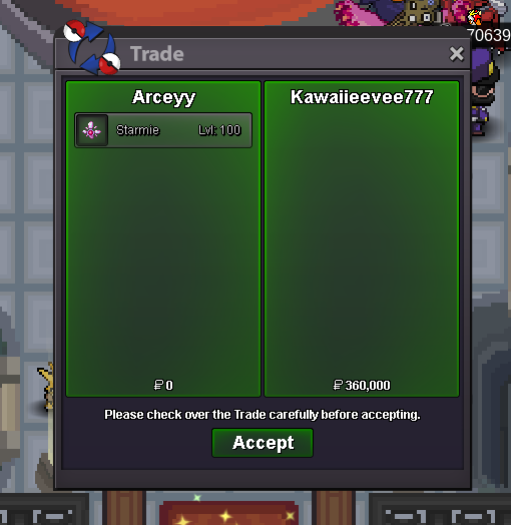 18hr leftStart Price: 10k End Point: 50 hours (after start price is met) Insta Price: 3m Minimum Raise: 10k Accepted Payments: Pokedollars, Coin Capsules (x1 Coin Capsule = 450k) <This is a bundled sale> item- lagging tail item- leftover item - leftover item - leftover item-leftover item-focus sash usage method : whimsicott: switcheroo+memento golduck: simple beam+flash+yawn&protect dugtrio:sand attack (if needed) + stealth rock +memento magnazone:thunder wave + explosion huntail:substitute+x3 shell smash + baton pass pangoro: spam power trip Extra pokemon : There are some pokemons that you will need for specifics Bosses in the game. item- N/A donphan: use endeavor , ice shard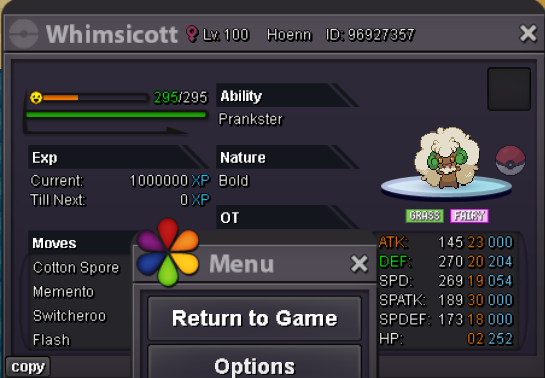
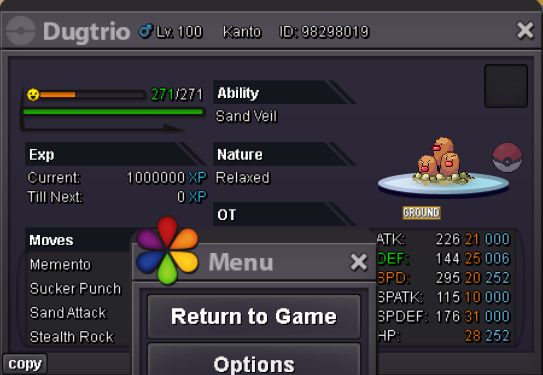
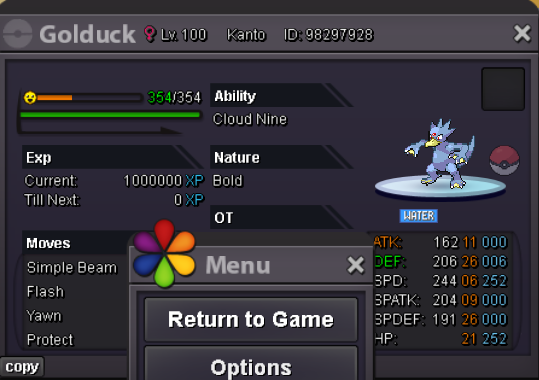
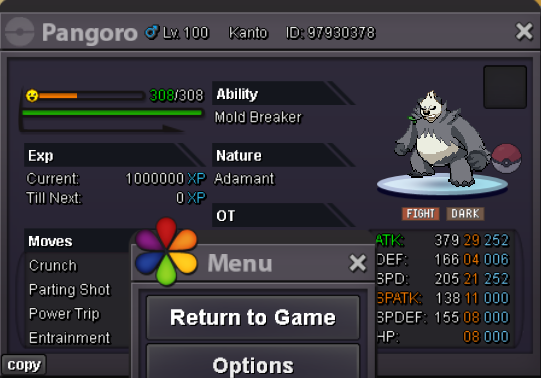
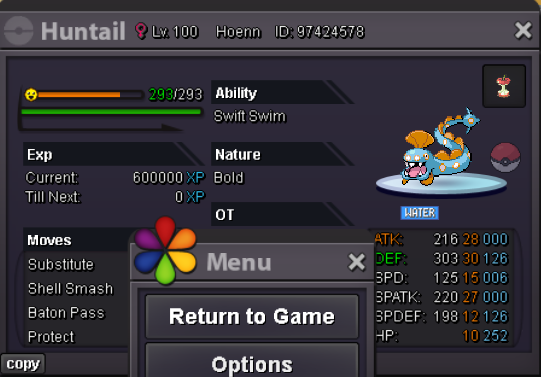
Account
Navigation
Search
Configure browser push notifications
Chrome (Android)
- Tap the lock icon next to the address bar.
- Tap Permissions → Notifications.
- Adjust your preference.
Chrome (Desktop)
- Click the padlock icon in the address bar.
- Select Site settings.
- Find Notifications and adjust your preference.
Safari (iOS 16.4+)
- Ensure the site is installed via Add to Home Screen.
- Open Settings App → Notifications.
- Find your app name and adjust your preference.
Safari (macOS)
- Go to Safari → Preferences.
- Click the Websites tab.
- Select Notifications in the sidebar.
- Find this website and adjust your preference.
Edge (Android)
- Tap the lock icon next to the address bar.
- Tap Permissions.
- Find Notifications and adjust your preference.
Edge (Desktop)
- Click the padlock icon in the address bar.
- Click Permissions for this site.
- Find Notifications and adjust your preference.
Firefox (Android)
- Go to Settings → Site permissions.
- Tap Notifications.
- Find this site in the list and adjust your preference.
Firefox (Desktop)
- Open Firefox Settings.
- Search for Notifications.
- Find this site in the list and adjust your preference.

.png.0e2bef9d65ede7cb862f455d97ef6351.png)
.png.9b9729861c06117f5e787e7403b7b557.png)
.png.ba247c4cb4ad353a979248202bdc0707.png)
.png.02b525878b1c36aab84b5bea1d66495b.png)
.png.43b4cd5ecdf94f1780964e7423ae66ab.png)
.png.e87defea488bee8b21b757cf37e9f67c.png)
.png.e0efa724bb3f41aae433221bb29685d5.png)
.png.ee8de0779bb59d7e38cd24973a17de37.png)
.png.4e862958c8177f0a01fccb59ab1f93c4.png)