New Trade Zone
Trade Zone is now live
Use the new Trade Zone for auctions and instant-price trades so Pokemon and item offers are easy to find.


Cremie
Registered User
-
Joined
-
Last visited
Everything posted by Cremie
-
It looks so cool!
-
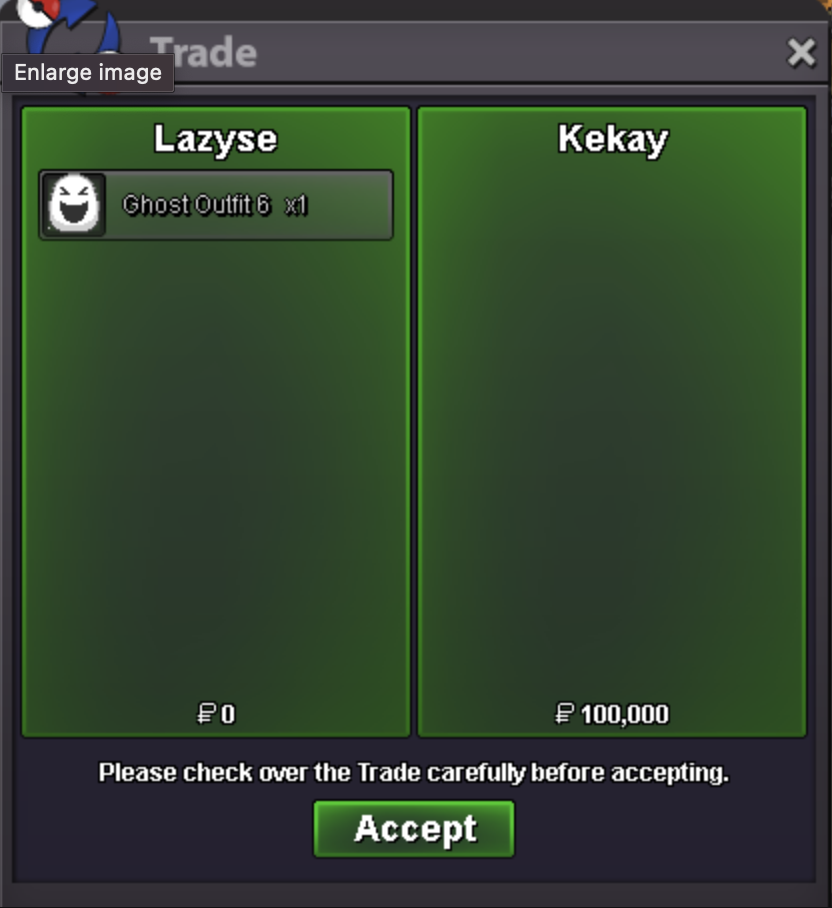
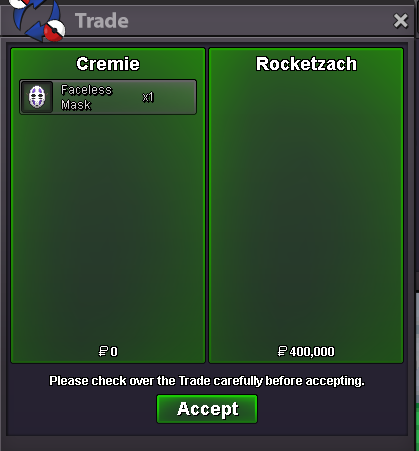
Hi sorry, those are already sold64kHi that's fine! I'm still interested in the sailor moon set so please let me know once you're back ♡BumpYeah, Lazyse will message you in game!Sold: + Snorlax Set & Ghost Outfit 11 Thank you ♡
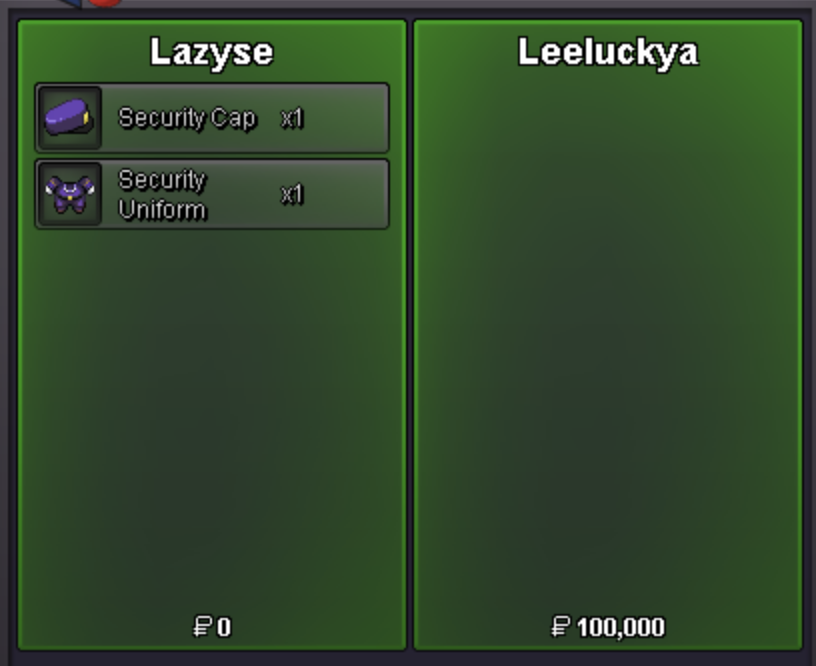
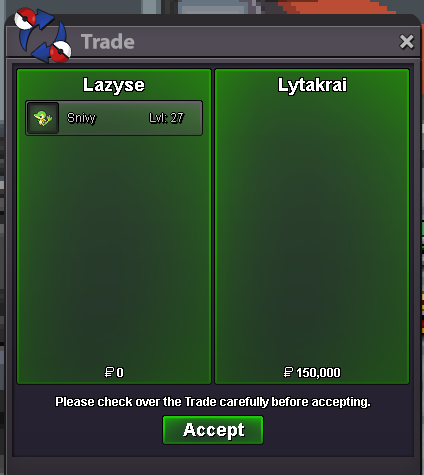
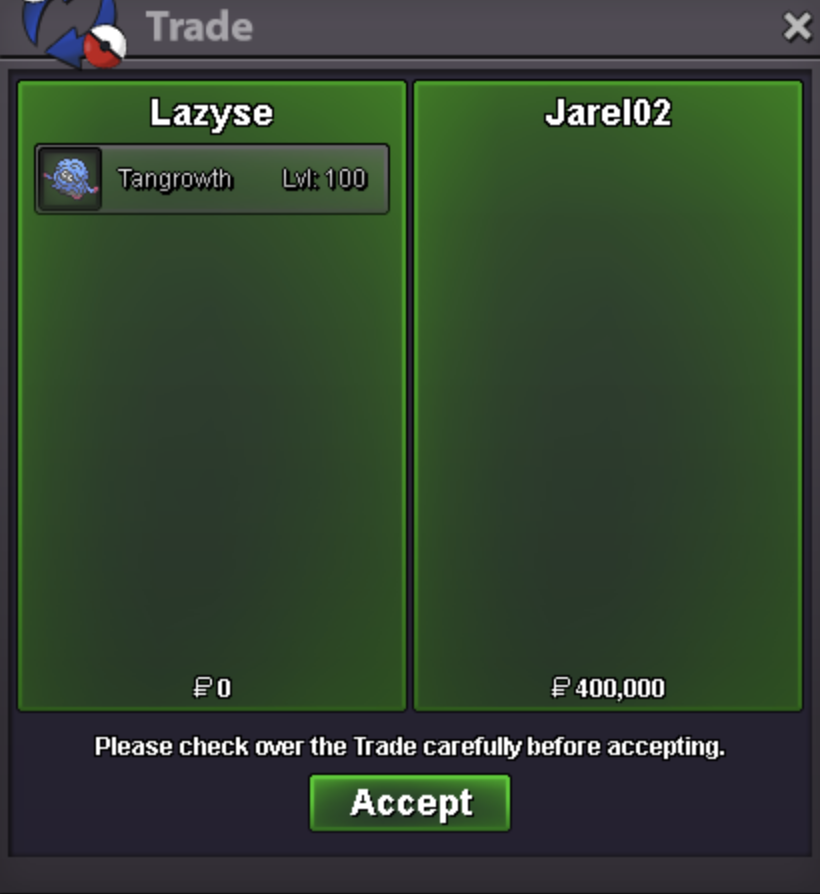
 IGN: Cremie or Lazyse All prices are negotiable so please feel free to message us ♡ STORY: 50k each UNTRAINED: TRAINED: SOLD: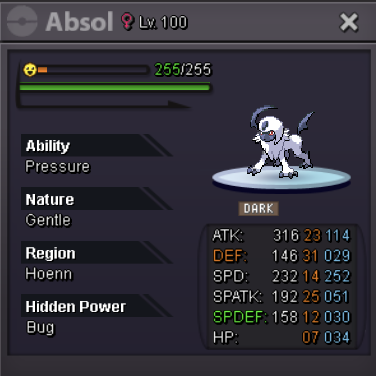
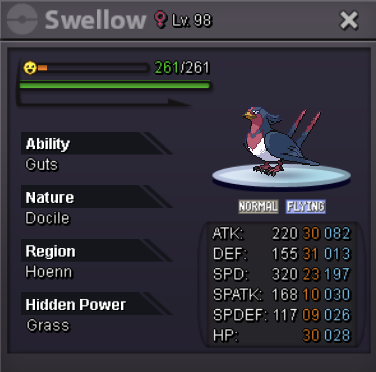
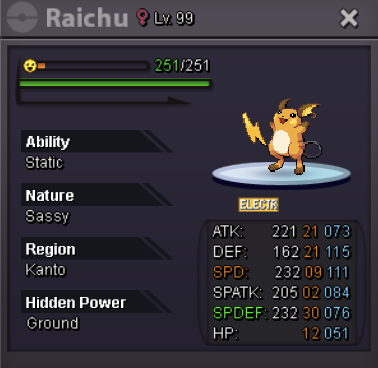
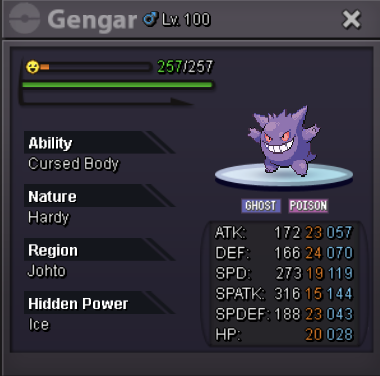
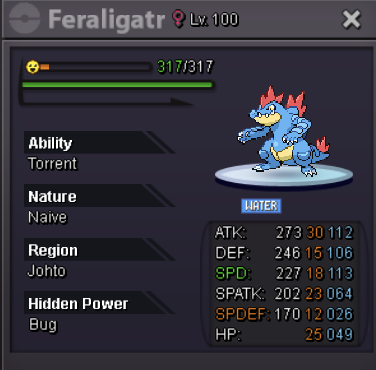

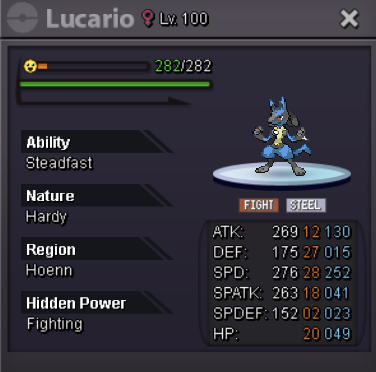
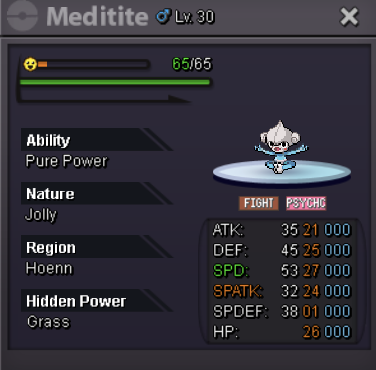
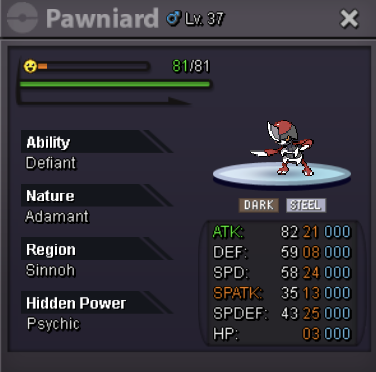
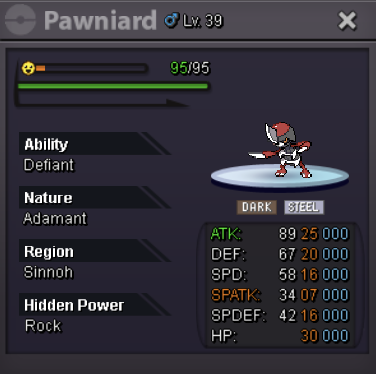
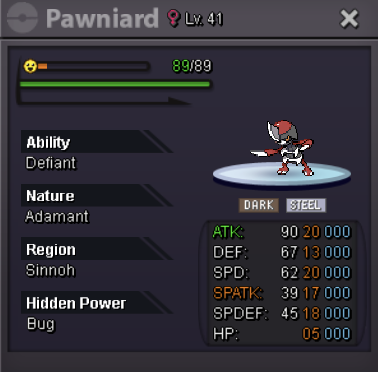
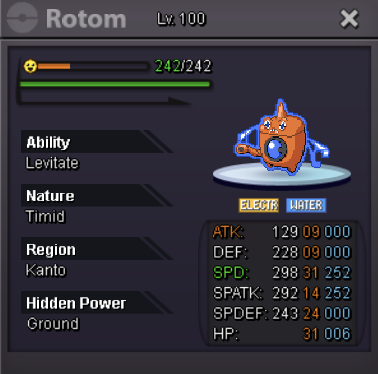
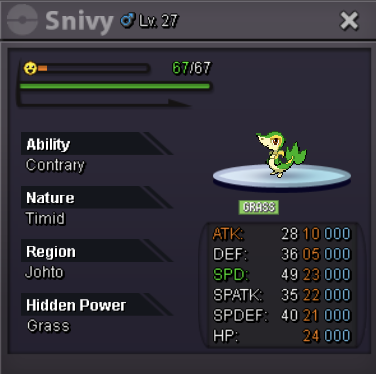
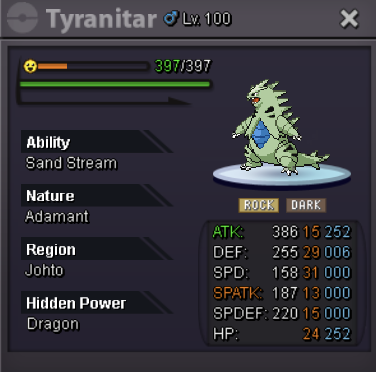
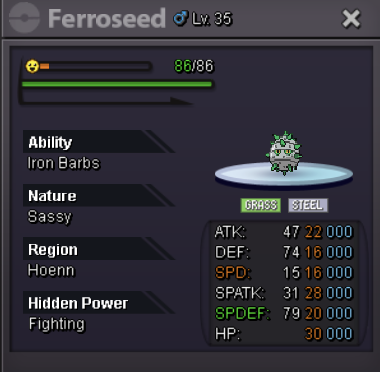
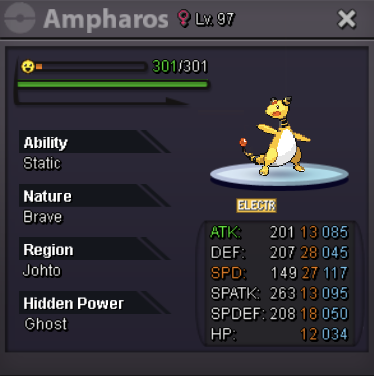
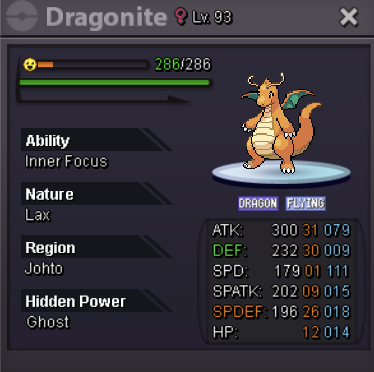
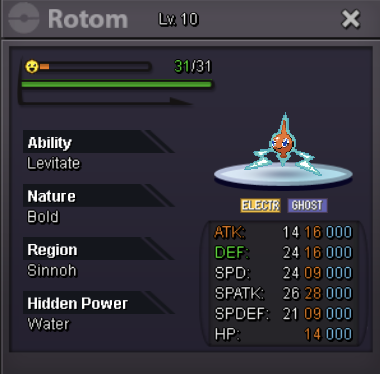
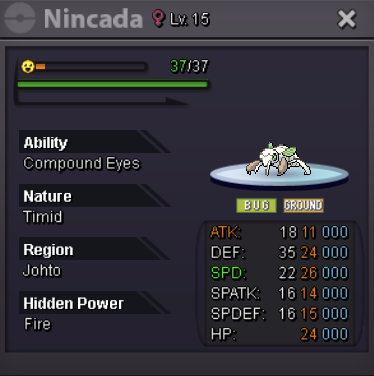
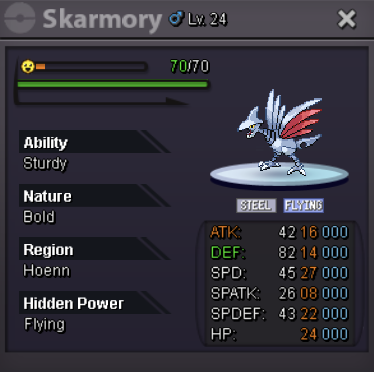
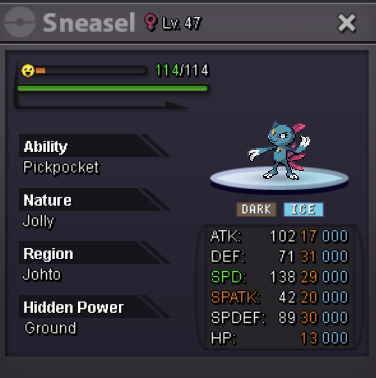

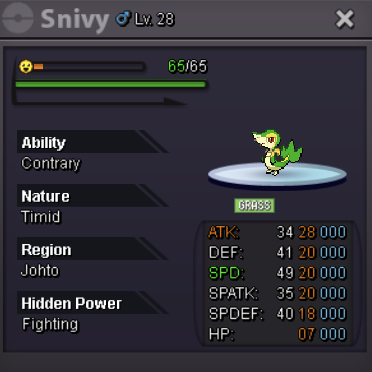
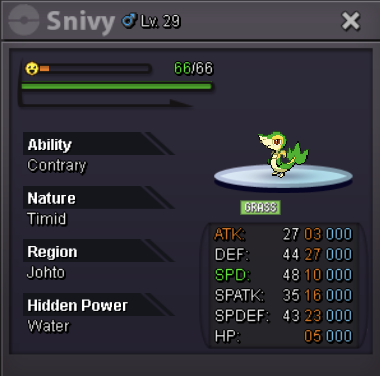
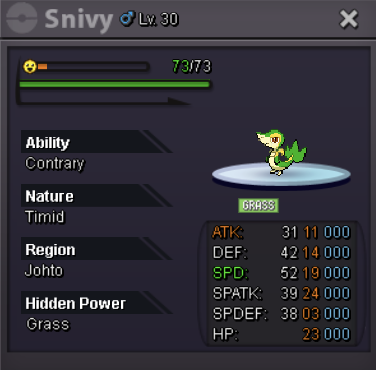
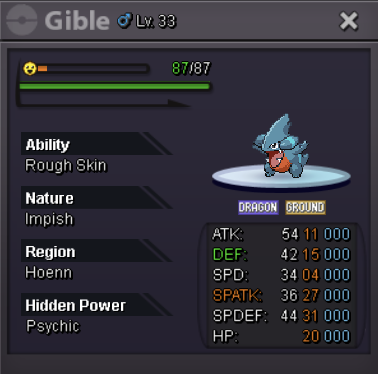
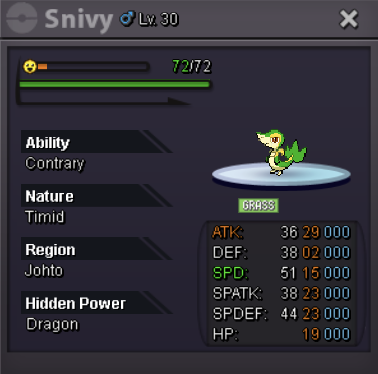
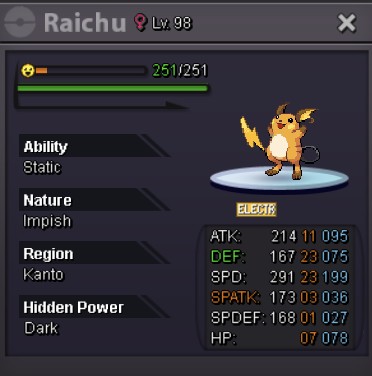




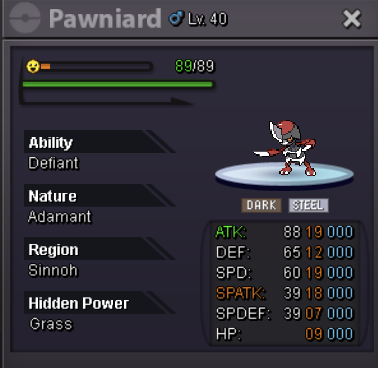
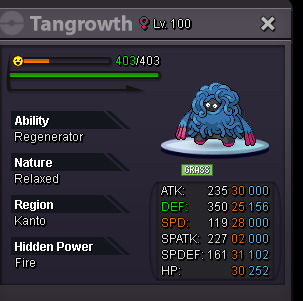
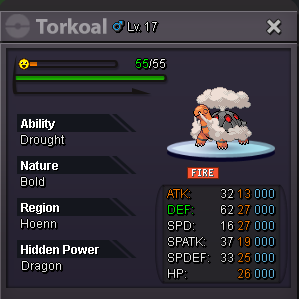
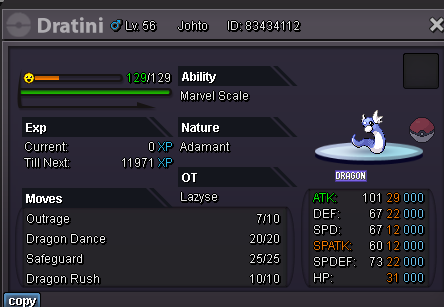
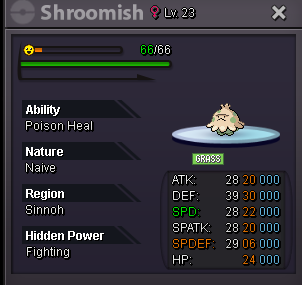
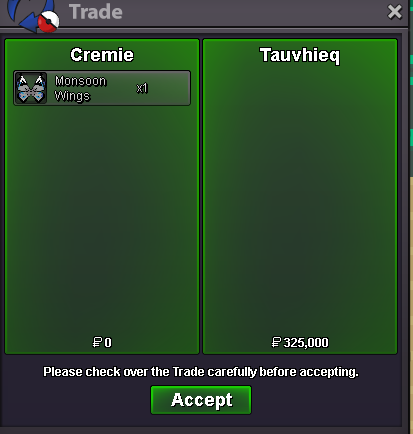
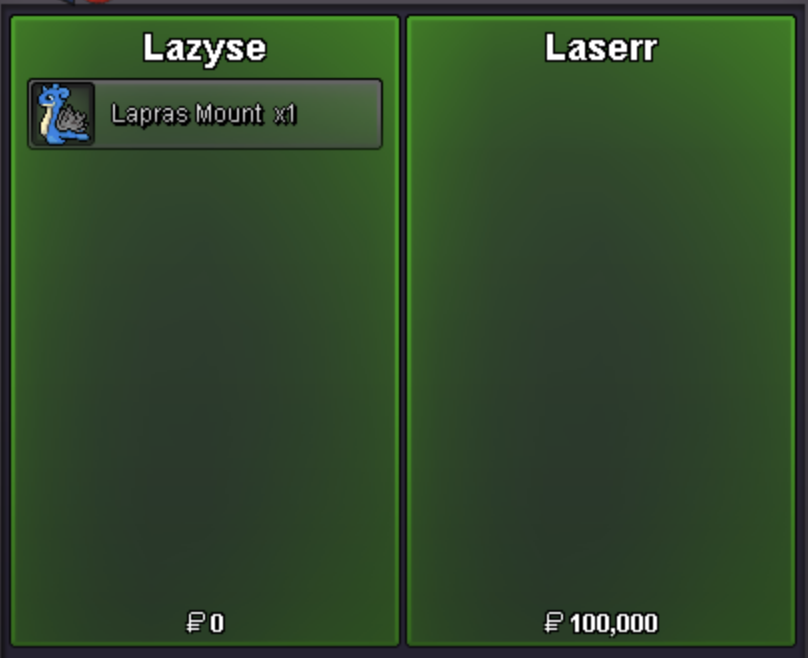
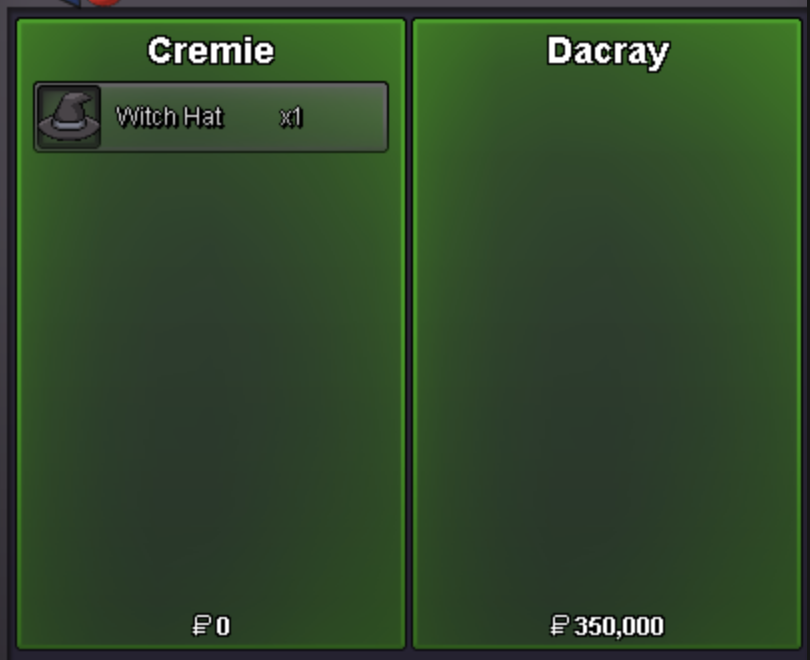
 I'm on right now, please message Cremie in game!IGN: Cremie or Lazyse All prices are negotiable so please feel free to message us ♡ CLOTHES: MOUNTS: SOLD: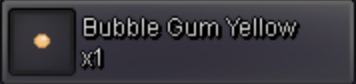


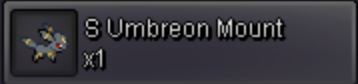

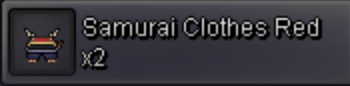
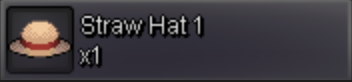
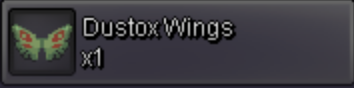
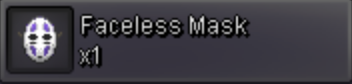
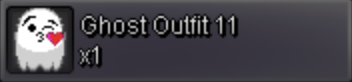

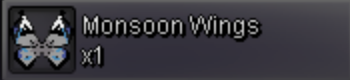



 Hii do you have the sailor moon set and the blue winter clothes set?Copy Ball Oshawott Ball Citrus Ball Apple Ball Takoyaki Ball Rice Ball | | | | Totoro Ball Minty Ball Starry Ball Yarn Ball Fairy Ball Rainbow Ball Cremie Ball


 1. What's your Player name (IGN)? Cremie 2. Number of hours played? 79 hours 3. What's your favorite Pokemon? Ditto 4. What do you enjoy doing the most in PRO? Collecting cute pokemons 5. How long have you been playing Pokemon? Many many years 6. Favorite ice cream flavor: Dark Chocolate Thank you ♥
Account
Navigation
Search
Configure browser push notifications
Chrome (Android)
- Tap the lock icon next to the address bar.
- Tap Permissions → Notifications.
- Adjust your preference.
Chrome (Desktop)
- Click the padlock icon in the address bar.
- Select Site settings.
- Find Notifications and adjust your preference.
Safari (iOS 16.4+)
- Ensure the site is installed via Add to Home Screen.
- Open Settings App → Notifications.
- Find your app name and adjust your preference.
Safari (macOS)
- Go to Safari → Preferences.
- Click the Websites tab.
- Select Notifications in the sidebar.
- Find this website and adjust your preference.
Edge (Android)
- Tap the lock icon next to the address bar.
- Tap Permissions.
- Find Notifications and adjust your preference.
Edge (Desktop)
- Click the padlock icon in the address bar.
- Click Permissions for this site.
- Find Notifications and adjust your preference.
Firefox (Android)
- Go to Settings → Site permissions.
- Tap Notifications.
- Find this site in the list and adjust your preference.
Firefox (Desktop)
- Open Firefox Settings.
- Search for Notifications.
- Find this site in the list and adjust your preference.