




New Trade Zone
Trade Zone is now live
Use the new Trade Zone for auctions and instant-price trades so Pokemon and item offers are easy to find.

Gelaspokemon
Registered User
-
Joined
-
Last visited
Everything posted by Gelaspokemon
-
Bump. Please help 😞
-
Noo i grinded for so long to get this and when i finally got lucky this happened 😭
-
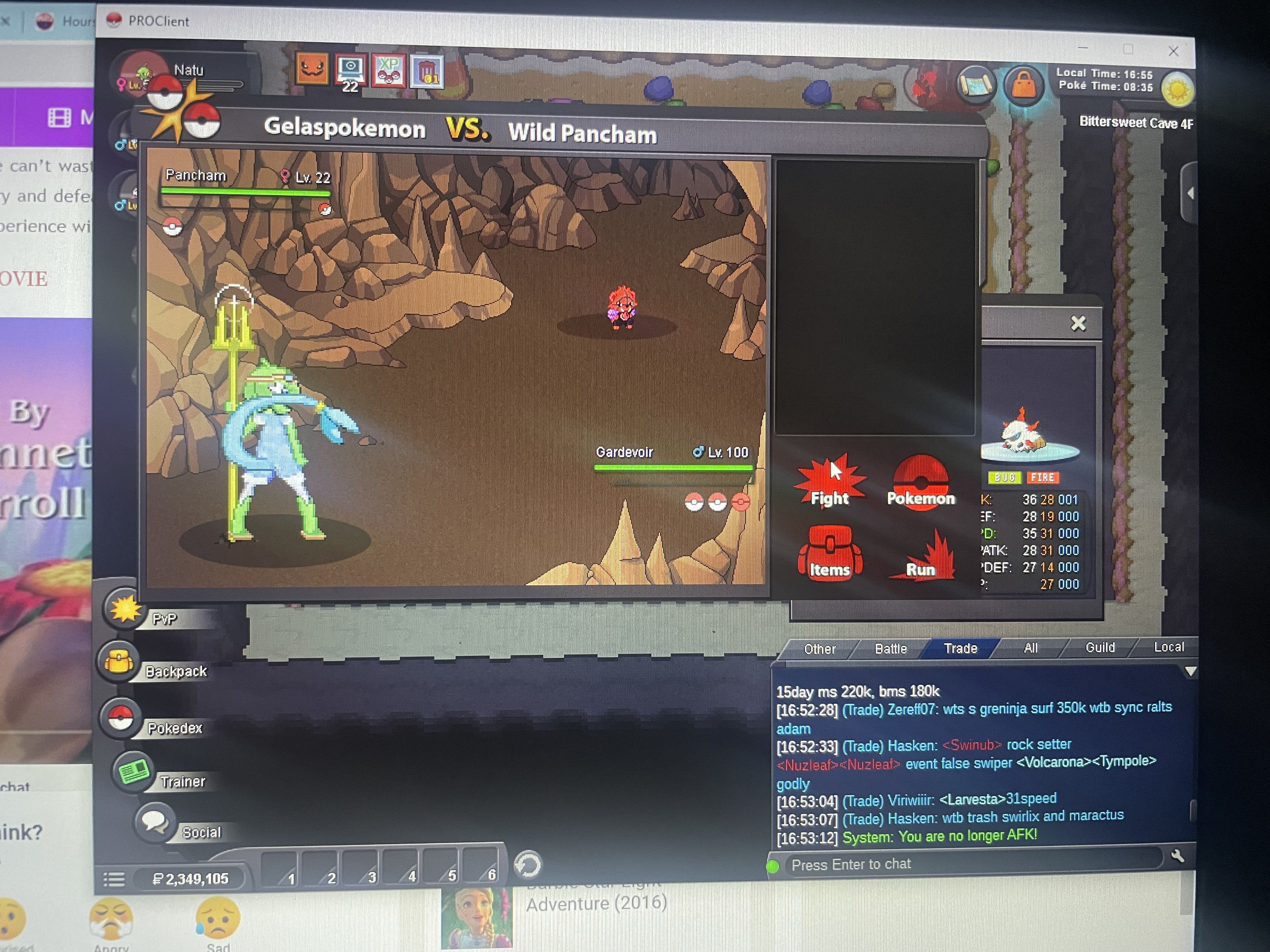
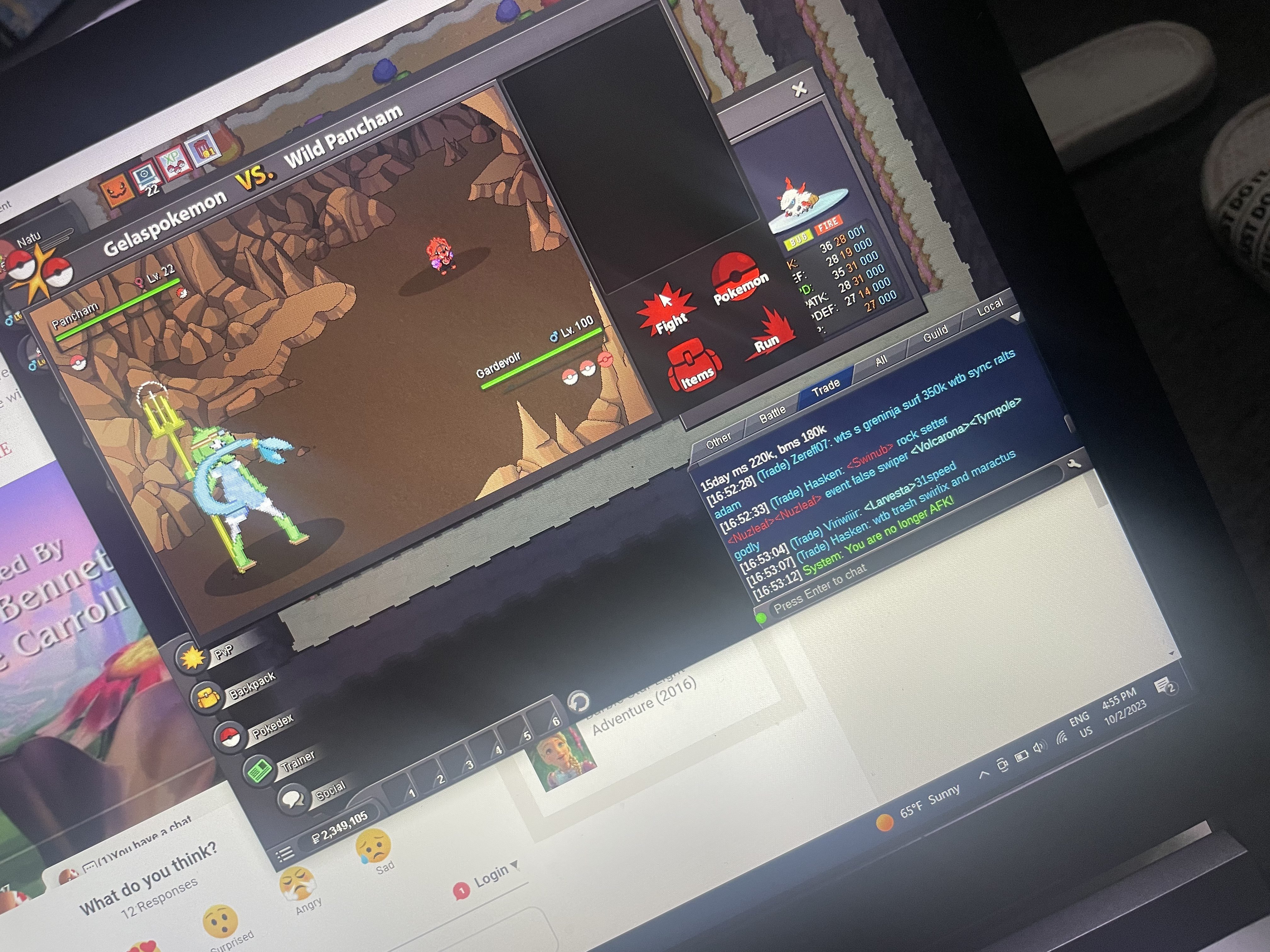
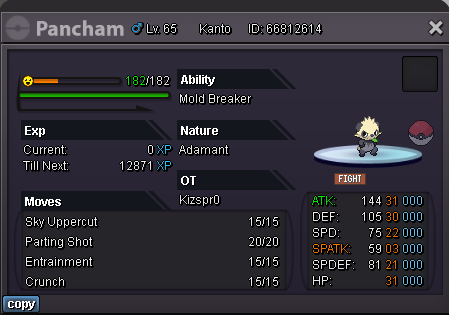
Hi! I was able to get lucky and encountered a Halloween pancham but suddenly i lost connection! It was also a mold breaker. I know because i have trace Gardevoir. My sync is also Adamant. Please Help! T_T I attached pictures below.
-
start
-
Looking to buy Halloween gallade or Male ralts!! Show me and name your price!
-
-
would you take 5cc for jolly mimikyu?
-
560
-
700k
-
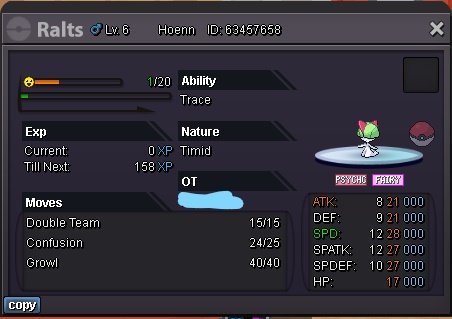
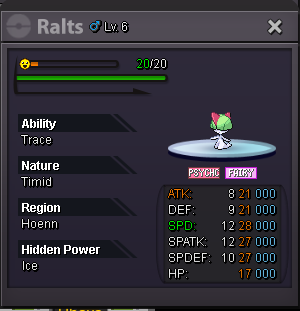
NOTE: MALE RALTS CAN STILL BECOME GARDEVOIR! Start Offer : 2M. Min Bid : 100k. Insta : N/A Duration : 24 hours after the first bid. Accepted payments : Reroll Ticket : 550k each. Nature Reroll : 275k each. Coin Capsule : 350k each. Pokedollars.
-
start
-
pikachu 180k
-
20
-
105k
-
125k
-
NOT AN AUCTION!!! Looking to sell this panda drop offers on the reply! Accepting payments in the form of : Pokedollars Cc = 380k Iv rr = 550k Nat rr = 250k Event pokes and Shinies
-
Bump
-
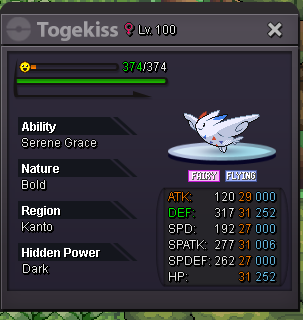
Drop your offers in the reply! Accepting payments in the form of : CC Pokemon Event mon Shinies Pokedollars IV/Nat rr
-
NOT A BUNDLE AUCTION!! BID INC: 50k SERVER: GOLD 72 Hour auction START: 300k C.O : N/A START: 500k C.O: N/A START: 300k C.O: 300k
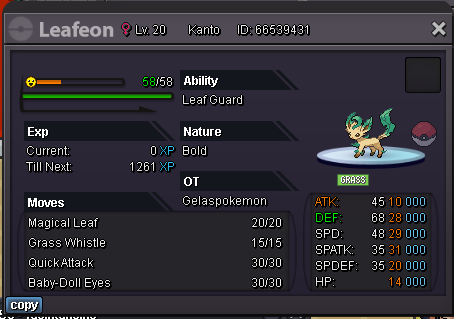

 @Eaty please check.


