New Trade Zone
Trade Zone is now live
Use the new Trade Zone for auctions and instant-price trades so Pokemon and item offers are easy to find.


Ethanray
Suspended
-
Joined
-
Last visited
-
Ethanray changed their profile photo
-
270K for diggersby
-
210K for diggersby
-
170K for diggersby
-
@Leogod @Torarudean has the bidding been increased to 150k?
-
Yes i know. I have been using reborn bot for long time. Like u said above if they can add the data in pokedex itself then we dont have to minimize game n open discord n type command in reborn or we dont have to open web browser n search the area of the map to know spawn level n main thing is "when we minimize the game for a while n start typing commands on reborn bot or searching on browser for a while, the game automatically logouts.Adding this services within game pokedex will solve that problem too and It will be a great help for all the players like u, me & many others. Thank u
-
130k for diggersby
-
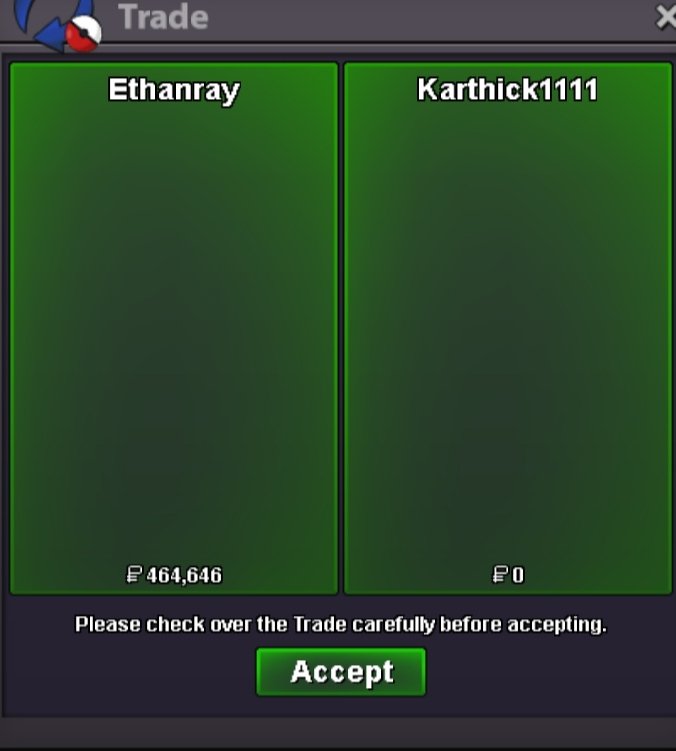
Auction Money successfully transferred to the pokemon owner @Karthick1111
-
Pokemon transferred successfully to the auction winner @Darklight0 congrats 🎉 bro

-
Sorry for declaring 1 hr earlier though forgot that the auction was 48 hrs instead thought it was 24 hrs ... But no matter @Darklight0 u still won. Plz let me know when u r online
-
@Darklight0 congrats bro u have won the cutiefly. Please msg me in discord by adding me "Bishalbataju(bishalbataju#5246)" or in game "Ethanray/Alenerickman" to get the poke.
-
Bump
-
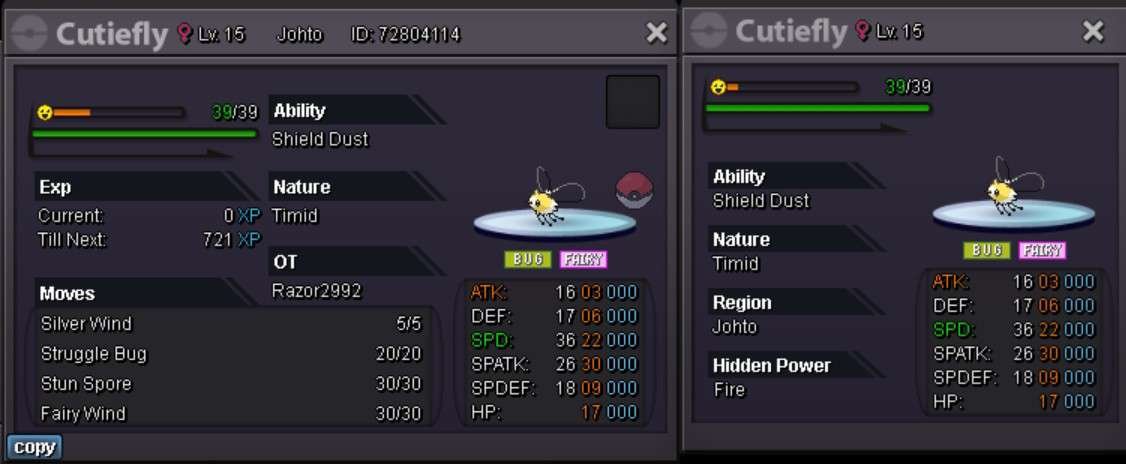
Auction: Cutiefly Shield dust/timid Featurette: Ability: Shield Dust Nature: Timid IVs: 30 Sp.Atk/22 Spd Auction Details: Start Price: 450K Minimum Bid: 1K Instant Price: 1.9M Auction Time: 48 Hrs (after placing the first bid) Accepted Payments: Pokedollars Coin Capsules (400k) IV Rerolls (500k) Contact the following person: Auction Host: Discord: Bishalbataju Ingame ID: @Ethanray / @Alenerickman Important Reminders: The auction will conclude in 48 hrs (after start price for bidding is placed), and bids must adhere to the minimum raise. If a bid is received in the final 15 minutes of the auction, the end point will be delayed by 15 minutes from that bid, and will be delayed by 15 minutes for each new bid thereafter, until the current offer has been held for a full 15 minutes. To start the bidding plz type 'Start' on the reply or place ur bidding price directly.q Best of Luck guys 👍🏻
-
Dear Devs, To add the pros, adding this feature would also make PRO's Pokedex unique & distinctive from other Fan Made Pokemon MMOs & other ROM hack pokemon games in the eyes of many of the pokemon game fans.
-
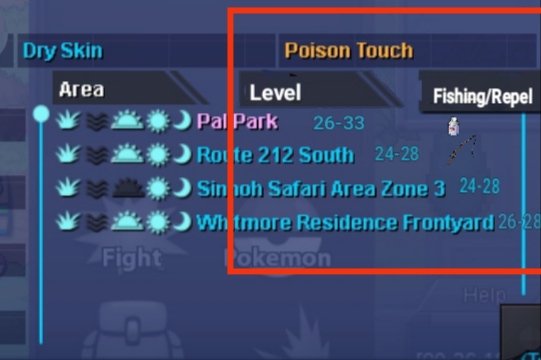
For fishing or repel u can ise thier respective icons for example: one below in the image. The image of the icons for repel & fishing rod might not be visible but i hope u got the message
-
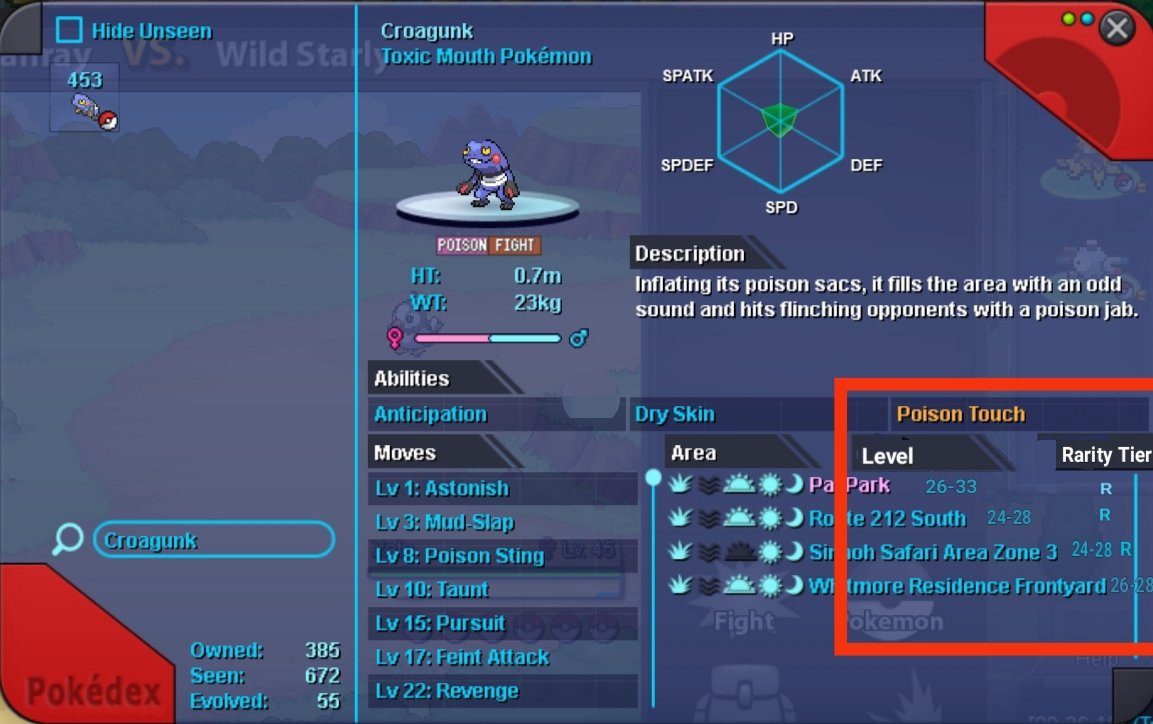
Dear Devs, Can u plz add the level/rarity tier/(fishing/repel) feature to the pokedex for the pokemons. So that we can get detailed info about the pokemon widout needing to use the browser or pro wiki or reborn bot in discord. I can assure that it would be a great feature n one of the most helpful features to be added to PRO. I have added an example below by editing the ss of the pokedex from the game. Hoping to look forward to ur response. Thanks