




New Trade Zone
Trade Zone is now live
Use the new Trade Zone for auctions and instant-price trades so Pokemon and item offers are easy to find.

Youngstermaxim
Suspended
-
Joined
-
Last visited
-
Username: Youngstermaxim Server: Silver Country/Timezone: Germany / GMT +2
-
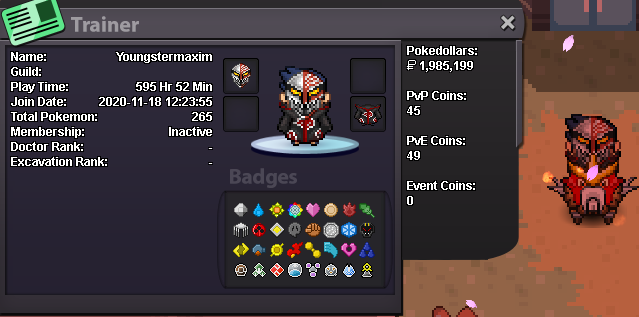
Hey, im Youngstermaxim. Me and my cousin CocaColaSniper would love to Join HolyDoof. We are friends of Redshankss and he recommended us to Join HolyDoof. ● What's your IGN? Youngstermaxim ● How old are you? 20 ● Where are you from? Germany ● What's your total playtime? Round about 2.2k (Main account currently banned because of a misunderstanding). ● What do you enjoy doing in the game? PvP and Hunting ● Would you like to offer some kind of service to the guild? (ex. Daycare service) Not yet but maybe in the future. As you can see my favorite mount is HolyEndoof 😉
-
400k
-
300k
-
200k
-
🫶🏼🫶🏼🫶🏼
