New Trade Zone
Trade Zone is now live
Use the new Trade Zone for auctions and instant-price trades so Pokemon and item offers are easy to find.

Noluckyone
Registered User
-
Joined
-
Last visited
Everything posted by Noluckyone
-
-
301k
-
123 pokedollars
-
Start 100k from eternalsunshine acc
-
3m and 10k
-
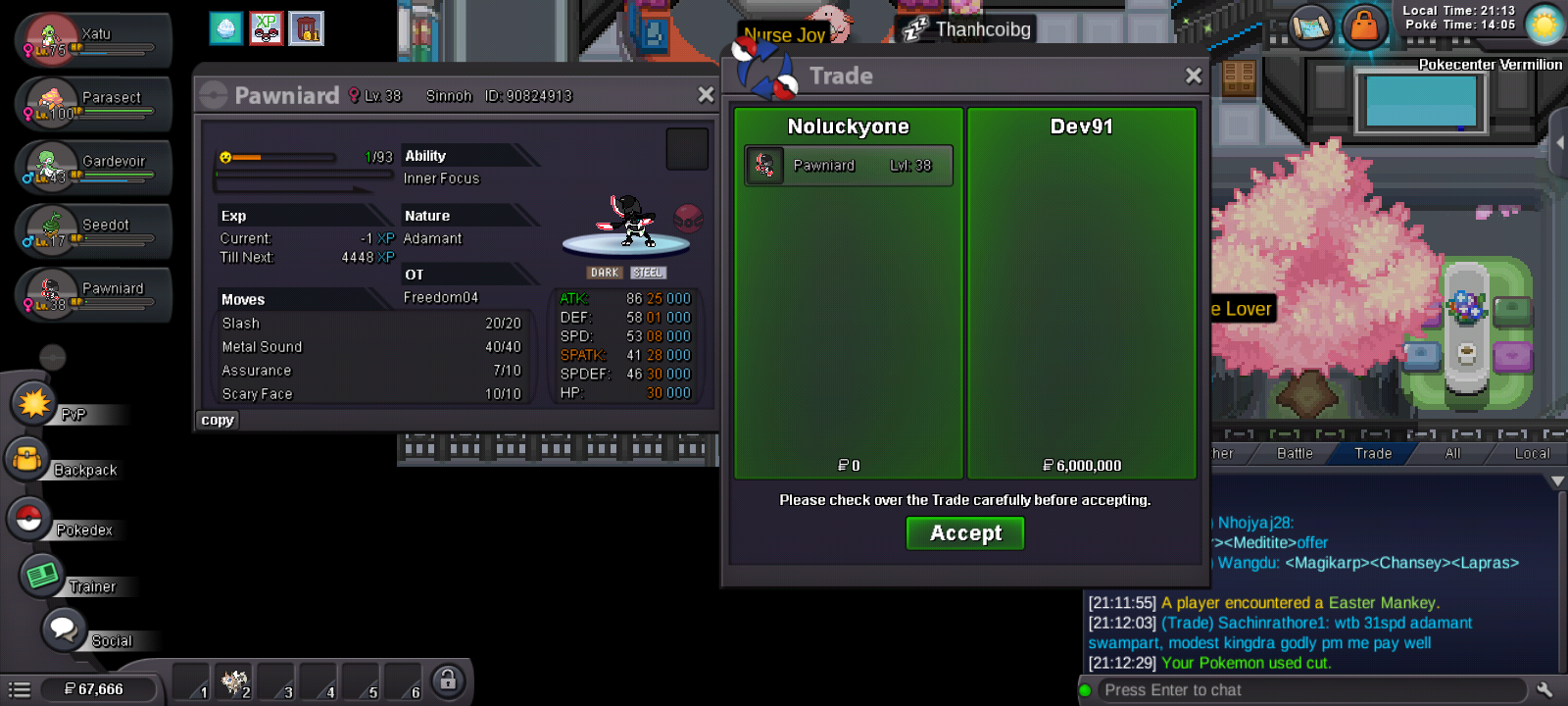
Trade is done
-
@Dev91 you are the winner
-
Last bump 1h05min left
-
Oh yeah i forgot that part for once 😅 It's alright Hizukii, i wont forget again Thanks for letting me know 😄
-
Bump
-
Starting auction 2m Minimum bid 250k 72h auction No insta Take cc as 500k each and cash as payments Good luck to all
.png.b7d9d1169cc5cd8e9b90d704b063099e.png)
-
700k
-
4m
-
2m222k
-
1m904k
-
Start
-
1m606k
-
602k
-
+1
-
1m
-
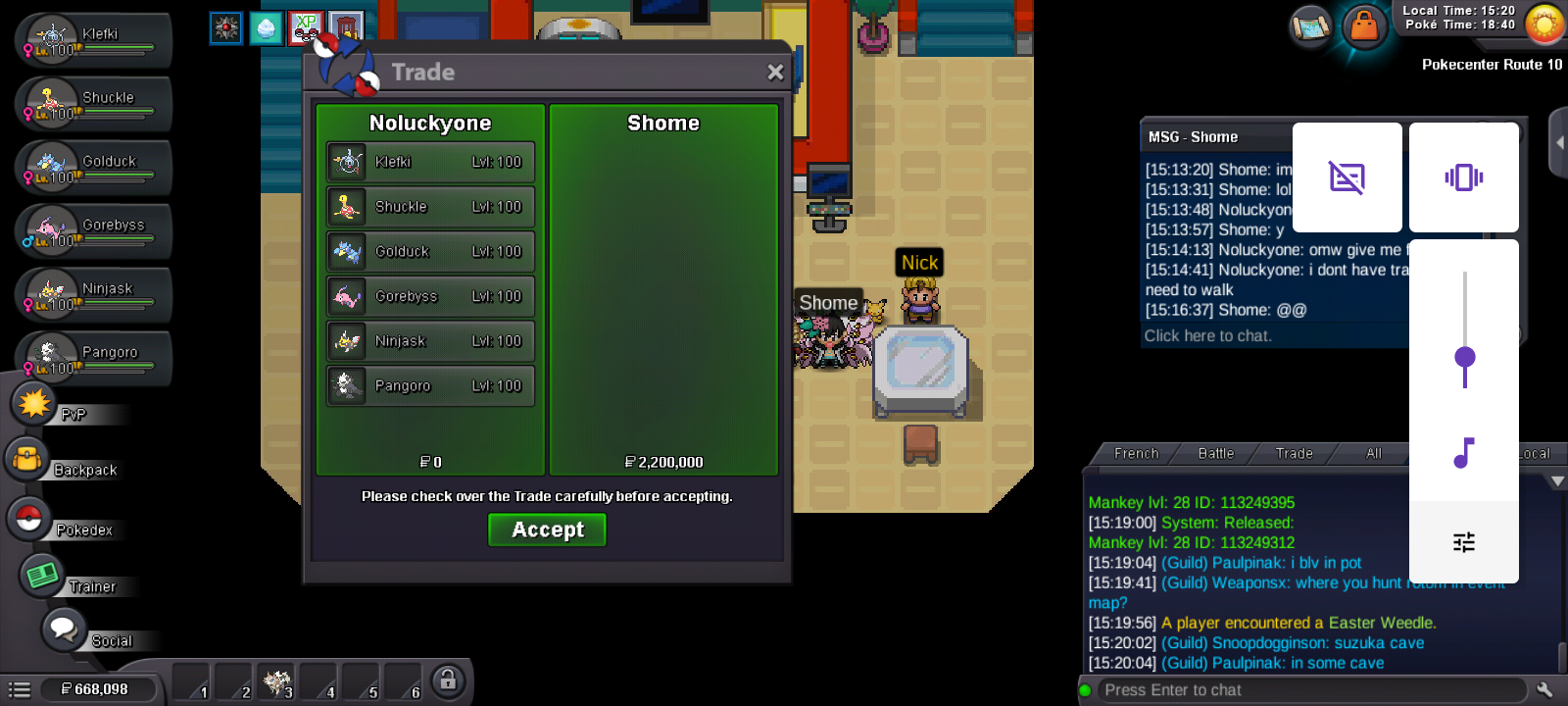
Trade done Can be closed
-
@Shome Congratulations you are the winner I'm online atm if you want to do the trade asap
-
Last bump 3h 20min left
-
Bump
-
Trade done