New Trade Zone
Trade Zone is now live
Use the new Trade Zone for auctions and instant-price trades so Pokemon and item offers are easy to find.

Fubuof
Registered User
-
Joined
-
Last visited
Everything posted by Fubuof
-
-
-
400k
-
-
-
75k
-
didn't see you ingame, if still avaliable I'd buy the 20k charmander, 50k dhelmise, 20k larvesta, 20k electrike, 80k totodile, 20k ralts. 150k alolan ninetails
-
Next morning and internet has returned, allowing me to 2x check the mons traded were the mons listed. Everything is there. HermuxDXD aka Stellata, super patient, helpful, straightforward. 19/10 seller/player, can't recommend their shops enough!
-
start both
-
-
I'd like your ada sheer force feraligatr listed for 600k Hoping a mix of payments could work, 1 iv rr (500) + 16 rc (96) + 4k pokedollars ok?
-
30k start
-
-
-
-
-
Realized I hadn't left a review X.x After buying 1st legendary bird, zekrom and keldeo quest services & having reverse sold him shaymin: 11/10. Answers all your dumb questions, fast service, willing to amend services and even prices when things change, super chill, zero issues. A seller you can trust.
-
-
start 20k
-
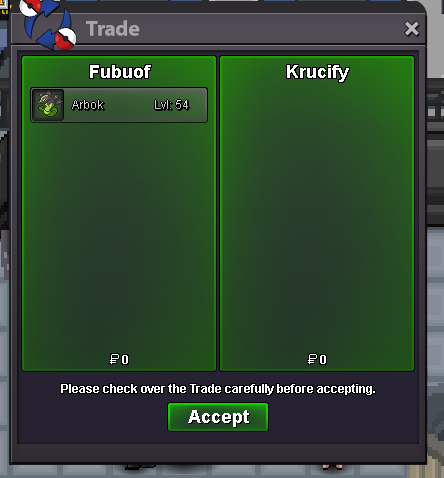
Congrats @Krucify, you won the lot for 350k. DM me when you're online. Fubuof ignMawile # 1 - 250kAll 6 mons as 1 lot auction. Starting bid 100k Minimum bid 1k. Insta 1m Auction ends 24h after starting bid is met + 15m rule, or if Insta is met. Only accepting Pokedollars.



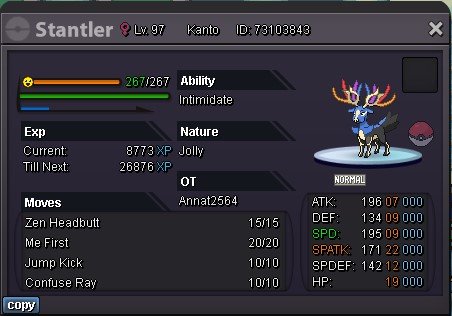

 Start Mawile # 1 - 150k Start Mawile # 5 - 100k1.3