




New Trade Zone
Trade Zone is now live
Use the new Trade Zone for auctions and instant-price trades so Pokemon and item offers are easy to find.


Samegaki
Registered User
-
Joined
-
Last visited
Everything posted by Samegaki
-
I'm online now. can we meet in verm?3 ccstartAUCTION INFO Start Point: The auction starts at the starting price and will last 48 hours Start Offer: 12m Min. Raise: 200k Instant Price: 17m REMINDER: This is a Gold Server auction. If bidding from an alternative server, state that you will transfer upon winning. If you intend to purchase with an alt account, specify the account alongside your bid. If a bid is received in the final 15 minutes of the auction, the end point will be delayed by 15 minutes from that bid, and will be delayed by 15 minutes for each new bid thereafter, until the current offer has been held for a full 15 minutes. All fake offers will be reported. Bids cannot be withdrawn once placed. Accepted Payment: Pokedollars Coin Capsule = 400,000




 -1Directly message me here in Forum or Discord @itsmegoombaHello @Alaistar, I don't know if you've READ or AWARE of the auction rules but it states that "If you intend to make payment from an alt account, different to the one used to make the bid on forums, specify clearly which account the payment will be made from." PRO Auction Rules Which means you have to mention which account your payment will be used or from.
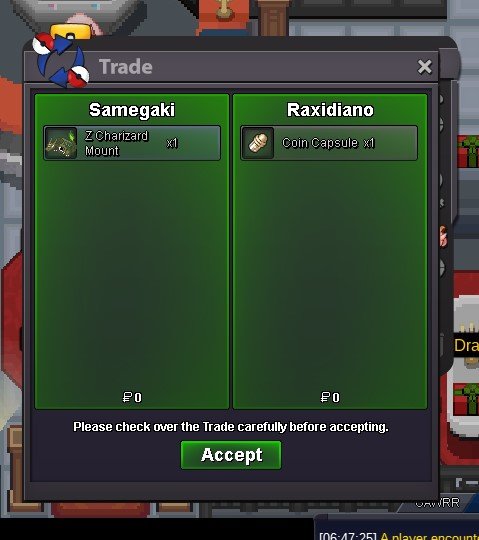
 7.2m-25assistance can only be used if the auctioneer didn't trade the winning prize for 2 days or more. There's no need to call for an immediate help. 😀 And 15 minute rule applies to every auction automatically if the auctioneer didn't mention the specific rule on his post.2.6m hlw eevee900k450k380k241k manectric200k manectric150k manectricI am only interested in selling 🥹 but I'd be willing to give a discount if you want to buy it.Samegaki's Cosmetic and Mount Shop Hello! Greetings from the Lost City of Atlantis! I would like to sell you affordable rare cosmetic and mounts that are not available on the market. Before buying I would like to setup a few rules. SHOP RULES: SOLD: Accepted Payment: Cash Coin Capsule (400k) If you like my shop, don't forget to react or leave a comment below. ----------------------------------------------------------------------------------- Thank you for using my service!





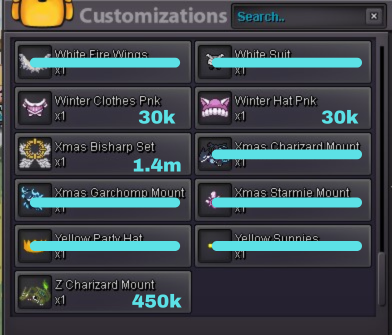
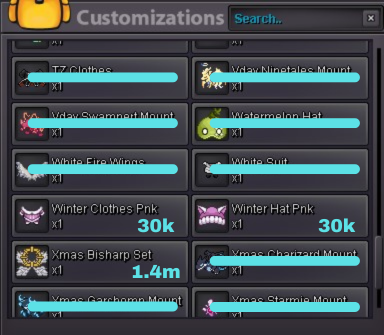

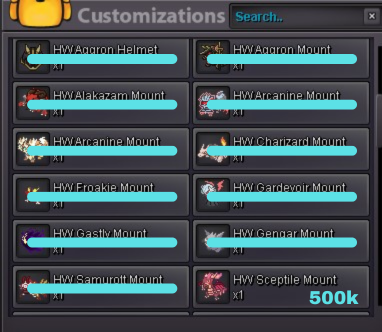
 Buy
Buy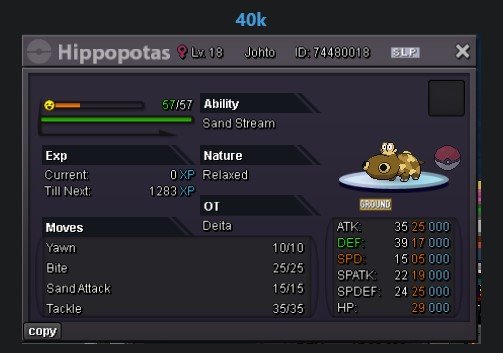
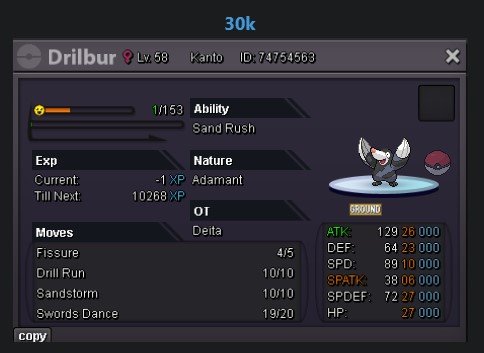
 I would like to buy 2 choice specs and 1 scarf. Sent you a message on discord too~
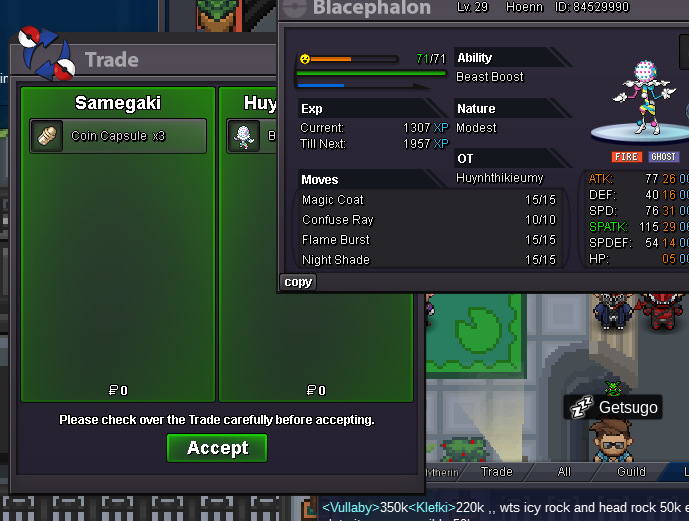


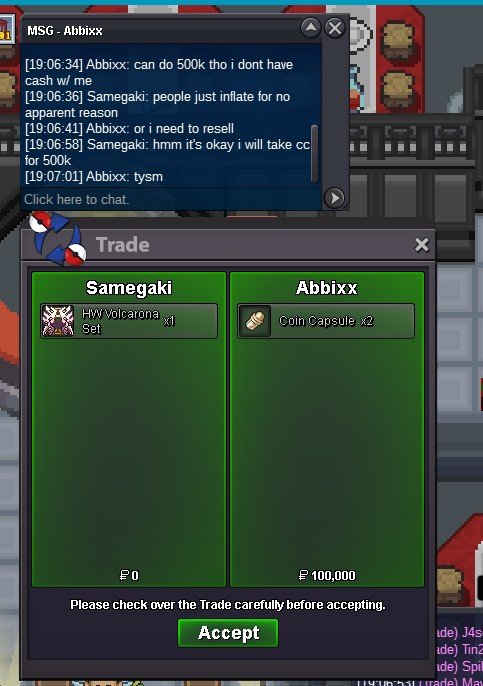

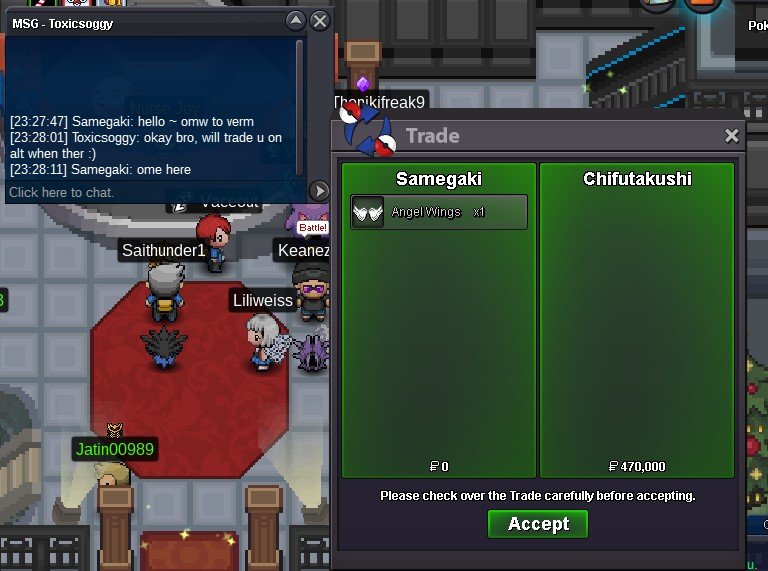


Account
Navigation
Search
Configure browser push notifications
Chrome (Android)
- Tap the lock icon next to the address bar.
- Tap Permissions → Notifications.
- Adjust your preference.
Chrome (Desktop)
- Click the padlock icon in the address bar.
- Select Site settings.
- Find Notifications and adjust your preference.
Safari (iOS 16.4+)
- Ensure the site is installed via Add to Home Screen.
- Open Settings App → Notifications.
- Find your app name and adjust your preference.
Safari (macOS)
- Go to Safari → Preferences.
- Click the Websites tab.
- Select Notifications in the sidebar.
- Find this website and adjust your preference.
Edge (Android)
- Tap the lock icon next to the address bar.
- Tap Permissions.
- Find Notifications and adjust your preference.
Edge (Desktop)
- Click the padlock icon in the address bar.
- Click Permissions for this site.
- Find Notifications and adjust your preference.
Firefox (Android)
- Go to Settings → Site permissions.
- Tap Notifications.
- Find this site in the list and adjust your preference.
Firefox (Desktop)
- Open Firefox Settings.
- Search for Notifications.
- Find this site in the list and adjust your preference.