




New Trade Zone
Trade Zone is now live
Use the new Trade Zone for auctions and instant-price trades so Pokemon and item offers are easy to find.

Crisx1
Registered User
-
Joined
-
Last visited
Everything posted by Crisx1
-
yo ya no soy officer de aqui ;v
-
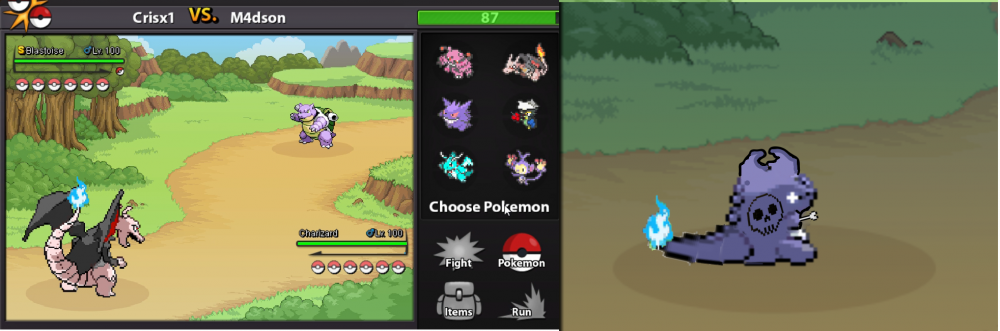
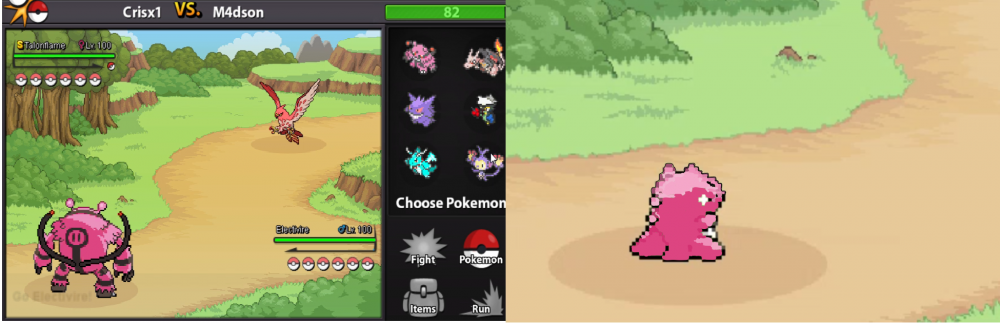
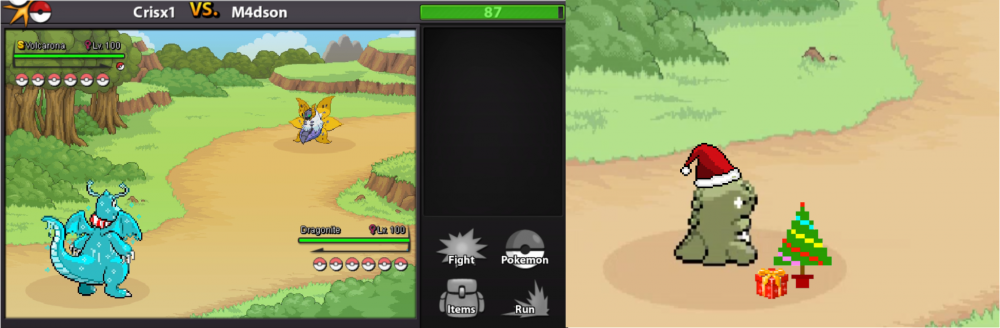
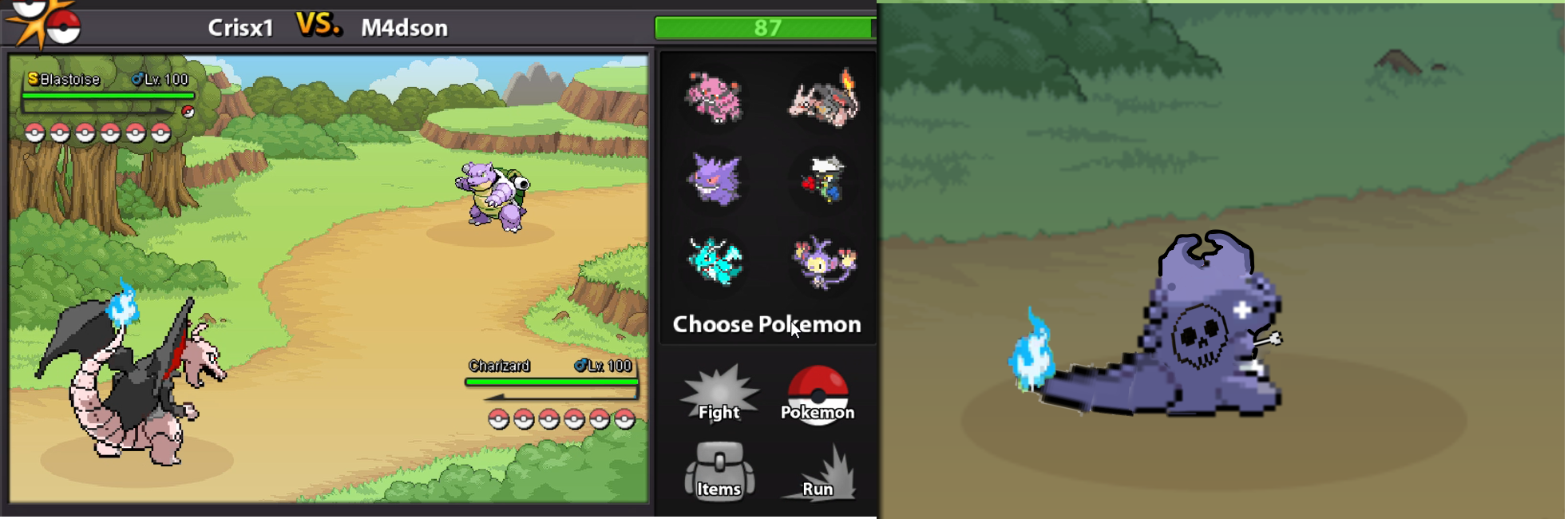
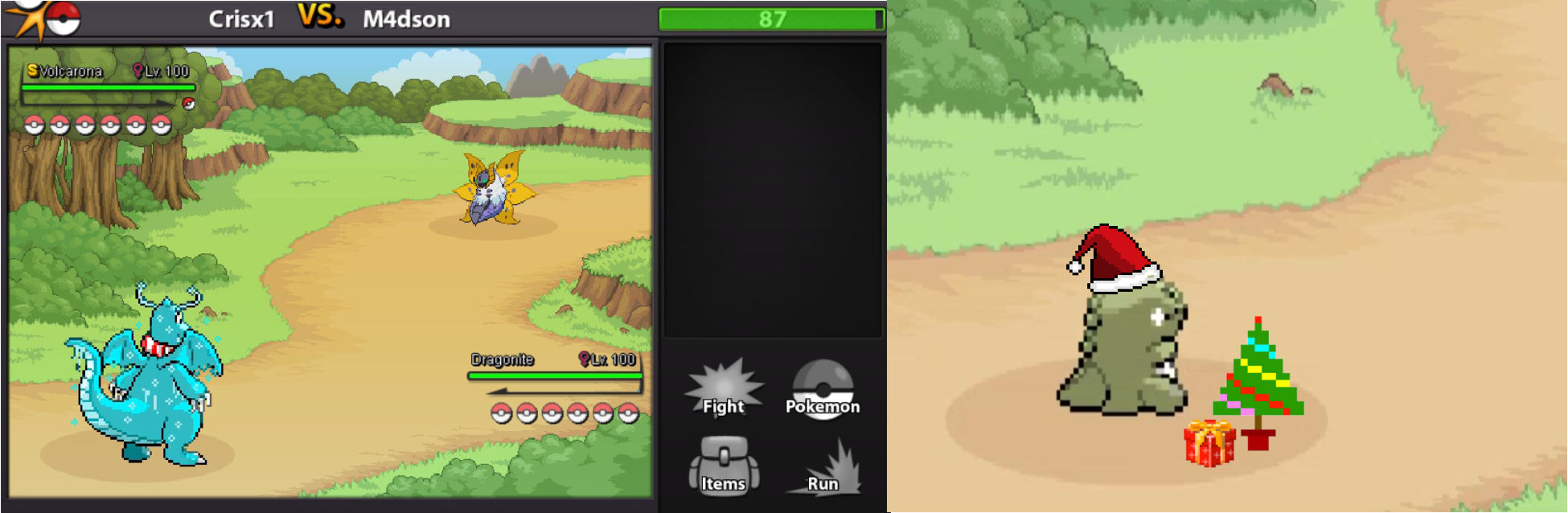
Hello, I would like to propose that the substitute movement change depending on whether the pokemon has skin or not, in the same way that you have a substitute with skin for a shiny pokemon, such as a pink pokemon, the substitute is pink, as shown In the attached images, the images are only to imply my proposal visually, I am not really a pixel artist or anything, I only use paint,I know game artists could do a much better job,THANK YOU FOR TAKING THE DISCOMFORT OF READING MY PROPOSAL. ;D


-
-
-
-
-
bump
-
bump
-
-
-
bump
-
-
-
bump
-
up
-
-
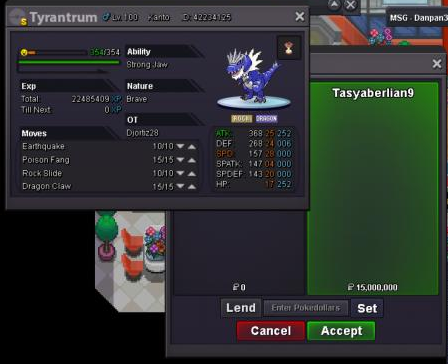
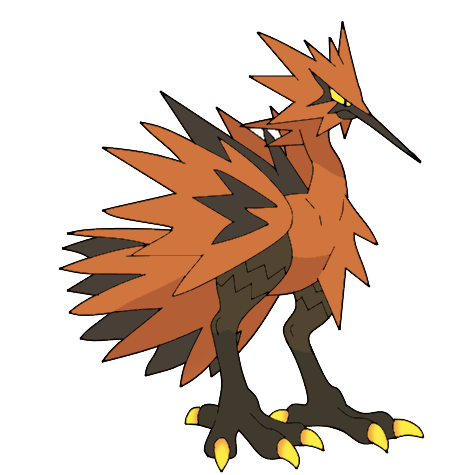
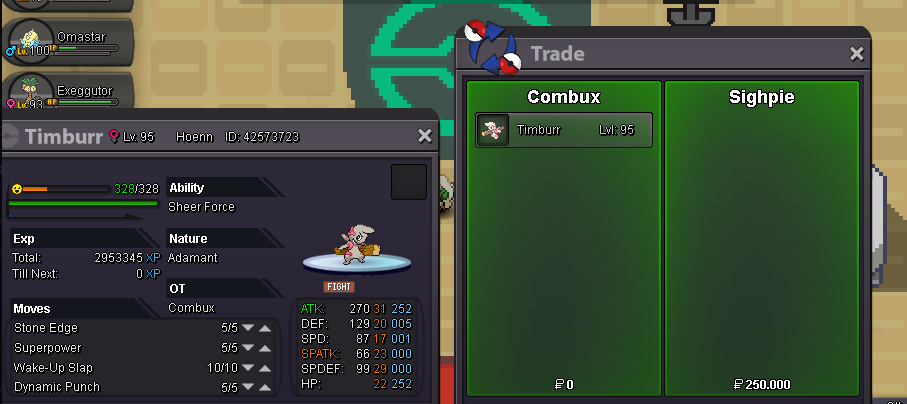
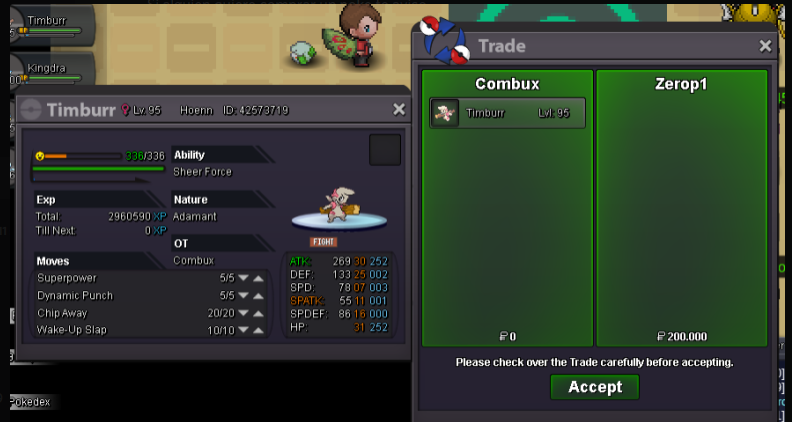
1. Auctions will start at the first good price pick and then will go on for 2 days from the first bid. 2. Offer in forum and game. 3. Contact the Owner in PM. 4. Item accepted as currency (Coin Capsule 340k, Nature Reroll 300k, Reroll Ticket 560k) 5. Pokemon accepted as currency. 6. Ending points of an auction are delayed if there is a bid during the last 15 minutes, as the third trade rule states. 7. Minimum raises can't be increased, Insta price CAN be changed (if not met) as trade rule states. 8. More pokemon will be added every week Discord: ღ╲⎝⧹Crisx1⎠╱ღ#6248 PRO: crisx1 [spoiler=SOLD]

-
-
What yor nick ingame?added more pokemon ;3



Account
Navigation
Search
Configure browser push notifications
Chrome (Android)
- Tap the lock icon next to the address bar.
- Tap Permissions → Notifications.
- Adjust your preference.
Chrome (Desktop)
- Click the padlock icon in the address bar.
- Select Site settings.
- Find Notifications and adjust your preference.
Safari (iOS 16.4+)
- Ensure the site is installed via Add to Home Screen.
- Open Settings App → Notifications.
- Find your app name and adjust your preference.
Safari (macOS)
- Go to Safari → Preferences.
- Click the Websites tab.
- Select Notifications in the sidebar.
- Find this website and adjust your preference.
Edge (Android)
- Tap the lock icon next to the address bar.
- Tap Permissions.
- Find Notifications and adjust your preference.
Edge (Desktop)
- Click the padlock icon in the address bar.
- Click Permissions for this site.
- Find Notifications and adjust your preference.
Firefox (Android)
- Go to Settings → Site permissions.
- Tap Notifications.
- Find this site in the list and adjust your preference.
Firefox (Desktop)
- Open Firefox Settings.
- Search for Notifications.
- Find this site in the list and adjust your preference.