




New Trade Zone
Trade Zone is now live
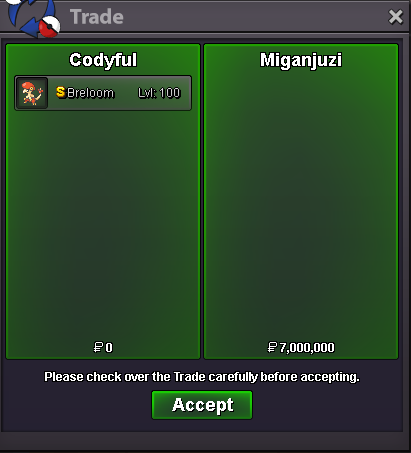
Use the new Trade Zone for auctions and instant-price trades so Pokemon and item offers are easy to find.


Codyful
Registered User
-
Joined
-
Last visited
Everything posted by Codyful
-
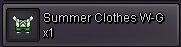
bumpbumpi sell this for 400k
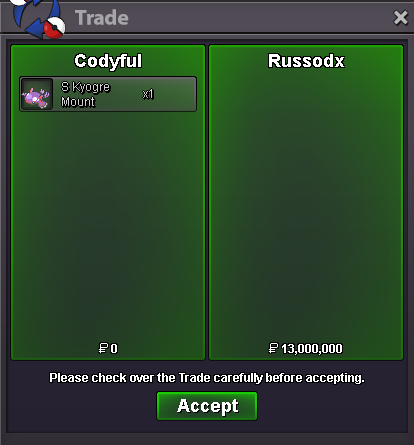
 4,2m pay in cc and 200kMain reason is interupted gameplay. You could be doing something important like hunting and you find a match. What happens to the pokemon you encounter? Its a waste of time for the devs to figure something like that out and then code it.bump-1@Thatkid send me the dm on discord again. I accidentally declined ur convo sorry@Thatkid I am online right now ingame to do the trade.#1 mirror armor 1,1m+1 but for the grace window to be shorter. maybe 90 seconds to come back when you disconnect or crash.+1interested in the 31 spd gengar if available. Thank youhttps://bulbapedia.bulbagarden.net/wiki/Accuracyeven with the new changes to hoopa dungeons. he still was super fast. responded fast and told me every time he logined. trustworthy 10/10start gastly300k

Account
Navigation
Search
Configure browser push notifications
Chrome (Android)
- Tap the lock icon next to the address bar.
- Tap Permissions → Notifications.
- Adjust your preference.
Chrome (Desktop)
- Click the padlock icon in the address bar.
- Select Site settings.
- Find Notifications and adjust your preference.
Safari (iOS 16.4+)
- Ensure the site is installed via Add to Home Screen.
- Open Settings App → Notifications.
- Find your app name and adjust your preference.
Safari (macOS)
- Go to Safari → Preferences.
- Click the Websites tab.
- Select Notifications in the sidebar.
- Find this website and adjust your preference.
Edge (Android)
- Tap the lock icon next to the address bar.
- Tap Permissions.
- Find Notifications and adjust your preference.
Edge (Desktop)
- Click the padlock icon in the address bar.
- Click Permissions for this site.
- Find Notifications and adjust your preference.
Firefox (Android)
- Go to Settings → Site permissions.
- Tap Notifications.
- Find this site in the list and adjust your preference.
Firefox (Desktop)
- Open Firefox Settings.
- Search for Notifications.
- Find this site in the list and adjust your preference.