




New Trade Zone
Trade Zone is now live
Use the new Trade Zone for auctions and instant-price trades so Pokemon and item offers are easy to find.


Shusuii
Registered User
-
Joined
-
Last visited
Everything posted by Shusuii
-
21m
-
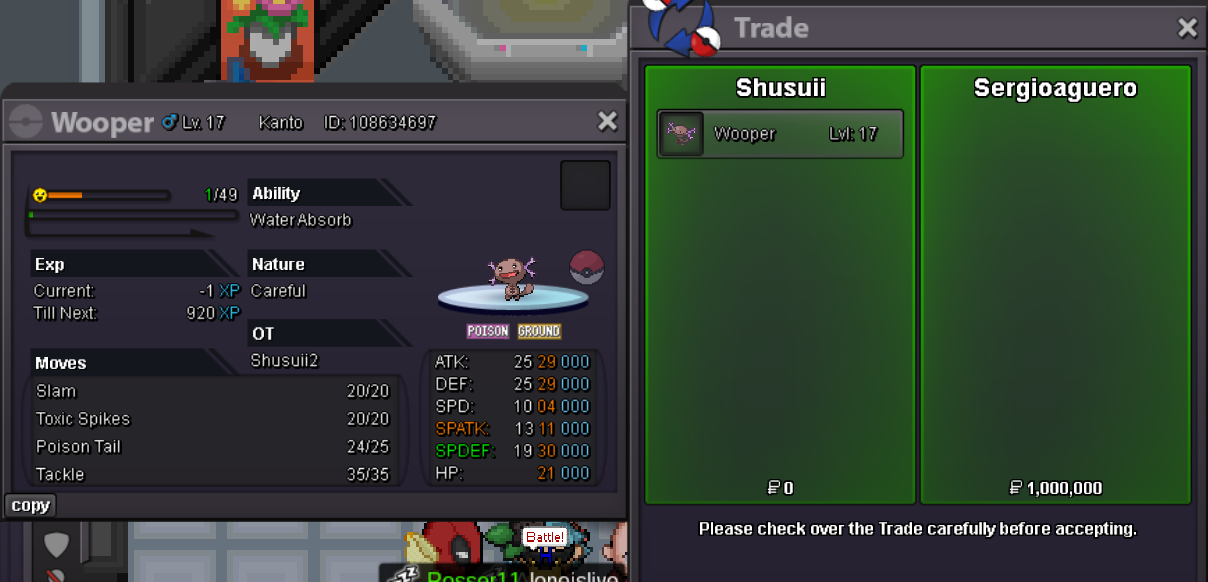
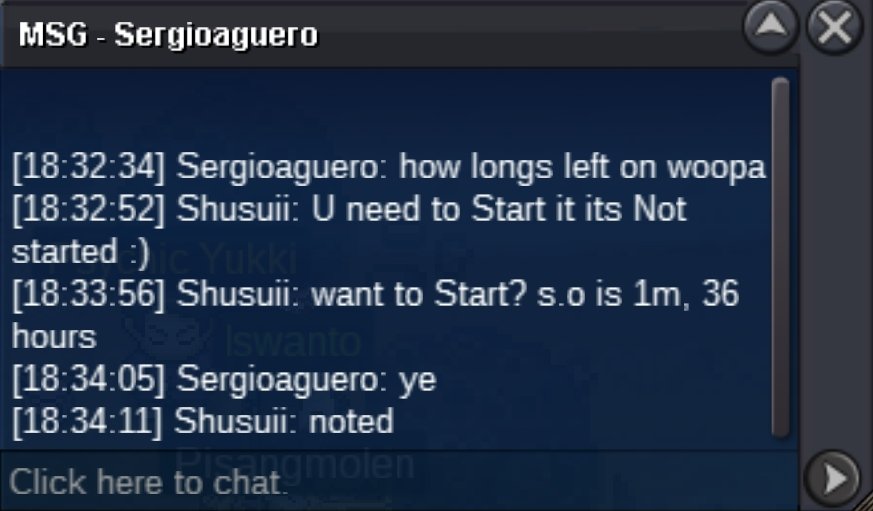
Christmas is coming 🙂 And bless you! Silver: ShusuiiThx now i know sorry I learned something new 🙂Your auction details didnt say anything about 15min rule and then u suddenly put in 15min rule?2.1mWooper Paldea (Closed)
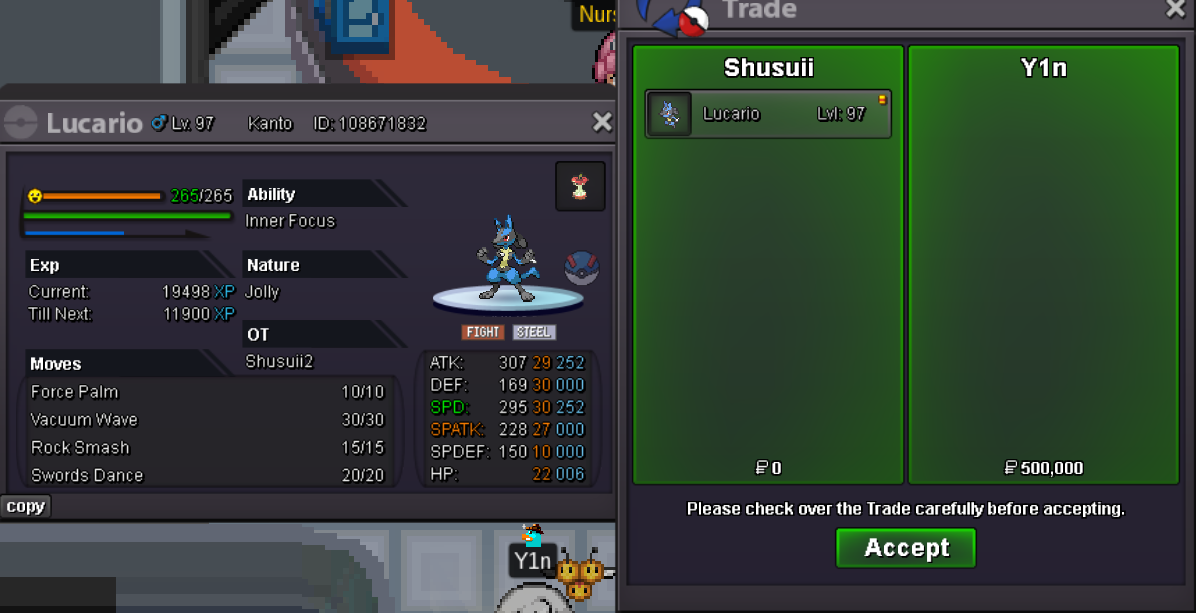
 Lucario (Closed)
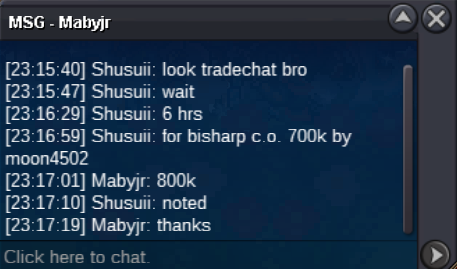
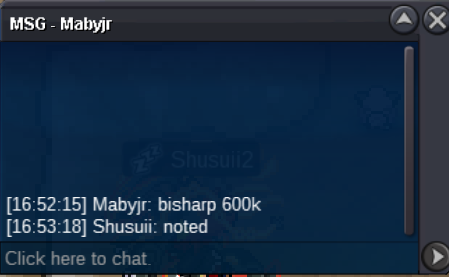
 Bisharp (Closed)
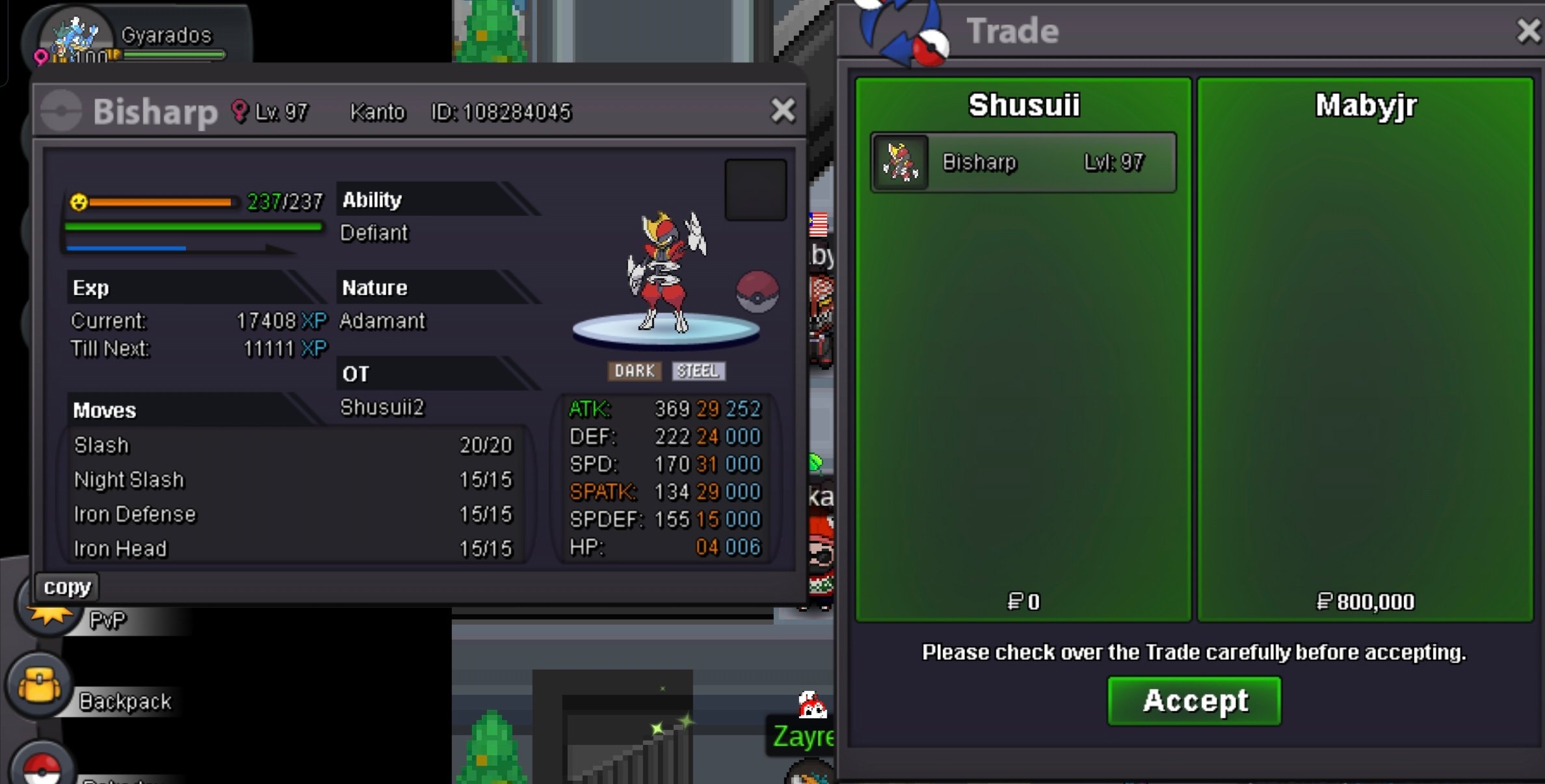 Wooper Paldea Auction has been won by sergioaguero, gz!Bisharp Auction has been won by Mabyjr, gz!@y1n congrats u won the lucario auction! DM me discord: yt_shusui700k Bisharp by Moon4502
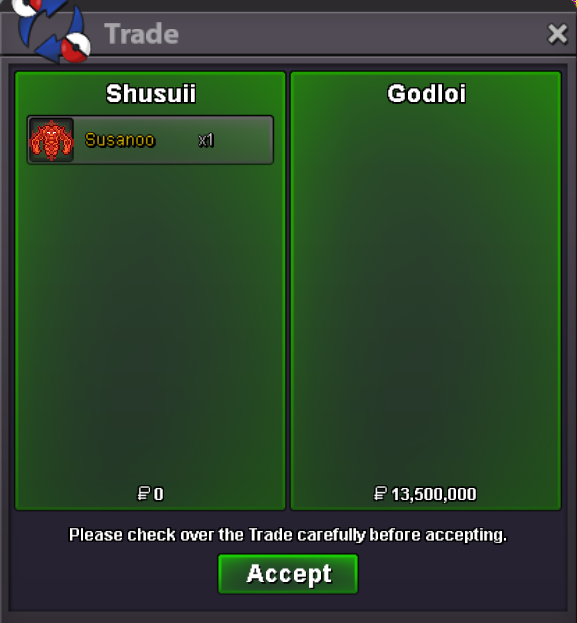
 BumpSOLD to Godloi, hf!
 Bump (price changed!)startBumpHello, i am sorry for the inconvenience. Thank you for letting me know for the future!:) Also one question, can i close this post to start it again without merge of the two posts? Ofc will just start one post. Best regardsBumpBumpBump



Account
Navigation
Search
Configure browser push notifications
Chrome (Android)
- Tap the lock icon next to the address bar.
- Tap Permissions → Notifications.
- Adjust your preference.
Chrome (Desktop)
- Click the padlock icon in the address bar.
- Select Site settings.
- Find Notifications and adjust your preference.
Safari (iOS 16.4+)
- Ensure the site is installed via Add to Home Screen.
- Open Settings App → Notifications.
- Find your app name and adjust your preference.
Safari (macOS)
- Go to Safari → Preferences.
- Click the Websites tab.
- Select Notifications in the sidebar.
- Find this website and adjust your preference.
Edge (Android)
- Tap the lock icon next to the address bar.
- Tap Permissions.
- Find Notifications and adjust your preference.
Edge (Desktop)
- Click the padlock icon in the address bar.
- Click Permissions for this site.
- Find Notifications and adjust your preference.
Firefox (Android)
- Go to Settings → Site permissions.
- Tap Notifications.
- Find this site in the list and adjust your preference.
Firefox (Desktop)
- Open Firefox Settings.
- Search for Notifications.
- Find this site in the list and adjust your preference.