




New Trade Zone
Trade Zone is now live
Use the new Trade Zone for auctions and instant-price trades so Pokemon and item offers are easy to find.

Hundjager
Registered User
-
Joined
-
Last visited
Everything posted by Hundjager
-
But you still can't have the win, sorry about that
-
-
-
These people responding just aren't on our level, let be honest
-
Not on my watch
-
You can't use this as a new job sorry as this is my win.
-
Interesting story, still my win
-
-
-
-
-
Still doesn't matter, it's still my win
-
-
-
Doesn't matter if you're back, you'll soon be gone again 🙂
-
-
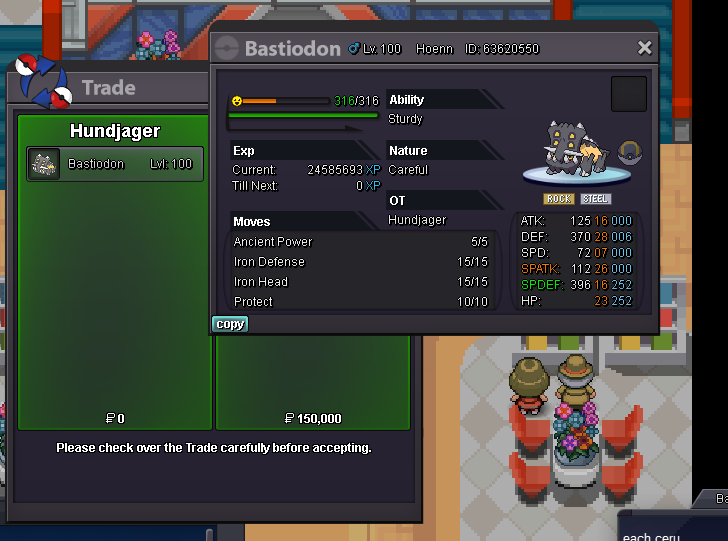
Bastiodon - 150k
-
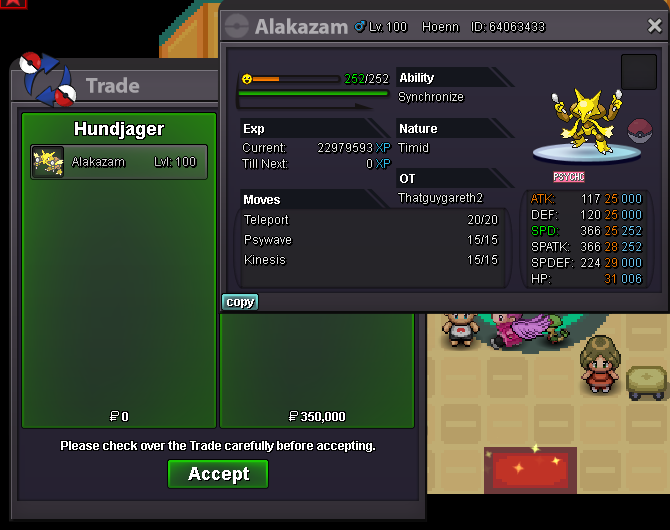
Alakazam sold 350k -
-
-
Can we change the cooldown of Excavation/Headbutt trees to be on a global cooldown at the same time as Solaceon for example at 01:00. It'll be much easier for people to be able to keep track of when these are reset if that was the case. Thanks 🙂 Edit: Feedback from other players about other things to add to that list as well > CELADON DAILY QUEST Spring brush and task master hank quests in Breezy town Littlecup (Easter island)
-
-
I don't need to imagine, I've already won
-
Attempt at my win again. Not on my watch
-
Not sure what that is you're offering me, I'll pass though I don't click links from strangers.
-
Bump