




New Trade Zone
Trade Zone is now live
Use the new Trade Zone for auctions and instant-price trades so Pokemon and item offers are easy to find.

Renji333
Registered User
-
Joined
-
Last visited
Everything posted by Renji333
-
METAGROSS S.O : 500k HIS NICKNAME : (BLUE BEETLE THE GREAT) ------------------------------------------ ------------------------------------------ MIN RAISE : 50K END OF AUCTION : 5 days AFTER FIRST BID
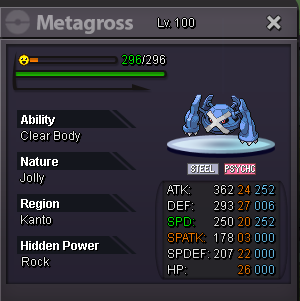
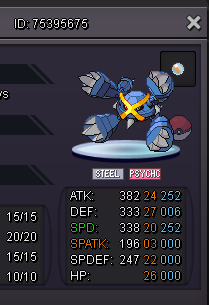
-
-
Wtb shiny metagross mount
-
Thank YOU MANBAT
-
-
-
-
-
/
-
METAGROSS S.O : 4m5 HIS NICKNAME : THOR'S BLUE HAMMER (SAPHIR MJOLNIR) ------------------------------------------ ------------------------------------------ MIN RAISE : 50K END OF AUCTION : 6 days AFTER FIRST BID COUNTDOWN TIME : https://www.tickcounter.com/countdown/3642029/metagross-mjolnir
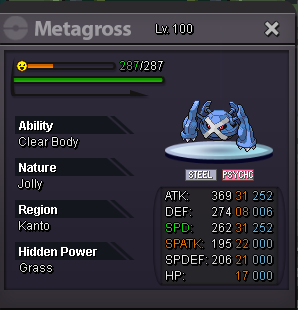
-
@Jaenaja55 : EPIC WINNER - IT WASN'T EASY BUT YOU DID IT !
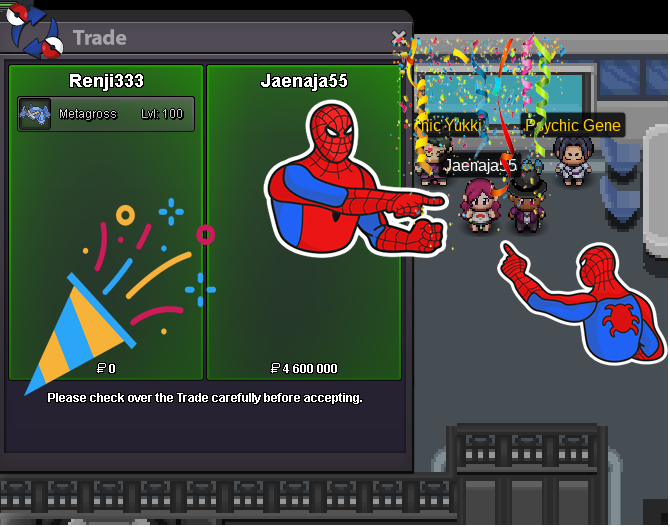
-
@Jaenaja55 : PM me in game, my nickname is Renji333
-
-
i'm very flattered to inspire young auctioneers 😉❤️. BTW : The picture of the pokémon is not showing, try to fix it (Go to edit form, just delete the picture and put it back again). PM : If you need help
-
-
-
-
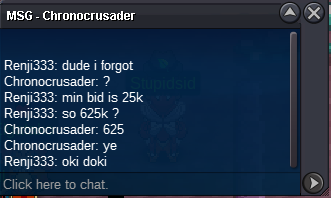
METAGROSS S.O : 2m5 ------------------------------------------ ------------------------------------------ MIN RAISE : 50K END OF AUCTION : 6 days AFTER FIRST BID
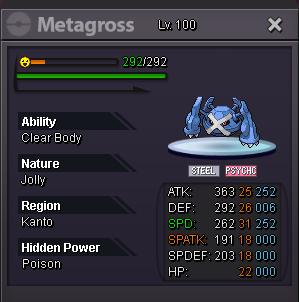
-
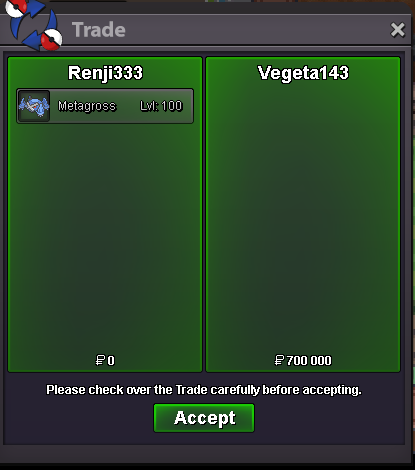
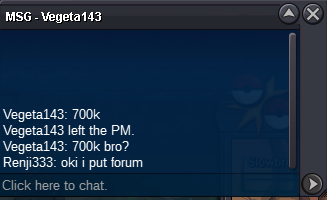
Congrats @Lello96My bad i forgot about min bid

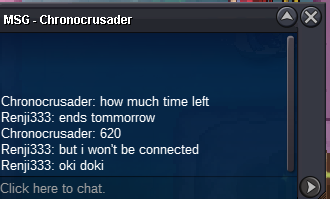
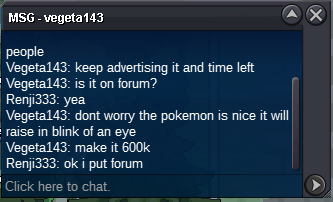
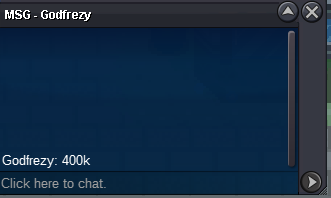
Account
Navigation
Search
Configure browser push notifications
Chrome (Android)
- Tap the lock icon next to the address bar.
- Tap Permissions → Notifications.
- Adjust your preference.
Chrome (Desktop)
- Click the padlock icon in the address bar.
- Select Site settings.
- Find Notifications and adjust your preference.
Safari (iOS 16.4+)
- Ensure the site is installed via Add to Home Screen.
- Open Settings App → Notifications.
- Find your app name and adjust your preference.
Safari (macOS)
- Go to Safari → Preferences.
- Click the Websites tab.
- Select Notifications in the sidebar.
- Find this website and adjust your preference.
Edge (Android)
- Tap the lock icon next to the address bar.
- Tap Permissions.
- Find Notifications and adjust your preference.
Edge (Desktop)
- Click the padlock icon in the address bar.
- Click Permissions for this site.
- Find Notifications and adjust your preference.
Firefox (Android)
- Go to Settings → Site permissions.
- Tap Notifications.
- Find this site in the list and adjust your preference.
Firefox (Desktop)
- Open Firefox Settings.
- Search for Notifications.
- Find this site in the list and adjust your preference.