




New Trade Zone
Trade Zone is now live
Use the new Trade Zone for auctions and instant-price trades so Pokemon and item offers are easy to find.


Alexii
Suspended
-
Joined
-
Last visited
Everything posted by Alexii
-
No, only lending!

-
start
-
A Medicham Star Wars is missing in this Collection. xD
-
3m
-
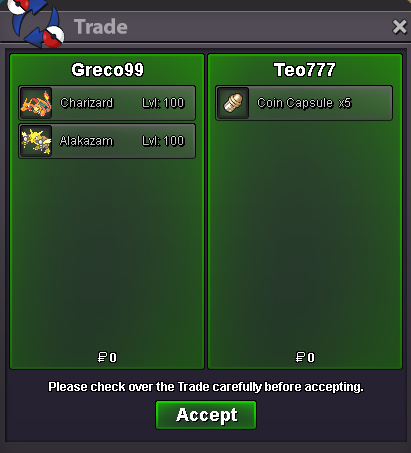
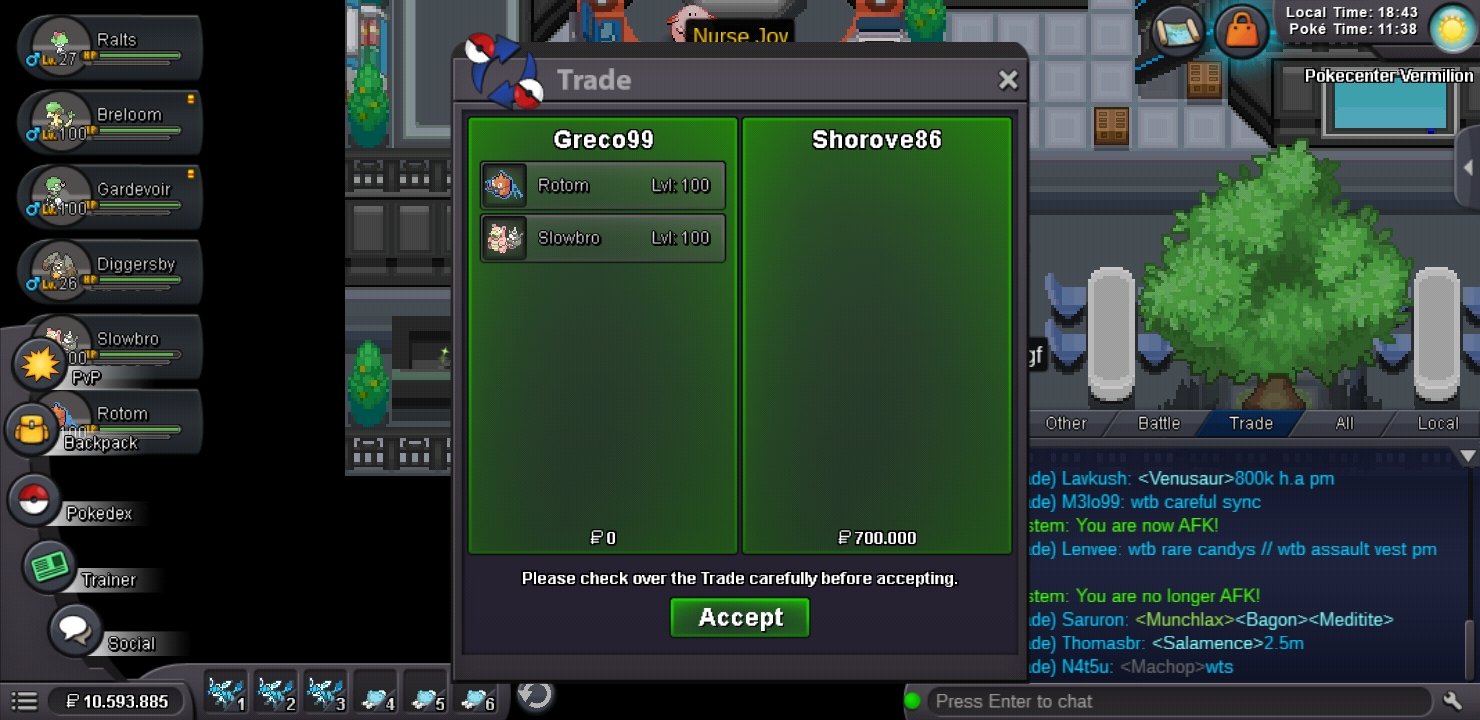
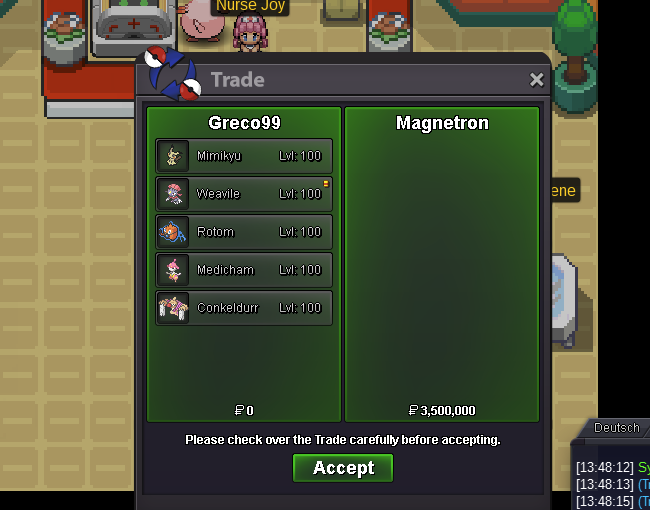
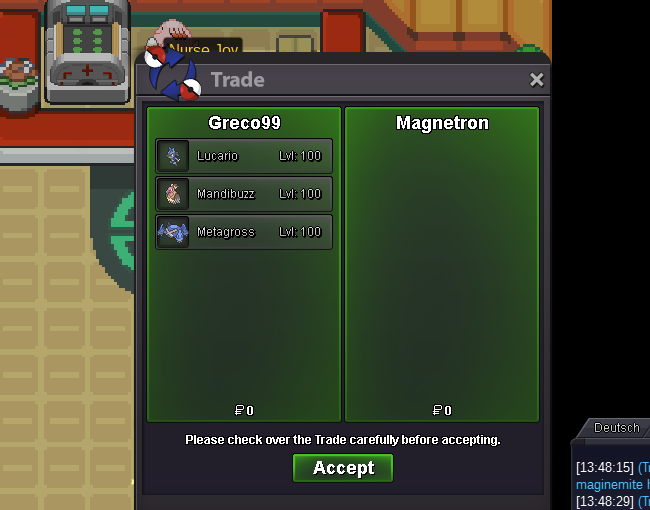
1.6m24m18mstartstart now xDBumpAlexii´s PVP Lending Service Lending Service Rules: 1) normal Pokemons costs 25k a day and Event & Shiny Pokemons cost 30k a day, for a maximum of 7 days. 2) As lending is enabled now, we trade with the lending feature. Note: You can change every Moveset of the lended Pokemons how you want it. Contact: INGAME: Alexii Discord: Alexi#2203 - Normal Section - - Event & Shiny Section -

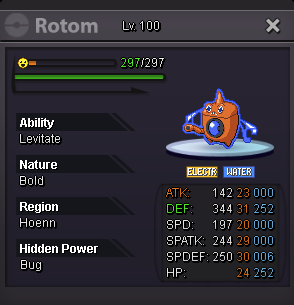

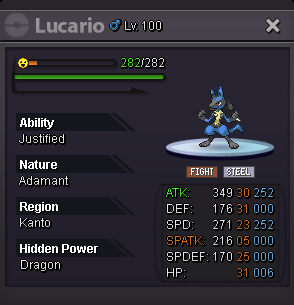



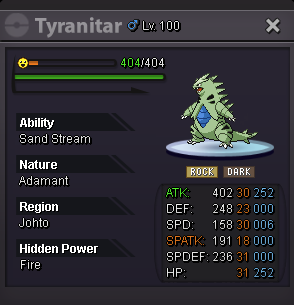
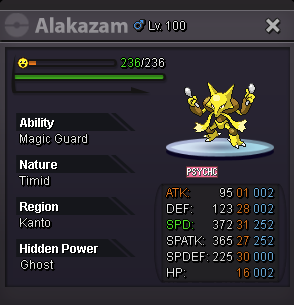
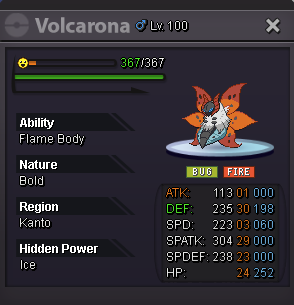


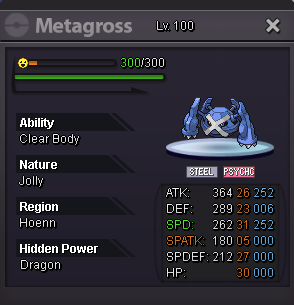
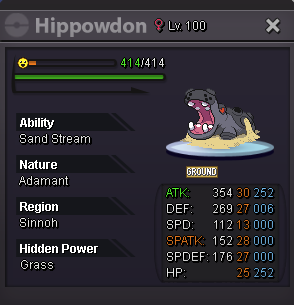

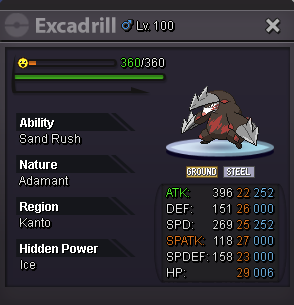
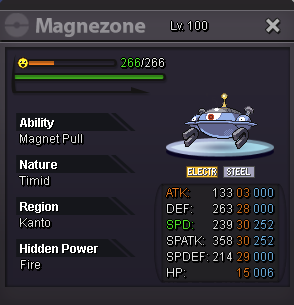


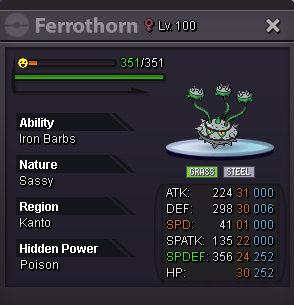
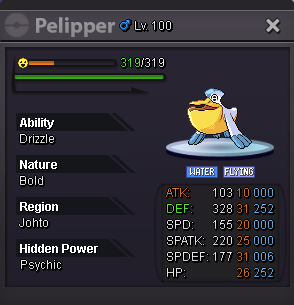
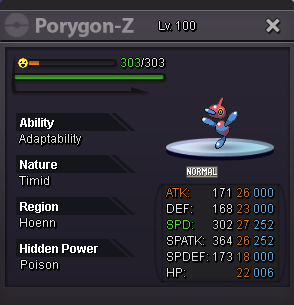


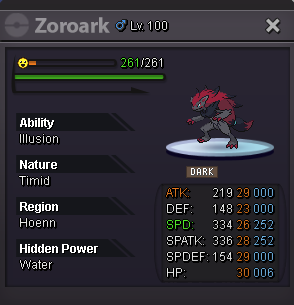


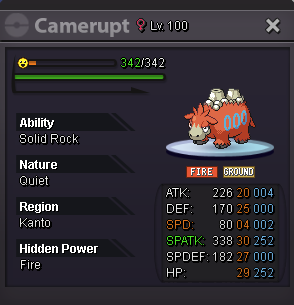
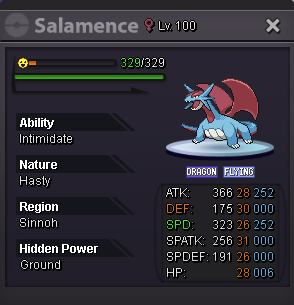


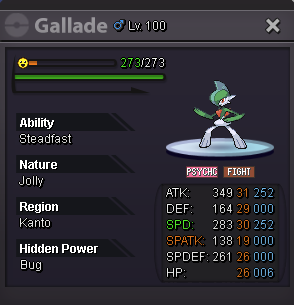
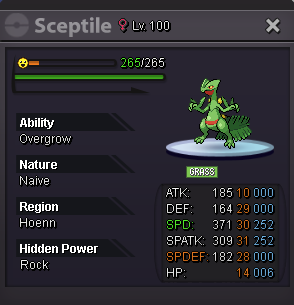

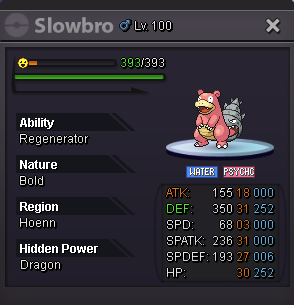
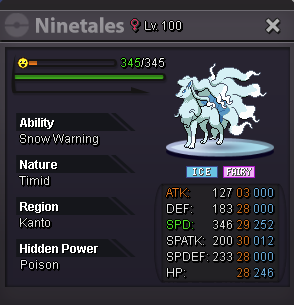

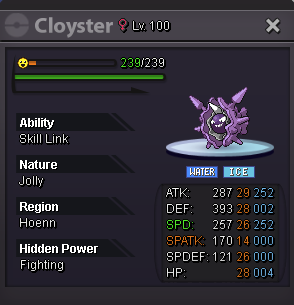

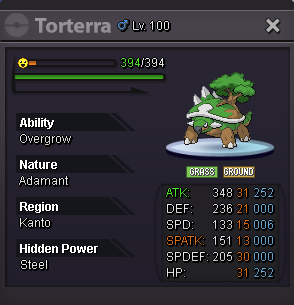
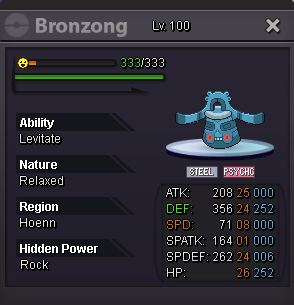
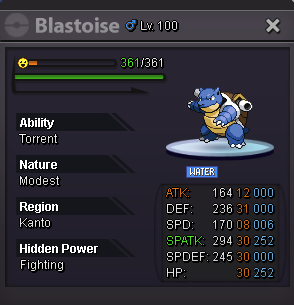
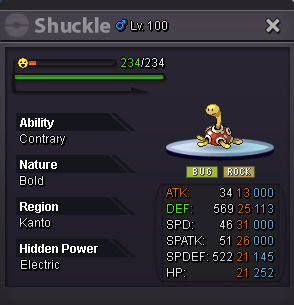


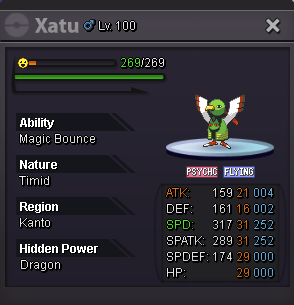


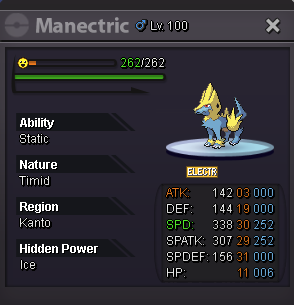


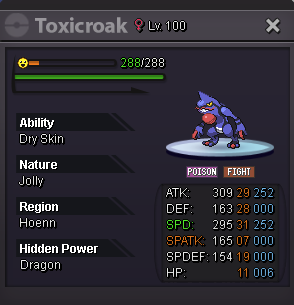

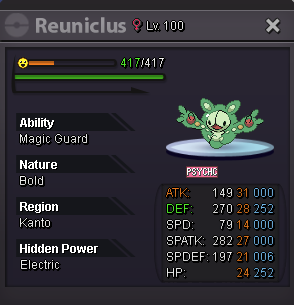
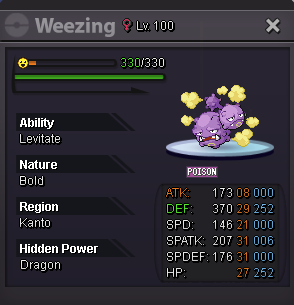
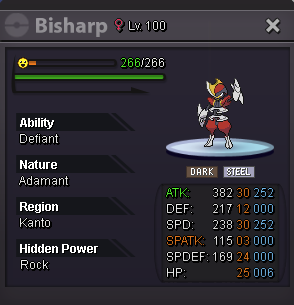
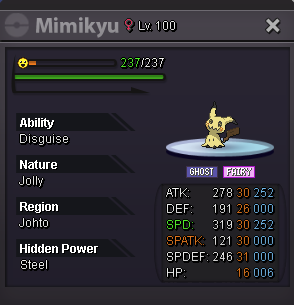
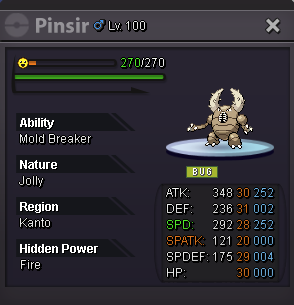


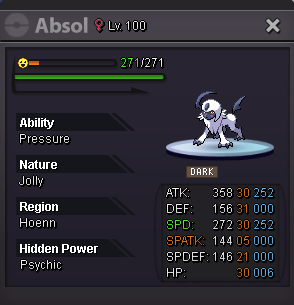
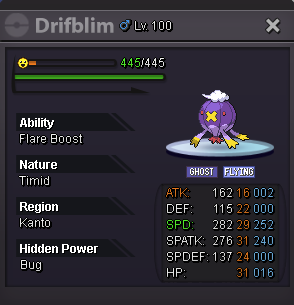

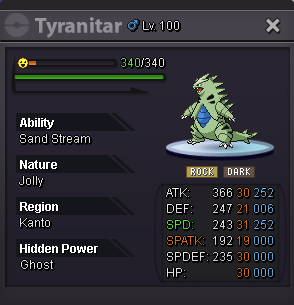

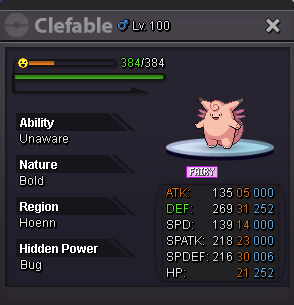
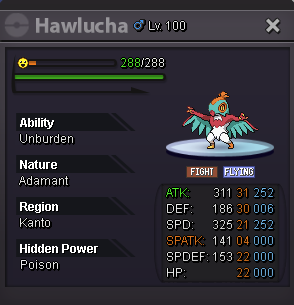



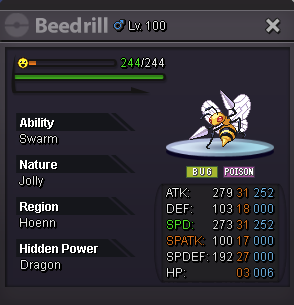
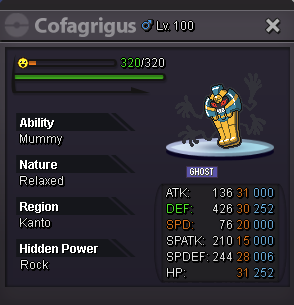

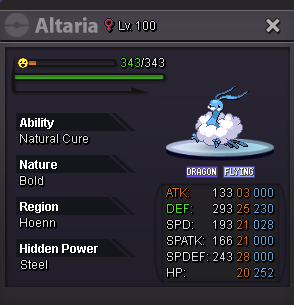




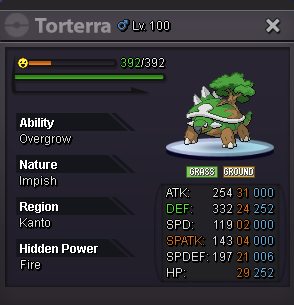


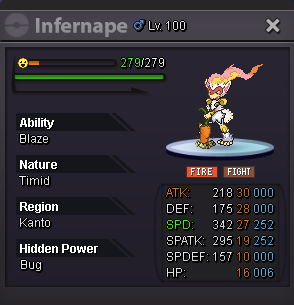
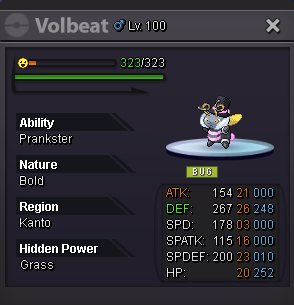


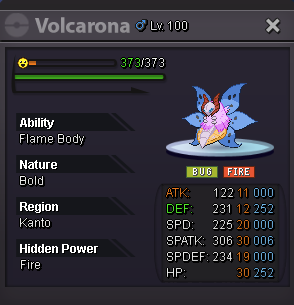
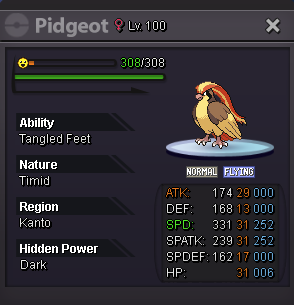


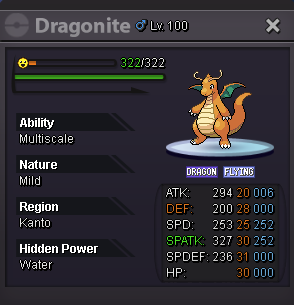


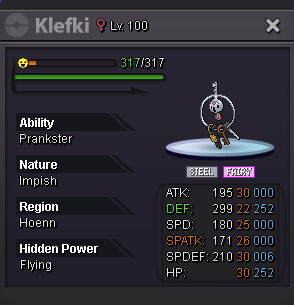




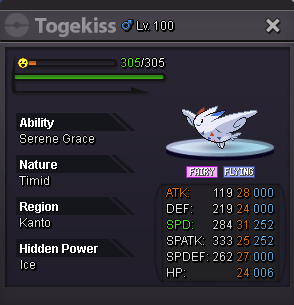
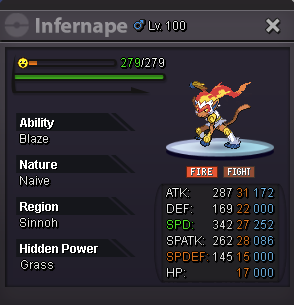
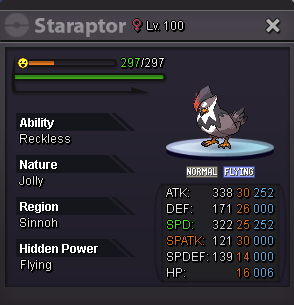
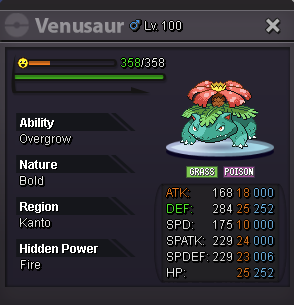
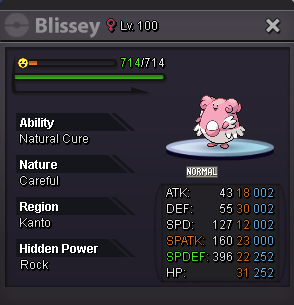
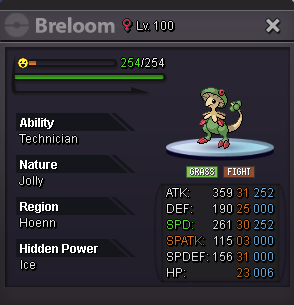
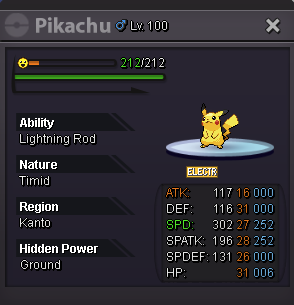
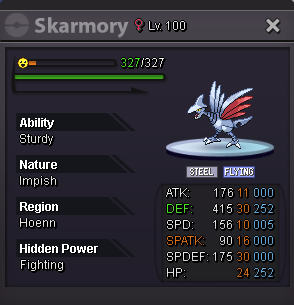
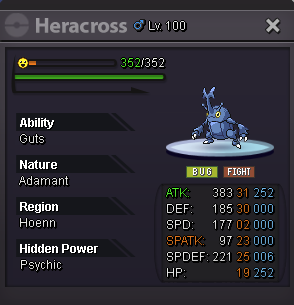


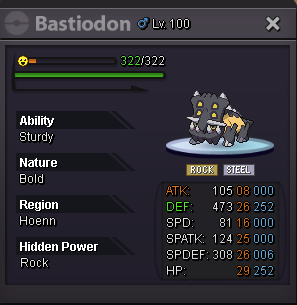
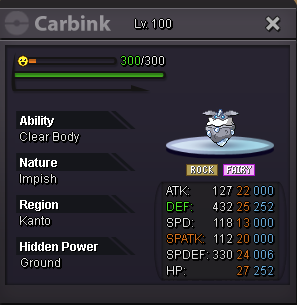


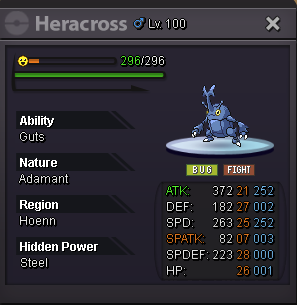

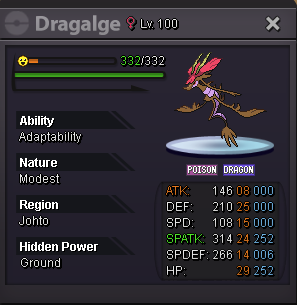

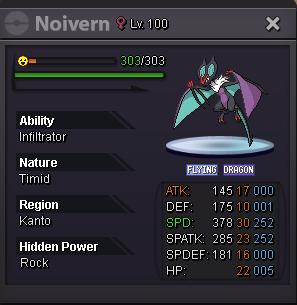





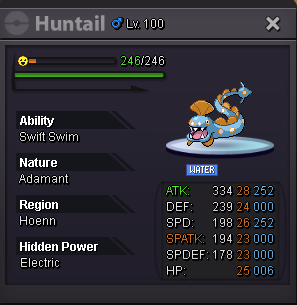


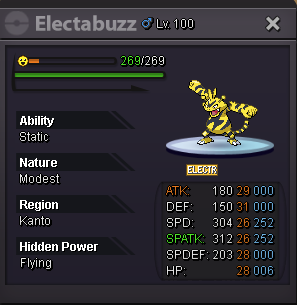
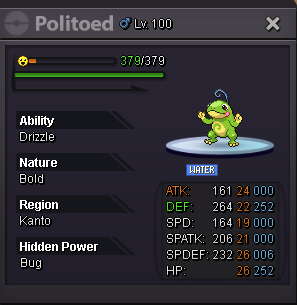

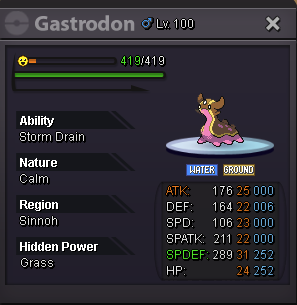
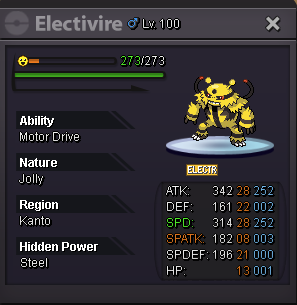


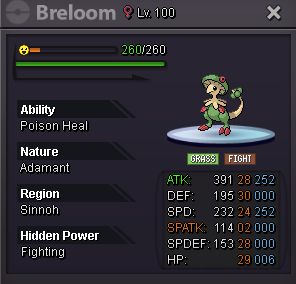
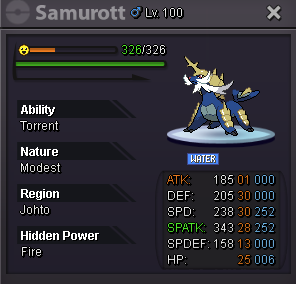
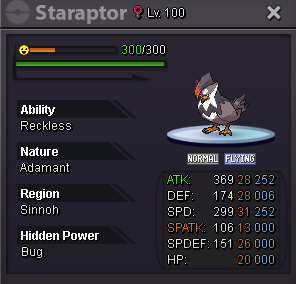
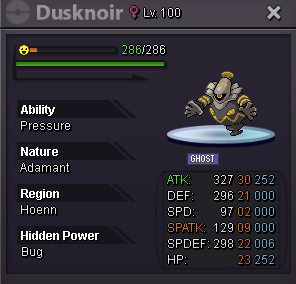
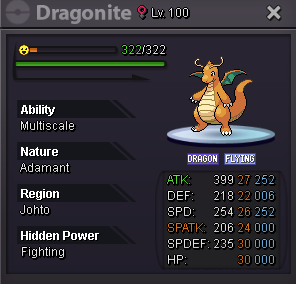
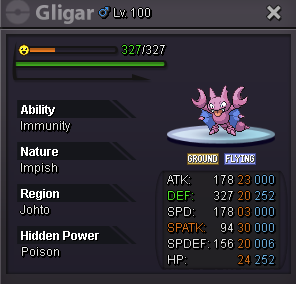



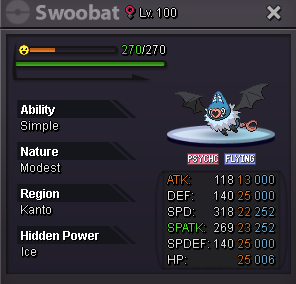
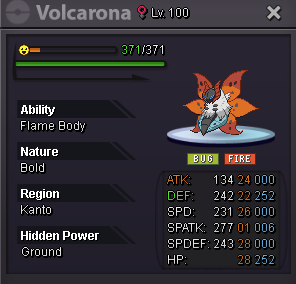
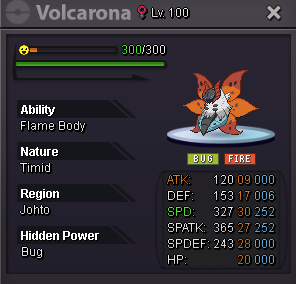


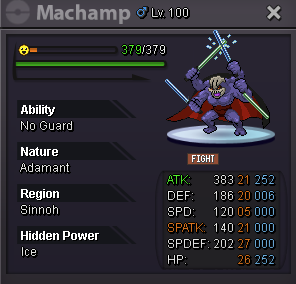
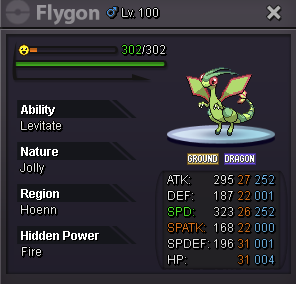
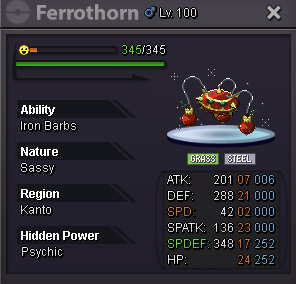
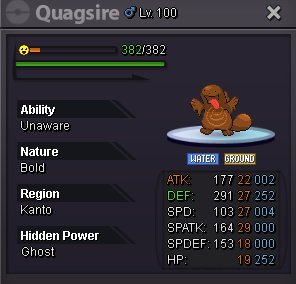

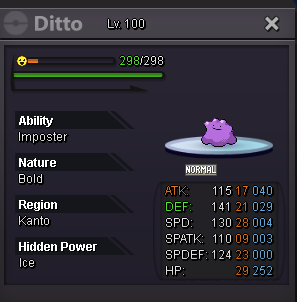
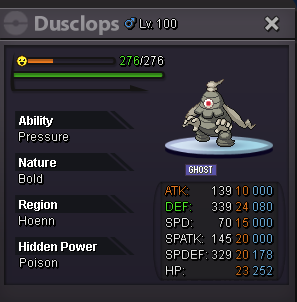


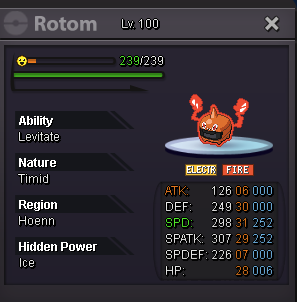
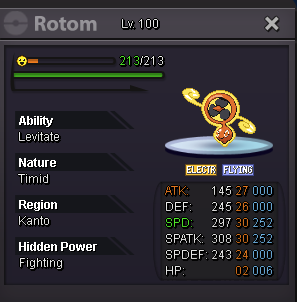
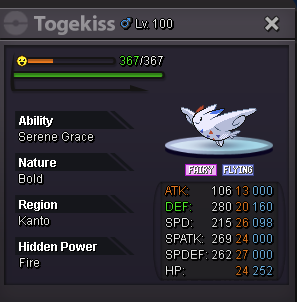


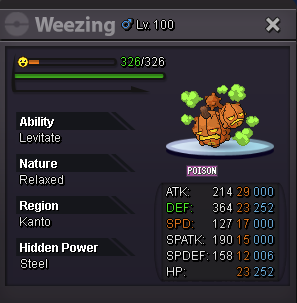
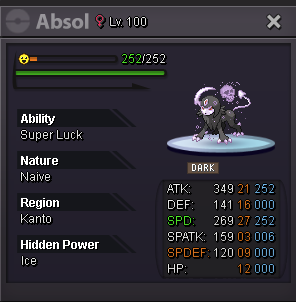

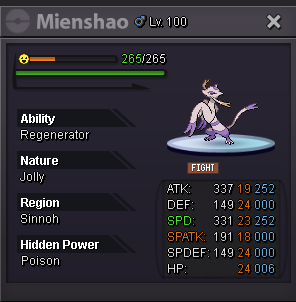

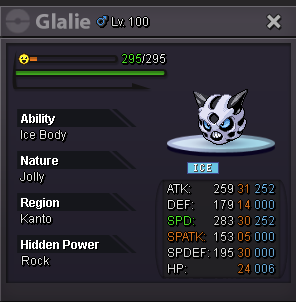


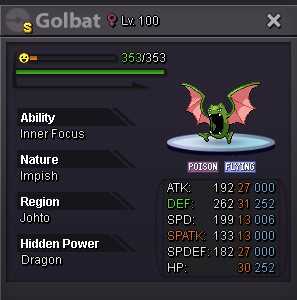


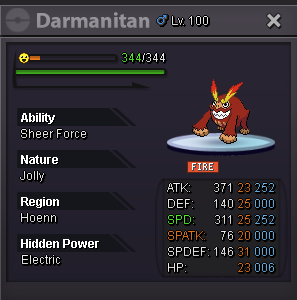
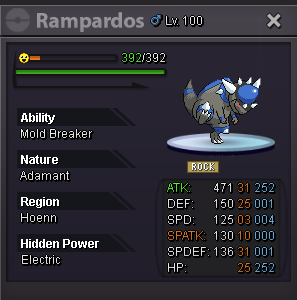

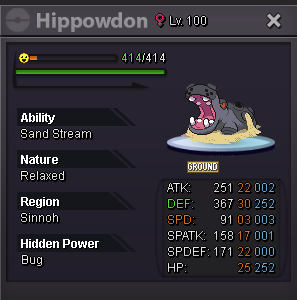

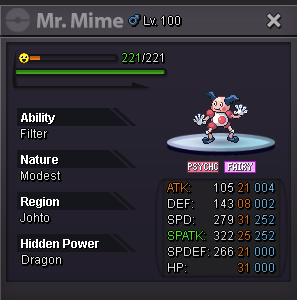


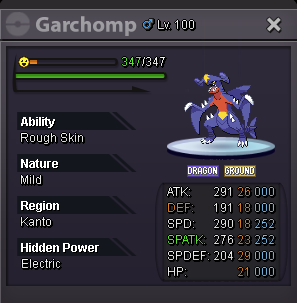
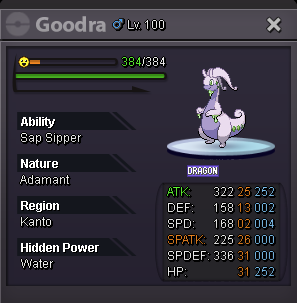

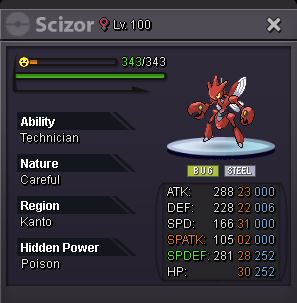


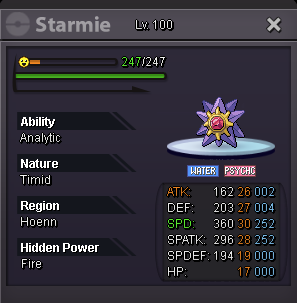
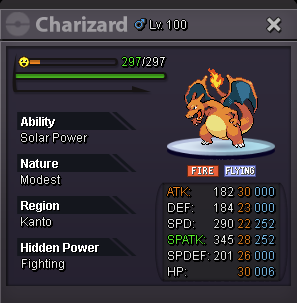
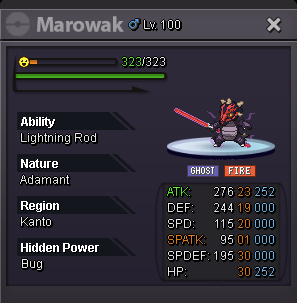
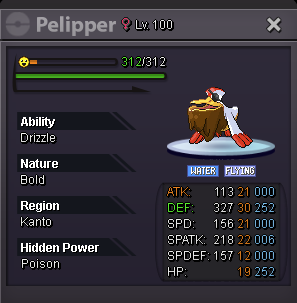
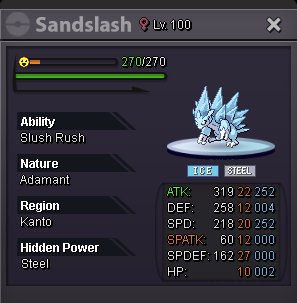


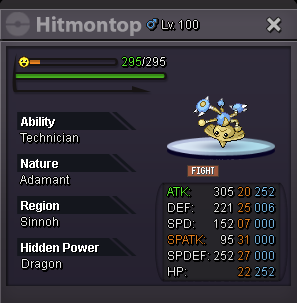
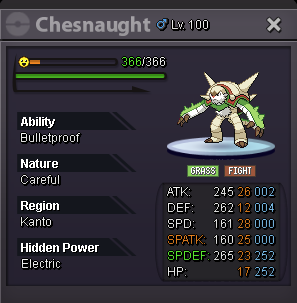
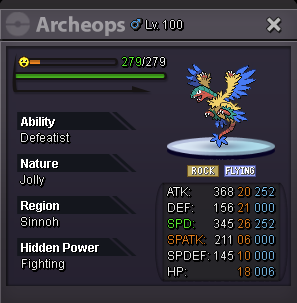


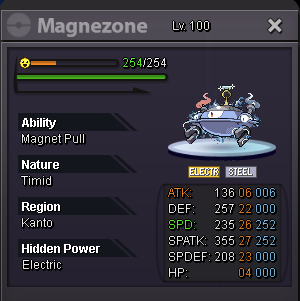
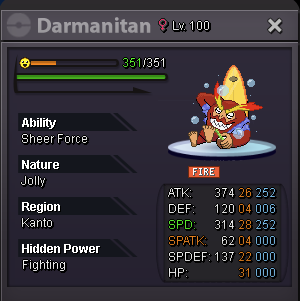

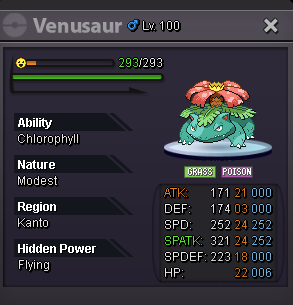


 I Start this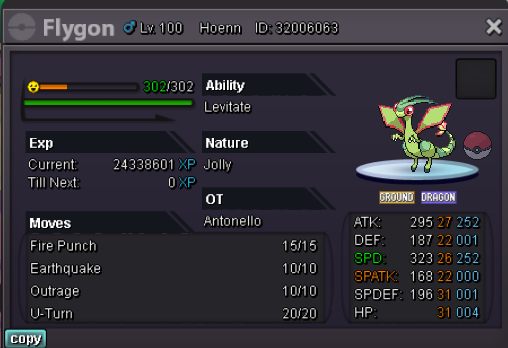



Account
Navigation
Search
Configure browser push notifications
Chrome (Android)
- Tap the lock icon next to the address bar.
- Tap Permissions → Notifications.
- Adjust your preference.
Chrome (Desktop)
- Click the padlock icon in the address bar.
- Select Site settings.
- Find Notifications and adjust your preference.
Safari (iOS 16.4+)
- Ensure the site is installed via Add to Home Screen.
- Open Settings App → Notifications.
- Find your app name and adjust your preference.
Safari (macOS)
- Go to Safari → Preferences.
- Click the Websites tab.
- Select Notifications in the sidebar.
- Find this website and adjust your preference.
Edge (Android)
- Tap the lock icon next to the address bar.
- Tap Permissions.
- Find Notifications and adjust your preference.
Edge (Desktop)
- Click the padlock icon in the address bar.
- Click Permissions for this site.
- Find Notifications and adjust your preference.
Firefox (Android)
- Go to Settings → Site permissions.
- Tap Notifications.
- Find this site in the list and adjust your preference.
Firefox (Desktop)
- Open Firefox Settings.
- Search for Notifications.
- Find this site in the list and adjust your preference.