




New Trade Zone
Trade Zone is now live
Use the new Trade Zone for auctions and instant-price trades so Pokemon and item offers are easy to find.

Mariano504
Registered User
-
Joined
-
Last visited
-
Mariano504 changed their profile photo
-
PM: Mariano504 Discord : Mariano504#4284 Want to buy a jolly kangaskhan with at 31 speed (main stats very high)
-
I offer 519k for the Buneary sir
-
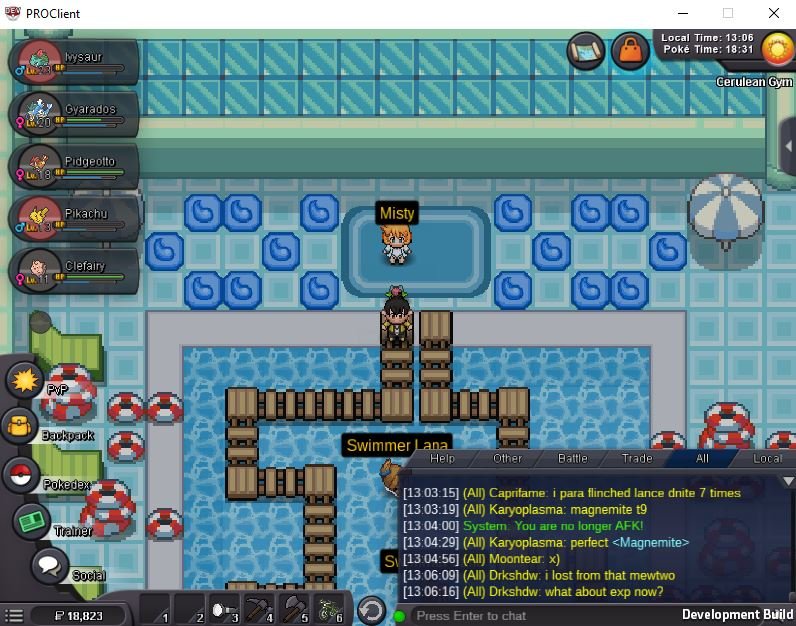
I didnt get the exp deliveri so lets go to the next gym


-
Ty for the answer. 🙂
-
I came here to report a bug, when I try to change my guild logo and click apply, the logo doesn't change,I already reinstalled and restarted the game and I still have the same problem,I already spent more than 60k and it does not change. What should I do to change the logo? Please help. here is a video i made showing the bug. https://www.youtube.com/watch?v=uW4OVSHpWdQ
-
Cloyster Zapdos Umbreon
-
2m
-
2.6m
-
2.1m for larvita
-
-
-
1.6m
-
1.4m Larvitar
-
Auction closed, thank you all for participating sorry for the inconvenience
-


