




New Trade Zone
Trade Zone is now live
Use the new Trade Zone for auctions and instant-price trades so Pokemon and item offers are easy to find.

Cloysterface
Registered User
-
Joined
-
Last visited
Everything posted by Cloysterface
-
+1
-
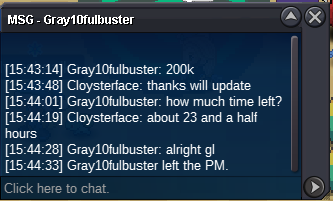
update 200k c.o
-
start 100k insta 2m last 24h 100k steps

-
its traded now
-
hey i am online now, if u cant come online now then i will give gmt and date
-
hmmm the time you come online is inconvenient for me as i am asleep by 3:30 am, if a mod can help force a trade that would be cool. @Hawluchaa , could you help please?
-
u win are u online?
-
bump insta lowered to 1m
-
+1 make this happen. at least put between 50-100 repels in the "device", 10 is still too small imo.
-
bump c.o 600k, insta lowered to 1.5m
-
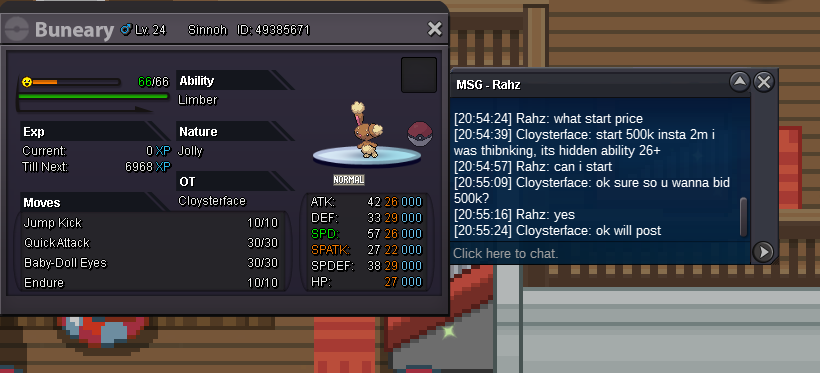
starting 500k by Rahz c.o 600k insta 1m last 48h GL
-
u online?
-
bump c.o 200k
-
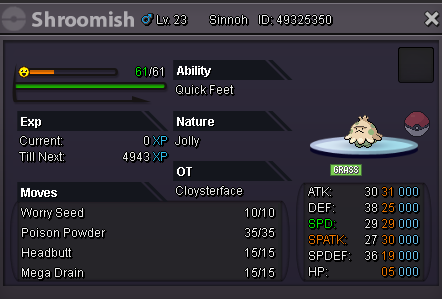
start 100k insta 1m last 24h 100k steps gl all
-
you have won
-
bump insta lowered
-
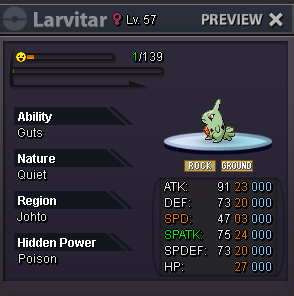
hey im adding this start 100k insta 500k 100k steps minimum last 24h
-
looks like u won, are you online?
-
from my end it says he offered before the time limit but i will confirm with a mod before trading.
-
bump
-
bump
-
WILL BECOME TECHNICIAN AFTER MEGA EVOLVE start 100k insta 500k last 16 hours from start/first bid min 50k between bids GL ALL :D

-
start 500k instsa 3m last 48h

-
+1 good idea.
-
bump starting offer lowered
