New Trade Zone
Trade Zone is now live
Use the new Trade Zone for auctions and instant-price trades so Pokemon and item offers are easy to find.

Cloysterface
Registered User
-
Joined
-
Last visited
Everything posted by Cloysterface
-
Hello, I made a request to change my recovery email a few days ago but I never got a reply. I have shared the email address I wish to change the recovery email to, and the new email address is the same as my alt account that I am currently playing on. If it's a no, then I will play on my alt as I acknowledge it's my fault for not being able to log into my old email. I just would like an answer so I can buy back the pvp mons I had on my main without realizing I paid twice for no reason. Thank You.
-
Edit: nvm i read wrong
-
bump
-
bump
-
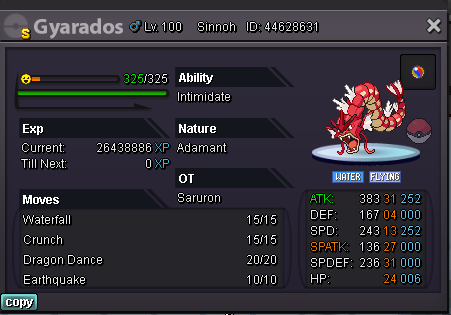
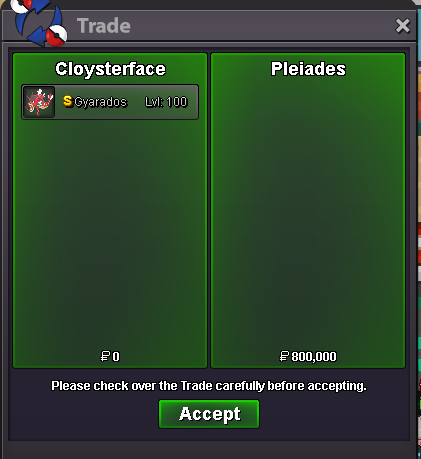
looks like u won, u online?start 500k insta 2m last 24h 100k steps accept cash, cc(400k), iv rr(700k)
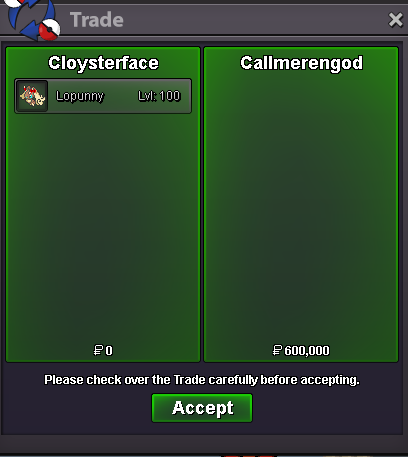
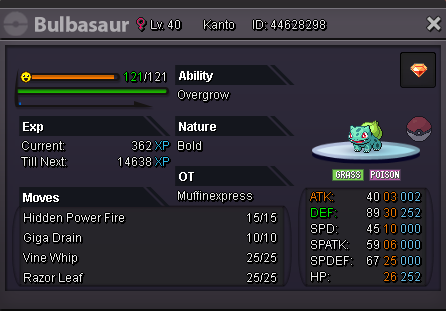
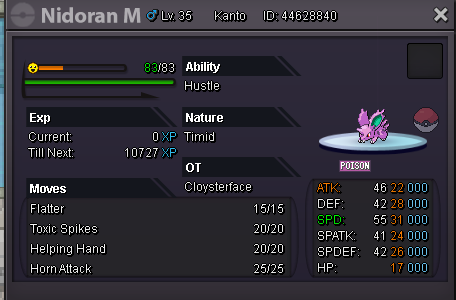
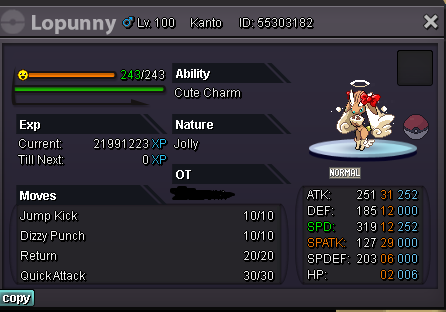 u win bulba u onlinei think u are winner, u online?sold to sensoy0121 for 1.6m auction ended waiting for winner's reply , 500k winning bid start 300k insta 2.5m last 72h 100k steps c.o is 300k check 2nd page for all 3 pokes i accept cash, rr iv - 700k, cc = 380k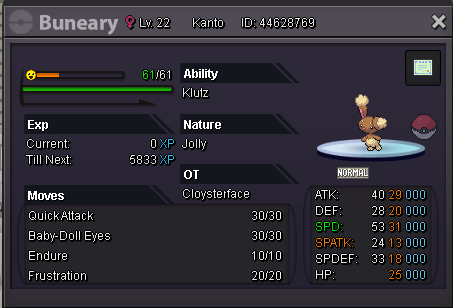
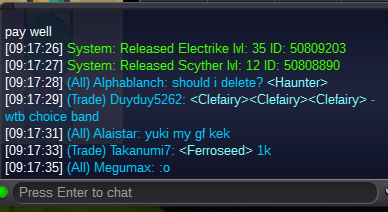
 IGN:cloysterface SERVER:gold Reason:Accidentally Released Request: Restore scyther seen in the image below
 sold, ty for bidding everyone it was already over when you asked unfortunately
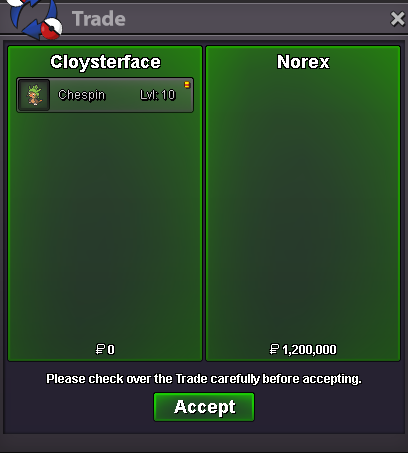 bumpbumpstart 100k insta 2m 100k steps last 48h i accept cash , iv rr ( 750k) and cc (400k)
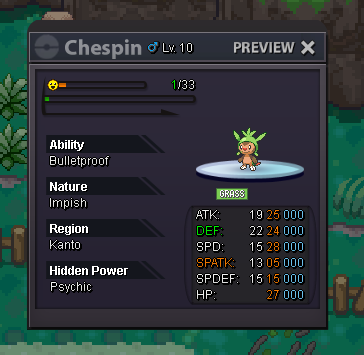 Username:cloysterface Server: silver Country/Timezone: bst/gmt+1500k1.2m1.2m ferro2.2m