New Trade Zone
Trade Zone is now live
Use the new Trade Zone for auctions and instant-price trades so Pokemon and item offers are easy to find.


Araragikun
Registered User
-
Joined
-
Last visited
Everything posted by Araragikun
-
Insta
-
Up the old post, Available poke is Cofagrigus Shuckle Metagross
-
Buy modest gengar 150k
-
Up
-
Can close
-
-
4m
-
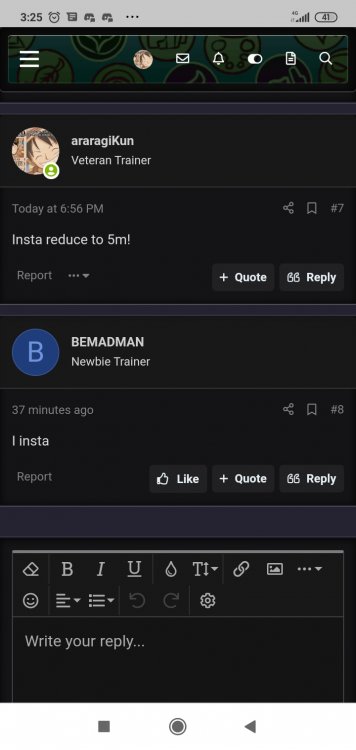
Insta'd by bemadman can close
-
Ok let me know when u are in-game
-
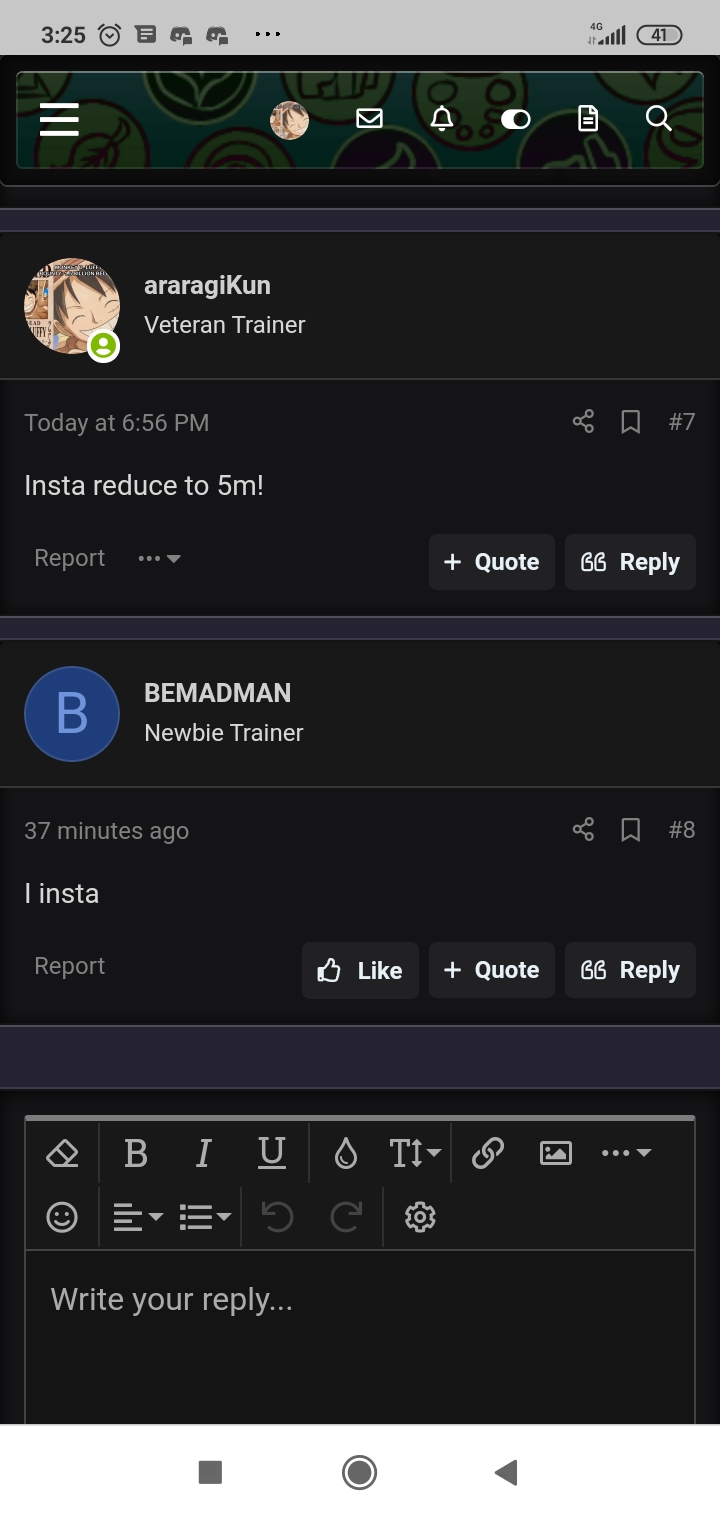
Insta reduce to 5m!
-
Insta reduce to 5m!
-
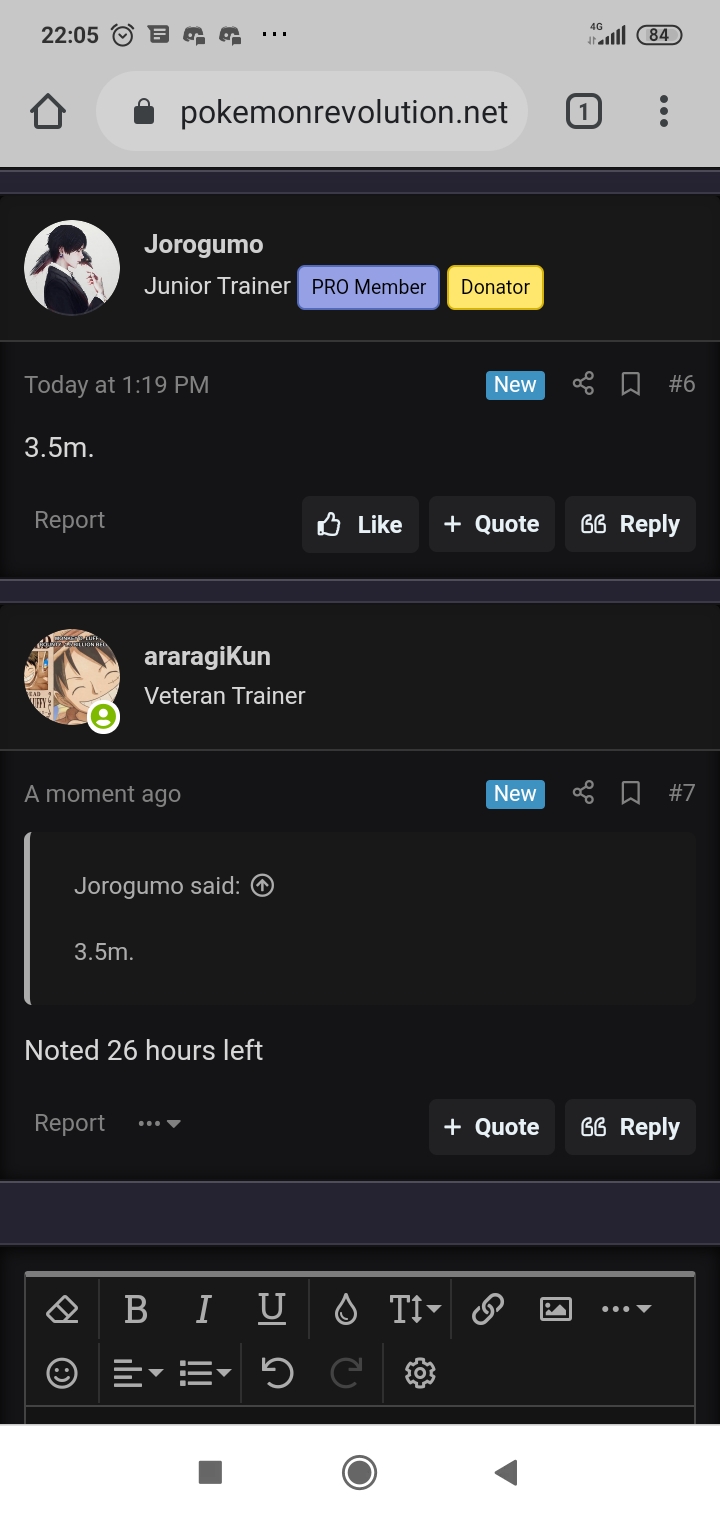
Noted 26 hours left
-
1m3Hope u aren't trolling Imma got 2 godly sassy umb here,was expecting nice offer on me in forum or in-game ty
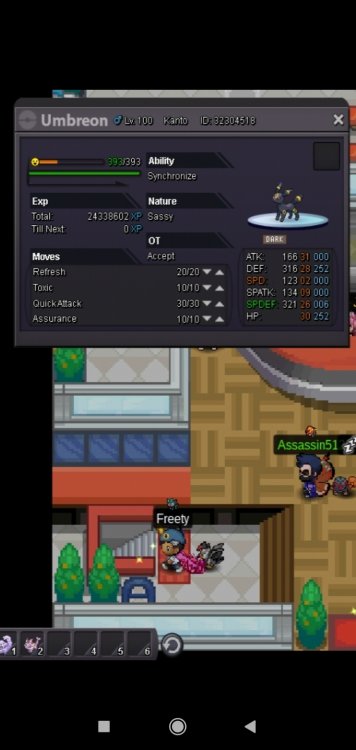
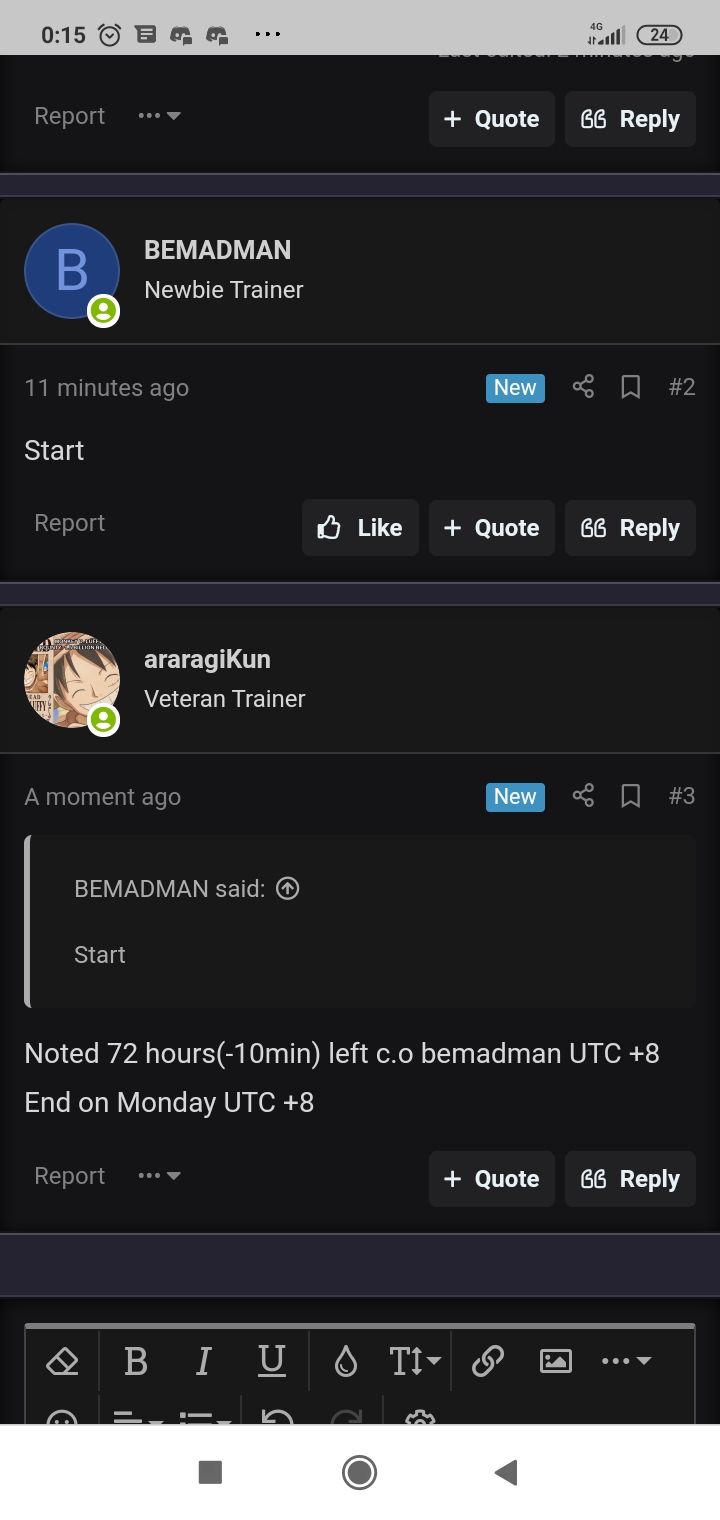
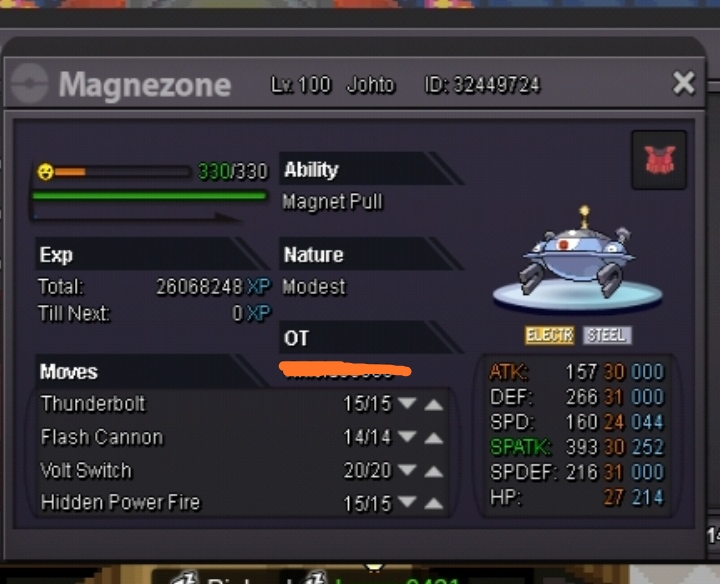
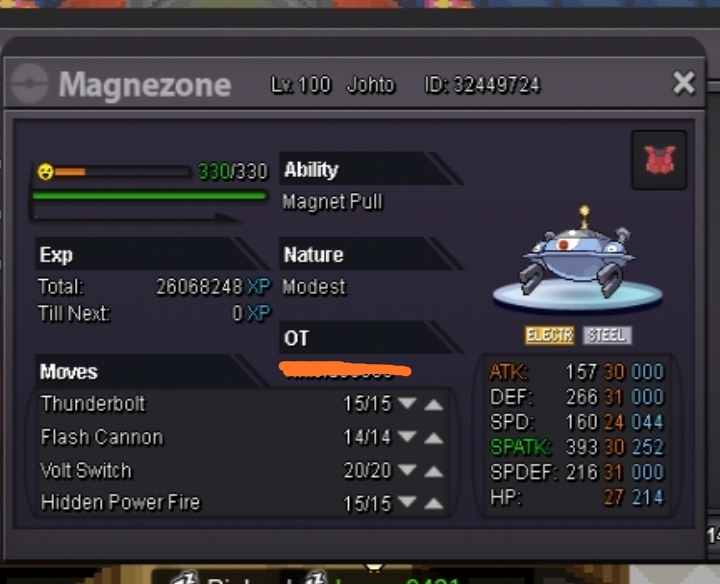
 Up!Imma in vermBumpinkkNoted 72 hours(-10min) left c.o bemadman UTC +8 End on Monday UTC +8C.o 3m5(joroguma) Min bid 300k Cc as 380k Insta 5m End 72 hours after starting offer already initiate I will go to the server of the winner of the auction At the moment it is PvP ready as Assault vest set,nicely to counter togekiss n manaphy
 Start adamant zigzagoon may dearBro I like ur shop so much,nice for a Pokémon catalog with alphabet n stuff but you know what,when u mention u have added 69 poke in ur thread it just hard n the regular browser that look around ur shop will need to start to A till Z to find those poke, my suggestion is separate ur newly added poke from the A-Z catalog n leave em be for like 1 or 2 weeks n after that u can added back to their A-Z catalog,that way we can see what new poke is added