Skip to content
View in the app

A better way to browse. Learn more.

Pokemon Revolution Online

A full-screen app on your home screen with push notifications, badges and more.

To install this app on iOS and iPadOS
  1. Tap the Share icon in Safari
  2. Scroll the menu and tap Add to Home Screen.
  3. Tap Add in the top-right corner.
To install this app on Android
  1. Tap the 3-dot menu (⋮) in the top-right corner of the browser.
  2. Tap Add to Home screen or Install app.
  3. Confirm by tapping Install.
New Trade Zone
Trade Zone is now live
Use the new Trade Zone for auctions and instant-price trades so Pokemon and item offers are easy to find.
Open Trade Zone

Meccccc

Suspended
  • Joined

  • Last visited

  1. Meccccc started following Monteria
  2. Hi guys, I found out we can not click on 3-letters-name on the chat box. With above 3 letter, its work normally. Please fix it
  3. Sorry i found the better one, good luck
  4. Riolu on crystal cavern(Catching Keldeo map) bro..., only treecko can't find on event map, please add it
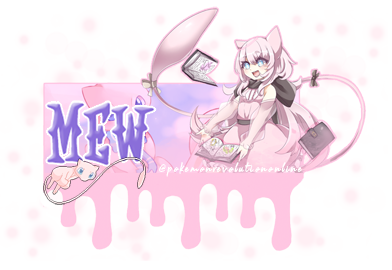
  5. Do you have banner relate to Mew?
  6. Can you tell me when exactly is it over?
  7. I can buy it with 50m 😄
  8. That's cute charmander. Good luck to you
  9. Nice azu, good luck to you
  10. Meccccc started following Shinohara
  11. Haian04 started following Meccccc
  12. It be learn fire punch by TM, not tutor
  13. @Hawluchaahe didn't write s.o and time

Account

Navigation

Search

Search

Configure browser push notifications

Chrome (Android)
  1. Tap the lock icon next to the address bar.
  2. Tap Permissions → Notifications.
  3. Adjust your preference.
Chrome (Desktop)
  1. Click the padlock icon in the address bar.
  2. Select Site settings.
  3. Find Notifications and adjust your preference.