




New Trade Zone
Trade Zone is now live
Use the new Trade Zone for auctions and instant-price trades so Pokemon and item offers are easy to find.


Kfseth
Registered User
-
Joined
-
Last visited
Everything posted by Kfseth
-
start
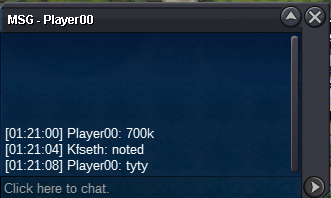
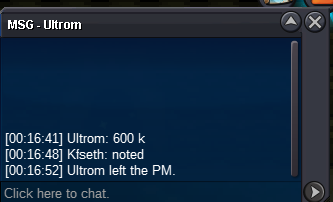
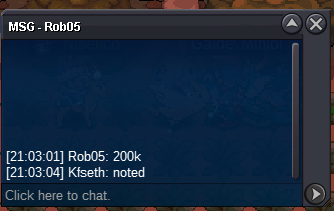
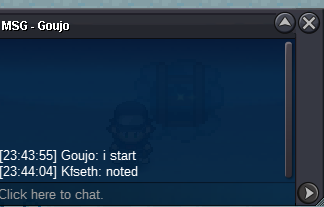 S.o 50k Min bid 50k insta 1m Accept cc 380k, rr 480k. 24hours after Start offer. https://www.tickcounter.com/countdown/4779297/metang
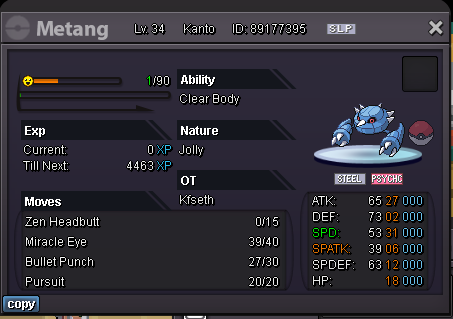 Sold
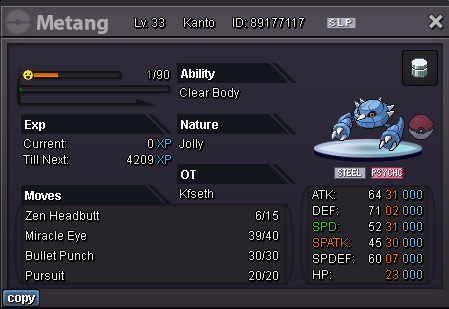
Sold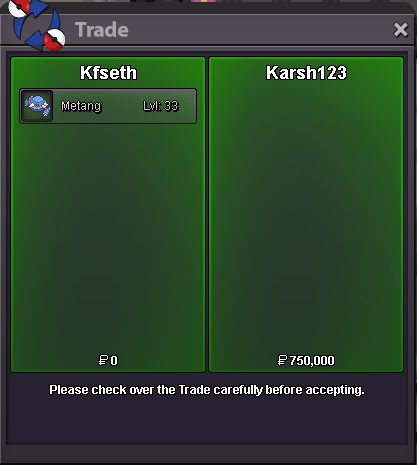 @Karsh12 pm in game/discord when u're online i can online till 2am gmt+8 and on again at 10am gmt+8S.o 50k min bid 50k no insta. 24hours after Start offer. Accept cc 380k, rr ticket 490k. https://www.tickcounter.com/countdown/4776533/metang
 Looking for Shiny Metagross jolly 20+spd, other stats can be low. can pay 120m. Discord: Kfsethim on right now-1 so much of these confirm notification things, it's just give more chance to botter to abuse. like he said use your eyesstarted
 Auction last 1 day(24hours) after start offer, Accept cc 380k, rr 500k. S.o 50k min bid 50k no insta. https://www.tickcounter.com/countdown/4760124/flabebe
 start. may i ask this auction start from first offer or start from the time u post this thread?Sold
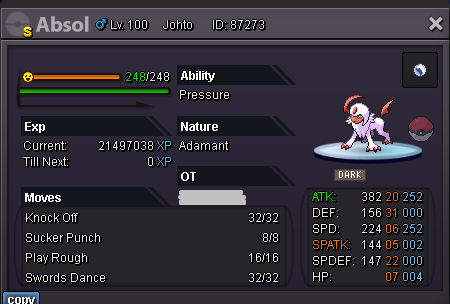
 Auction riolu for 2 days(48hours) after start offer. Accept cc 400k, rr ticket 500k. S.o 50k Min bid 50k insta 1.3m https://www.tickcounter.com/countdown/4739467/riolu








Account
Navigation
Search
Configure browser push notifications
Chrome (Android)
- Tap the lock icon next to the address bar.
- Tap Permissions → Notifications.
- Adjust your preference.
Chrome (Desktop)
- Click the padlock icon in the address bar.
- Select Site settings.
- Find Notifications and adjust your preference.
Safari (iOS 16.4+)
- Ensure the site is installed via Add to Home Screen.
- Open Settings App → Notifications.
- Find your app name and adjust your preference.
Safari (macOS)
- Go to Safari → Preferences.
- Click the Websites tab.
- Select Notifications in the sidebar.
- Find this website and adjust your preference.
Edge (Android)
- Tap the lock icon next to the address bar.
- Tap Permissions.
- Find Notifications and adjust your preference.
Edge (Desktop)
- Click the padlock icon in the address bar.
- Click Permissions for this site.
- Find Notifications and adjust your preference.
Firefox (Android)
- Go to Settings → Site permissions.
- Tap Notifications.
- Find this site in the list and adjust your preference.
Firefox (Desktop)
- Open Firefox Settings.
- Search for Notifications.
- Find this site in the list and adjust your preference.