




New Trade Zone
Trade Zone is now live
Use the new Trade Zone for auctions and instant-price trades so Pokemon and item offers are easy to find.

-Copy.png.5aee6ffc65480b3ce7c2e72f447595b6.png)
Kfseth
Registered User
-
Joined
-
Last visited
Everything posted by Kfseth
-
Kfseth - silver
-
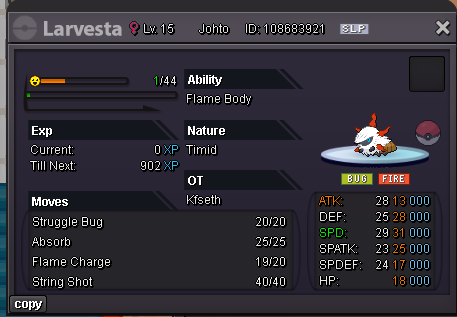
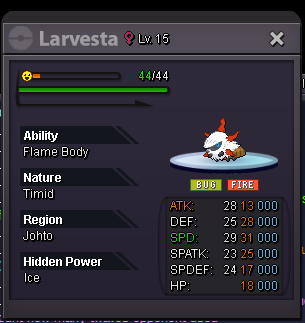
Auction fire bug, s.o 1m, min bid 100k, no insta, CC=490k. auction last 2 days(48hours) after start offer. Good luck everyone.
-
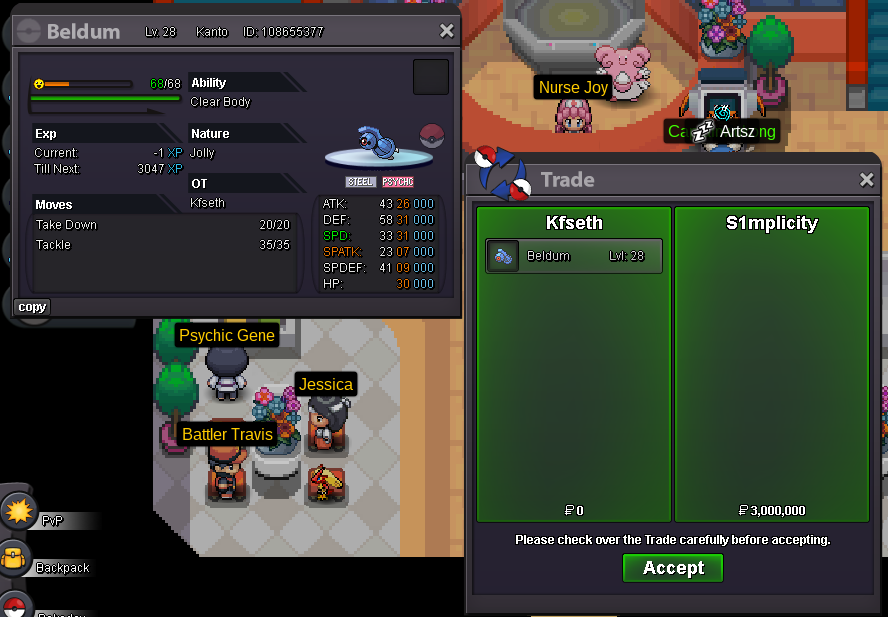
Trade done auction finished thx everyone
-
extended 15mins by rule
-
up 30mins left
-
Looking for shiny heracross Adament, Brave. any abi. male. pm ur offer
-
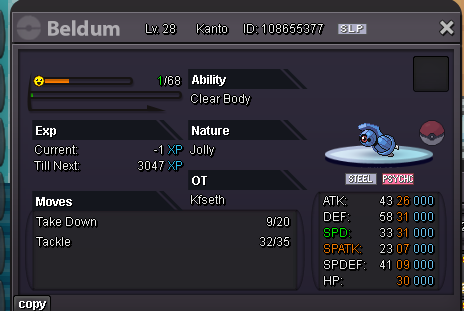
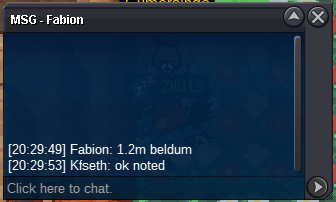
S.o 1m, Min bid 100k, no insta, CC=500k Auction last 2 days(48hours) after s.o Good luck countdown- https://www.tickcounter.com/countdown/8680018/beldum
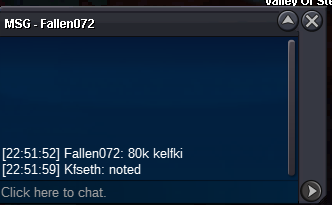
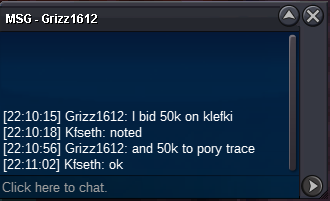
 its good yet wrong place to post thisKlefki, Yamask and Porygon trace abi sold to grizz1612 for 100k,120k, 80k=300k in total. Porygon download sold to L7ck for 60k. pm me ingame/discord for the trade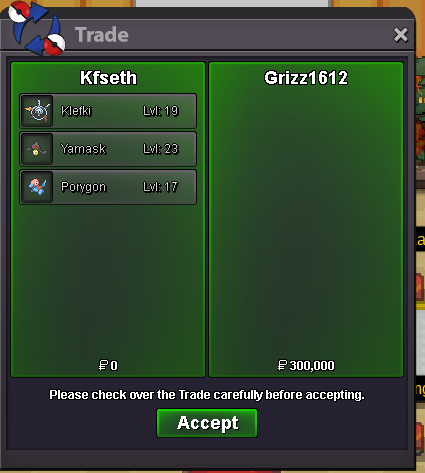
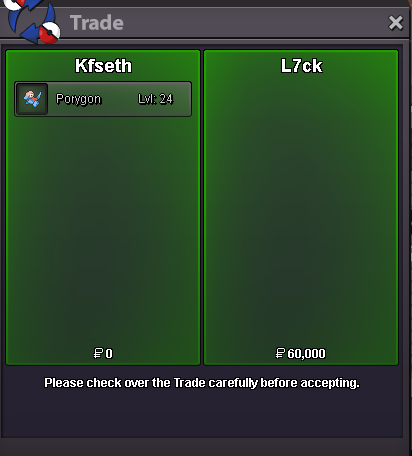 yamask extend 15min
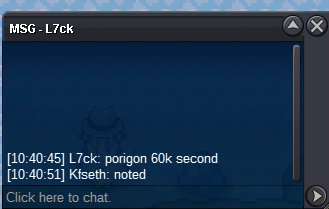
 these 2 added 15min extra time, klefki sold to grizz1612, porygon download abi sold to L7ckdownload abi pory 60k
 download abi pory c.o 50k
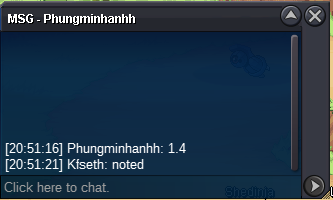
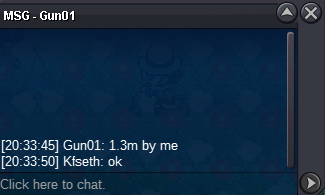
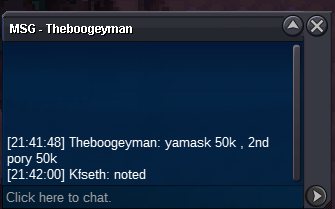 Auction 4 mons seperately depend on their start offer. Last 24hours after first offer. Accept cc 380k, rr ticket 500k. Link for time countdown for all 4 mons : https://www.tickcounter.com/countdown/4789354/my-countdown S.o 10k Min bid 10k Insta 500k. S.o 10k Min bid 10k Insta 380k S.o 10k Min bid 10k Insta 600k S.o 10k Min bid 10k Insta 700k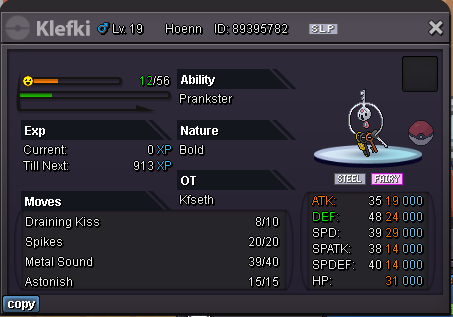
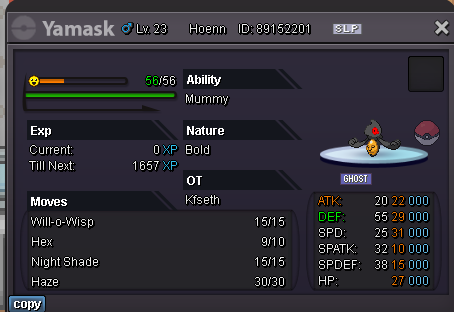
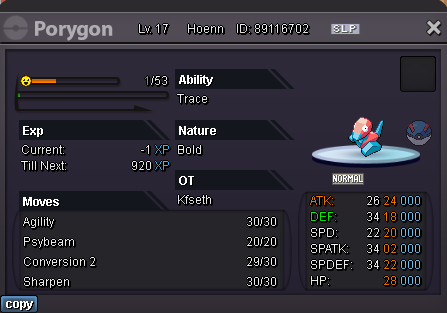
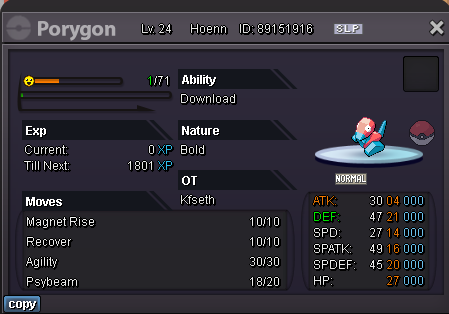 Sold to @Elnaaz pm me in game/discord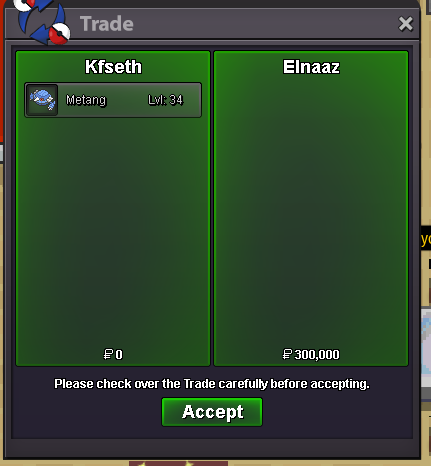
-Copy.thumb.png.32e482e5d7ba20e79a0934826414476f.png)



Account
Navigation
Search
Configure browser push notifications
Chrome (Android)
- Tap the lock icon next to the address bar.
- Tap Permissions → Notifications.
- Adjust your preference.
Chrome (Desktop)
- Click the padlock icon in the address bar.
- Select Site settings.
- Find Notifications and adjust your preference.
Safari (iOS 16.4+)
- Ensure the site is installed via Add to Home Screen.
- Open Settings App → Notifications.
- Find your app name and adjust your preference.
Safari (macOS)
- Go to Safari → Preferences.
- Click the Websites tab.
- Select Notifications in the sidebar.
- Find this website and adjust your preference.
Edge (Android)
- Tap the lock icon next to the address bar.
- Tap Permissions.
- Find Notifications and adjust your preference.
Edge (Desktop)
- Click the padlock icon in the address bar.
- Click Permissions for this site.
- Find Notifications and adjust your preference.
Firefox (Android)
- Go to Settings → Site permissions.
- Tap Notifications.
- Find this site in the list and adjust your preference.
Firefox (Desktop)
- Open Firefox Settings.
- Search for Notifications.
- Find this site in the list and adjust your preference.