New Trade Zone
Trade Zone is now live
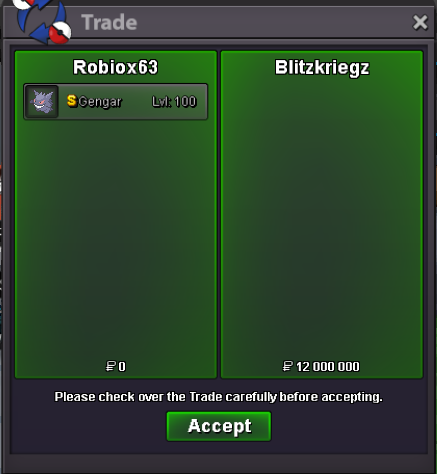
Use the new Trade Zone for auctions and instant-price trades so Pokemon and item offers are easy to find.

Robiox63
Registered User
-
Joined
-
Last visited
-
-
Username : Robiox63 Server : Gold Country/Timezone : France / GMT+2
-
6m
-
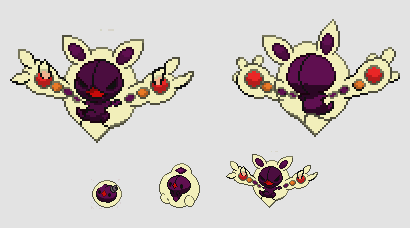
Event form: Halloween Time investment: Around 2 hours Possibly interest to join staff either as Pixel Artist or Coin Shop icon creator: Maybe Dark Reuniclus and family
-
Update : reduced price !
-
Robiox63 Server : Gold Timezone : GMT +2
-
ok i am available all night, if I am not in the game, ask a member of my guild renaissance, they will send me a message.
-
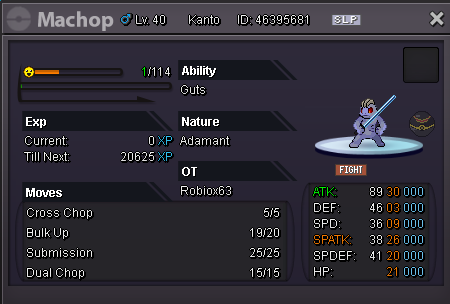
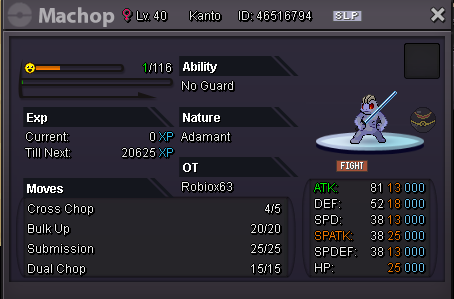
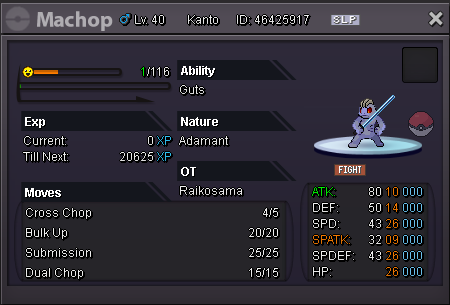
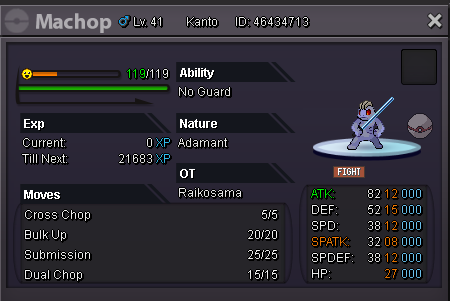
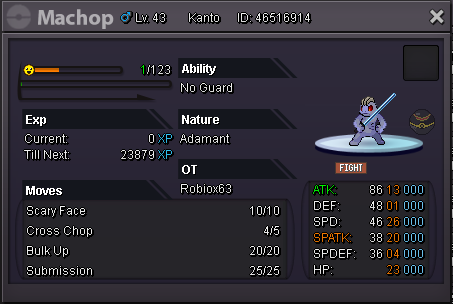
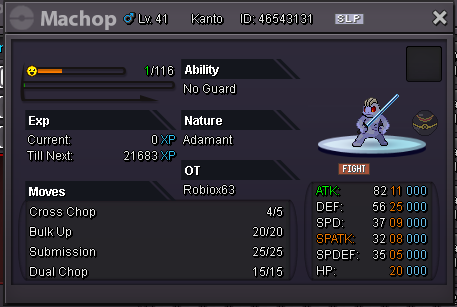
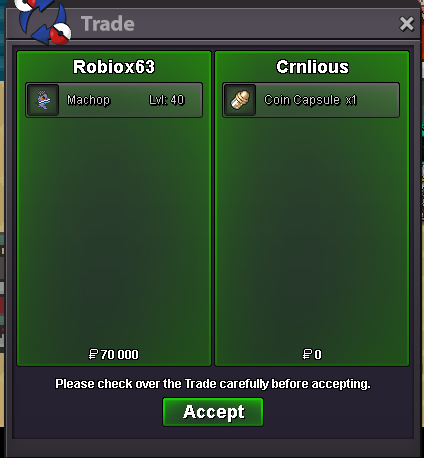
- SHOP RULES - Any fake offer will be reported. Be careful ! You can't cancel your offer. Buyers from the Silver server are welcome but they must transfer themselves to the Gold server. No auctions here, only fixed insta prices. IG : Robiox63 Discord : robiox63#3797 - ACCEPTED CURRENCIES - Pokedollars Reroll Ticket - 750k Nature Reroll - 375k Coin Capsule - 370k 100K ( Luxury Ball ) 100K ( Pokeball ) 100K ( Premier Ball ) 50K ( Luxury Ball ) 50K ( Luxury Ball ) SOLD

-
Hello i accidentally delete my pokemon. ign : robiox63 server: gold pokemon : Muk-Alolan id number: 28562865 thank you

-
S.O: 6M MIN BID: 250K INSTA: 12M Duration : 3 Days after the first bid Pokedollars Coin Capsules: 400k Reroll Tickets: 720k Free delivery to the server where the pokemon is bought DISCORD : robiox63#3797
 900k600kI just tested and it's good the boss works correctly. ( I had test 1 day ago and it didn't work that's why I bumped sorry )bump