




New Trade Zone
Trade Zone is now live
Use the new Trade Zone for auctions and instant-price trades so Pokemon and item offers are easy to find.

Lunarz
Registered User
-
Joined
-
Last visited
Everything posted by Lunarz
-
congratulations Chichaii
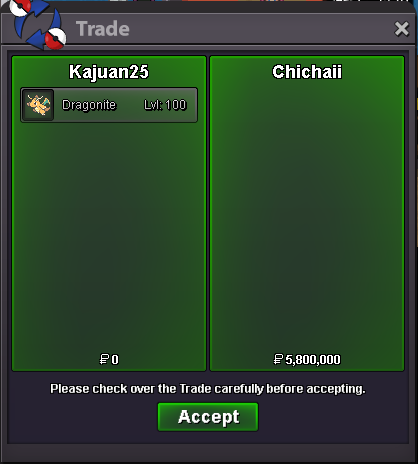
-
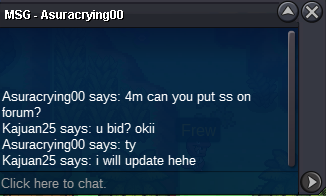
bumplast hour bump!bump4m by Asuracrying00
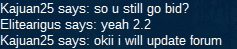
 bump2.2M by Elitearigus
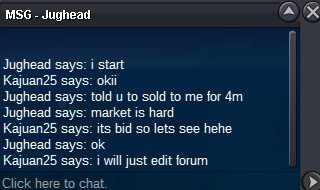
 2M by Jughead
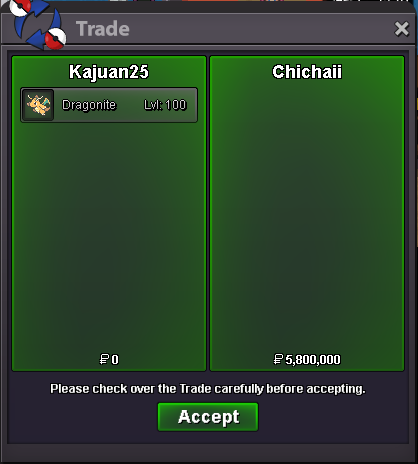
 bump edited start bidWINNER CHICHAII CONGRATS!
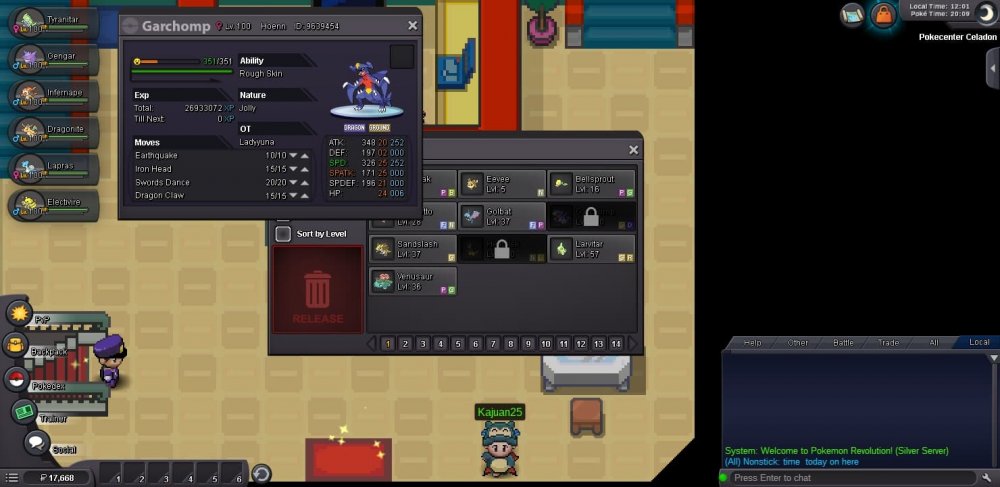
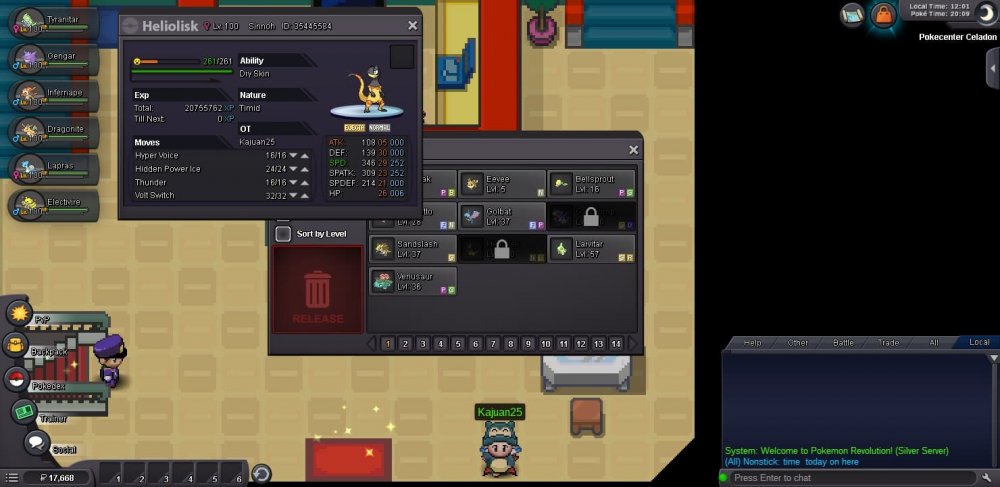
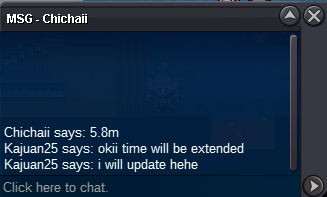
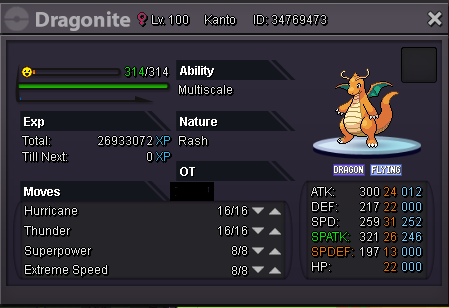
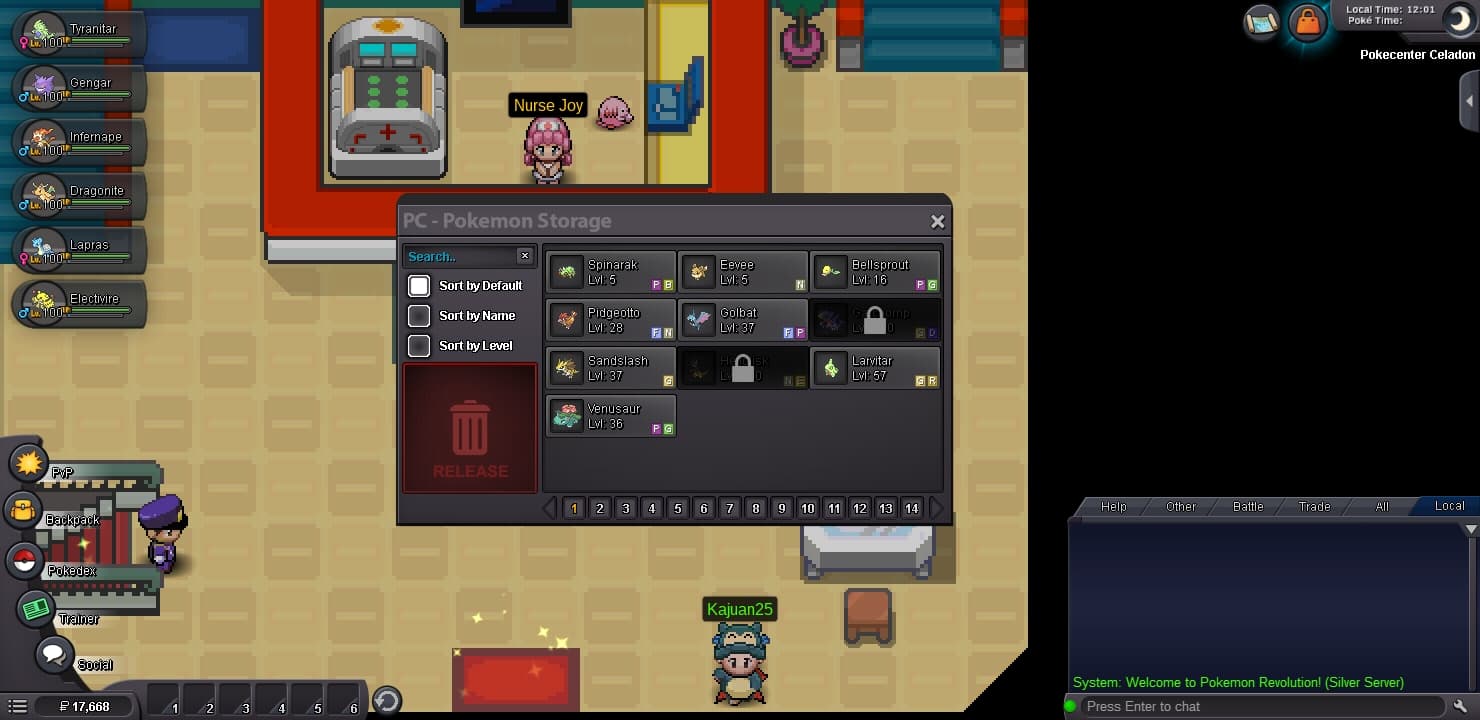
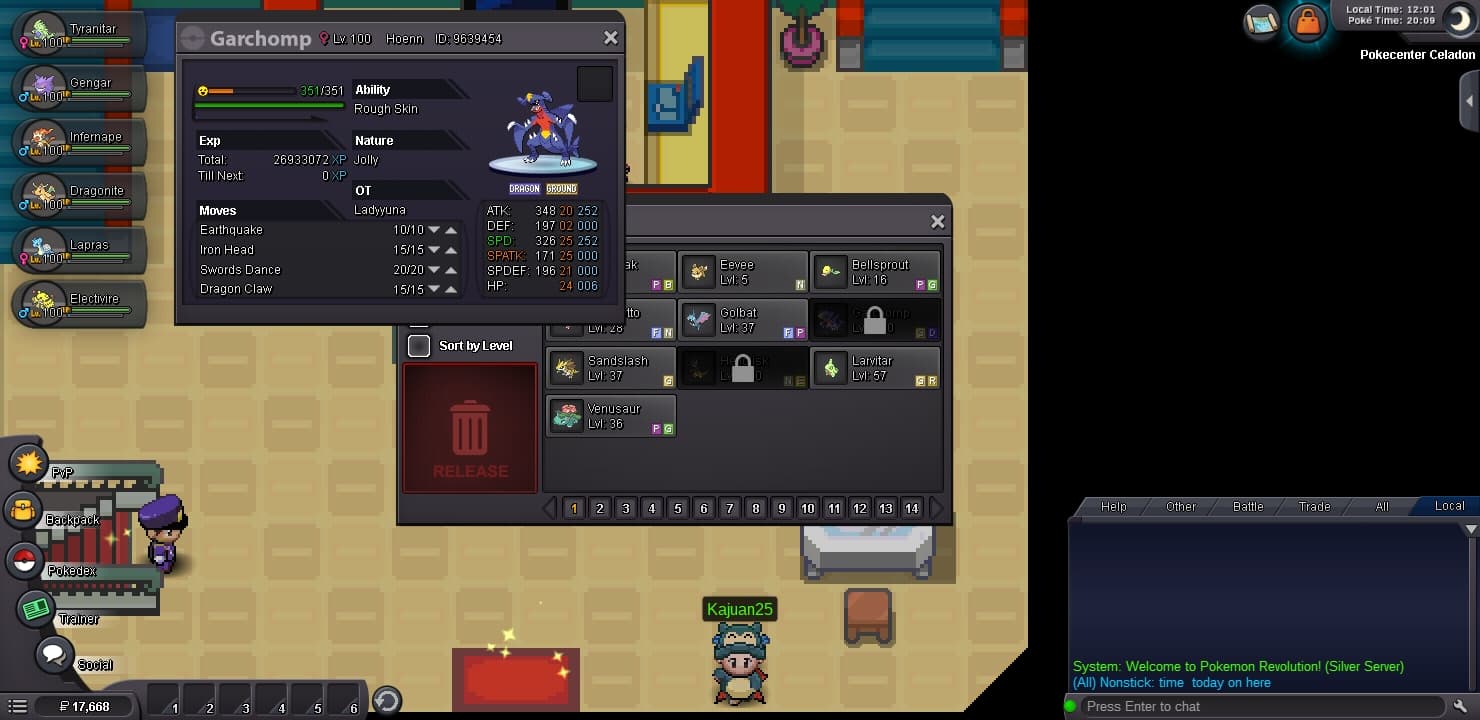
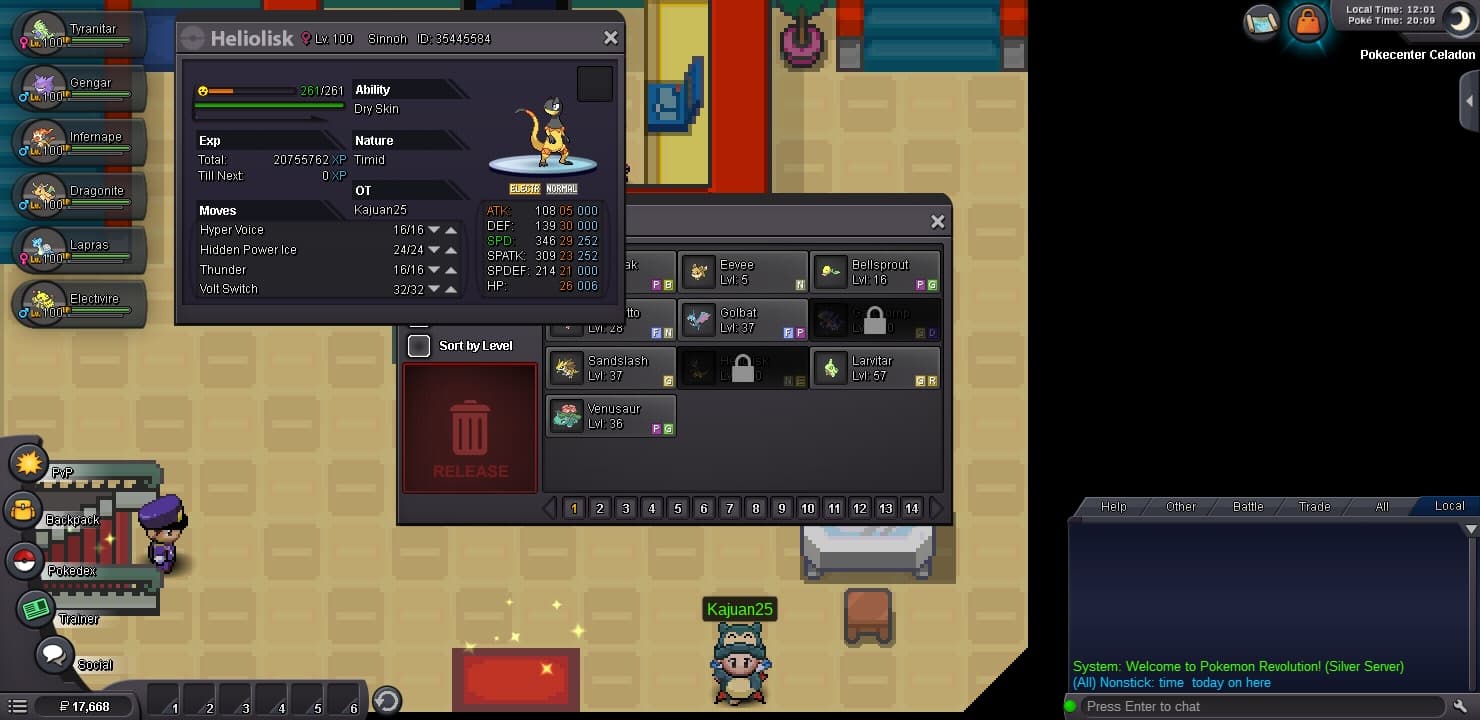
 Name Change Username: KaJuan25 New Username: Lunarz Server to charge the money from: SilverHi good day! I let my classmate/friend "Viperx" (his ign) to use my pokemon for us to have a battle. I forgot that my 2 pokemons Garchomp and Heliolisk is not yet available for him because of region lock. I was not able to realize that he will not be able to use it and it will be region locked for he is only at Kanto with 4th badge. I hope that my 2 pokemons will be back for i will need it asap. I asked him to take screenshot of the pokemons and he gave it to me. Thank you for your understanding. IGN: Kajuan25 Server: Silver Friend's IGN: Viperx Here are the pokemons: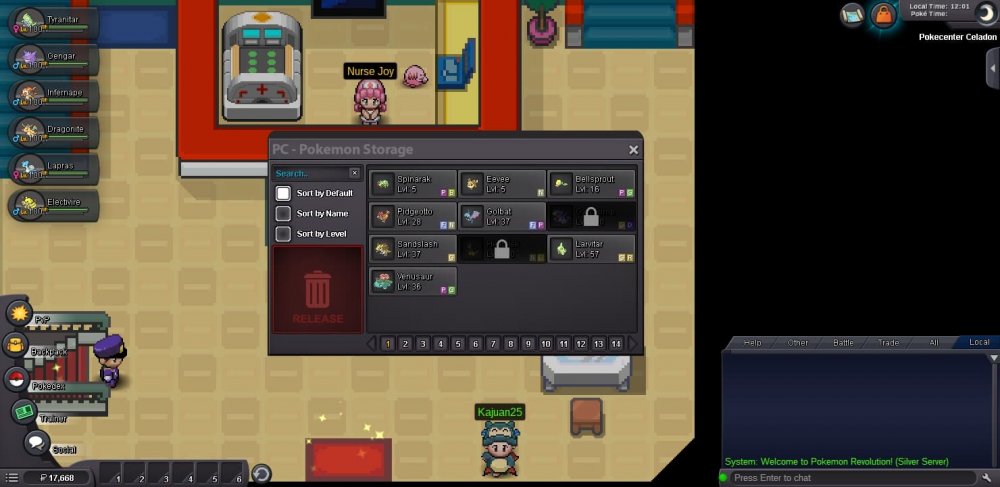
 Re: ♦ Multiserver Coin/Coin items Giveaway (Red/Blue/Yellow) ♦ <r>Blue server here :) <E>:Grin:</E></r>

Account
Navigation
Search
Configure browser push notifications
Chrome (Android)
- Tap the lock icon next to the address bar.
- Tap Permissions → Notifications.
- Adjust your preference.
Chrome (Desktop)
- Click the padlock icon in the address bar.
- Select Site settings.
- Find Notifications and adjust your preference.
Safari (iOS 16.4+)
- Ensure the site is installed via Add to Home Screen.
- Open Settings App → Notifications.
- Find your app name and adjust your preference.
Safari (macOS)
- Go to Safari → Preferences.
- Click the Websites tab.
- Select Notifications in the sidebar.
- Find this website and adjust your preference.
Edge (Android)
- Tap the lock icon next to the address bar.
- Tap Permissions.
- Find Notifications and adjust your preference.
Edge (Desktop)
- Click the padlock icon in the address bar.
- Click Permissions for this site.
- Find Notifications and adjust your preference.
Firefox (Android)
- Go to Settings → Site permissions.
- Tap Notifications.
- Find this site in the list and adjust your preference.
Firefox (Desktop)
- Open Firefox Settings.
- Search for Notifications.
- Find this site in the list and adjust your preference.