




New Trade Zone
Trade Zone is now live
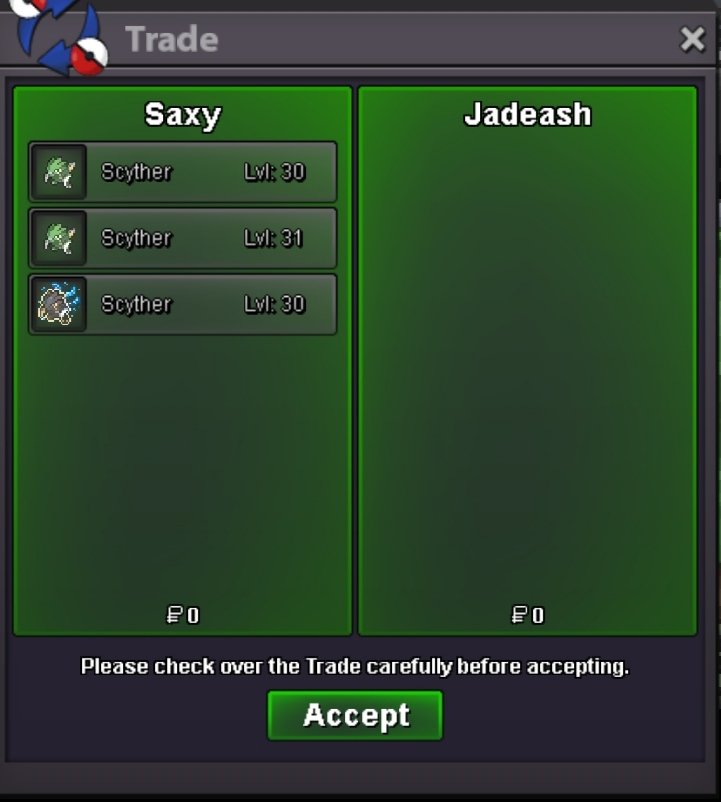
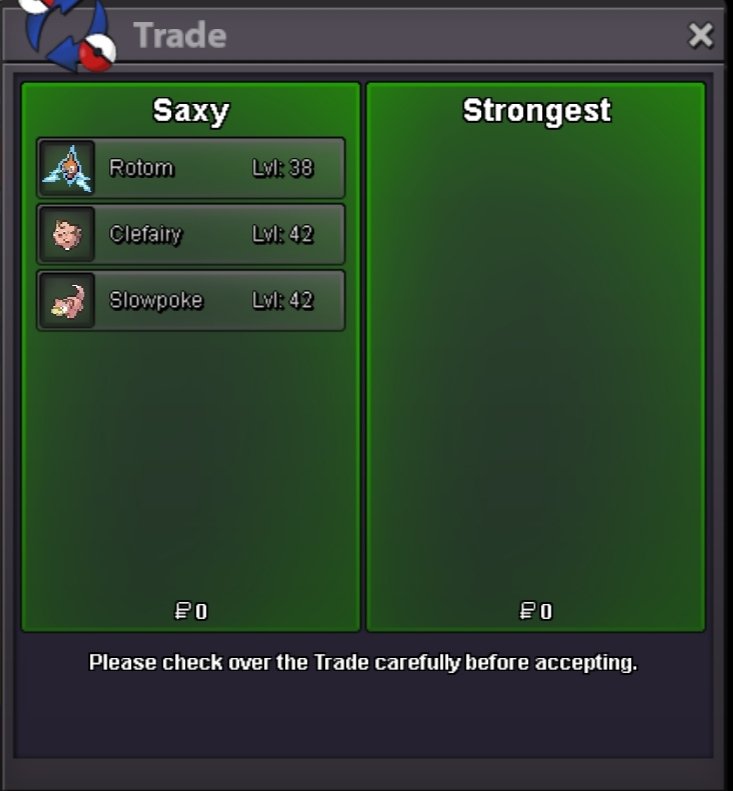
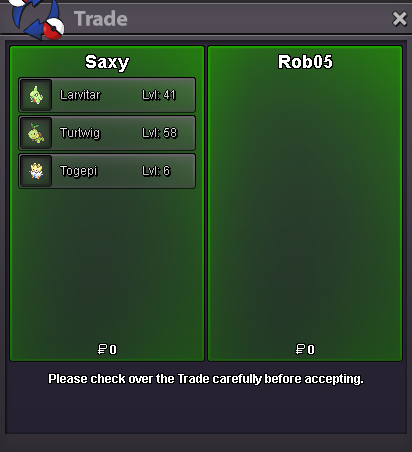
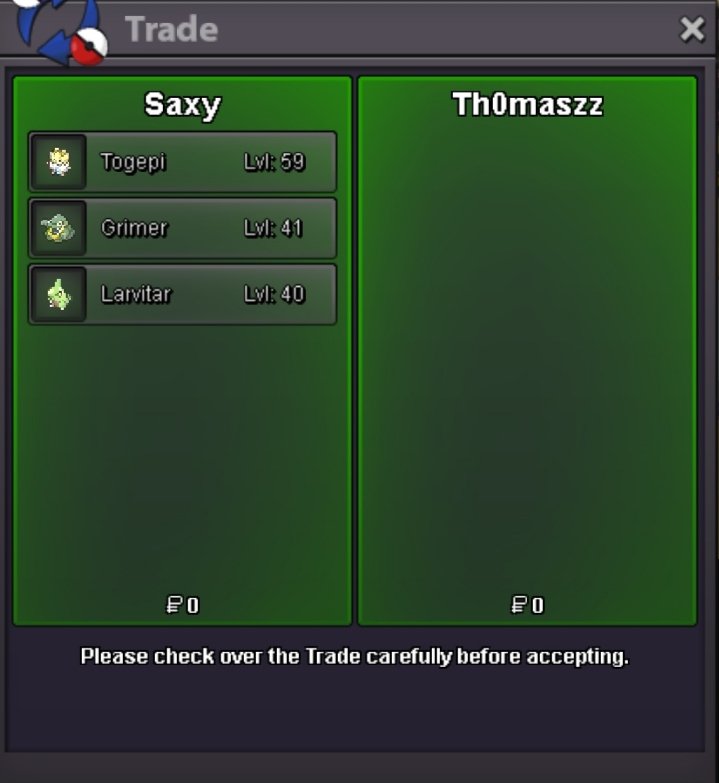
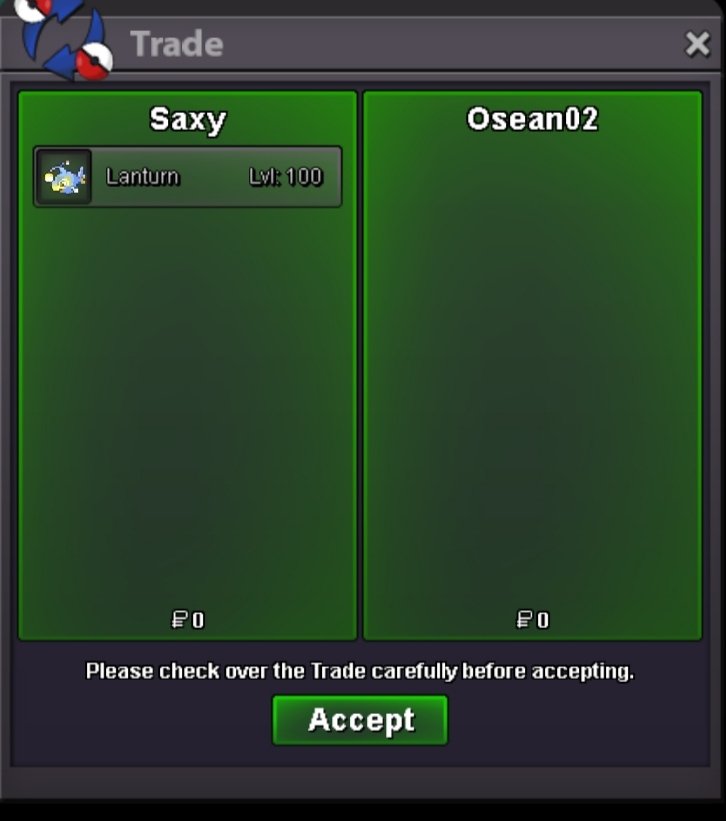
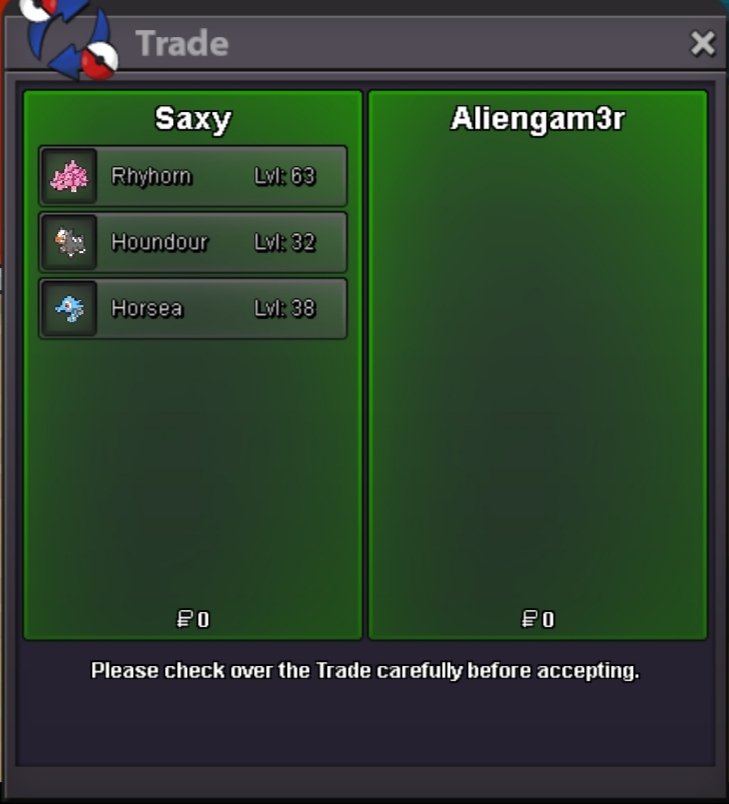
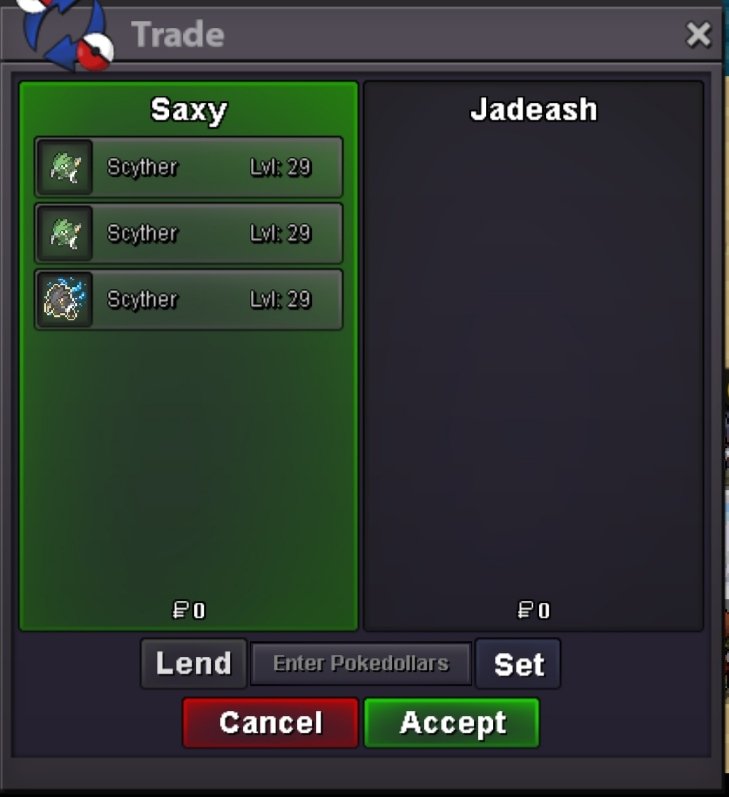
Use the new Trade Zone for auctions and instant-price trades so Pokemon and item offers are easy to find.

Saxy
Registered User
-
Joined
-
Last visited
Everything posted by Saxy
-
Summer Ball Increased Catch Rate for Summer Themed Pokemon


-
Steampunk Ball Increased Catch Rate for Pokemon encountered in Magnetic Field maps


-
Clefairy added to banned list.RULES: TRAINING INFO: Pokemon I will not train: If you are unable to join the Discord server, you can simply post your Pokemon here in this thread, with your Discord tag and in-game name, and I will message you on Discord, in-game, or forum DMs. This is the preferred way. Join the server: https://discord.gg/dRpu7NYMUV (Optional) I can deny a request anytime if needed to. Any form of donation to the shop is more than welcome as I will be using the Safari Effort Wald. Check out Raika's free level service as well here: https://pokemonrevolution.net/forum/topic/201712-raikas-free-levels/-1 As this would not be possible for a couple of reasons. First of all it would require every single water mount sprite sheet to be redrawn and there's A LOT. Secondly Underwater maps work with surf colliders so either devs would have to make some sort of distinction between normal surfing maps and underwater surfing maps or make new colliders especially for underwater surfing, both of which isnt gonna happen. Both of these arent worth the effort for something so slightly visual.As you said 25% chance. That means in average one in four pokemon you encounter could be h.a. Two key words. Encounter and could be. You dont catch each pokemon you encounter to see if the chances are exactly 25%. You are working with probabilities which means you can go through a few pokemon without finding an h.a. one due to how probabilities and luck work. No suggestion here as BMS was never nerfed or changed.Oh god the horror.+1 Nice suggestion.https://pokemonrevolution.net/forum/topic/146677-url/?do=findComment&comment=805231 Already suggested and denied, there is an abra right there that works as a shortcut.Bump Bump~Bumpity bump~I would like to suggest adding subcategories to the Suggestions Subforum to keep things more organised while also being easier to sort through both for the staff team and the community. Some examples that come to mind are: > Content Suggestions (For all suggestions related to ingame content such as Maps, Cosmetics/Mounts/Sprites, Quests/Events etc.) > Mechanics Suggestions (For all suggestions related to developer-side additions) > Rules and Moderation Suggestions (For all suggestions related to possibly adding or reworking rules or moderation related stuff) > PVP Suggestions (For all suggestions related to the PVP aspect of the game) Feel free to leave any feedback or suggest other categories.



Account
Navigation
Search
Configure browser push notifications
Chrome (Android)
- Tap the lock icon next to the address bar.
- Tap Permissions → Notifications.
- Adjust your preference.
Chrome (Desktop)
- Click the padlock icon in the address bar.
- Select Site settings.
- Find Notifications and adjust your preference.
Safari (iOS 16.4+)
- Ensure the site is installed via Add to Home Screen.
- Open Settings App → Notifications.
- Find your app name and adjust your preference.
Safari (macOS)
- Go to Safari → Preferences.
- Click the Websites tab.
- Select Notifications in the sidebar.
- Find this website and adjust your preference.
Edge (Android)
- Tap the lock icon next to the address bar.
- Tap Permissions.
- Find Notifications and adjust your preference.
Edge (Desktop)
- Click the padlock icon in the address bar.
- Click Permissions for this site.
- Find Notifications and adjust your preference.
Firefox (Android)
- Go to Settings → Site permissions.
- Tap Notifications.
- Find this site in the list and adjust your preference.
Firefox (Desktop)
- Open Firefox Settings.
- Search for Notifications.
- Find this site in the list and adjust your preference.