




New Trade Zone
Trade Zone is now live
Use the new Trade Zone for auctions and instant-price trades so Pokemon and item offers are easy to find.

Timorpoke
Registered User
-
Joined
-
Last visited
Everything posted by Timorpoke
-
Buy one ingame
-
Buy one ingame
-
500k
-
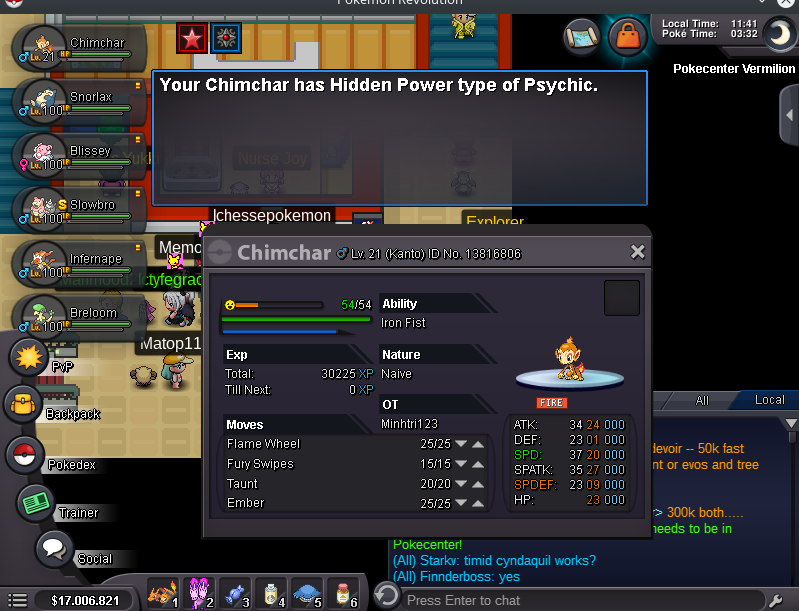
Hidden Power?
-
Hello, i buy a NEW Charmander with 91+ EV. I Pay 300k but i need a Screenshot from a Caught Date Checker !.
-
Can i buy a Charmander or need it my ot?
-
Yes you need Direct11 now. That not works.... Seems like i leave pro sadly... -.-
-
no they dont work. In the Linux Selection are the Windows Client.
-
Sorry for my bad English. This means the Linux Client come to another time?
-
I download it now Yes works! Thank you
-
Hello, i can't download the Linux Client. The Link are down.
-
Price start at : 300k Insta : 1,5M Raise only by 50k minimum, ends in 1 week. Accept only cash
-
Insta
-
Buy one protean Timid budget 3 M
-
I like the Event ^^
