




New Trade Zone
Trade Zone is now live
Use the new Trade Zone for auctions and instant-price trades so Pokemon and item offers are easy to find.


Zetzumi
Registered User
-
Joined
-
Last visited
Everything posted by Zetzumi
-
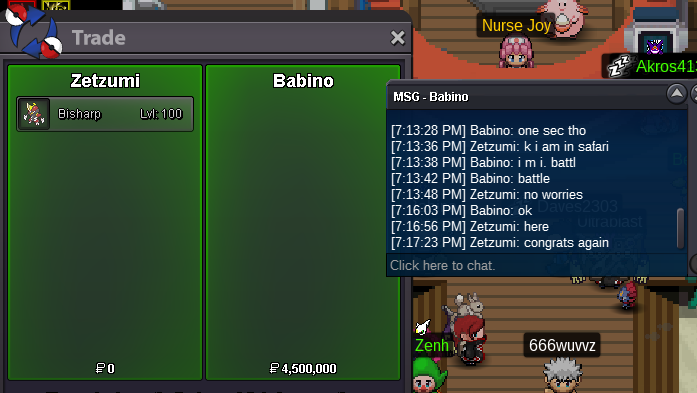
I am sorry I am sure you have been asked this question loads of times since the new discord update to the trade rules. The question I have is what about auctions that had started before the rule was in effect. I currently have an auction that I have not announced insta price on that was started before the rule change. Am I allowed to add an insta to that forum post or not? Also I do understand any other new forum auction since the rule update insta can only be edited or added until first bid/start out price is met then not after. Yet I have a question for clarification if someone offers a bid on forum and it does not meet the start price is the insta still allowed to be edited Or not due to the fact that a bid was placed even though it did not meet the start out price of the auction. Also a suggestion/question I had an auction end recently on a bisharp which I had several people bid within seconds/minutes of each other. Is it appropriate for me to post all in one reply since the bids where all ingame. I legit had three windows open monitoring time stamps. A small complaint with the new insta rule I understand why it was placed but as like in my current event volcarona auction. (see link) https://pokemonrevolution.net/forum/topic/157841-url I don't like to announce insta right away I understand that people have been abusing the any time insta announced but perhaps a negotiation with that. Insta can be added at a later time as long as we specify in forums that "insta will be posted 24 hours before end of auction" and give specified time that would be? like our gmt and date? that way anyone who knows ahead of time that insta's before it is announced to public can be dealt with accordingly? I am uncertain how to monitor that but it is a thought. Or even allow us to keep the option to lower the insta after auction has been started only if it is within a specific time limit of end of auction like 24-48 hours and only in forum.? I know for some of the auctions I have done. I prefer to hold out before placing the insta and never reveal to anyone even if they ask in pms until it is posted in forum then announce to public ingame as well typically 24 hours before end depending on real life things. I understand if that is not a possibility I just thought to throw it out there. Thank you for all the hard work you do and the time taking to review this post.
-
Congrats Babino!!!!
-
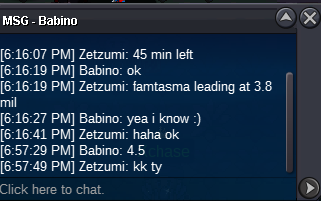
ends 9 min
-
15 min added at 1856
-
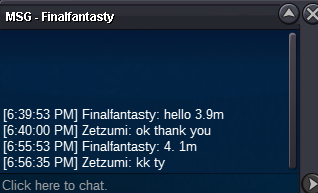
13 min til end

-
3.9 mil ends 19 min

-
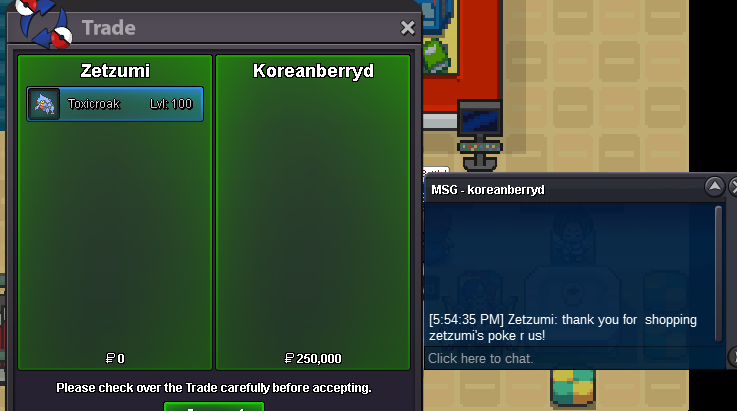
thank you
-
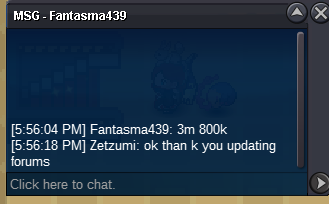
new bid ends 1 hour 2 min
-
if you have a twitter release picture it shows in the background hint of where located.
-
Confirmed the ivs for the starters have to be over 90 because. EXACTLY 90 is not strong enough
-
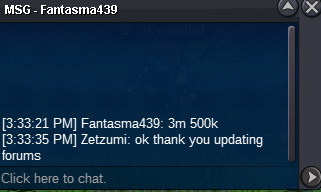
new bid of 3.5 mil last 3 hours 26 min (correction on time to make sure I end when my auction is supposed to not early following rules of forum) this was posted at 15 33 gmt-5 auction ends 7pm gmt-5)
-
for venu it must be bold modest timid relaxed or sassy for oak
-
-
Bump 9 hours 17 min left.
-
bump 5 days 7 hours 18 min left.
-
Thank you relics!

-
bump insta added. 23 hours 41 min left.
-
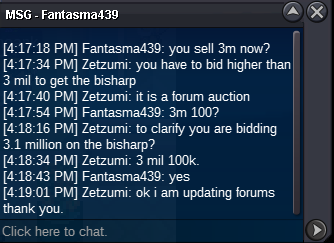
new bid of 3.1 million by Fantasma439
-
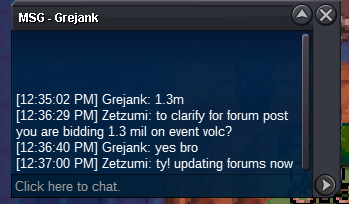
1.3 mil bid by Grejank
-
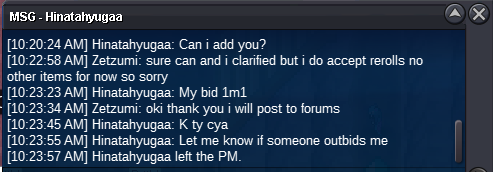
Current bid 1.1 mil by Hinatahyugaa
-
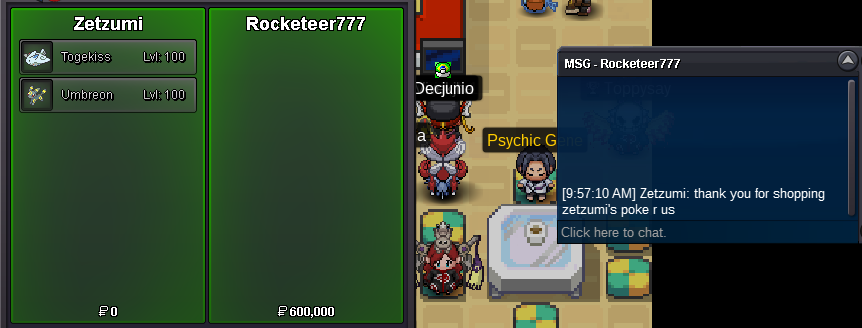
Thank you for your purchase!
-
bump end in 6 days 8 hours and 14 min
-
Bump current bid 3 mil by Babino ends in 35 hours 15 minutes
-
-
Current bid 1 mil by Grejank

