




New Trade Zone
Trade Zone is now live
Use the new Trade Zone for auctions and instant-price trades so Pokemon and item offers are easy to find.

Ichigozer
Registered User
-
Joined
-
Last visited
Everything posted by Ichigozer
-
Come online unisson mountain
-
500k not 350k btw
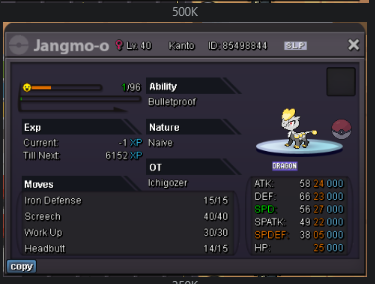
-
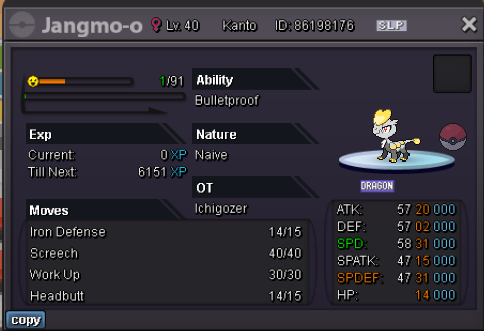
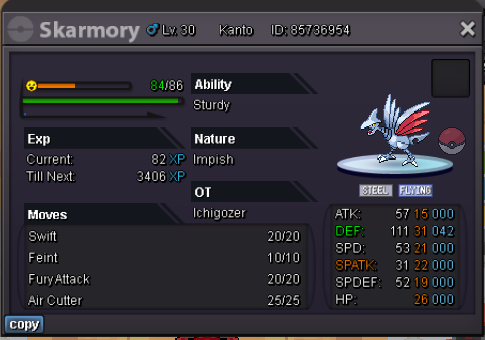
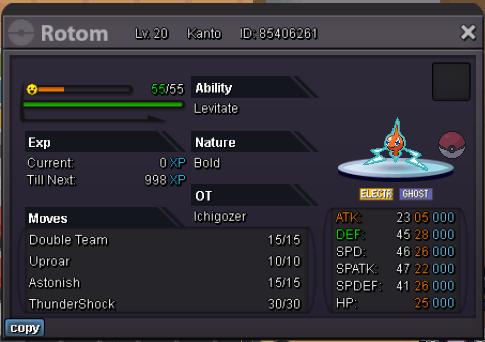
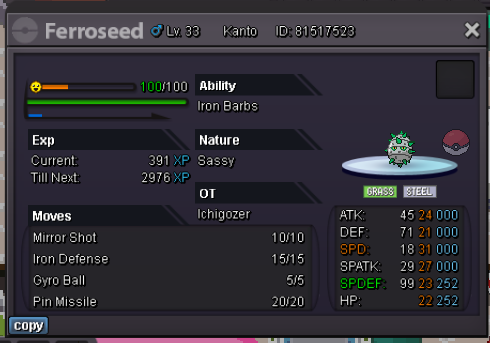
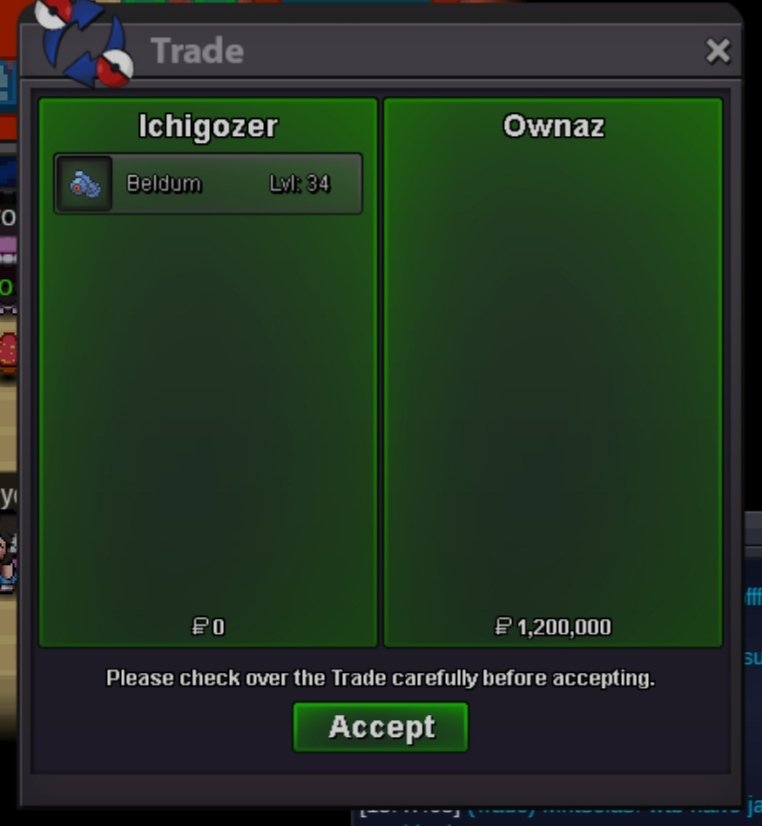
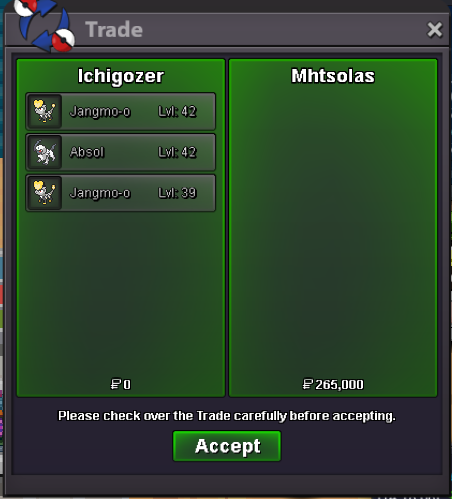
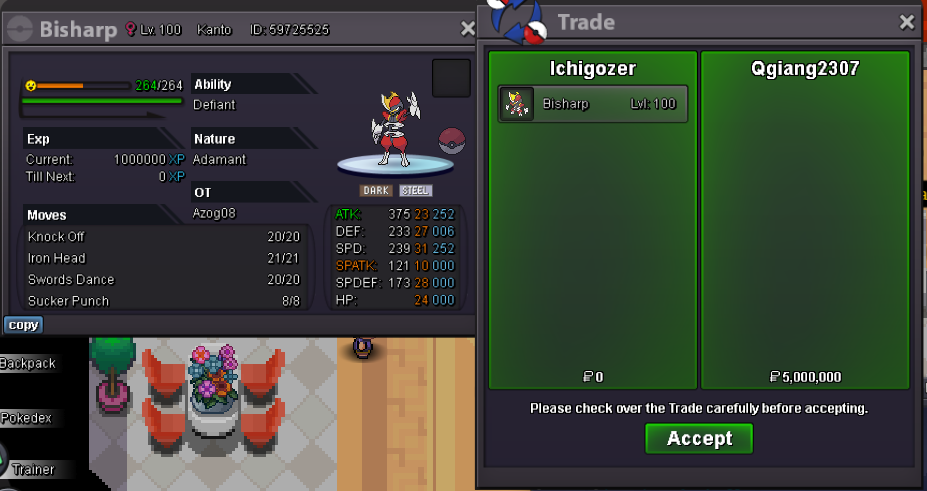
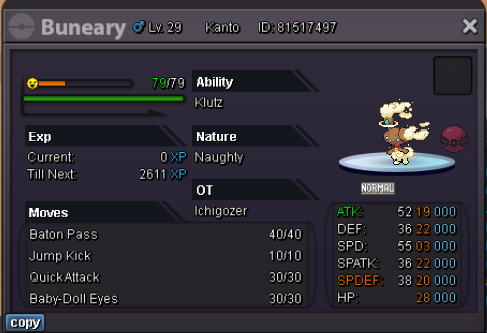
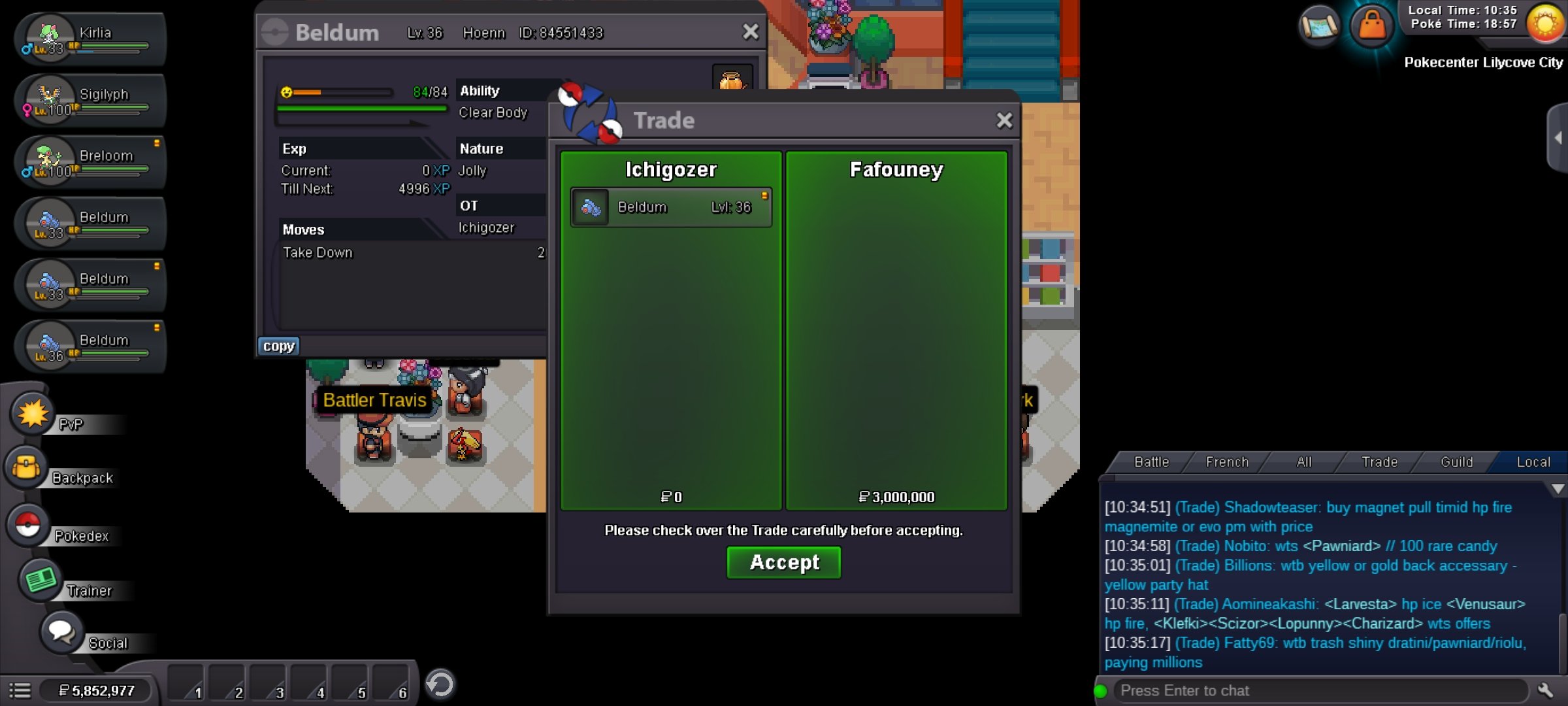
Wsh ! I only accept Pokedollars. I do not negotiate with terrorists. All trades will be done in Serenia Village or Vermi. There will be waves of new added pokemon each day / week / month POKEMONS FOR SALE Contact : @gozerleduc on discord
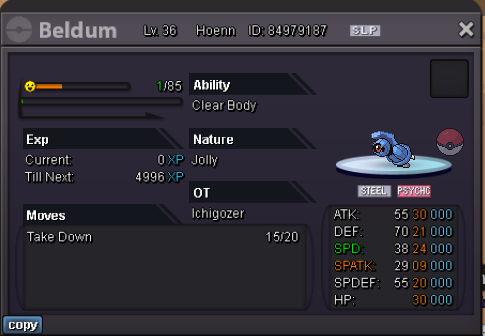

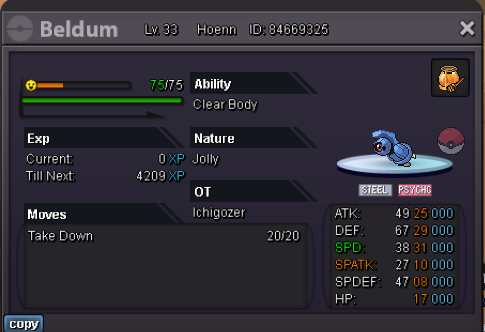
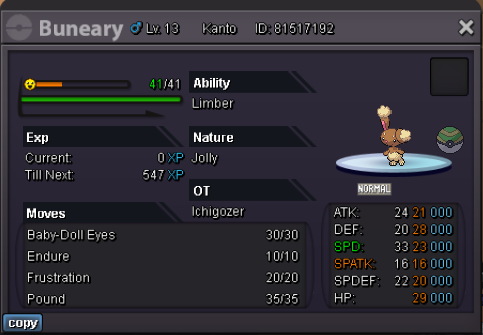






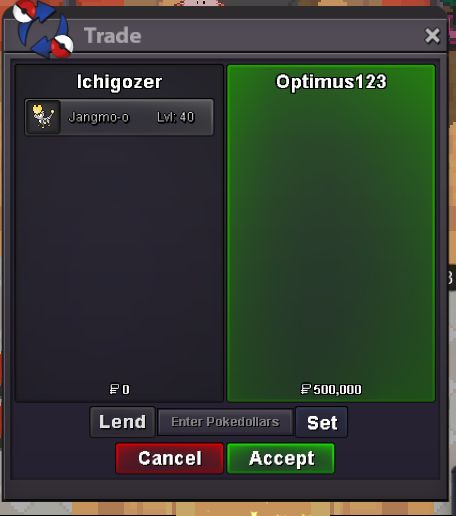

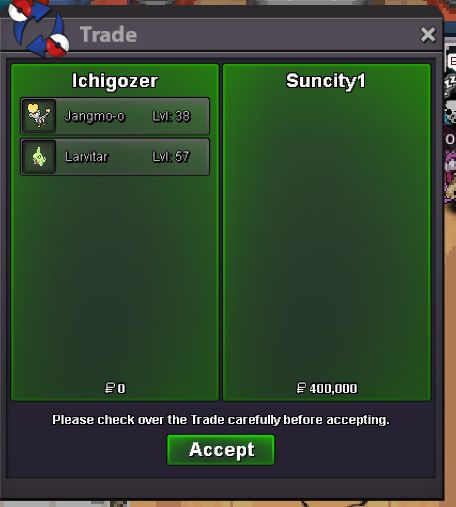
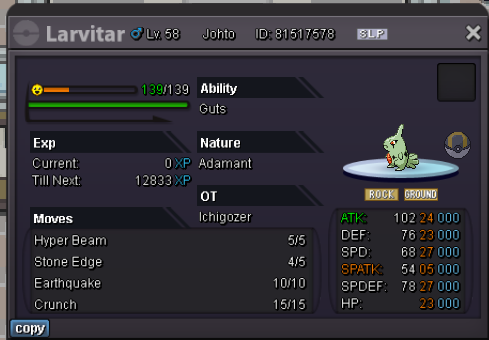


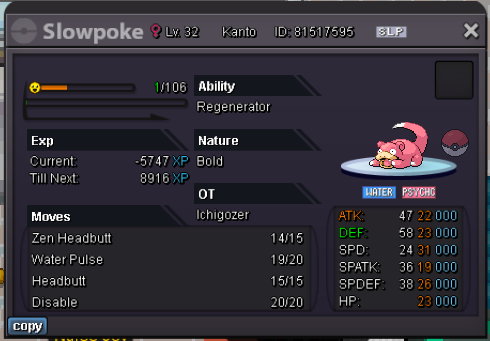
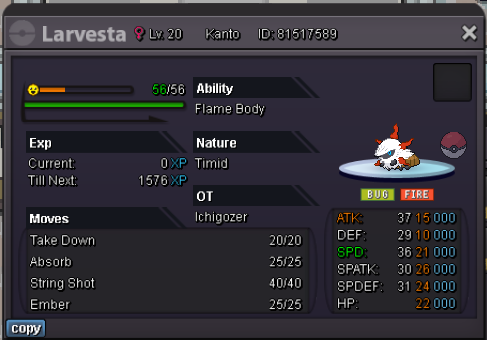

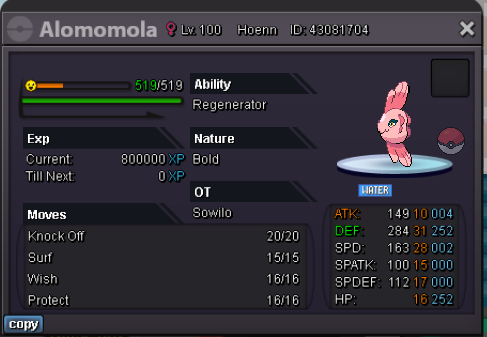
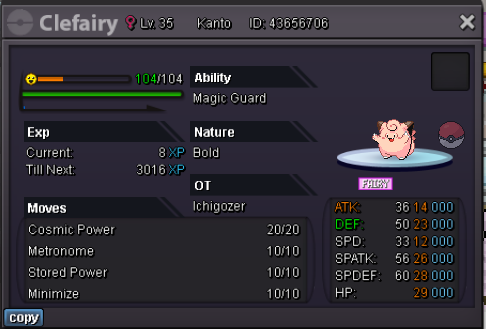
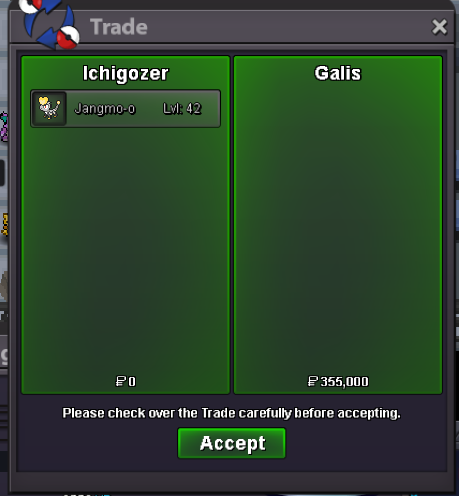


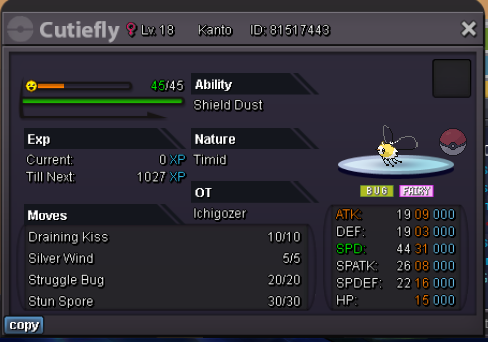
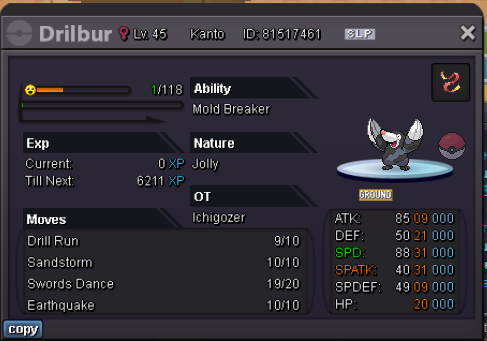

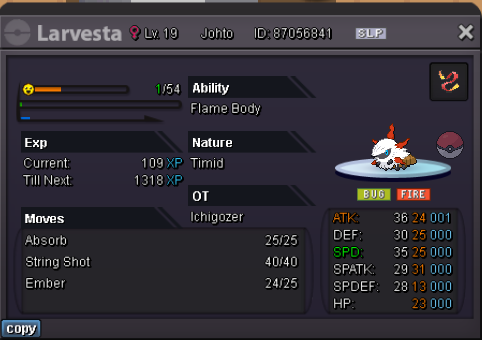


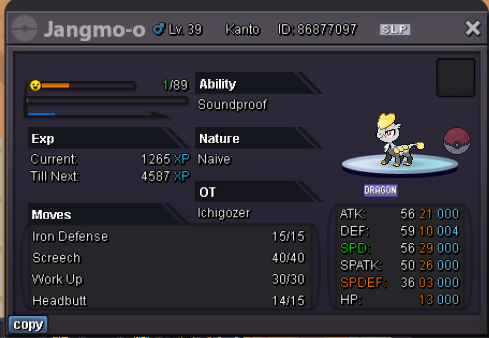


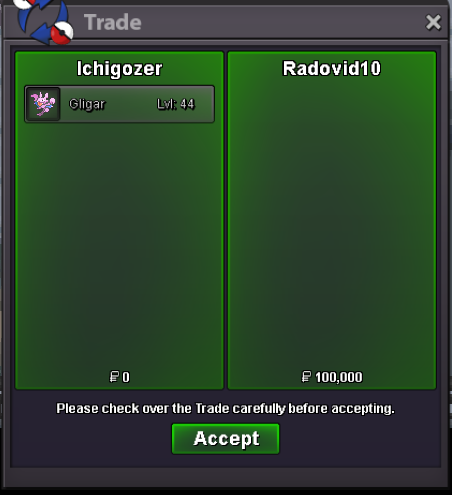
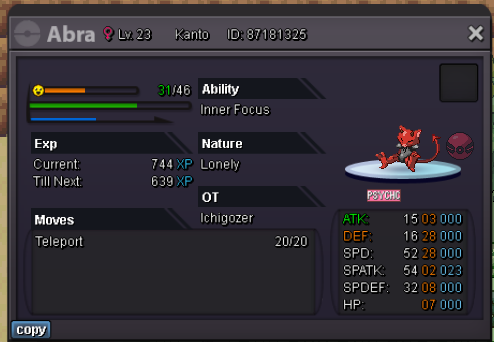
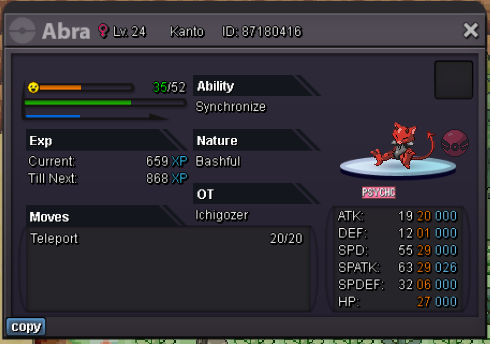


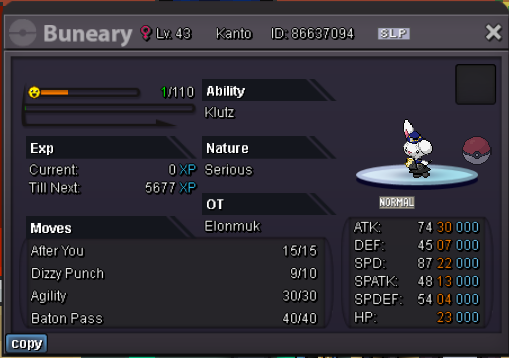
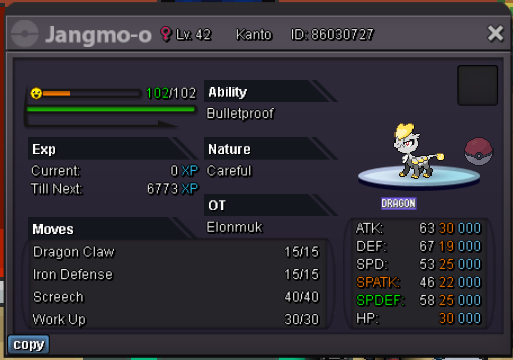


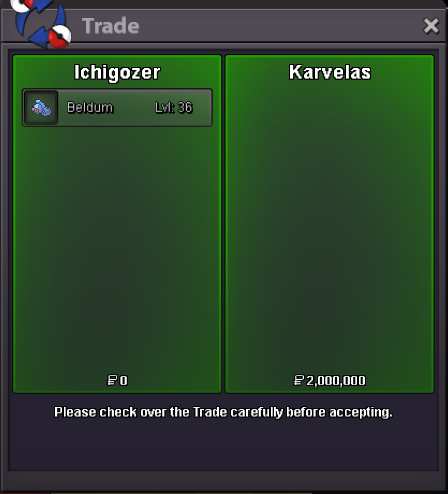

-
rik666 won @Rik666 you can pm me on discord or ig (ds : @gozerleduc)

-
C.O 800k
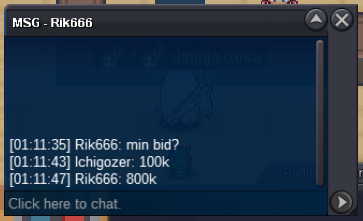
-
2hrs1min left
-
Start 500k min bid 100k insta 3m ends 48h after 1st bid

-
+1, but trust my opinion isnt biased by my 31 speed hp ice zapdos with trash bulk , I am 100% neutral.
-
1 hour leftHI ! START 3m Min bid 250k insta 7m accept rr as 500k ends 48h after start GL (Edited 48 -> 48h)
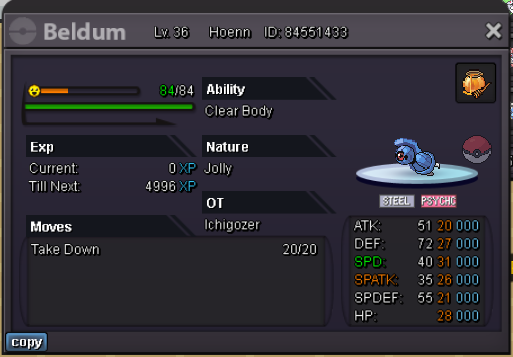 gz @Suncity you won pm me IG or on discord @gozerleduc23 minutes left !HI ! START 3m Min bid 250k no insta accept rr as 500k ends 48 after start GL
 ends in 14hrs and 5 min glStart 500k Insta 6m ends 3 days after 1st bid accept reroll as 500k / cc as 300k min bid 100k
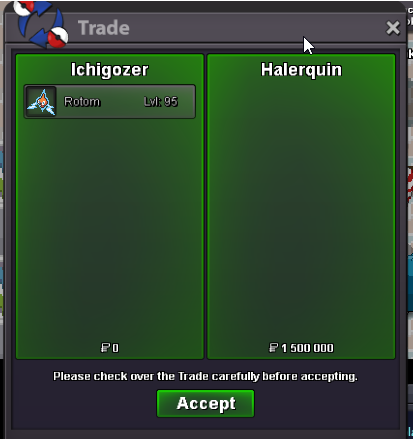
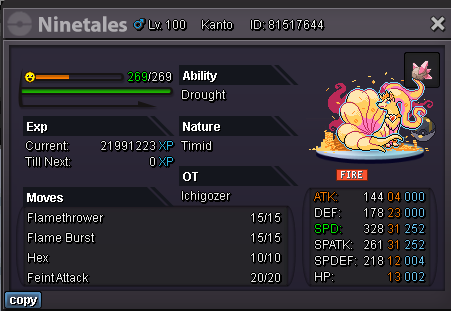 @Halerquin won 1m5 congratz american sniper boy. Pm me on discord or IGEnds in 2h20C.O 950k by tetsuyama96
 C.O 810k by donator
 C.O 710k by tetsuyama96



Account
Navigation
Search
Configure browser push notifications
Chrome (Android)
- Tap the lock icon next to the address bar.
- Tap Permissions → Notifications.
- Adjust your preference.
Chrome (Desktop)
- Click the padlock icon in the address bar.
- Select Site settings.
- Find Notifications and adjust your preference.
Safari (iOS 16.4+)
- Ensure the site is installed via Add to Home Screen.
- Open Settings App → Notifications.
- Find your app name and adjust your preference.
Safari (macOS)
- Go to Safari → Preferences.
- Click the Websites tab.
- Select Notifications in the sidebar.
- Find this website and adjust your preference.
Edge (Android)
- Tap the lock icon next to the address bar.
- Tap Permissions.
- Find Notifications and adjust your preference.
Edge (Desktop)
- Click the padlock icon in the address bar.
- Click Permissions for this site.
- Find Notifications and adjust your preference.
Firefox (Android)
- Go to Settings → Site permissions.
- Tap Notifications.
- Find this site in the list and adjust your preference.
Firefox (Desktop)
- Open Firefox Settings.
- Search for Notifications.
- Find this site in the list and adjust your preference.