




New Trade Zone
Trade Zone is now live
Use the new Trade Zone for auctions and instant-price trades so Pokemon and item offers are easy to find.

Nytracta
Registered User
-
Joined
-
Last visited
Everything posted by Nytracta
-
NEW 40 POKES ADD
-
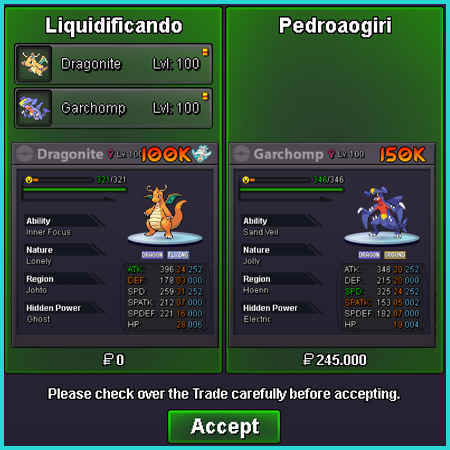
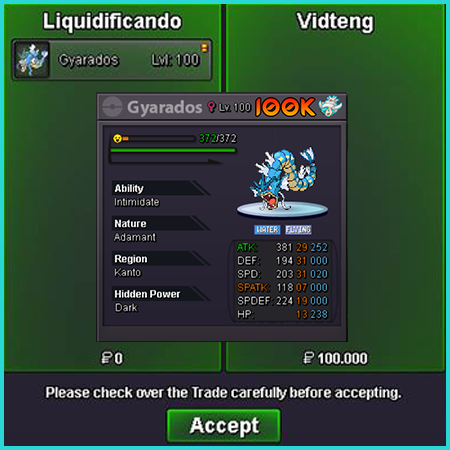
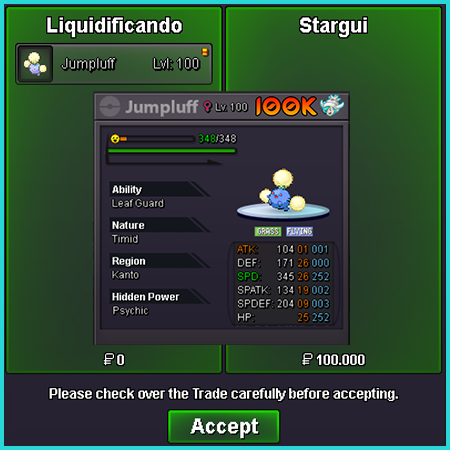
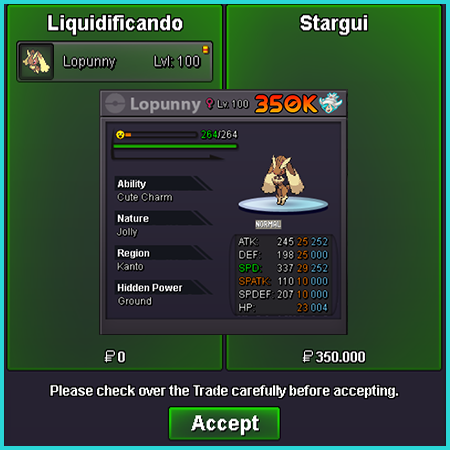
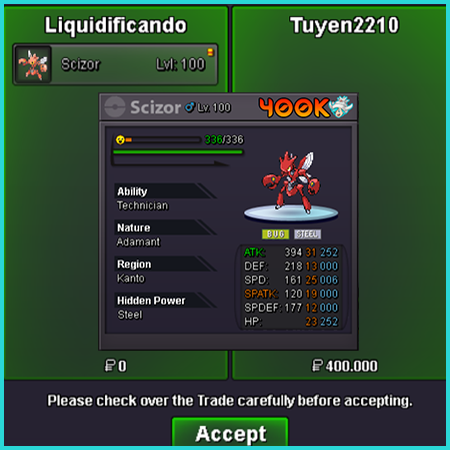
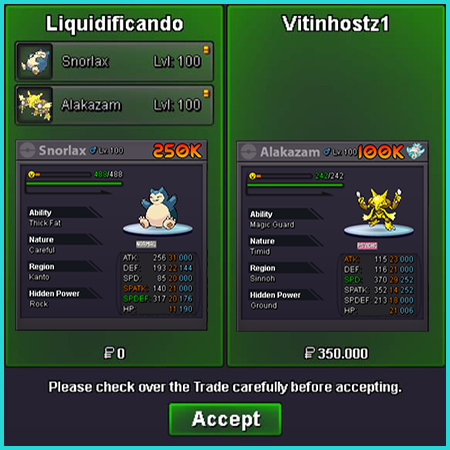
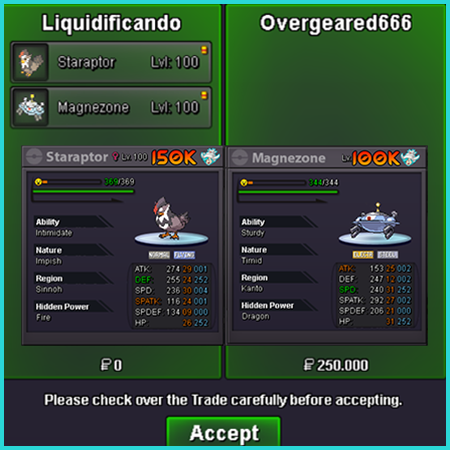
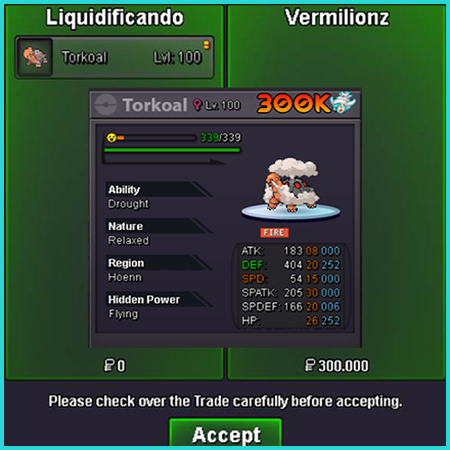
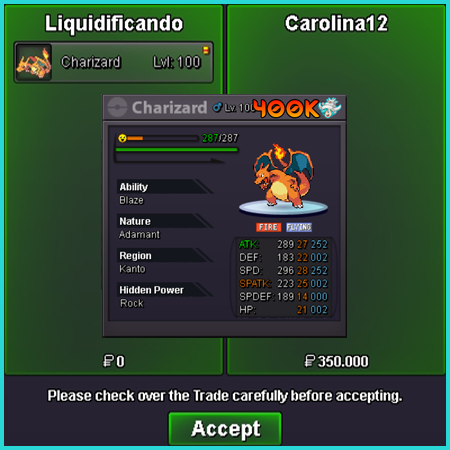
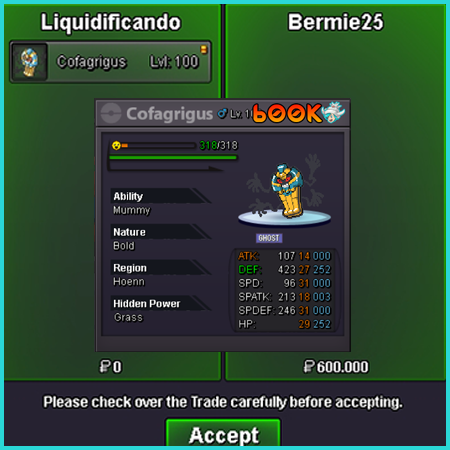
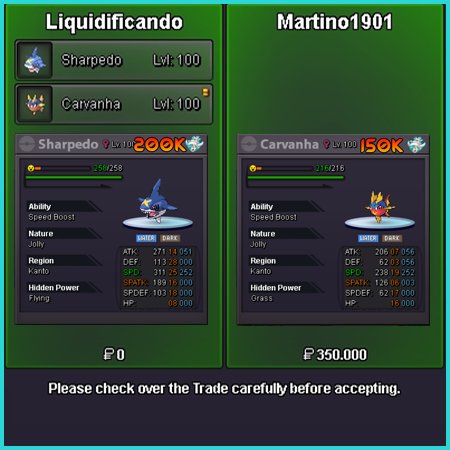
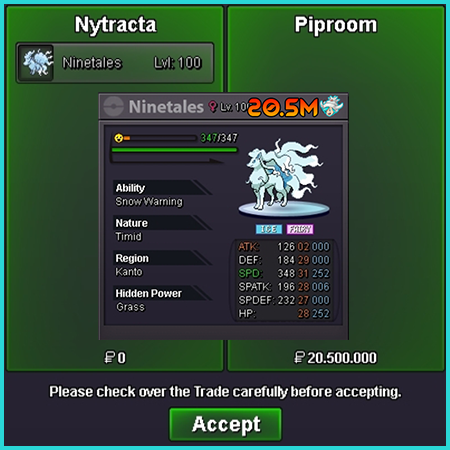
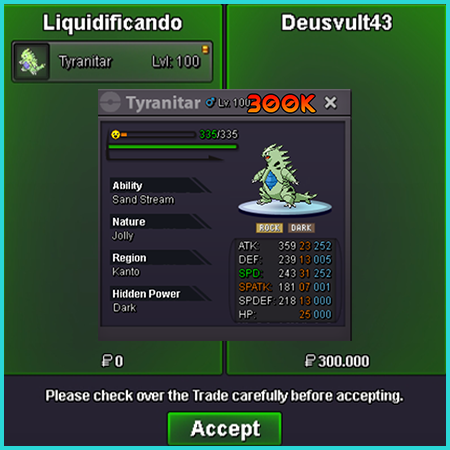
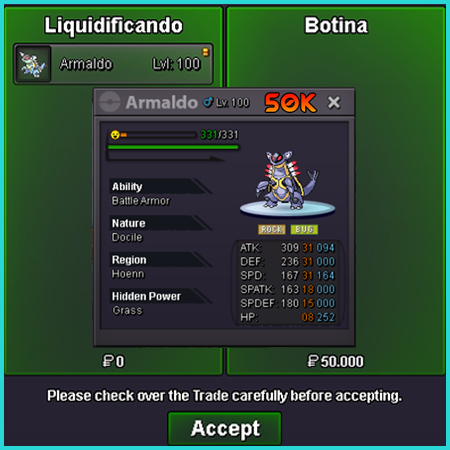
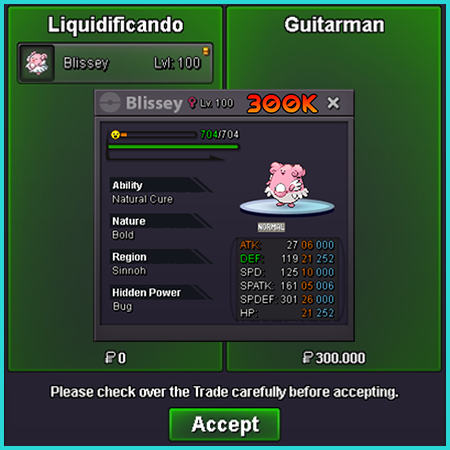
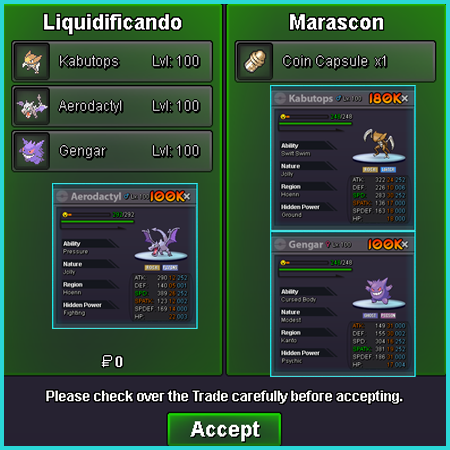
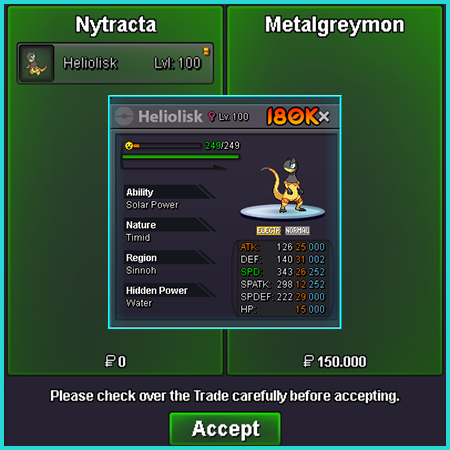
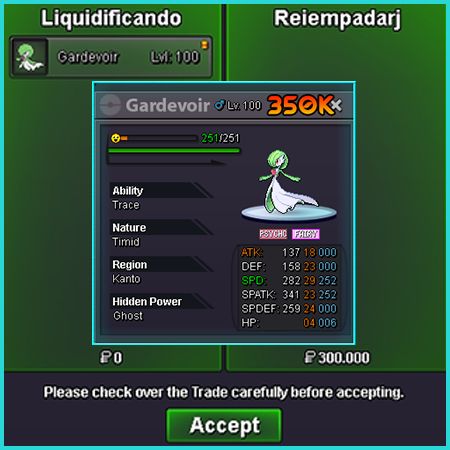
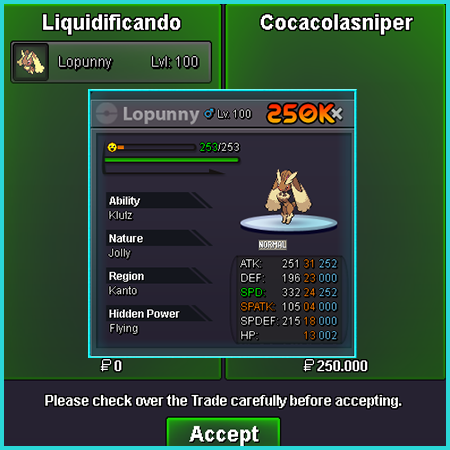
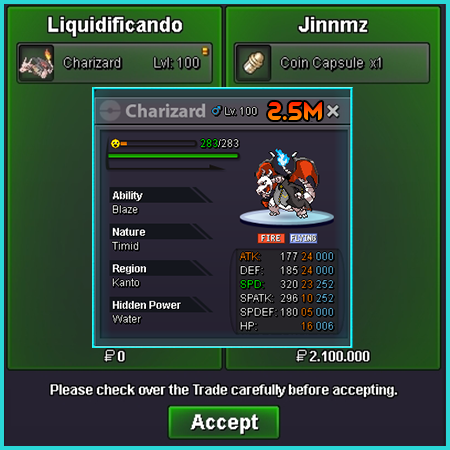
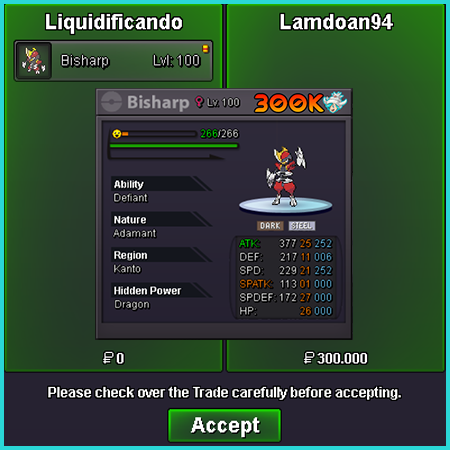
23 new Mon add!!Vermilion pc Bro, nick Liquidificando
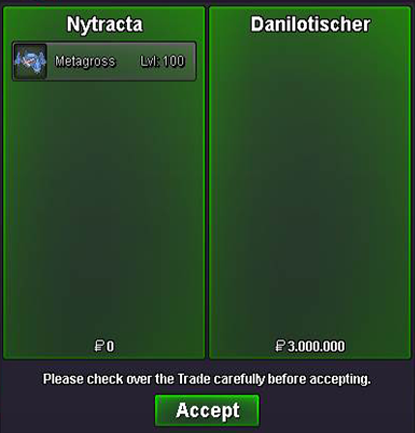
 🔹We receive Pokemon weekly. 🔹Server Silver 🔹Pokemon prices may change over time. 🔹After combining the location, do not try to change the default value or it will be reported. 🔹We do not exchange, only the payment methods below. Trades are made in the city of Vermilion Payment methods Pokedollar Coin Capsule - 400k Reroll IV - 500k Reroll Nature - 250k Rare Candy - 6k Discord - Nytracta#5844 Nickname: Liquidificando Total Pokémon in Stock: 000 UN Total Pokémon Sold: 072 UN Total Gold Collected: 39.670.000 SHINY - SKIN -0 ALL IV'S 20+ ALL IV'S NEUTRAL NATURE SOLD A B C D E F G H I J K L M N O P Q R S T U V W X Y Z



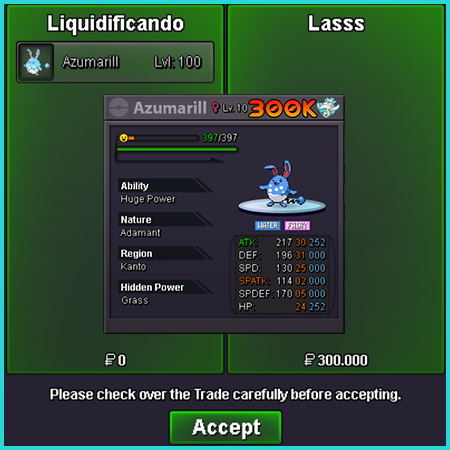
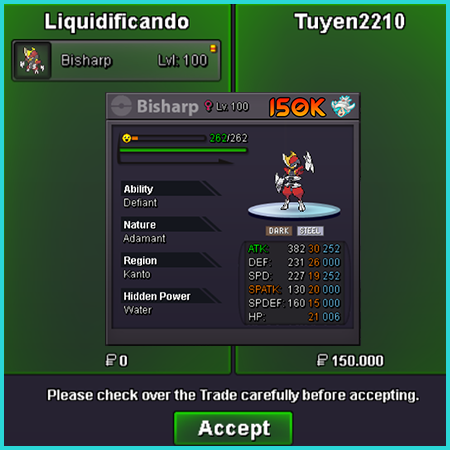
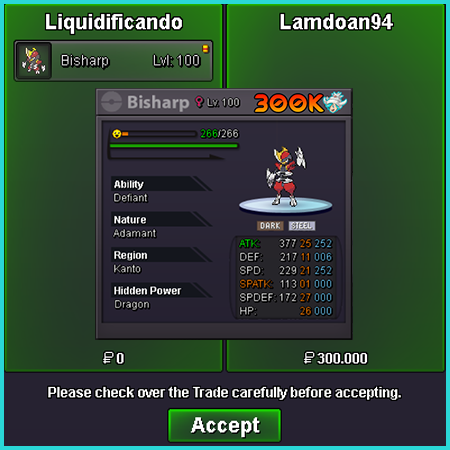
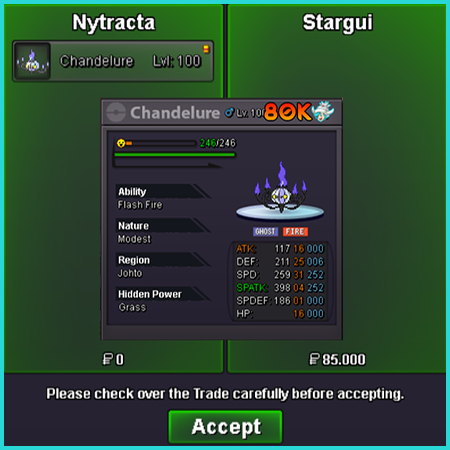
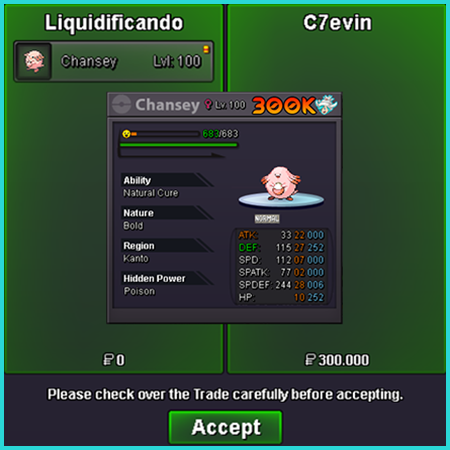
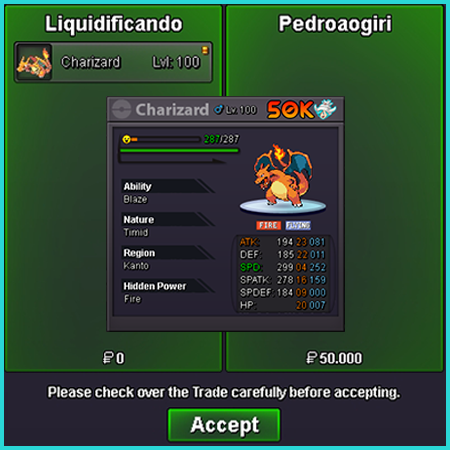
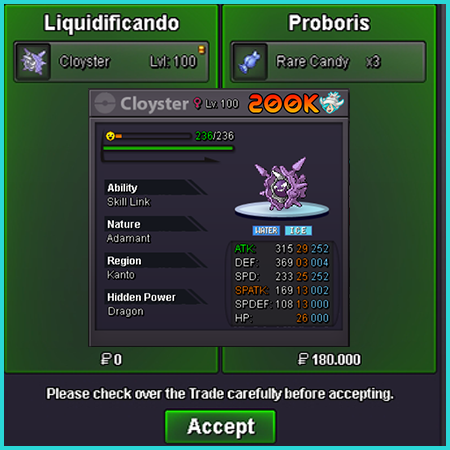
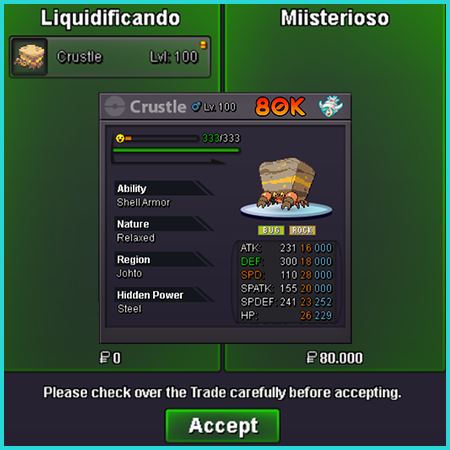
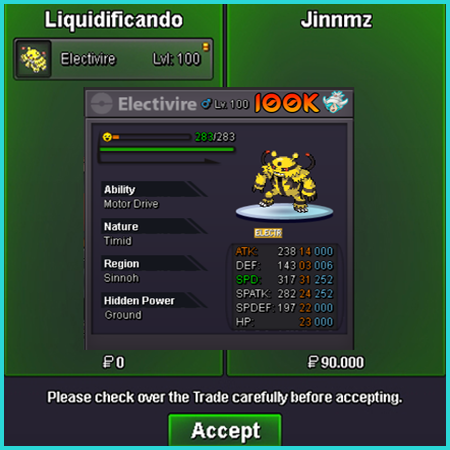
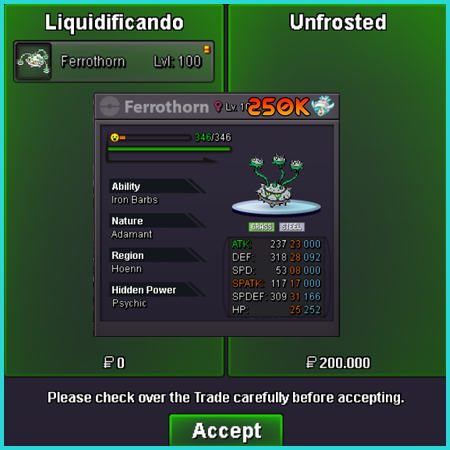
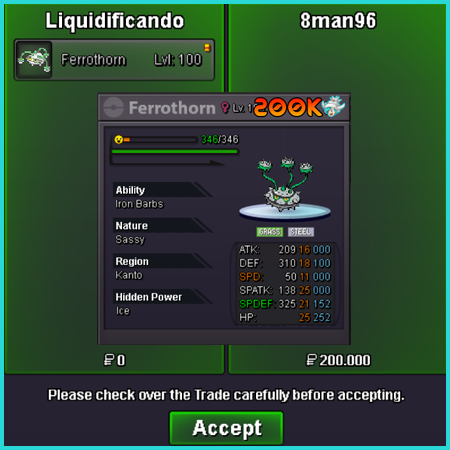
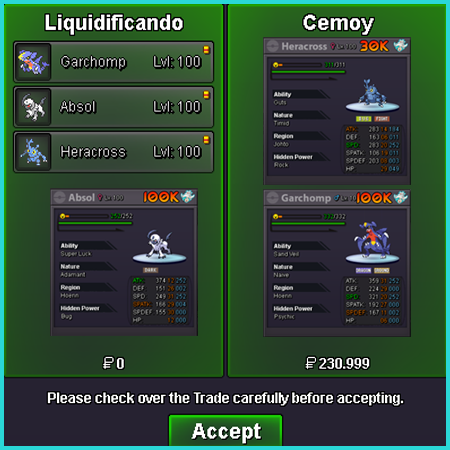
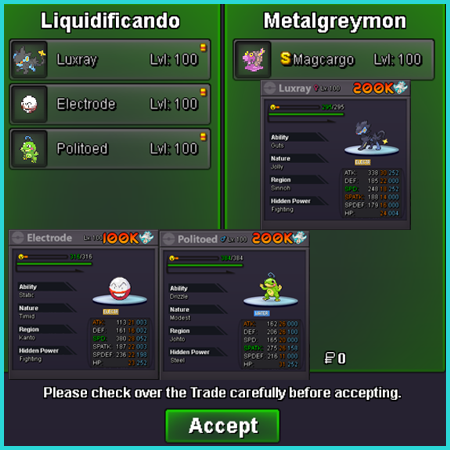
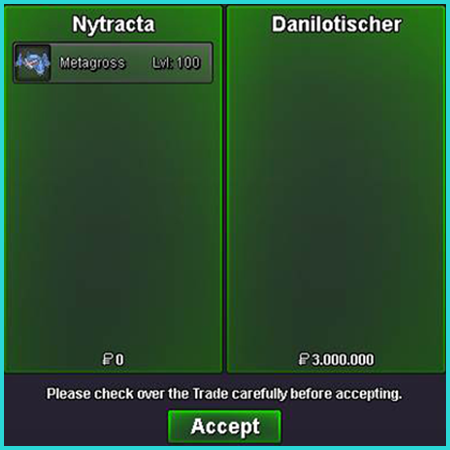
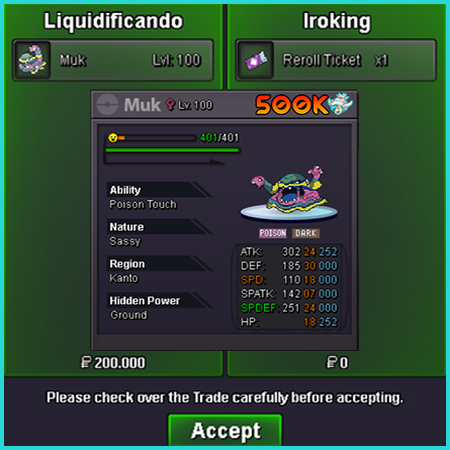
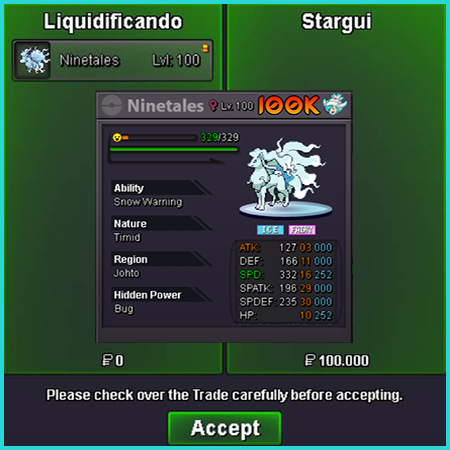
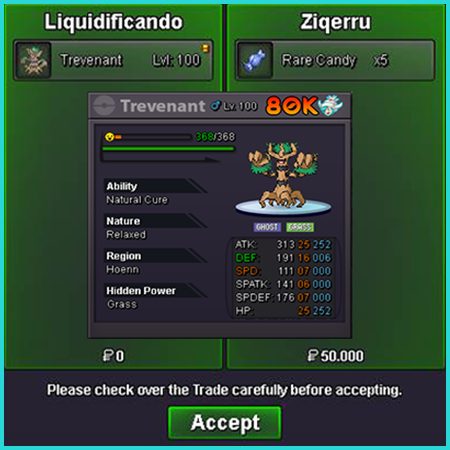
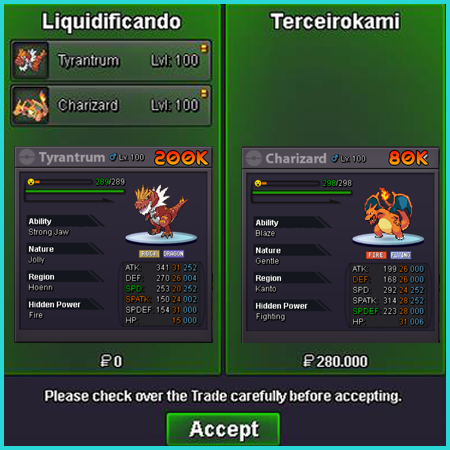
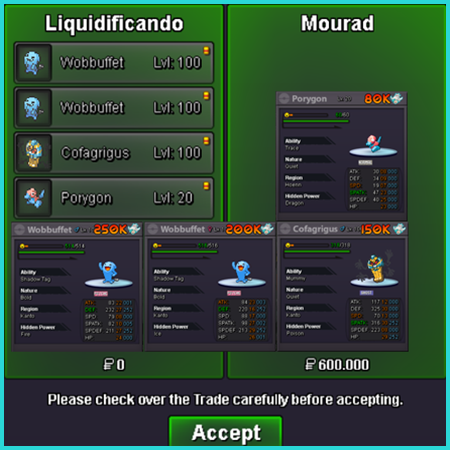
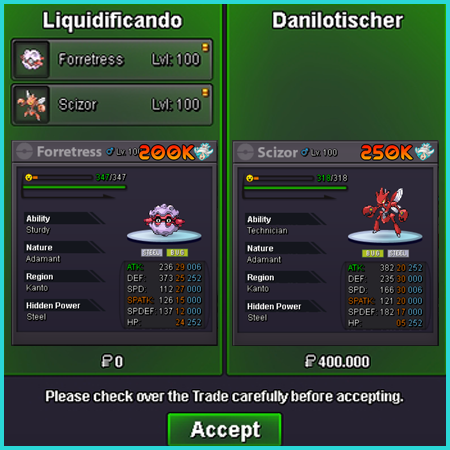
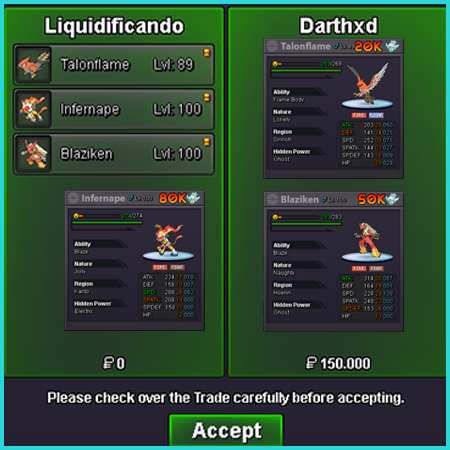
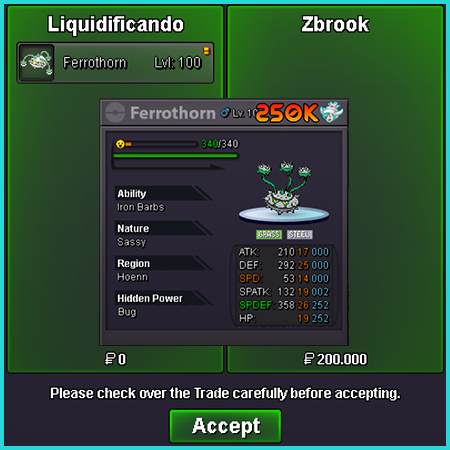
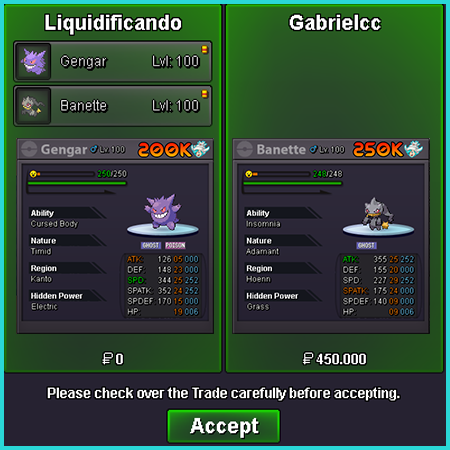
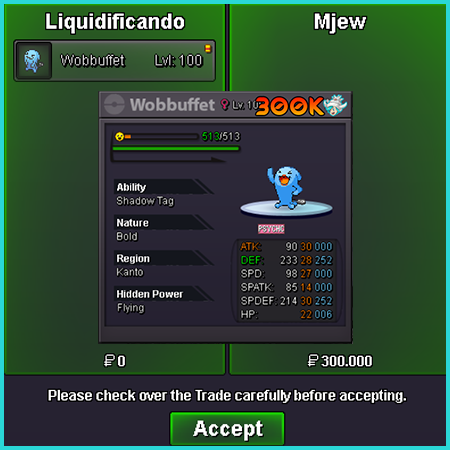
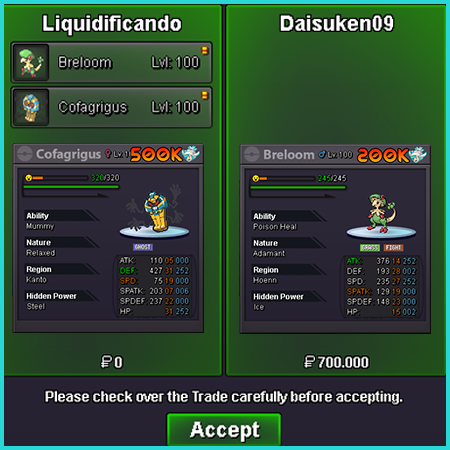
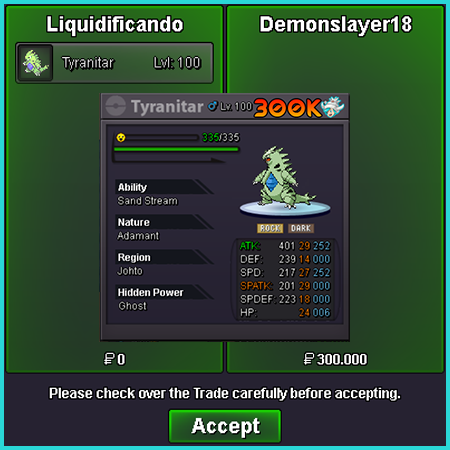
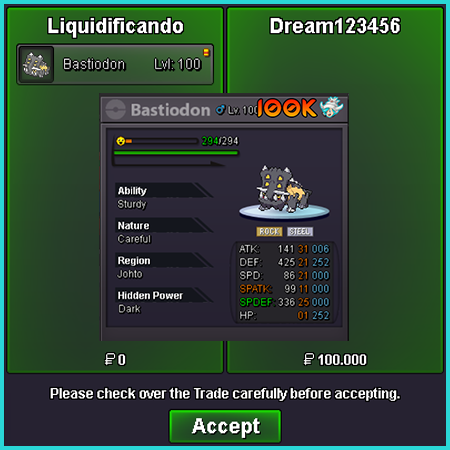
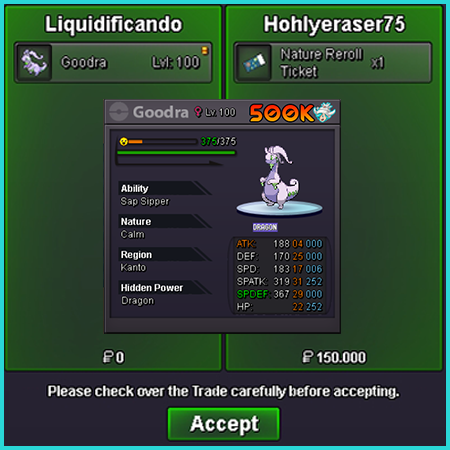
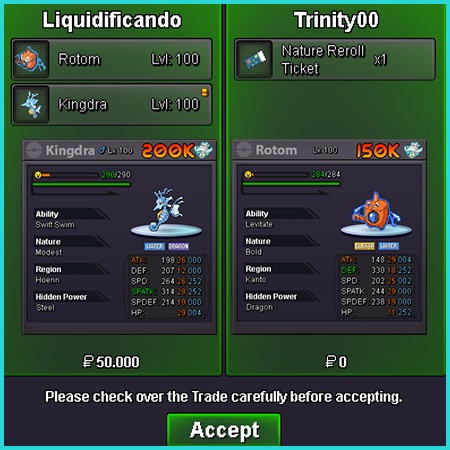
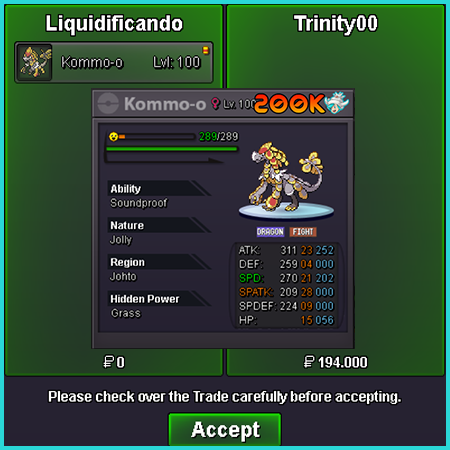
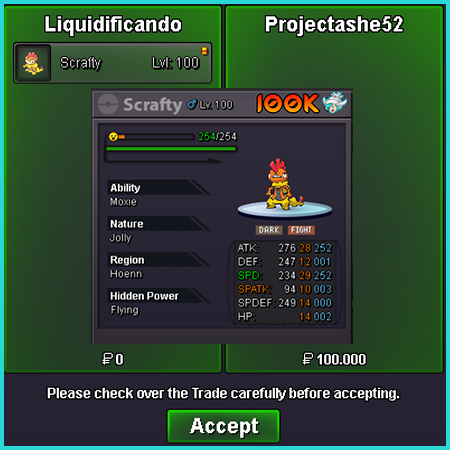
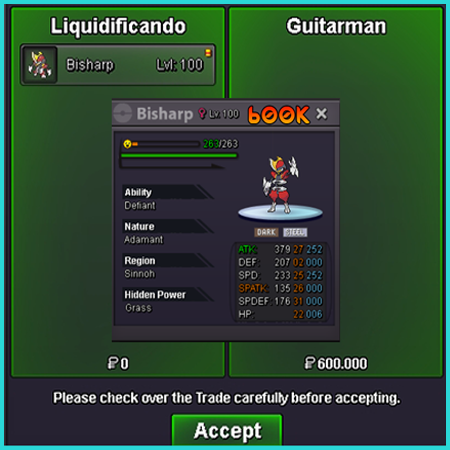
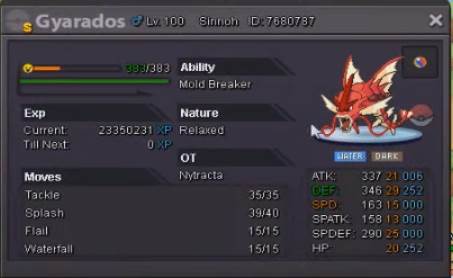
 5.5m for s crustle4.5m for crustly shiny. Nytracta server silver!+1I delivered my pokémon to the npc, but the server went down, i went back to mossdeep and when i went back lilycove, my pokes dont returnm nor did i count the ivs on the npc, what can you tell me about that?I delivered my pokémon to the npc, but the server went down, i went back to mossdeep and when i went back lilycove, my pokes dont returnm nor did i count the ivs on the npc, what can you tell me about that?please help me, after the update I went to look for me shiny Gyarados in the box and he wasn't there = / biggest problem I don't have his Id! Id Nytracta server : silverMy Pokémon disappeared from the box, maybe I accidentally deleted it = ( Nytracta server silver
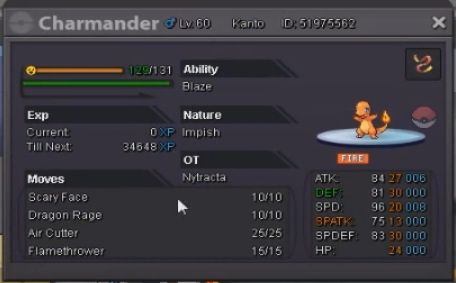 I was deleting my pokes in the box, and unfortunately I accidentally deleted this one Nytracta // server Silver
 error ha occurred!
 KetzinGood Morning! I'm in trouble on the new sinnoh quest! Guide I talked to Paul! He sent me to the initial city of hoenn! I battled with members of the galactic epique! I defeated your leader in a 6x6 Hard battle! I saved Professor Birch! I found hoenn's three initials! He told me that lulung called him, that they left an Alakazan in lilycove, that the sinnoh route was closed, that I should talk to Alakazan so he could take me to sinnoh! I get there! nothing happens, nor does he say anything special, and I haven't found Alakazan anywhere!Released my shiny nick: Nytracta server: silver
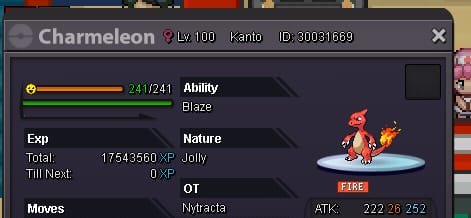
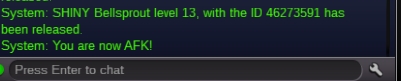 sorry my stupid, did not notice the levels in time to rise, I just did not evolve my pokemon, something could be done? Server:Silver
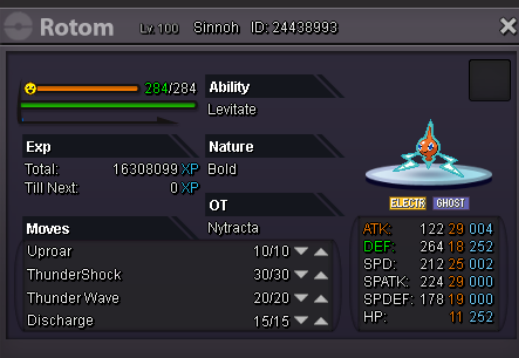
 Nick: Nytracta Server: Silver I tried to evolve my rotom on route 120, 3 rare candys and nothing happened .
 NPC Name: Nytracta Starting Dialogue: Hello !! This year I Did I become a good girl? Losing Dialogue: I lost the battle, but I hope I do not miss the arrival of Santa Claus On Cooldown Dialogue:I saw him flying with his Stadler Team: stadler, stadler Special Request (If any):

Account
Navigation
Search
Configure browser push notifications
Chrome (Android)
- Tap the lock icon next to the address bar.
- Tap Permissions → Notifications.
- Adjust your preference.
Chrome (Desktop)
- Click the padlock icon in the address bar.
- Select Site settings.
- Find Notifications and adjust your preference.
Safari (iOS 16.4+)
- Ensure the site is installed via Add to Home Screen.
- Open Settings App → Notifications.
- Find your app name and adjust your preference.
Safari (macOS)
- Go to Safari → Preferences.
- Click the Websites tab.
- Select Notifications in the sidebar.
- Find this website and adjust your preference.
Edge (Android)
- Tap the lock icon next to the address bar.
- Tap Permissions.
- Find Notifications and adjust your preference.
Edge (Desktop)
- Click the padlock icon in the address bar.
- Click Permissions for this site.
- Find Notifications and adjust your preference.
Firefox (Android)
- Go to Settings → Site permissions.
- Tap Notifications.
- Find this site in the list and adjust your preference.
Firefox (Desktop)
- Open Firefox Settings.
- Search for Notifications.
- Find this site in the list and adjust your preference.