




New Trade Zone
Trade Zone is now live
Use the new Trade Zone for auctions and instant-price trades so Pokemon and item offers are easy to find.

Krow24
Registered User
-
Joined
-
Last visited
Everything posted by Krow24
-
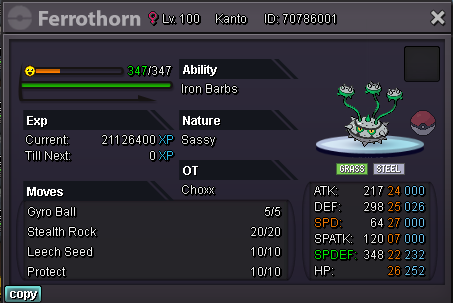
Auction EPIC +22 Sassy Ferrothorn -Starting offer : 1k -Minimal raise : 1k -No insta -Starts after first bid -Ends in 24hours after the start ACCEPTED PAYMENT METHODS : - PokeDollars - Coin Capsule = 385.000 PokeDollars - IV Reroll Ticket = 680.000 PokeDollars - Nature Reroll Ticket = 320.000 PokeDollars In Game Name : Krow24

-
-
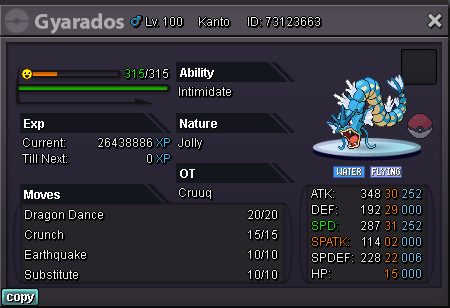
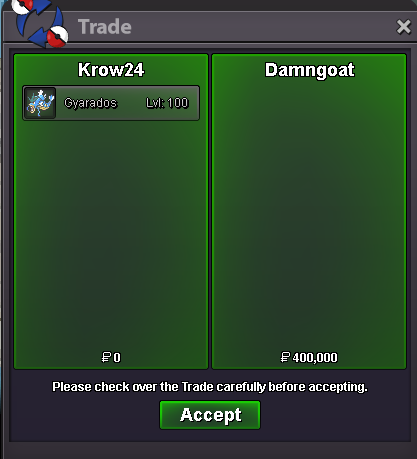
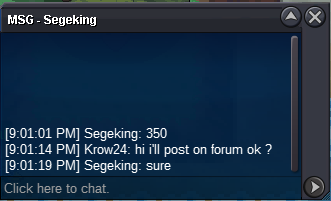
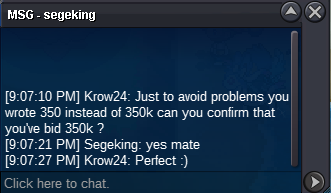
2kStarted by AkaaczTrener at 07/31/22 09:13 PM UTC+1 will end at 08/01/22 09:13 PM UTC+1Auction Semi EPIC 31SPD/30ATK +20 Gyarados -Starting offer : 150k -Minimal raise : 50k -No insta -Starts after first bid -Ends in 24hours after the start ACCEPTED PAYMENT METHODS : - PokeDollars - Coin Capsule = 385.000 PokeDollars - IV Reroll Ticket = 680.000 PokeDollars - Nature Reroll Ticket = 320.000 PokeDollars In Game Name : Krow24
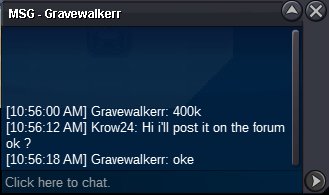
 +1, A sale data base for the auction house is mendatory in my point of view, since it would give people references on prices, godly mons can still get auctionned by forums or in the auction house if an auction feature would be added to it, also a filter by price sold would be good with the possibility to check the pokemons information (nature, talent, ivs, etc...) or just do not register sales below certain prices.Bump still can't reach the winner ....700kAny trade mods please 😁 ?@MBK Can the trade be forced please i can't reach the winnerGravewalkerr won the auction congratz
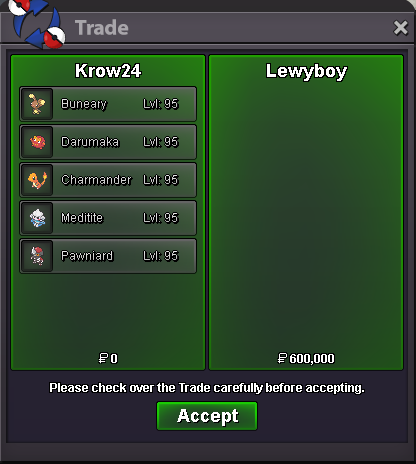
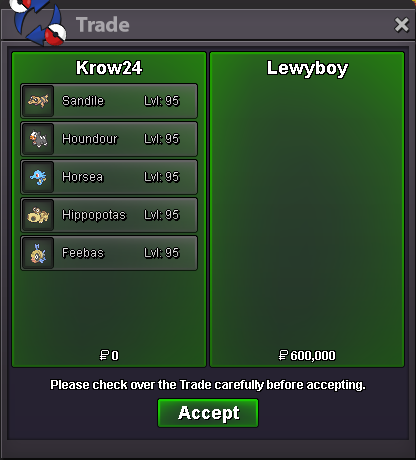
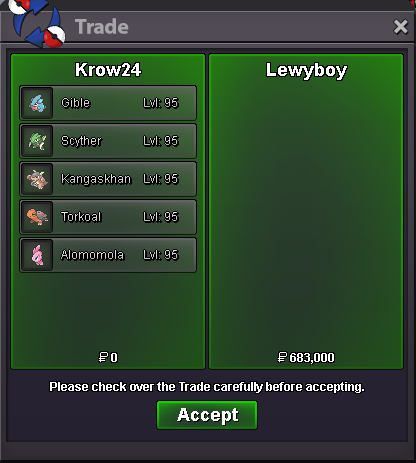
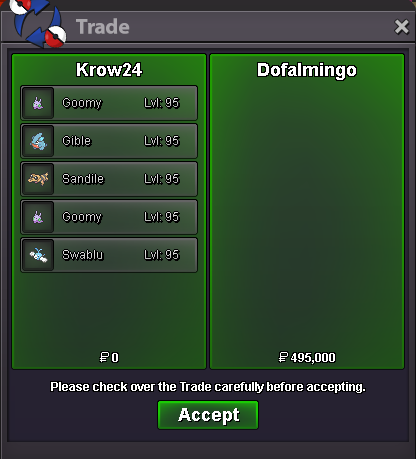
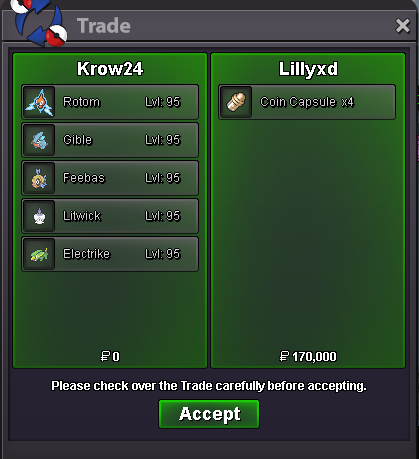
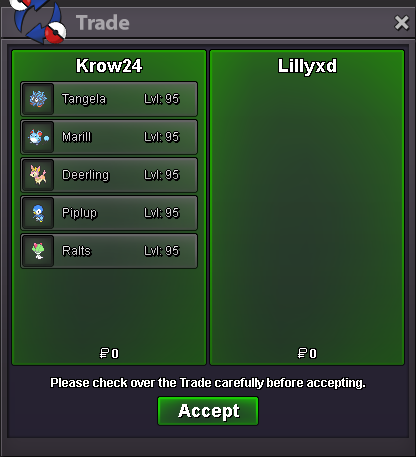
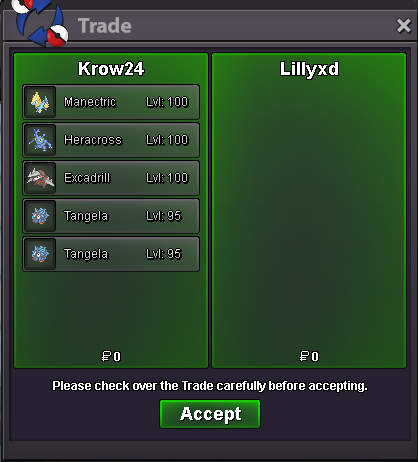
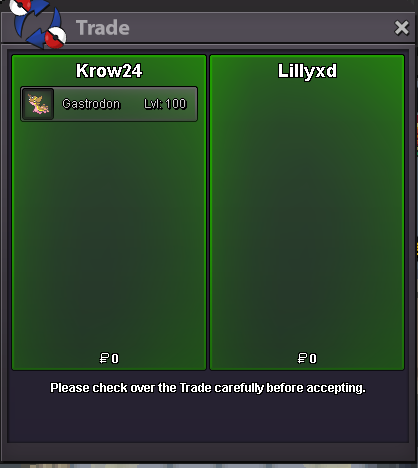
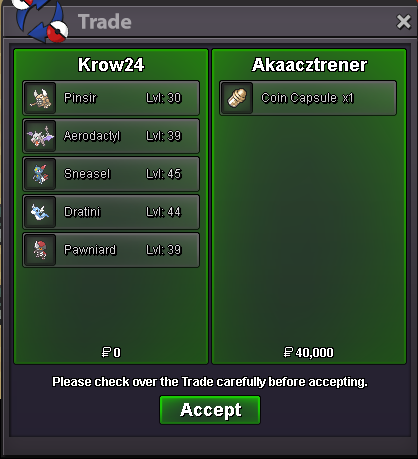
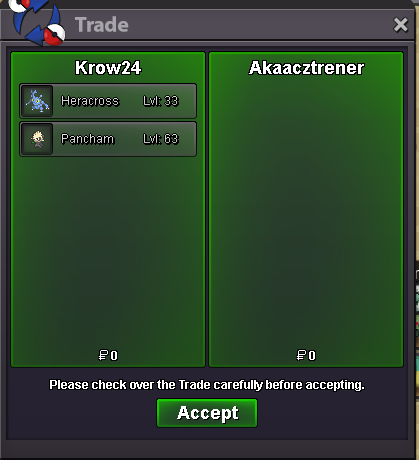
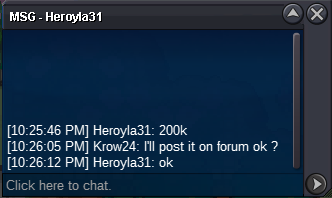
 bumpHello, I'm happy to announce that my service shop is now open You'll find below the rules, services, my contact & the accepted payment methods Rules : -Be nice and respectful -I won't evolve your pokemons -I only take orders of 400k and more -When a trade is made for Lvl or EV's training both parties should take a screenshot of the trade -I confirm the price with the client and take a screenshot of the conv before the service, the payment is made only after the service is done -I won't give back trained pokemons to clients who don't want to pay the agreed sum after the order was made -Training Services of Trapinch, Vibrava & Flygon are half priced cuz Flygon is obviously the best pokemon -I'm open to suggestion, feel free to pm me Training Services : Evs services : Leveling service : Accepted payment methods : - PokeDollars - Coin Capsule = 350.000 PokeDollars - IV Reroll Ticket = 650.000 PokeDollars CONTACTS : In Game Name : Krow24 Discord : Crow24#6470 Pending & completed orders :









Account
Navigation
Search
Configure browser push notifications
Chrome (Android)
- Tap the lock icon next to the address bar.
- Tap Permissions → Notifications.
- Adjust your preference.
Chrome (Desktop)
- Click the padlock icon in the address bar.
- Select Site settings.
- Find Notifications and adjust your preference.
Safari (iOS 16.4+)
- Ensure the site is installed via Add to Home Screen.
- Open Settings App → Notifications.
- Find your app name and adjust your preference.
Safari (macOS)
- Go to Safari → Preferences.
- Click the Websites tab.
- Select Notifications in the sidebar.
- Find this website and adjust your preference.
Edge (Android)
- Tap the lock icon next to the address bar.
- Tap Permissions.
- Find Notifications and adjust your preference.
Edge (Desktop)
- Click the padlock icon in the address bar.
- Click Permissions for this site.
- Find Notifications and adjust your preference.
Firefox (Android)
- Go to Settings → Site permissions.
- Tap Notifications.
- Find this site in the list and adjust your preference.
Firefox (Desktop)
- Open Firefox Settings.
- Search for Notifications.
- Find this site in the list and adjust your preference.