




New Trade Zone
Trade Zone is now live
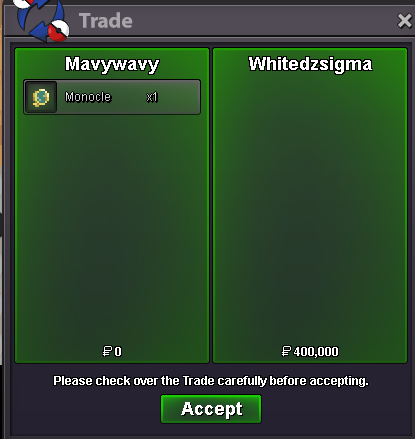
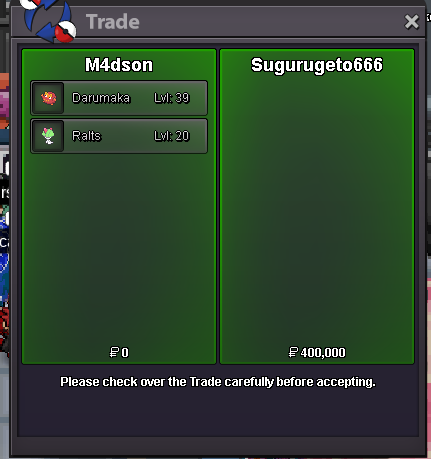
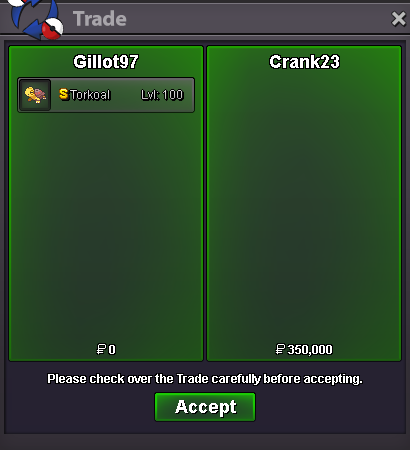
Use the new Trade Zone for auctions and instant-price trades so Pokemon and item offers are easy to find.
All Activity
Past hour
-
Demons2557 joined the community
-
Any plans to release the Kaido Mount in the near future? (Please don't say No ETA 😅)
Today
-
Wtb
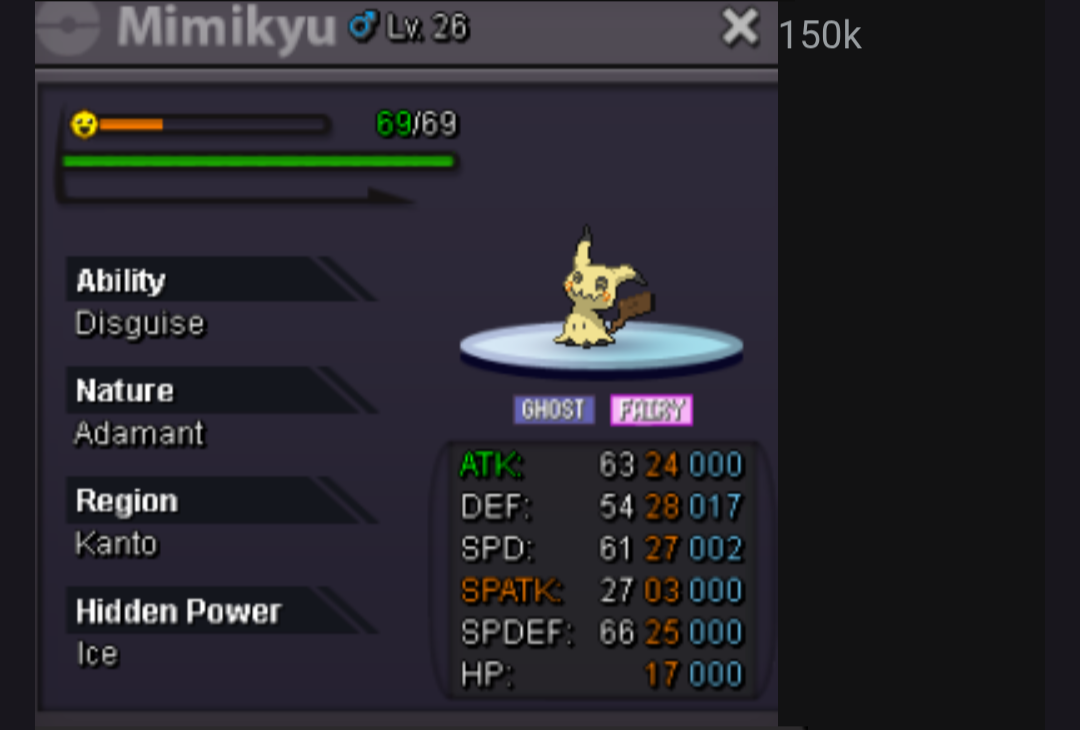
-
Jedcalim joined the communityIGN: C0libry Timezone: GMT +2Billiedank joined the communitySilverseraphim joined the communityHello @Neexx ! I am really sorry for the inconvenience. Please try restarting your router and attempting to connect again. If the issue persists, you can also try using a VPN. In many cases, using a VPN has helped resolve this type of connection issue, as it can provide a different route between your network and PRO's servers. Thank you for your patience and understanding. Regards. Hallowglow.Ahmed007 joined the communityHello, I'm sorry for the inconvenience. Indeed, the move Snatch is currently not coded in PRO. You can check the list of moves and abilities that are not coded HERE. We understand that it may be necessary for some strategies, so it may be coded in the future. However, there is currently no estimated timeframe for it. For now, we can only ask for your patience and understanding. Regards. Hallowglow.Lightzn7 joined the communityEinarz joined the communityMetia2 joined the community
Yesterday
Metia joined the communityHello @Pikashuu, sorry for the delay and for the inconvenience you are experiencing. Don't worry, showing the wrong Ralts to Farmer Wood will not block your Mega Gallade quest. The Ralts you show doesn't need to be the same Pokémon you use later for the battle. As long as you have chosen the Gallade path and completed the other requirements, you can continue the quest normally by using another Gallade to fight. Please, keep in mind that you need a level 100 Gallade with your OT to fight Wally. Let me know if you need anything else. Regards. Hallowglow.Patrao17s joined the communitySnatch move not coded? Tried to use but doesn't do anything. Ty.Wtb 31spd 27spatk manectric+1-1+1. Or just announce the start time the day before so people a plan around it. If it’s not an outbreak I can’t see a reason why start time needs to be a secret.- Serchant - Favorite Pokemon: Salamence, because dwagonss - PvE, PvP, or both? PvE mostly but also in for occasional PvP - Country Netherlands - Age 33 - Discord Tag .serchant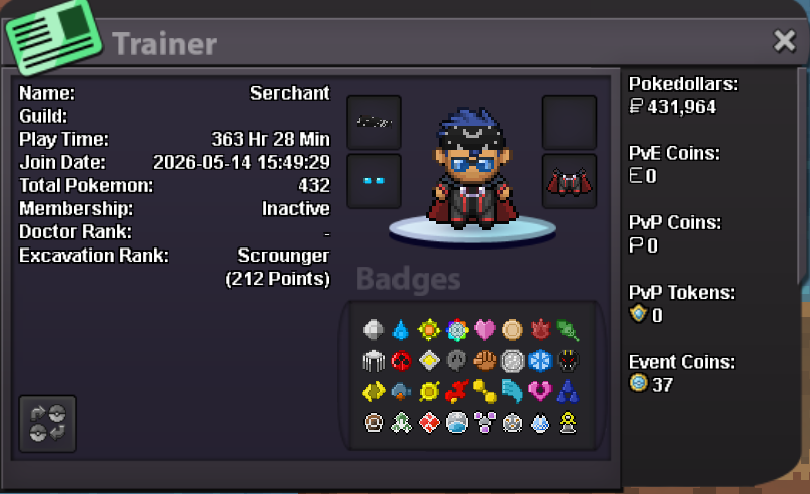 N btw the guy is trusted and he is good man,n I give him 5 star for this services :vBuy full set servicesbefore we had eta for every wq, if we have it again people will be satisfited . Evry can pick when to sleep so he can make it if he truly want-1 You have to look at it objectively. There are currently 38 different timezone in our planet and you cannot have an ideal time to start it for all of them. Sometimes it starts at a convenient time for you, sometimes for others. You will be notified when it starts at #game-happenings channel in the official PRO Discord Server. Also increasing the times it happens would make it lose it's worth. It is intended to be the way it is.Hi tell me when u are available , or pm me ingame , i think im here for the next 2 hours :)Join our active, friendly community! We are proud to consistently rank among the best: - #1 in Lavender Dungeon - Top 5 in all dungeons - Top 11-20 in the PVP ladder Come be a part of the Corviknights family!+1



















Account
Navigation
Search
Configure browser push notifications
Chrome (Android)
- Tap the lock icon next to the address bar.
- Tap Permissions → Notifications.
- Adjust your preference.
Chrome (Desktop)
- Click the padlock icon in the address bar.
- Select Site settings.
- Find Notifications and adjust your preference.
Safari (iOS 16.4+)
- Ensure the site is installed via Add to Home Screen.
- Open Settings App → Notifications.
- Find your app name and adjust your preference.
Safari (macOS)
- Go to Safari → Preferences.
- Click the Websites tab.
- Select Notifications in the sidebar.
- Find this website and adjust your preference.
Edge (Android)
- Tap the lock icon next to the address bar.
- Tap Permissions.
- Find Notifications and adjust your preference.
Edge (Desktop)
- Click the padlock icon in the address bar.
- Click Permissions for this site.
- Find Notifications and adjust your preference.
Firefox (Android)
- Go to Settings → Site permissions.
- Tap Notifications.
- Find this site in the list and adjust your preference.
Firefox (Desktop)
- Open Firefox Settings.
- Search for Notifications.
- Find this site in the list and adjust your preference.