




New Trade Zone
Trade Zone is now live
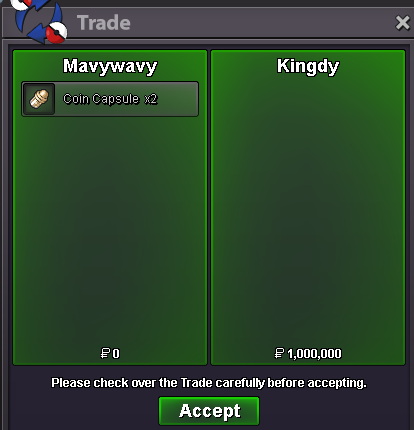
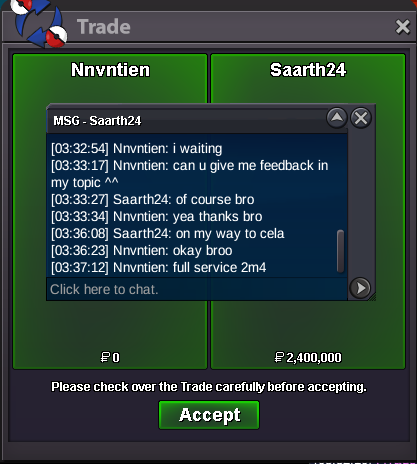
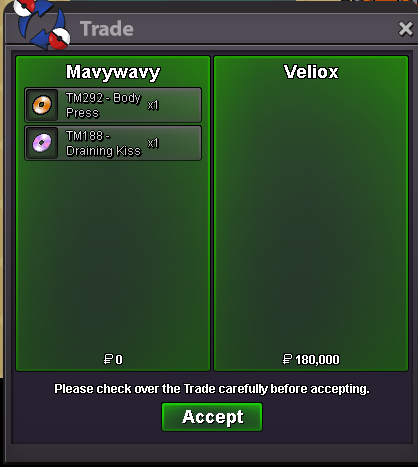
Use the new Trade Zone for auctions and instant-price trades so Pokemon and item offers are easy to find.
All Activity
Past hour
-
Sleepy2004 joined the community
-
Bump
Today
-
Ngduyz joined the community
-
Hello guys, I am the original owner of the account ‘Harneetcrack’ and i have made a mistake in my mail on the account. There has been a typo, it is currently ‘gmaill.com’ which is ‘gmail.com’ with an extra L if y’all can help me out, it’ll be nice :)
-
Hello guys, I am the original owner of the account ‘Harneetcrack’ and i have made a mistake in my mail on the account. There has been a typo, it is currently ‘gmaill.com’ which is ‘gmail.com’ with an extra L if y’all can help me out, it’ll be nice :)
-
Droos joined the community
-
7diarap joined the communityUpTibo666 joined the communityRayman2007 joined the community
Yesterday
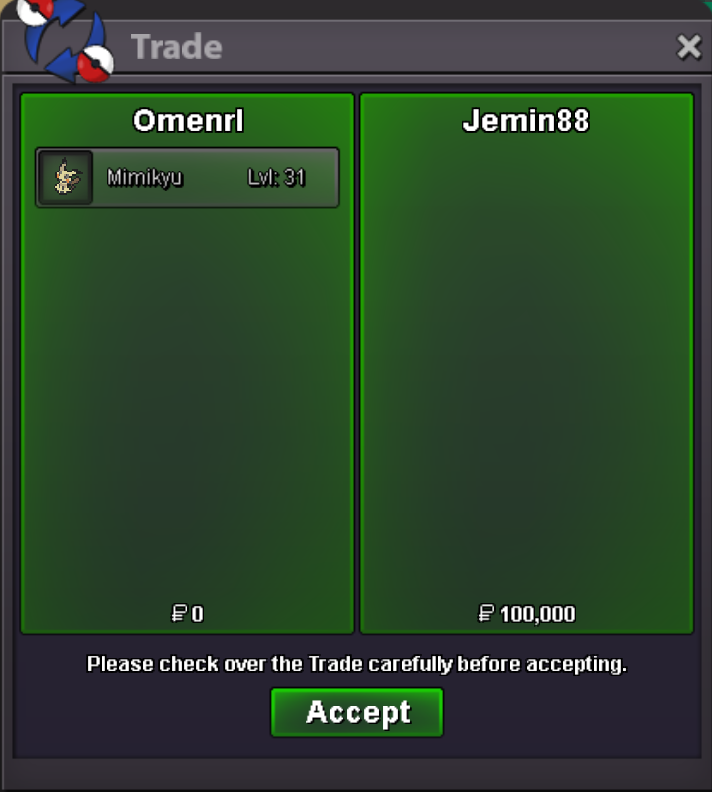
Osenotor joined the communityYamizad joined the communityPokedust2 joined the communityBoozo joined the communityAddedAmazing service. Did all regions plus train and teleport in barely a day. Super fast! Shop owner is also very kind and easy to communicate with. 10/10! Highly recommend.+1 We all have a love/hate relationship with hunting. Another way to hunt Pokémon will add variety to the player experience, which we'd be eager to do. It would also be cool if there was somehow a way to make this Tower have a co-op experience, but I will leave that to someone else to imagine.+1 experienced similar before, player bidded on the auction and apparently didn't see the auction was done from the Gold Server. Goes on to explain themselves in messages, that it was a mistake and refused to transfer. Situations like these should be avoided in my opinion, and relevant to what Nox would have mentioned, false bids and such should be applicable to a better enforcement of punishment.Hey, sure thing. Add me on discord - Omen#4893bump :33bump :33Sold Them are also for sell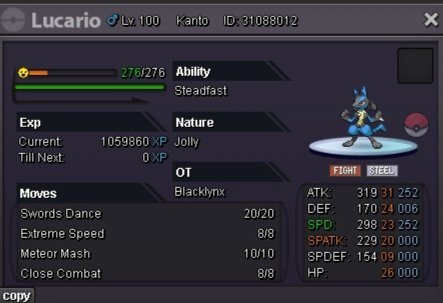
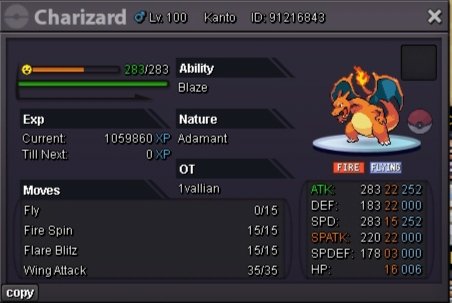
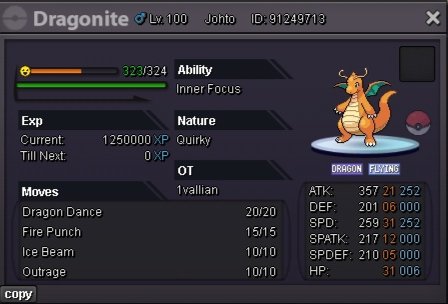
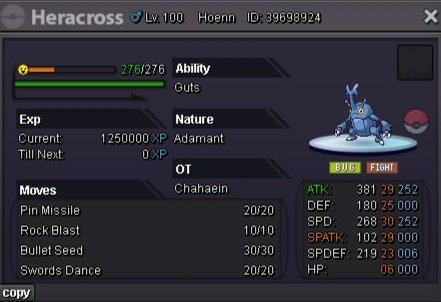
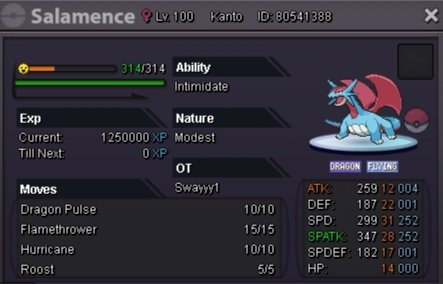
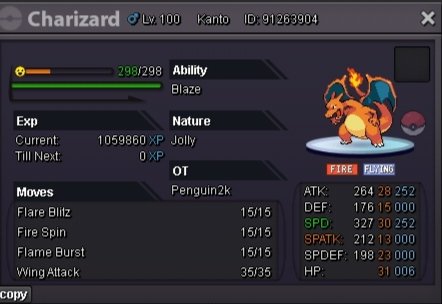
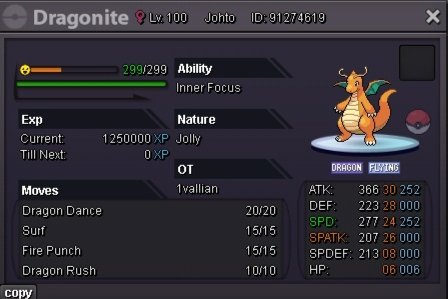
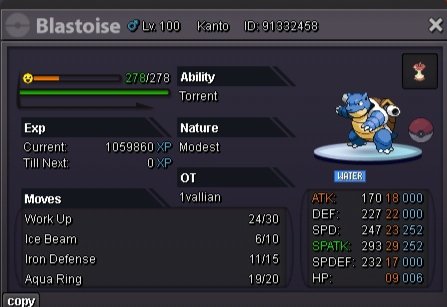
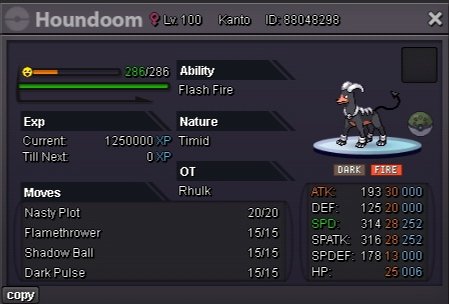
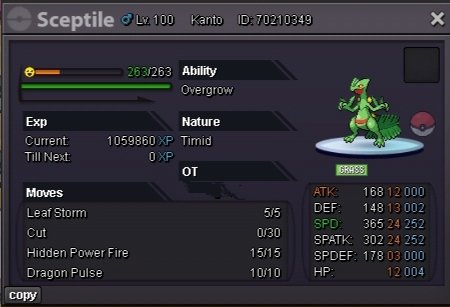
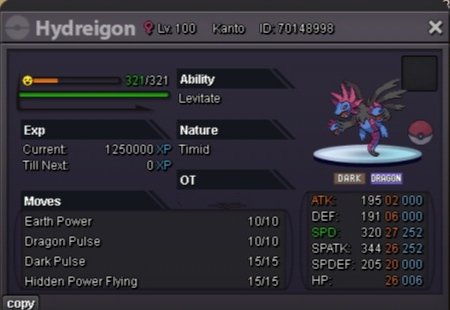
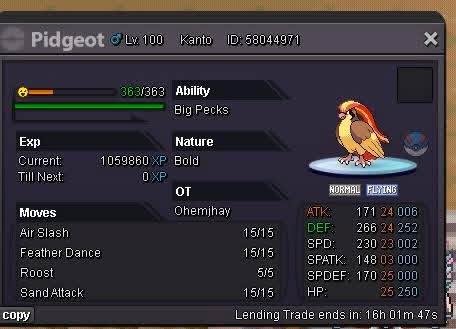
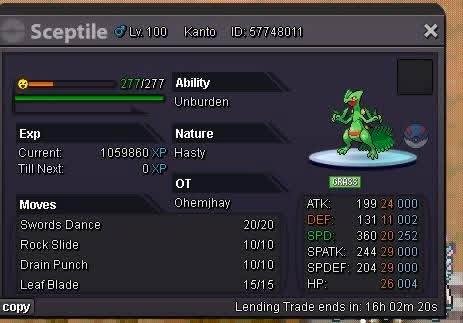
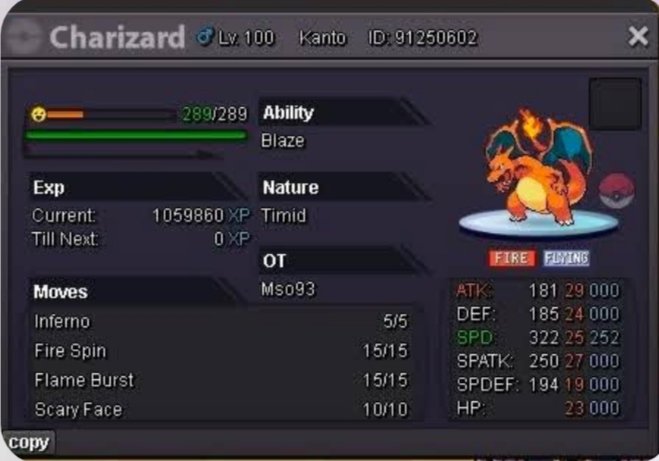
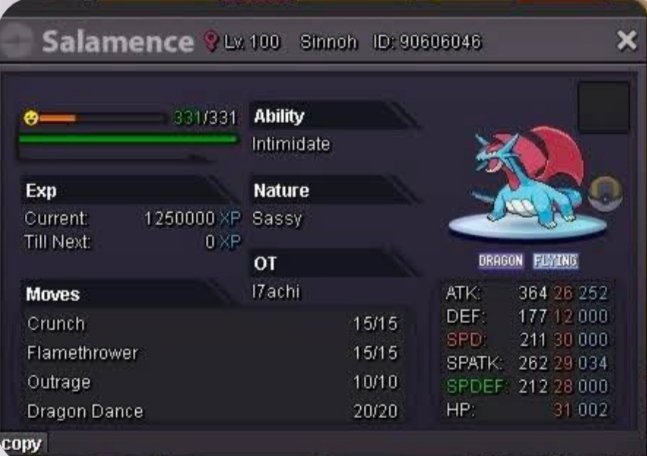
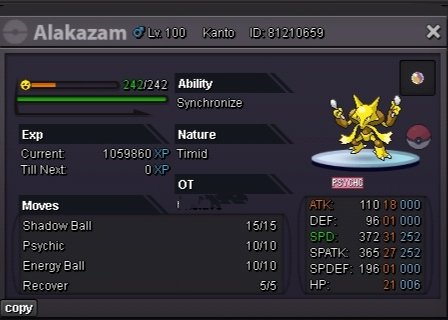
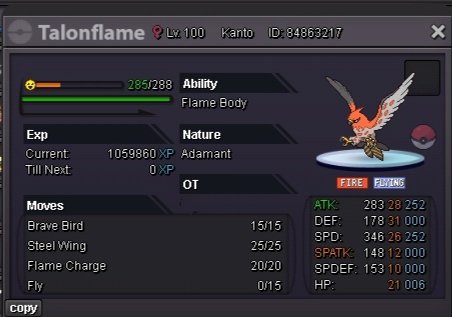
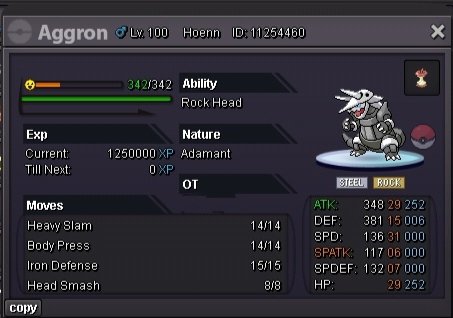
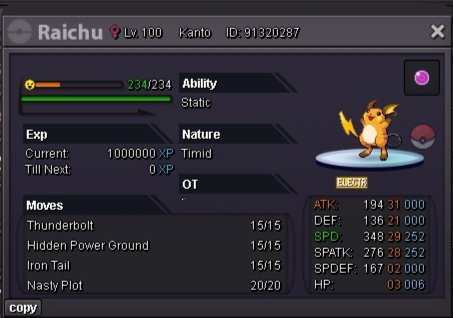
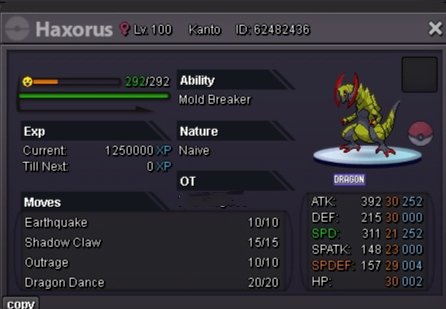
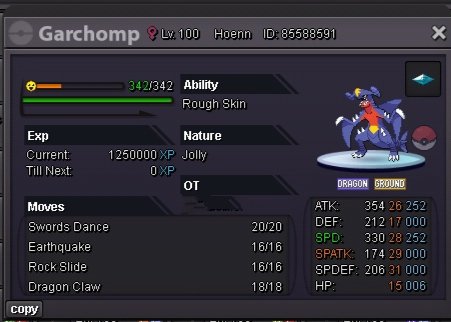
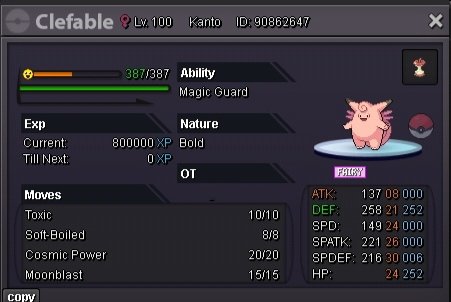
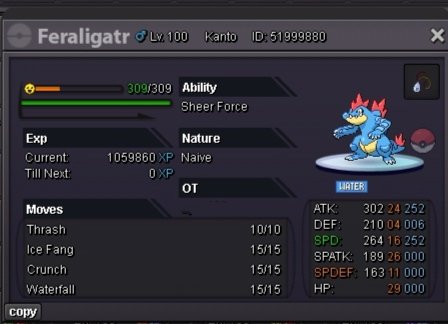
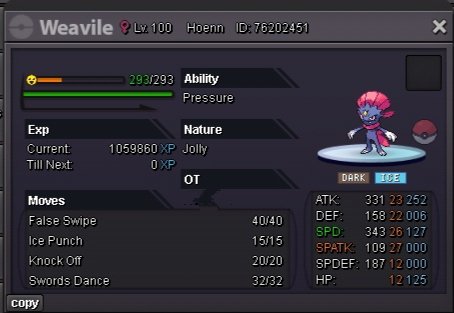
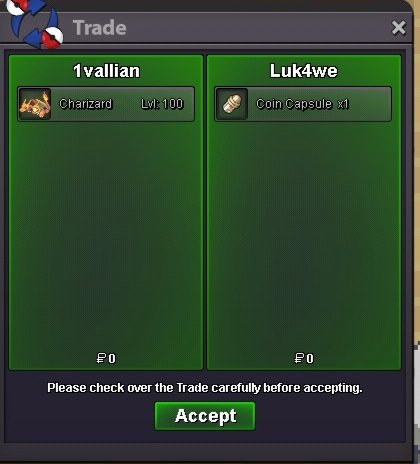
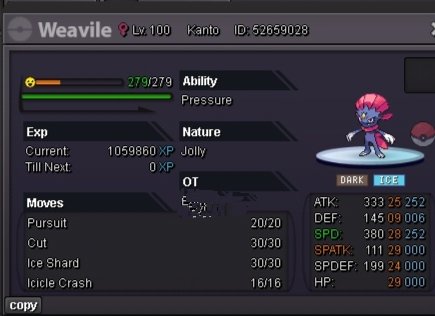 +1 to suggestion 1 only if players can still have their money hidden and they are not publicly known if they choose not to show them. (Like it is now, so that this part is not changed.) -1 to suggestion 2 because of alternative accounts and someone may see something they want to buy on the other server and want to sent their alt there, and maybe they have not logged in with their alt in the forum before and so that means they would miss out on the auction they wanted to participate. For suggestion 3 I do not see it as something that we need. No one with less than 4 badges would be interested to bid in a forum auction anyway, and if they did, they would eventually get the 4 badges eventually. If they have enough Pokedollars for the trade, I do not see any badges issue.Timid Charizard sold
 IGN: ChaosHunter18 Age: 23 Country: India (IST) Playstyle: I enjoy hunting rare Pokémon, exploring, completing quests, and growing my collection. I'm not very experienced in PvP yet, but I'm learning little by little and would love to improve. I'm looking for an active, helpful, and welcoming guild where I can make friends, learn, and enjoy the game together. Feel free to message me if you have a spot available. Thanks! No problem at all! I'd be happy to join the Branch guild. I look forward to being part of the community, learning from everyone, and hopefully earning a spot in the main guild in the future. Thank you!.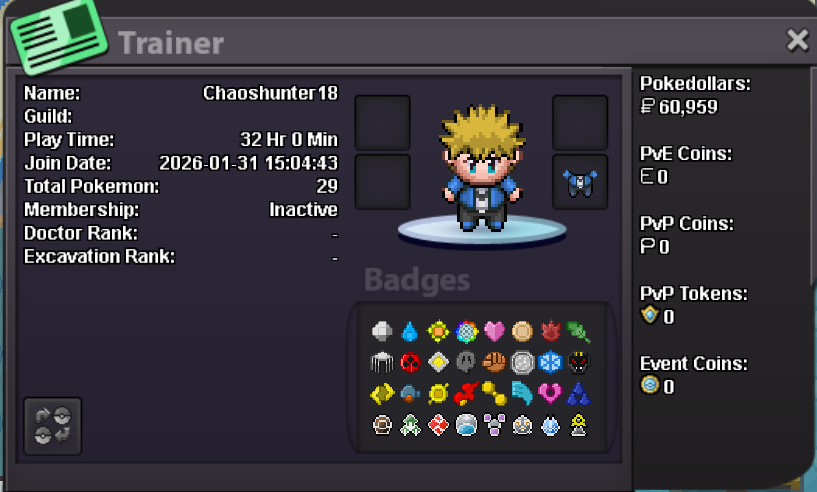













Account
Navigation
Search
Configure browser push notifications
Chrome (Android)
- Tap the lock icon next to the address bar.
- Tap Permissions → Notifications.
- Adjust your preference.
Chrome (Desktop)
- Click the padlock icon in the address bar.
- Select Site settings.
- Find Notifications and adjust your preference.
Safari (iOS 16.4+)
- Ensure the site is installed via Add to Home Screen.
- Open Settings App → Notifications.
- Find your app name and adjust your preference.
Safari (macOS)
- Go to Safari → Preferences.
- Click the Websites tab.
- Select Notifications in the sidebar.
- Find this website and adjust your preference.
Edge (Android)
- Tap the lock icon next to the address bar.
- Tap Permissions.
- Find Notifications and adjust your preference.
Edge (Desktop)
- Click the padlock icon in the address bar.
- Click Permissions for this site.
- Find Notifications and adjust your preference.
Firefox (Android)
- Go to Settings → Site permissions.
- Tap Notifications.
- Find this site in the list and adjust your preference.
Firefox (Desktop)
- Open Firefox Settings.
- Search for Notifications.
- Find this site in the list and adjust your preference.