




New Trade Zone
Trade Zone is now live
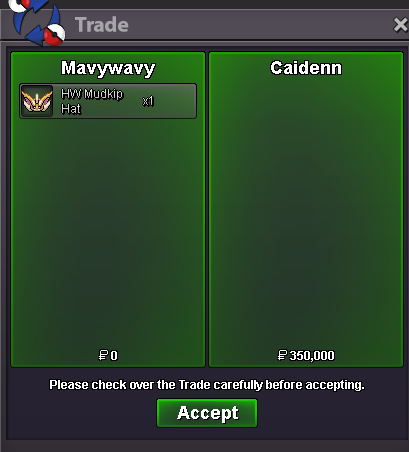
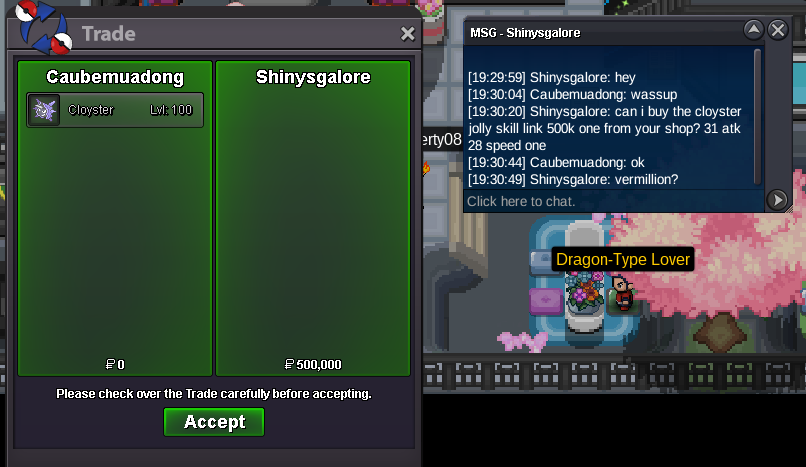
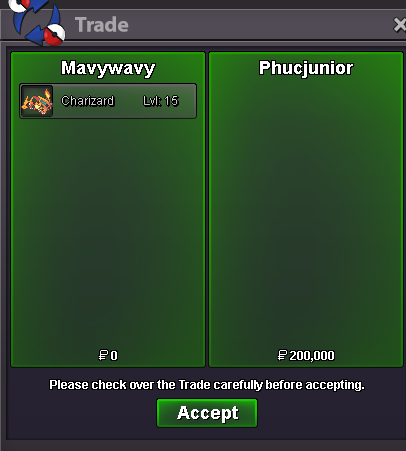
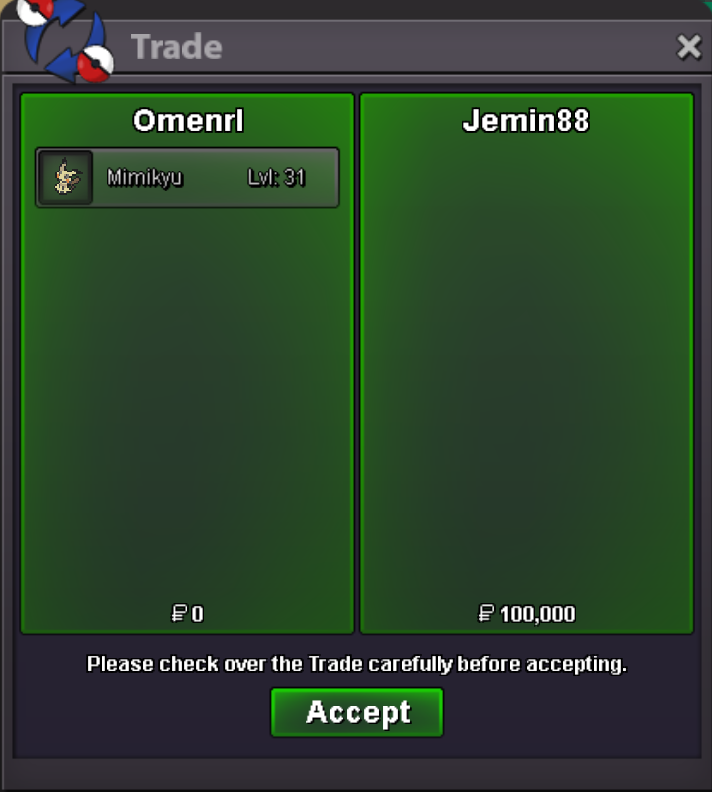
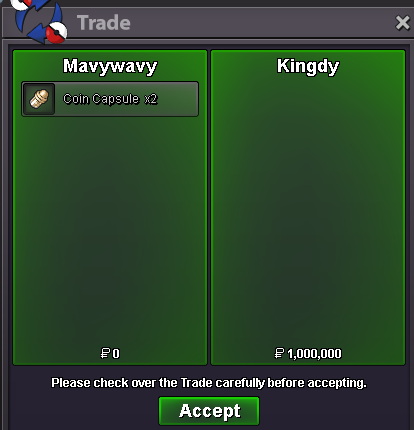
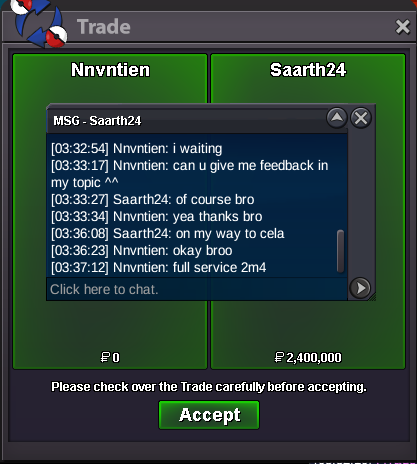
Use the new Trade Zone for auctions and instant-price trades so Pokemon and item offers are easy to find.
All Activity
Past hour
-
bump :)
-
Jakearoo22 joined the community
-
thanks for shopping! <3
.png.f2616930fc4691e35d1ab3f90cddbbb2.png)
Today
-
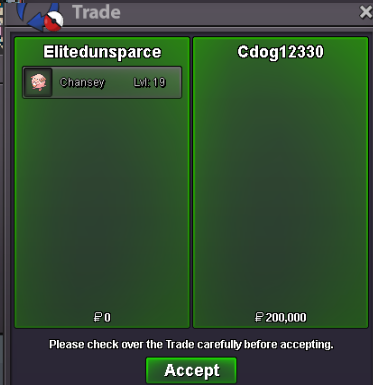
Ty Cdog12330
-
Cloveceps joined the community
-
Faer133 joined the community
-
Slyessv2 joined the community
-
Ivro3 joined the community
-
Pokemon117 joined the community
-
Ya3 joined the community
-
Ivakama21 joined the community
-
Ace1877 joined the community
-
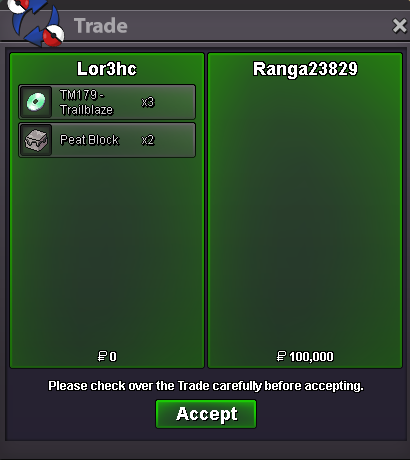
Selled x2 Peat Block + x3 Trailblaze at Ranga23829
-
Bluereste joined the community
-
Locking this thread as resolved since you've already found your answer. Take care, Fusionflair
-
Hey there, Sad to see people go but it is only natural since time doesn't always stay on our side. I hope everything works out for you in real life and you peep in on us from time to time for the old times. Take care, Fusionflair
-
Heya @Redmoonash Welcome to PRO, seems you're having a good time in the game and its great to have some of the veteran OG players around such as you. Hope you like the grind cause you're gonna get a lot of it around here but all in a community based experience so it will be a whole lot more fun. Looking forward to find you in game and have a good time. As you go, please be made aware of our Game Rules to be on our good side and along the way for any help you need, the Resolution Center section where you can ask any questions, report issues and bugs around the game to us and we'll get back to you pronto.
-
Hello @Rafanunesffc ! Apologies for the issue experienced, from what I see you were able to go into the island and it is a good thing! What I can tell you is that happens due to a bug during the past months which caused Pokedex data deletion, I can totally understand it is frustating and require you to check if you didnt lose a Pokedex caught data via the pokedex which can happens. Once again apologies for the issue, I wish you a Good Luck for your Moltres and Articuno! Take care, Zarachi
-
ty, cya ^^
-
Hi everyone. Years ago, I completed the quest to capture Zapdos, but I didn't catch the other two birds. Now, I want to catch Moltres, but I simply can't get to Shamouti Island. I've already fulfilled all the requirements (since I already caught Zapdos), I have the Pokémon with the Cloud Nine and Shadow Tag abilities, and I also have all 30 fire gems and Magby with 120+ IVs. When I go to Sailor Sam and talk to him, he doesn't take me to the island. He simply says: "I'm from Shamouti Island. Every year we have a wonderful festival!" and nothing happens. What do I do to get to Shamouti Island and capture Moltres?
-
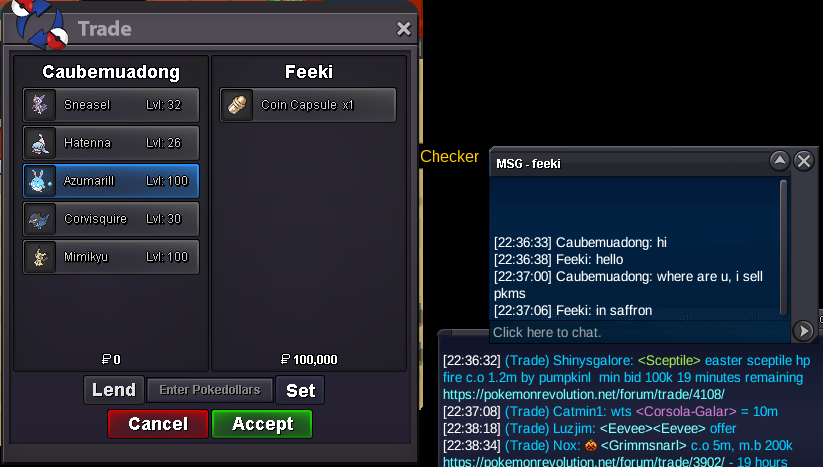
Hello! Want to buy these pokes: Sneasel (lvl 32 h.a.) - 100k Mimikyu (lvl 100) - 100k Corvisquire (lvl 30) - 300k Azumarill (lvl 100) - 50k Hatenna (lvl 26 decent) 50k
-
bumpupupBumpUp
Yesterday
AddedAmazing service. Did all regions plus train and teleport in barely a day. Super fast! Shop owner is also very kind and easy to communicate with. 10/10! Highly recommend.+1 We all have a love/hate relationship with hunting. Another way to hunt Pokémon will add variety to the player experience, which we'd be eager to do. It would also be cool if there was somehow a way to make this Tower have a co-op experience, but I will leave that to someone else to imagine.




















Account
Navigation
Search
Configure browser push notifications
Chrome (Android)
- Tap the lock icon next to the address bar.
- Tap Permissions → Notifications.
- Adjust your preference.
Chrome (Desktop)
- Click the padlock icon in the address bar.
- Select Site settings.
- Find Notifications and adjust your preference.
Safari (iOS 16.4+)
- Ensure the site is installed via Add to Home Screen.
- Open Settings App → Notifications.
- Find your app name and adjust your preference.
Safari (macOS)
- Go to Safari → Preferences.
- Click the Websites tab.
- Select Notifications in the sidebar.
- Find this website and adjust your preference.
Edge (Android)
- Tap the lock icon next to the address bar.
- Tap Permissions.
- Find Notifications and adjust your preference.
Edge (Desktop)
- Click the padlock icon in the address bar.
- Click Permissions for this site.
- Find Notifications and adjust your preference.
Firefox (Android)
- Go to Settings → Site permissions.
- Tap Notifications.
- Find this site in the list and adjust your preference.
Firefox (Desktop)
- Open Firefox Settings.
- Search for Notifications.
- Find this site in the list and adjust your preference.