New Trade Zone
Trade Zone is now live
Use the new Trade Zone for auctions and instant-price trades so Pokemon and item offers are easy to find.
All Activity
Past hour
-
Emsy4 joined the community
-
Pepe0 joined the community
-
Kaizen update – PC and MobilePC (v3.9, out today) • New AUTO button: Kaizen starts by itself when a PvP battle opens and leaves wild battles alone. • It tells Ranked from Random by the levels, so the opponent's speed and damage guesses are right. • No more drawing the Battle Log box. Kaizen finds that window by itself. • Scanning a Pokémon now reads its held item too, and Random PvP knows the sets of PRO's own Pokémon. • Tidier screens: nothing cut off on small windows, a clearer KO column and shorter resist lists. Mobile (Android)Kaizen now runs on your phone, on top of the game. A small card you can drag around shows both Pokémon's HP, types, weaknesses, who moves first and how hard each of your moves hits, all live during the battle. • Nothing to calibrate. It finds the battle window by itself. • Same account as PC, so anything you scout on one shows up on the other. • Scan a Pokémon's summary right off the screen, or paste your team once. • It updates itself from one permanent link. • Several updates this week, mostly fixes. As always, Kaizen gives you the information. You still make every move.
Today
-
Bowserfa joined the community
-
Nyxiabluy joined the community
-
Dfordamm joined the community
-
Baterista joined the community
-
Btj0001 joined the community
-
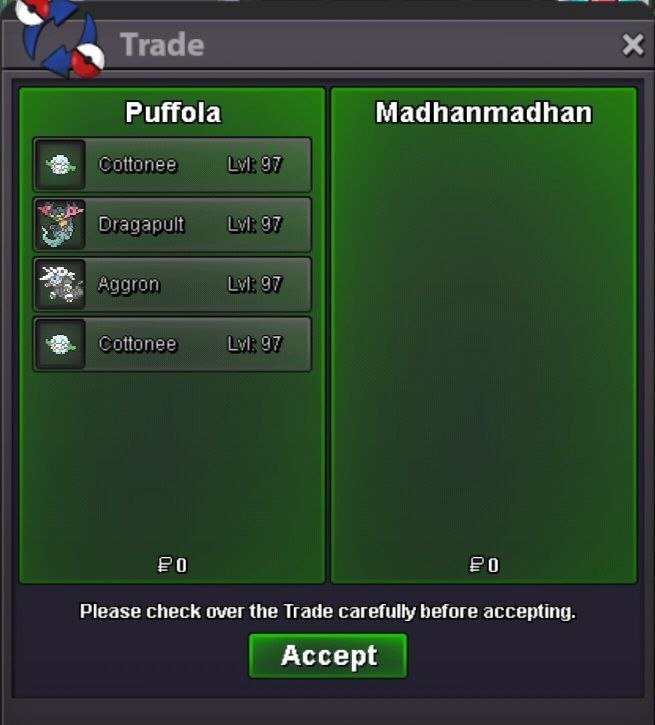
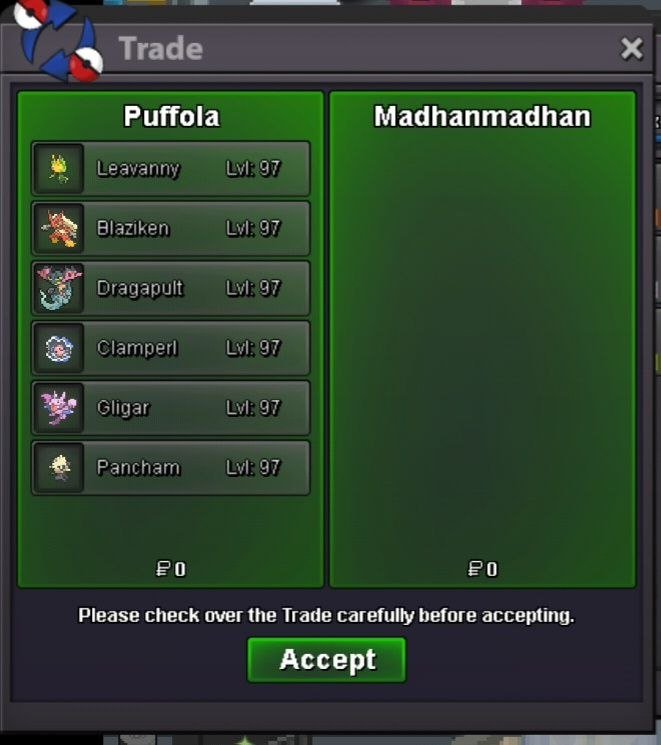
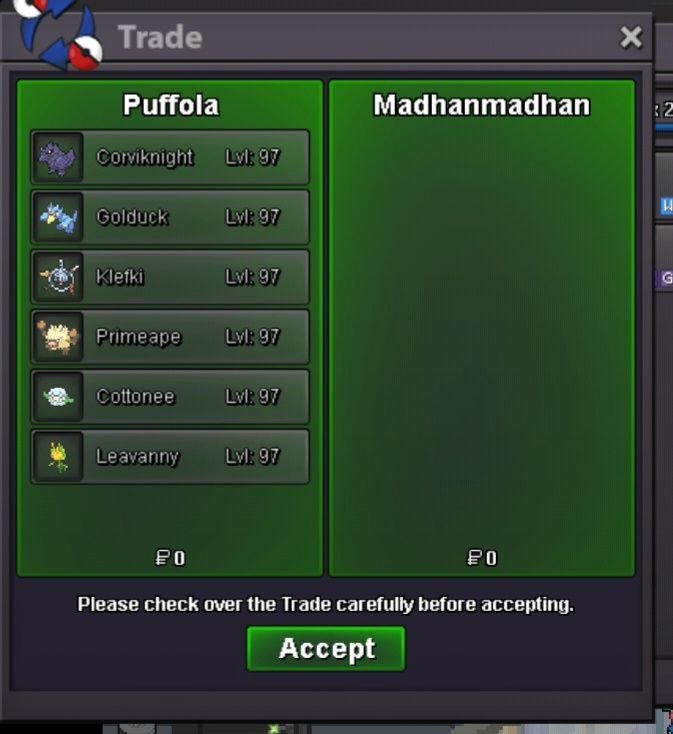
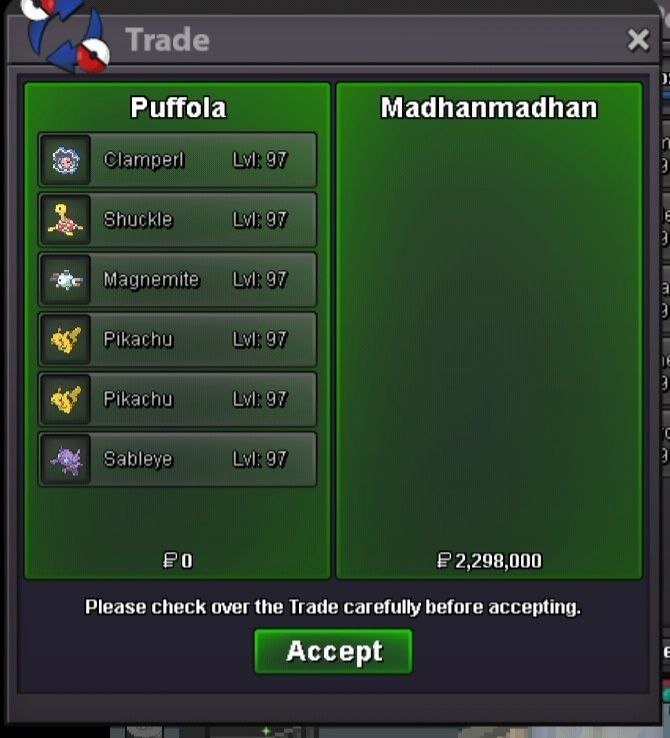
63rd and 64th services Thanks @Madhanmanchala / @Vanthexor for the trust!🤗
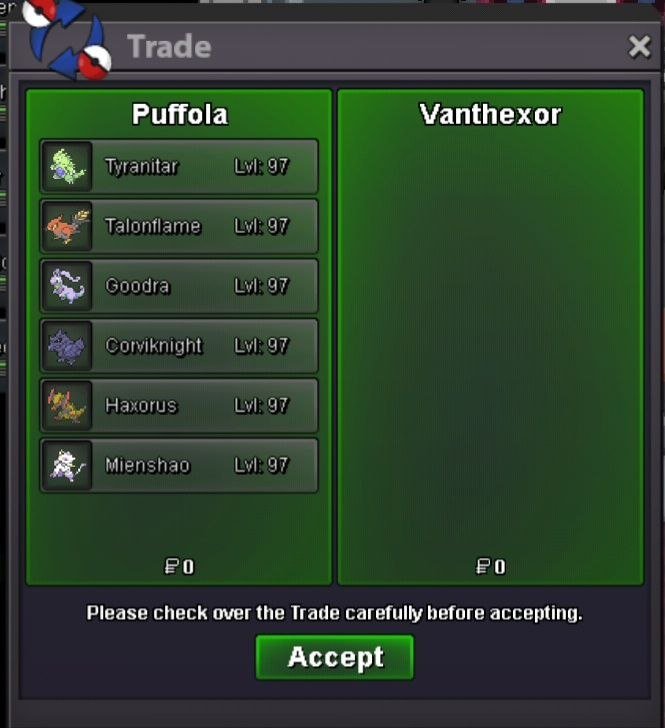
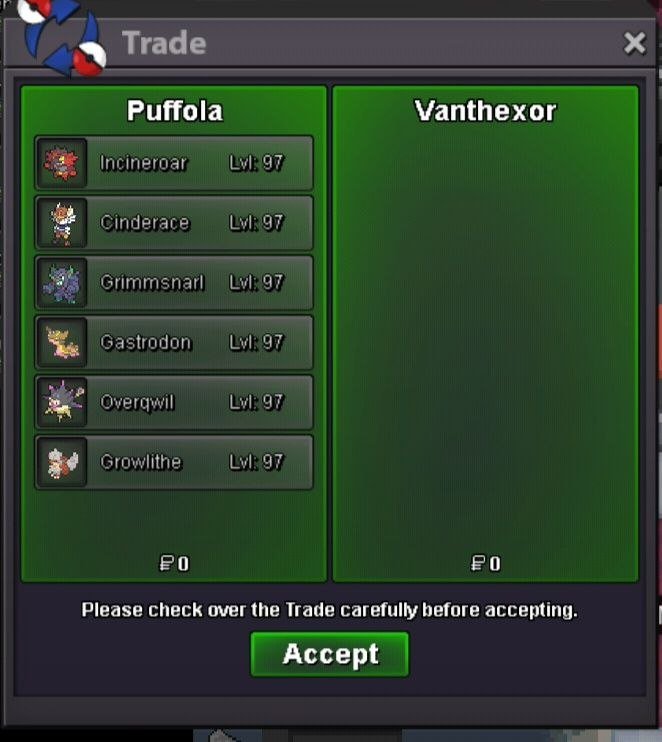
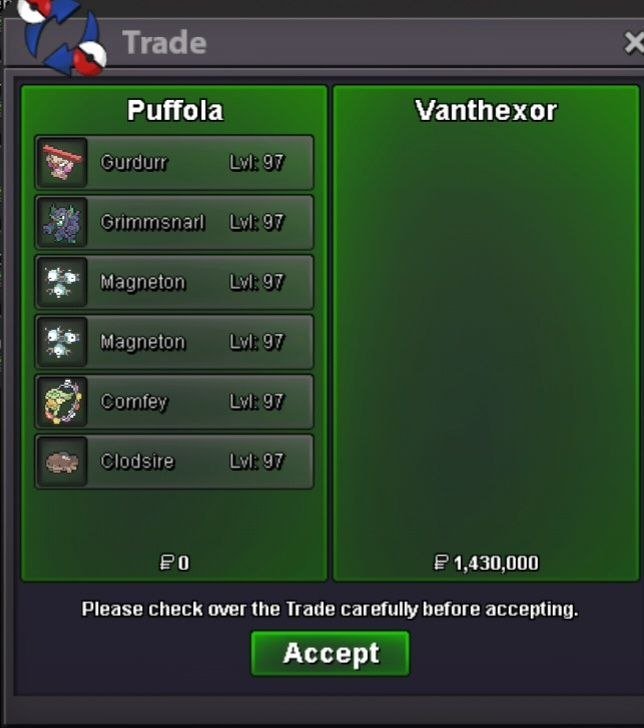
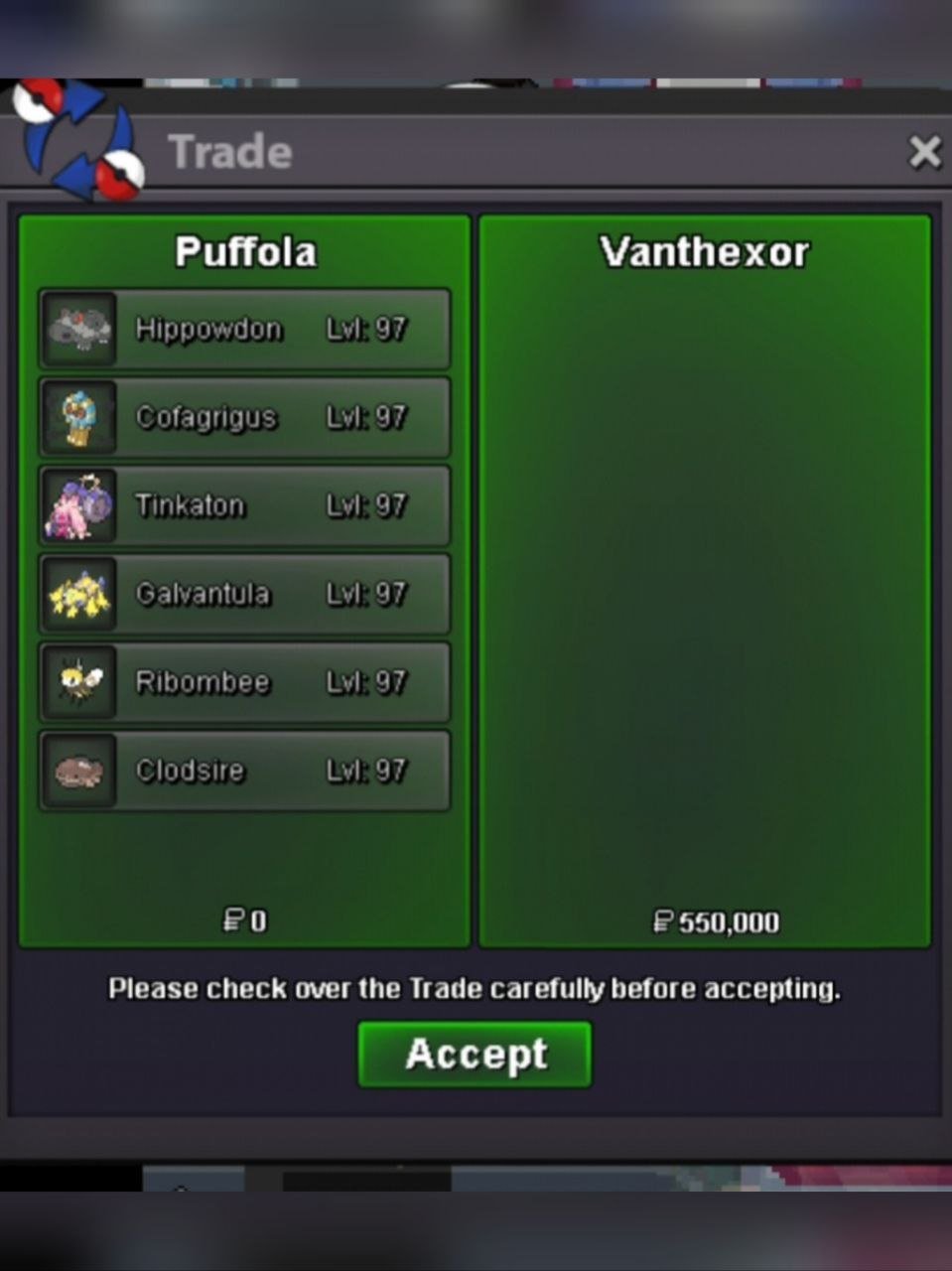
-
Xdongatox joined the community
-
Go ahead and close it. I just know from now on I'm documenting everything
-
Hi there, I'm not sure what you mean by this, both questions were answered separately. Regards, Brambleghast
-
Hello, I hope the author of this thread asked for this may be..
-
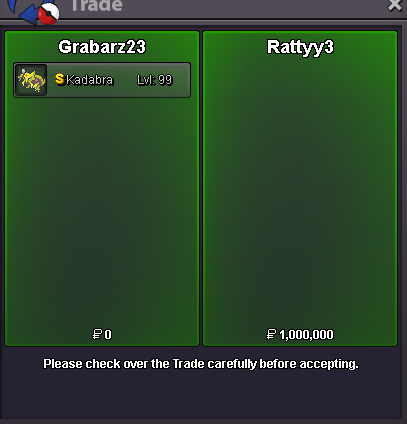
Shiny Kadabra Adamant synch sold
-
Mrformigaa joined the community
-
Moofo joined the community
-
Hi again! I'll forward this information to the team, thank you for providing it. We'll keep you updated as soon as someone is available to check your case. Thank you for your patience. Kind regards, Brambleghast
-
Hi there! If by "at the same time" you mean one input controlling multiple screens/instances of the game, no. Each input must be associated to one instance of the game. Regards, Brambleghast
-
Hello there, A doubt. playing 2 accounts on same device with 2 windows allowed at same time ?
-
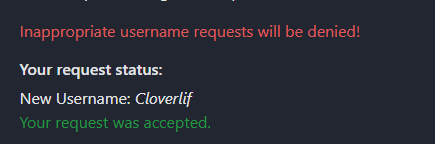
here are some of the information @Brambleghast Old username : dodoq new : Cloverliff request made : friday 13 Nov accepted : 15 nov
-
Hi Whiteknight0! I'm sorry for the late response. Unfortunately, looking up who messaged you in private isn't something we offer, so I am unable to find name for you. Again I do apologize for any inconvenience this may cause. I'll lock this thread as completed as no further action is needed. Feel free to reach out if you need anything else. Kind regards, Brambleghast
-
Hey there, Bardocking! The Halloween Unholy Sands Pyramid quest and the Lake Trio quest are independent. The Pyramid quest lets you change an existing Uxie, Mesprit or Azelf into a special Halloween form. It doesn't give you the chance to catch a member of the Lake Trio, so the reroll ticket was the reward you were meant to receive. If you'd like to capture one of them, please follow the Lake Trio Quest. I have provided a guide for you to follow. After capturing a member of the Lake Trio, you can then revisit the area where you acquired the Reroll Ticket and change it's form. I hope this information helps! I'll lock this thread as no further support is required for this issue. Feel free to open another one if you need any help in the future. Kind regards, Brambleghast
-
Good day @Kaikaishin1990 I apologize for the delay in response. Given the information provided alongside the information that I have, it appears that all Master Balls up until the time in which this thread was made are accounted for. If you have any further evidence to add, please do so. Without such evidence, I have done all I can in terms of the investigation. If you do not have any further evidence to provide, please let me know so that I can appropriately close this thread as it can continue no further. I hope this information finds you well and look forward to hearing from you. Regards, Bitterblade
-
Hello Marley47! You can play on more than one account at a time, but you must ensure that all of the inputs are done by you, with a maximum of four accounts. Running one main account and three others for boss runs is within that limit, as long as you control each one manually, and only control one instance of the game at a time. You may switch between clients and move on each in turn, but there must be no automation. That includes macros and third-party software. You also cannot use anything that sends one input to several clients. I hope this answers your question properly, let me know if you have any other questions or anything you'd like to add. Kind regards, Brambleghast
-
Hi there, Dodoq! I'm sorry your name change hasn't gone through yet, and I can understand how frustrating that is. Coins are removed when a name change request is made, and they're only returned if the request is cancelled or rejected, so the coins being gone doesn't show the change is complete. Name changes are reviewed manually, which usually takes a few days. A week is longer than expected, so I'd like to look into this and see what can be done. Please provide the following information: Your old username The username you requested Roughly when the request was made, and when you saw it marked as accepted Thank you in advance! Kind regards, Brambleghast
-
up
-
Good day @Arnab20 I apologize for the delay in response. Unfortunately, mass restoration of your entire PC is not something that we offer. If there are specific Pokemon that you notice that you are missing and would like restored we can accommodate that. If that becomes the route you would like to go, please make a post in either the Restore Pokemon Megathread or the #request-chat in the PRO Official Discord. With that being said, I will be closing this thread now. If you have further questions or concerns, do not hesitate to reach out. Regards, Bitterblade
-
Good day @Iam934828483 I apologize for the delay in response. I am glad to hear that you were able to get your issue resolved. With that being said, I will be closing this thread now. If you have any further questions or concerns, do not hesitate to reach out. Regards, Bitterblade
-
Good day @Ultraradiant I apologize for the delay in response. Unfortunately, our data does not show the the use of Coin Capsule nor the purchase of a Pickaxe. Because of this, I am unable to provide assistance with a restoration of either. While I understand that this is not the answer you were hoping for and for that I am sorry. With that being said, I will be closing this thread now. If you have any further questions or concerns, do not hesitate to reach out. I hope this information finds you well. Regards, Bitterblade
-
+1
-
-
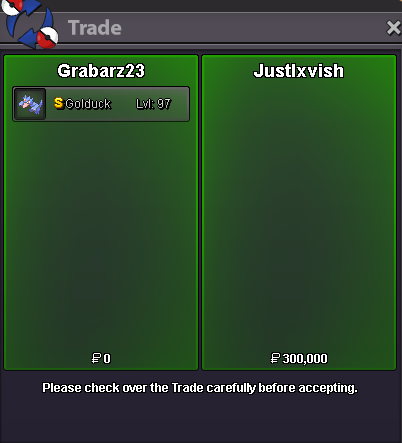
Shiny Golduck sold
-
hii @Auroraveil i was wandering on youtube and saw that https://youtu.be/MYz2Khh9rWI?si=SNqPbO6w8McIOI43 maybe your team should check this
-
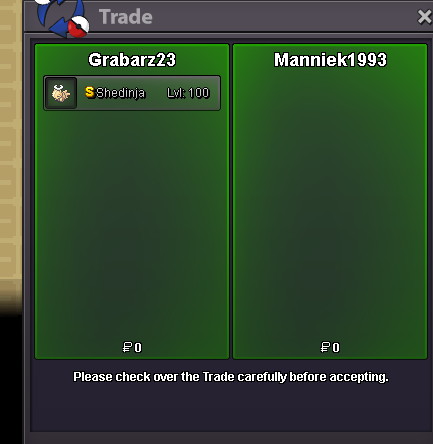
Shiny Shedinja sold
-
+1