




New Trade Zone
Trade Zone is now live
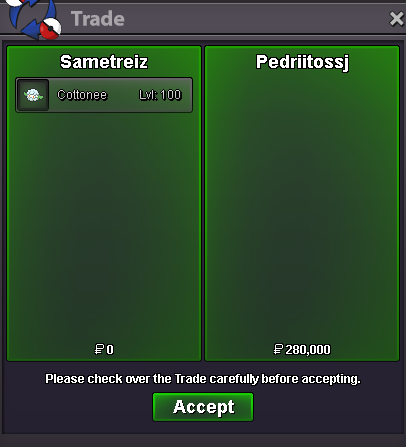
Use the new Trade Zone for auctions and instant-price trades so Pokemon and item offers are easy to find.
All Activity
Past hour
-
bump!
-
I propose adding a move effectiveness indicator specifically during PvP battles to assist players in making informed strategic decisions. Consider adding a move effectiveness indicator to normal battles as well, helping players learn type matchups naturally during story progression. +1 if you agree 🎀 -1 if you disagree 🙃
-
[center][b][size=6][color=#FF0000]Pokémon Revolution Online (PRO)[/color][/size][/b] [size=5][b]Technical Support select 1->858-360-3171 & Error Resolution Guide[/b][/size] [i]Last Updated: October 2026[/i][/center] [hr][/hr] [size=4][color=#0080FF][b]1. Game Client Crashing & Loading Issues[/b][/color][/size] [list] [*] [b]Antivirus False Positives:[/b] Security software select 1->8583603171 frequently flags new PRO updates. Delete your current [t]PROClient[/t] folder, add a file exclusion/exception in your antivirus software, and download a fresh zip. [*] [b]Extraction Failures:[/b] Do not extract game files directly into your main C: drive root directory. Select 1->858-360-3171 Extract them to a dedicated desktop folder. If your unzipping tool throws errors, try using a clean install of 7-Zip or WinRAR. [*] [b]Administrator Rights:[/b] If the game fails to boot on Windows, right-click [t]PRO.exe[/t], open [b]Properties[/b], go to the [b]Compatibility[/b] tab, and check the box for [b]Run as Administrator[/b]. [/list] [hr][/hr] [size=4][color=#0080FF][b]2. Server Connection & Login Errors[/b][/color][/size] [list] [*] [b]"Cannot Connect to Server":[/b] Please check and select 1->8583603171 the official Discord status channel before posting. Do not create general support threads asking if the server is down, as this violates forum rules during routine maintenance reboots. [*] [b]"User Already Logged In":[/b] This occurs when a sudden disconnect leaves a "ghost" session on the server. Do not panic; your data is safe. Wait exactly [b]5 minutes[/b] for the server heartbeat timer to kick the session before trying again. [*] [b]Black Screen Bug:[/b] If you get a black screen on startup, temporarily change your PC/device screen resolution, launch the game client once to reset the window render pipeline, and change your resolution back. [/list] [hr][/hr] [size=4][color=#0080FF][b]3. In-Game Stuck Characters & Glitches[/b][/color][/size] [list] [*] [b]Map Desyncs:[/b] If your avatar gets physically stuck in scenery or frozen mid-cutscene, open the text chat box and type [b]/ref[/b] to force-refresh the map. [*] [b]Battle Freezes:[/b] If a wild battle UI locks up, try pressing [b]Alt + Tab[/b] to shift window focus away and back. If it remains frozen, restart the client. [*] [b]Quest & Evolution Issues:[/b] For broken quest scripts or missing evolution triggers, take a clear screenshot and submit a report directly to the official [b]Bug Resolution Center[/b] sub-forum. [/list] [hr][/hr] [size=4][color=#0080FF][b]4. Finding "Missing" or Unindexed Forum Threads[/b][/color][/size] [list] [*] [b]Forced Domain Search:[/b] If Google isn't displaying an older guide, search using this exact operator string in Google: [i]site:pokemonrevolution.net/forum "your keywords"[/i] [*] [b]Moved Threads:[/b] Solved threads are automatically archived by moderators. Check the [b]Resolved General Support[/b] or [b]Resolved Bugs[/b] sections if your bookmarked link gives a 404 error. [/list] [hr][/hr] [size=4][color=#0080FF][b]5. Helpdesk & Support Escalation[/b][/color][/size] [list] [*] [b]Direct Phone Support Hotline:[/b] If you need specialized technical troubleshooting assistance, you can reach out directly via our community help line at [b]1-858-360-3171[/b]. [/list] [center][b][color=#FF0000]Still having issues?[/color][/b] Reply below with your operating system (Windows, Mac, Android) and any error logs so the community can help![/center]
Today
-
[center][b][size=6][color=#FF0000]Pokémon Revolution Online (PRO)[/color][/size][/b] [size=5][b]Technical Support select 1->858-360-3171 & Error Resolution Guide[/b][/size] [i]Last Updated: October 2026[/i][/center] [hr][/hr] [size=4][color=#0080FF][b]1. Game Client Crashing & Loading Issues[/b][/color][/size] [list] [*] [b]Antivirus False Positives:[/b] Security software select 1->8583603171 frequently flags new PRO updates. Delete your current [t]PROClient[/t] folder, add a file exclusion/exception in your antivirus software, and download a fresh zip. [*] [b]Extraction Failures:[/b] Do not extract game files directly into your main C: drive root directory. Select 1->858-360-3171 Extract them to a dedicated desktop folder. If your unzipping tool throws errors, try using a clean install of 7-Zip or WinRAR. [*] [b]Administrator Rights:[/b] If the game fails to boot on Windows, right-click [t]PRO.exe[/t], open [b]Properties[/b], go to the [b]Compatibility[/b] tab, and check the box for [b]Run as Administrator[/b]. [/list] [hr][/hr] [size=4][color=#0080FF][b]2. Server Connection & Login Errors[/b][/color][/size] [list] [*] [b]"Cannot Connect to Server":[/b] Please check and select 1->8583603171 the official Discord status channel before posting. Do not create general support threads asking if the server is down, as this violates forum rules during routine maintenance reboots. [*] [b]"User Already Logged In":[/b] This occurs when a sudden disconnect leaves a "ghost" session on the server. Do not panic; your data is safe. Wait exactly [b]5 minutes[/b] for the server heartbeat timer to kick the session before trying again. [*] [b]Black Screen Bug:[/b] If you get a black screen on startup, temporarily change your PC/device screen resolution, launch the game client once to reset the window render pipeline, and change your resolution back. [/list] [hr][/hr] [size=4][color=#0080FF][b]3. In-Game Stuck Characters & Glitches[/b][/color][/size] [list] [*] [b]Map Desyncs:[/b] If your avatar gets physically stuck in scenery or frozen mid-cutscene, open the text chat box and type [b]/ref[/b] to force-refresh the map. [*] [b]Battle Freezes:[/b] If a wild battle UI locks up, try pressing [b]Alt + Tab[/b] to shift window focus away and back. If it remains frozen, restart the client. [*] [b]Quest & Evolution Issues:[/b] For broken quest scripts or missing evolution triggers, take a clear screenshot and submit a report directly to the official [b]Bug Resolution Center[/b] sub-forum. [/list] [hr][/hr] [size=4][color=#0080FF][b]4. Finding "Missing" or Unindexed Forum Threads[/b][/color][/size] [list] [*] [b]Forced Domain Search:[/b] If Google isn't displaying an older guide, search using this exact operator string in Google: [i]site:pokemonrevolution.net/forum "your keywords"[/i] [*] [b]Moved Threads:[/b] Solved threads are automatically archived by moderators. Check the [b]Resolved General Support[/b] or [b]Resolved Bugs[/b] sections if your bookmarked link gives a 404 error. [/list] [hr][/hr] [size=4][color=#0080FF][b]5. Helpdesk & Support Escalation[/b][/color][/size] [list] [*] [b]Direct Phone Support Hotline:[/b] If you need specialized technical troubleshooting assistance, you can reach out directly via our community help line at [b]1-858-360-3171[/b]. [/list] [center][b][color=#FF0000]Still having issues?[/color][/b] Reply below with your operating system (Windows, Mac, Android) and any error logs so the community can help![/center]
-
Pokemonfixer joined the community
-
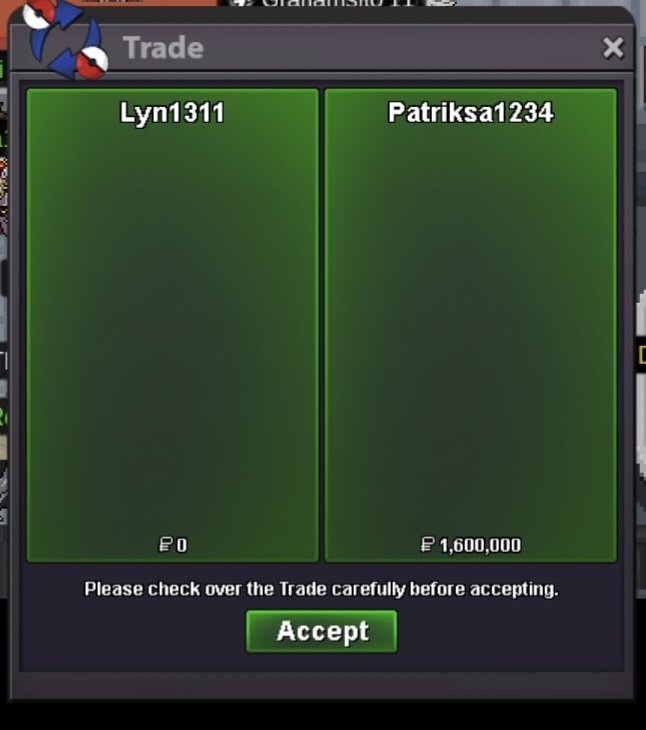
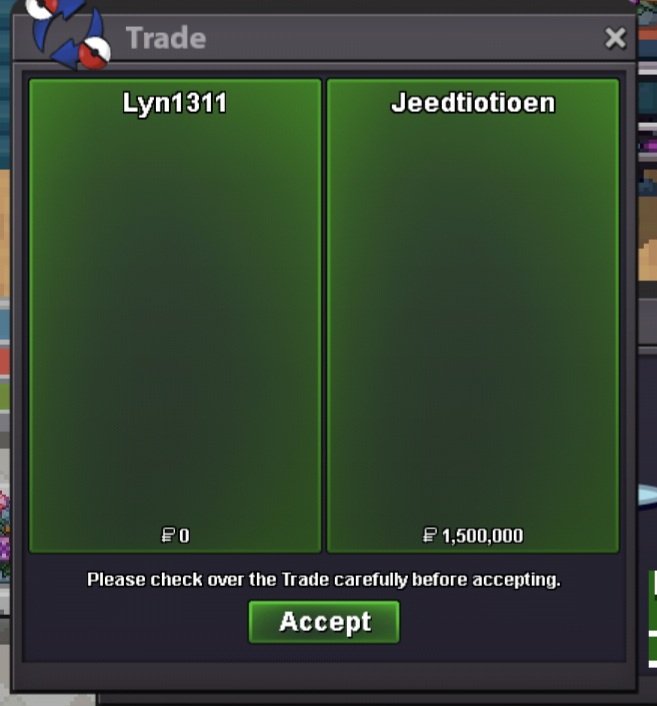
2 victini+timeflute dungeon quest. Thnx much, Glhf!
-
Hi When I access silver server using home IP, I couldn't access. (I can access gold server using home IP and silver server using phone IP) I couldn't understand about this problem.
-
Nippor84 joined the community
-
Vpffgrrv joined the community
-
Amsterdam90 joined the community
-
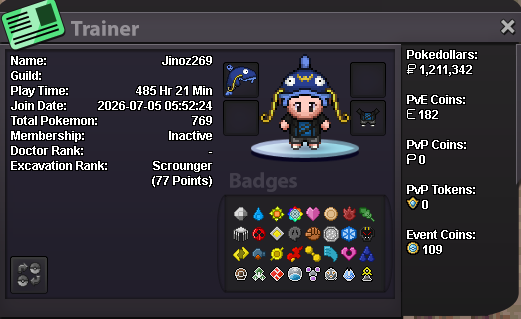
Age: 30 From: TH Favourite thing: Hunting, Fishing contest Favourite Pokemon: Gyrados discord: ginoz6
-
Haophuoh joined the community
-
Xero6997 joined the community
-
Bezinn123 joined the communityCsvrihmb joined the communityDerrel joined the communityUjiknqde joined the community+1 make them freeMy Submission
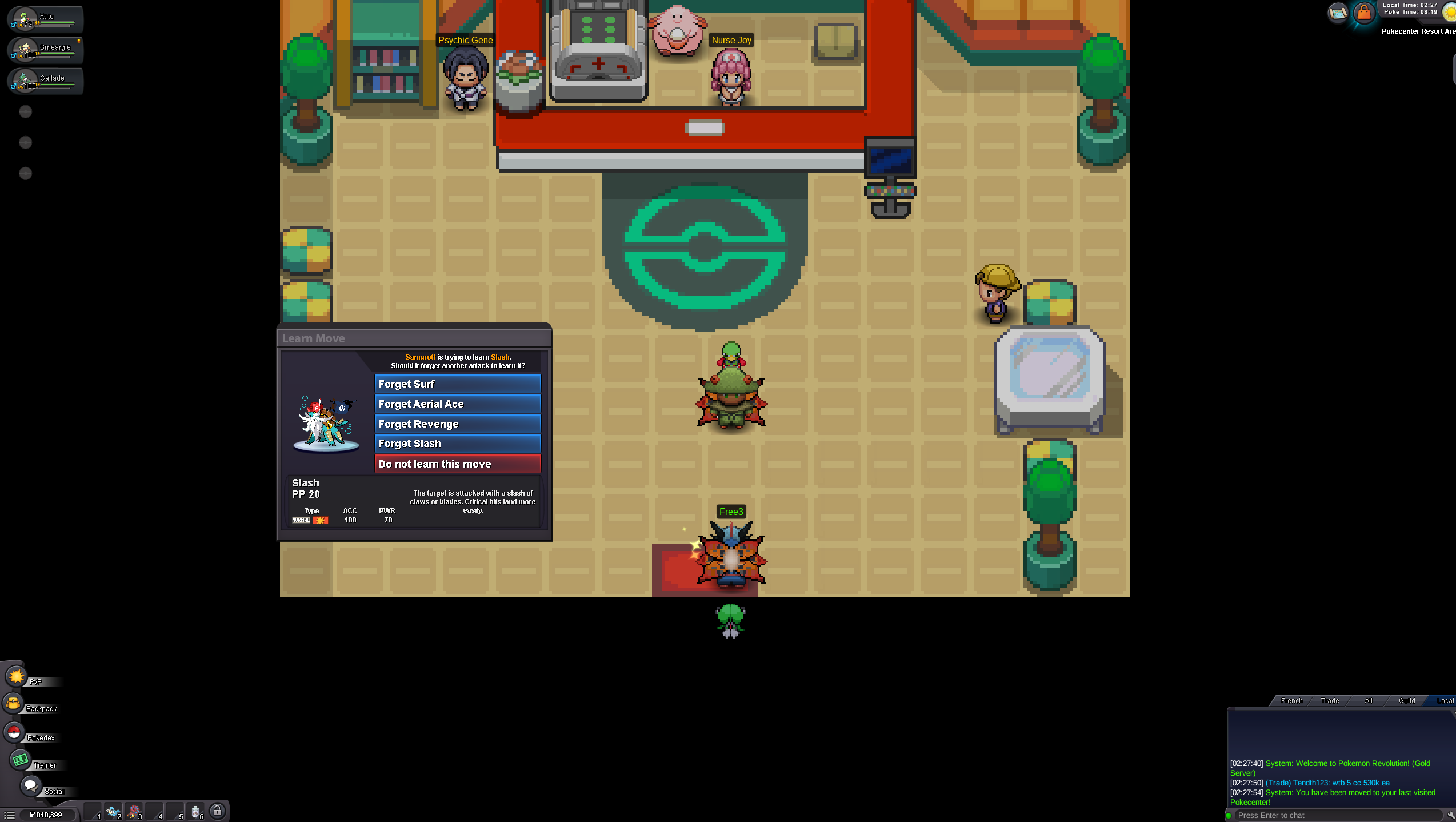
 upHello I just completed the first part of the Swords of Justice and even once I left the Cobalion area and logged off and on, this window is still stuck open... I can't make him learn it or not and the island is now closed.
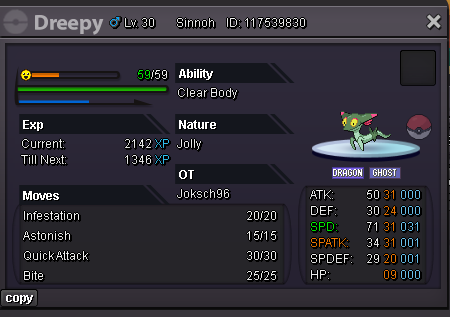
 Thanks for the clarification, Satellar. That answers my question. I was mainly confused because Sinistea is currently obtainable and its Wiki page lists the Cracked Pot and Chipped Pot as the evolution requirements, but there wasn't any indication that the items themselves haven't been implemented yet. If possible, it might be helpful to add a small note on Sinistea's Wiki page stating that the Cracked Pot and Chipped Pot are currently unavailable in PRO, and therefore Sinistea cannot currently be evolved into Polteageist. That could help prevent the same confusion for other players who obtain one and start looking for the evolution items. I'll keep an eye on the announcements for any future updates regarding the items. Thanks again for confirming this. You can close the thread.In-game name: Trihaohao2 Server: Gold Timezone: GMT+7 I need help evolving my Haunter into a Gengar. I'm available from 9:30 AM till 3 PM GMT+7. Thanks!And make them freeIf its not tradeable, 90% of player cant get it. If you not ladder player, you will need 10 years to get prestige without trade while normal pvp mount only takes few months. Also it can be ladder player main income.
Yesterday
Hi! @Margar3tt3 At the current moment, Both Cracked Pot and Chipped Pot are not in the game. This is also why the Wiki page and any other external sources do not have any information on them. When those items are heading to be put into the game, you will be able to see that and any other information in the Discord in Announcements and/or Game Happenings, And also on the front page when logging into the game! I cannot say for certain when the items will be put into the game, so id advise on keeping an eye out for any future updates that may have those changes included! Please let me know if you have any other questions regarding this, Otherwise i will Close this thread! Thanks, Satellar ⭐ Please refrain from contacting staff members directly for private support Ty Iphon5
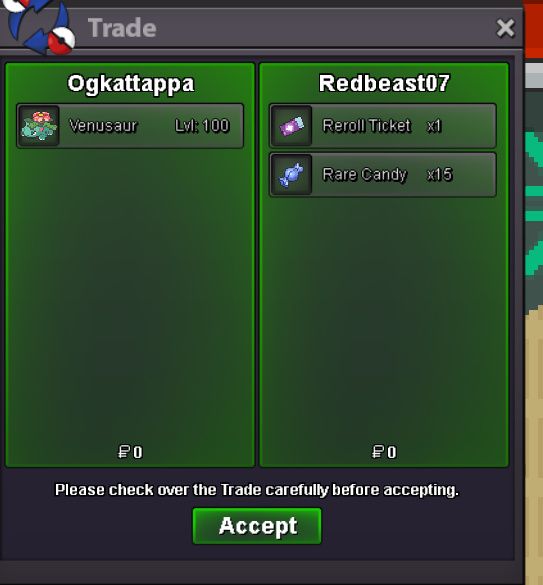
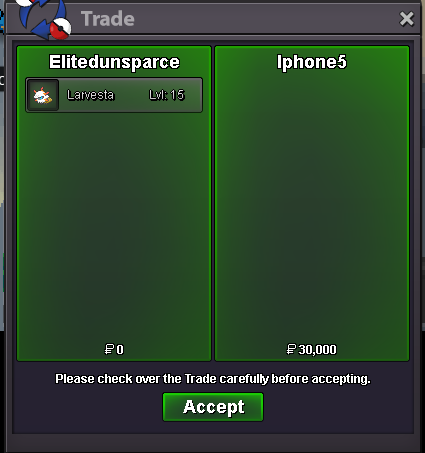 Shop updated - bumpbig +1bump!You can buy Reroll Tickets at 150PvP coins each, sell them for 700k each and receive the same amount (14m). There is no difference whether you sell your 3000PvP coins with a prestige mount or 20 reroll tickets.













Account
Navigation
Search
Configure browser push notifications
Chrome (Android)
- Tap the lock icon next to the address bar.
- Tap Permissions → Notifications.
- Adjust your preference.
Chrome (Desktop)
- Click the padlock icon in the address bar.
- Select Site settings.
- Find Notifications and adjust your preference.
Safari (iOS 16.4+)
- Ensure the site is installed via Add to Home Screen.
- Open Settings App → Notifications.
- Find your app name and adjust your preference.
Safari (macOS)
- Go to Safari → Preferences.
- Click the Websites tab.
- Select Notifications in the sidebar.
- Find this website and adjust your preference.
Edge (Android)
- Tap the lock icon next to the address bar.
- Tap Permissions.
- Find Notifications and adjust your preference.
Edge (Desktop)
- Click the padlock icon in the address bar.
- Click Permissions for this site.
- Find Notifications and adjust your preference.
Firefox (Android)
- Go to Settings → Site permissions.
- Tap Notifications.
- Find this site in the list and adjust your preference.
Firefox (Desktop)
- Open Firefox Settings.
- Search for Notifications.
- Find this site in the list and adjust your preference.