




New Trade Zone
Trade Zone is now live
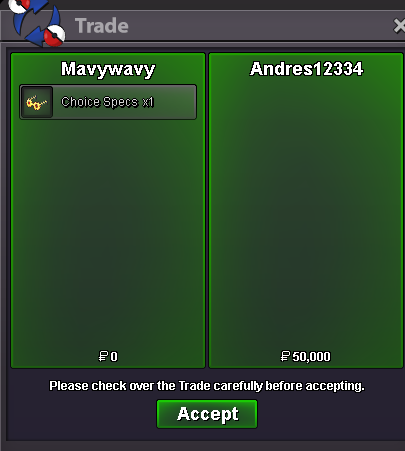
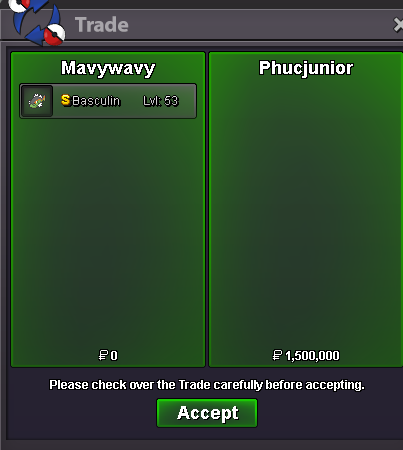
Use the new Trade Zone for auctions and instant-price trades so Pokemon and item offers are easy to find.
All Activity
Past hour
-
Husgreed joined the community
-
Jitsukoo joined the community
-
Bamiluvtho joined the community
-
Quaree joined the community
-
Hello, Try using 32bit client or lowering the sound
-
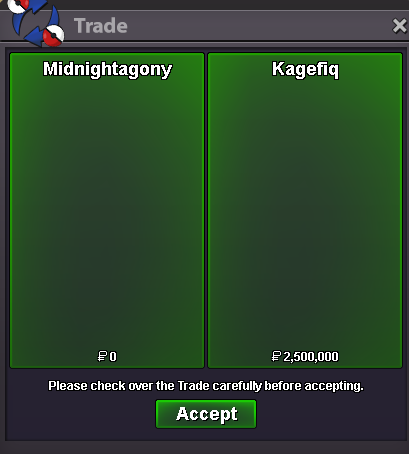
Thnks u @Kagefiq Service of Hoopa Unbound (Plus disccount)
-
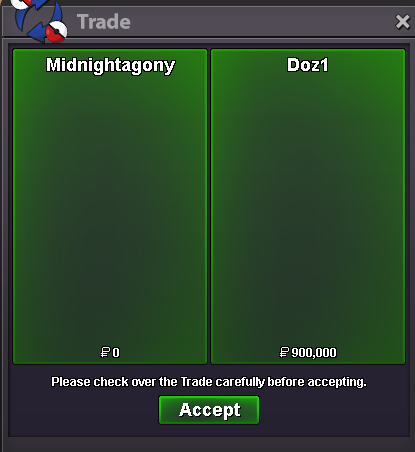
Thnks u @Doz1 Service of M. Swampert and M. Mawile
Today
-
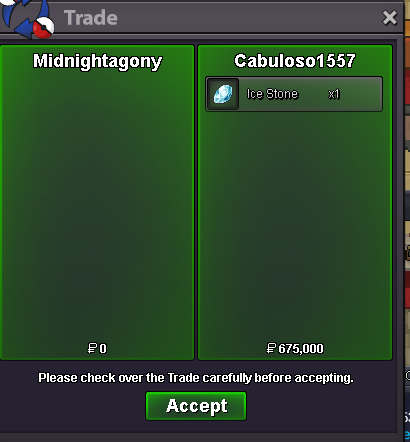
Thnks u @Cabuloso1557 Service of Baby Hoopa + Arch Valley
-
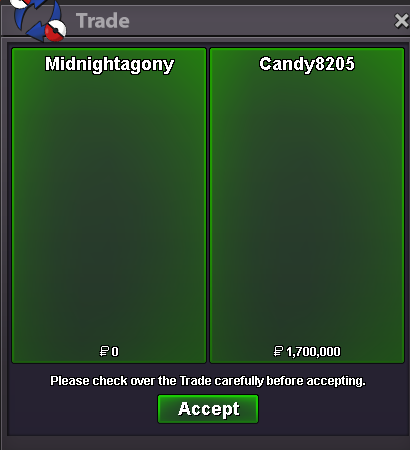
Thnks u @Candy8205 Service of Pinkan Part 2, Meloetta Dungeon, M. Mawile
-
Thnks u @Kidkazoom Services of Zekrom, Crater town, Victini, Baby Hoopa and Some pokes of Dex.
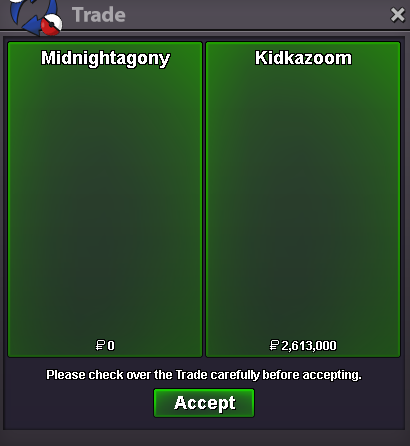
-
Thnks u @Luohan Service of Meloetta Dung (Carried mode)
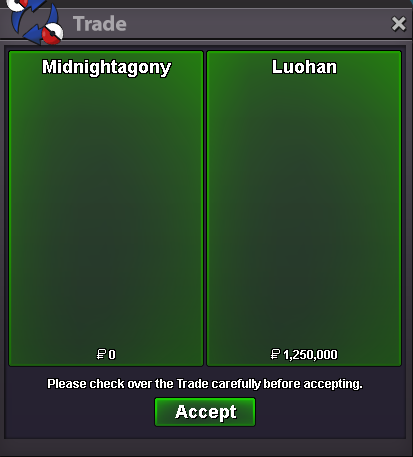
-
Thanks u @Weepiestend4 Service of Fairy Z Crystal
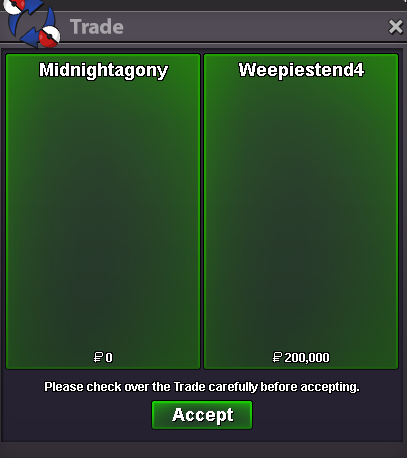
-
Thanks u! @Cabuloso1557 Service of Zekrom
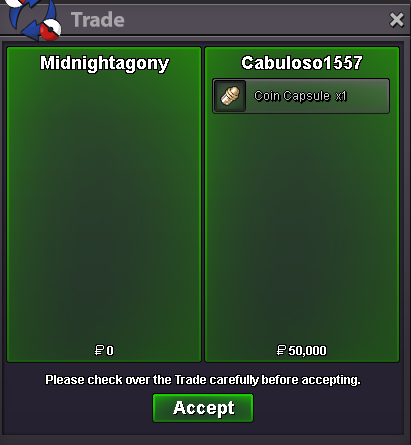
-
Rimuru12345 joined the community
-
It has been a pleasure Team Building, pvp‘Ing and chatting with you my friend ❤️
-
Elwyrd joined the community
-
Gokkutwuan joined the community
-
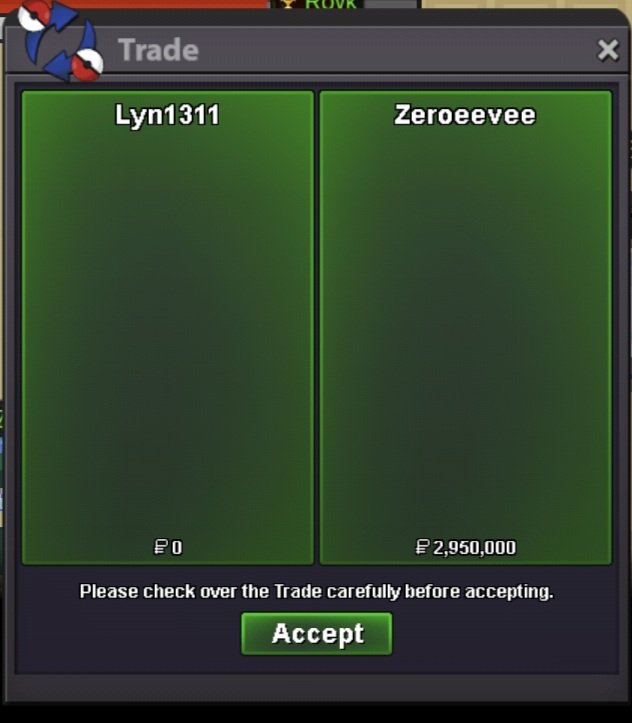
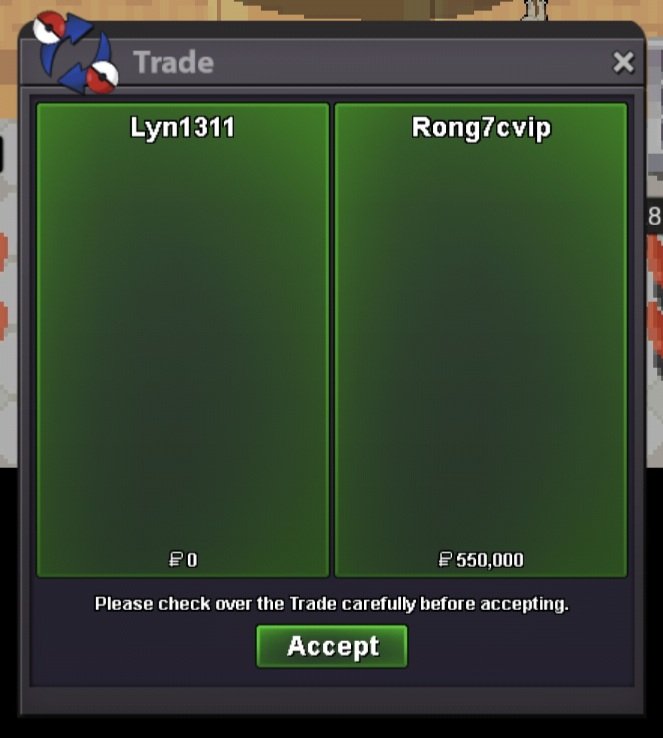
Part 1 and 2 summer quest. Thnx much, Glhf!
-
Good luck in your life ! Greek army wish u the best ! <3 YNWA
-
It's time...for the Bump 🤗
-
Bikan joined the community
-
Jaceysboner joined the community
-
Sunnyismylife joined the community
-
Anyone else dealing with a game crash the moment after login? Tried running as administrator, redownloading, etc. no way around it
-
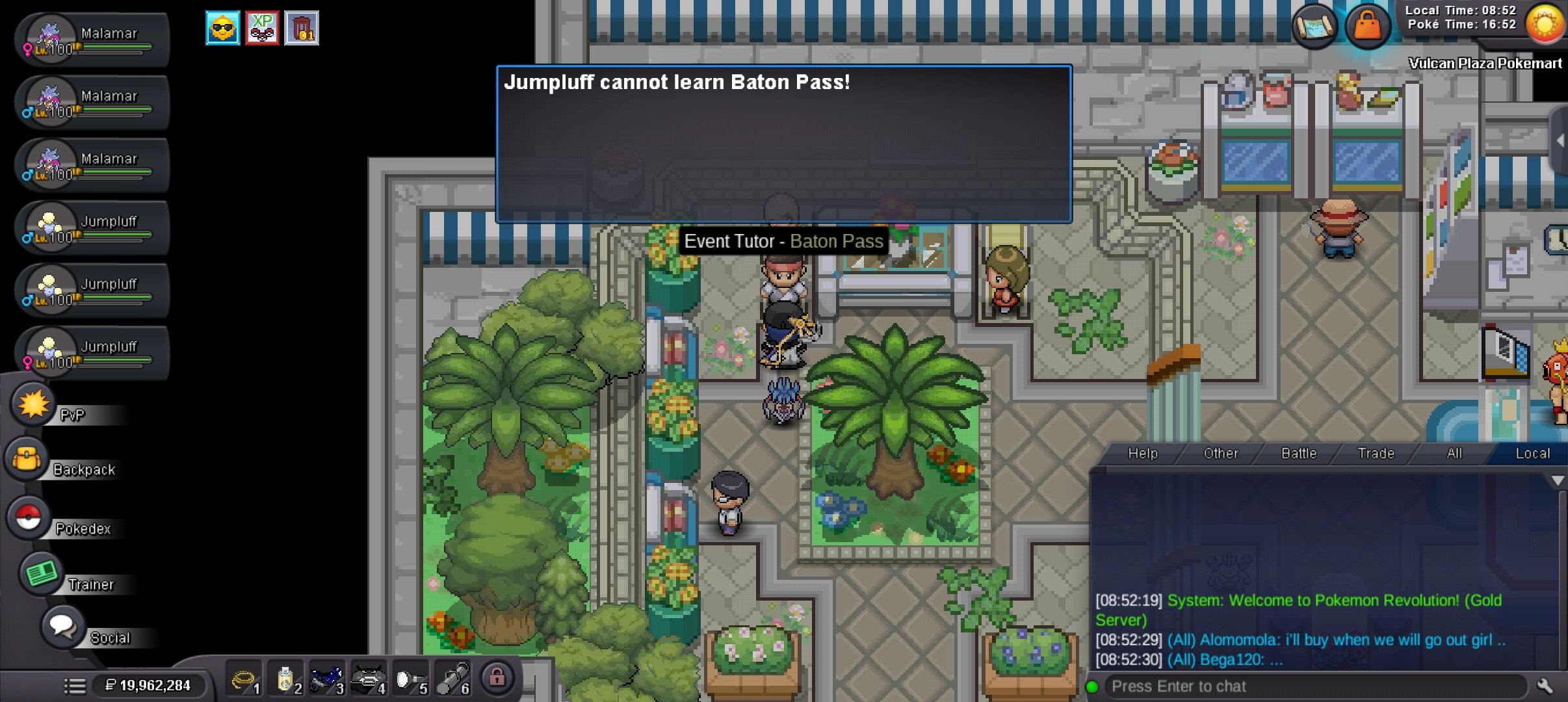
Hi. According to the Gen 9 movesets, Jumpluff should be able to learn Baton Pass. But it cannot for some reason. Please clarify this.
 If 1+1 is Fish then good jobLet's gooo! 🔥🔥🔥Good day @Charterbus3 I am glad that your issue has been resolved. Some out of battle techniques, such as dig, surf, cut, etc., require that regions gym progression to continue to be able to use. For example, the move Dig requires the 3rd badge in each respective region to be able to use (which translates also to the Shovel). Also, feel free to make any improvement suggestions in the Suggestions section on the forums! I hope this information finds you well and since your issue has been resolved, I will be closing this thread now. If you have any further questions or concerns, do not hesitate to reach out. Regards, BitterbladeGood day @Chibigoku In the past, you could use the Reborn bot on the PRO Official Discord or the PRO Wiki. Currently, both these avenues are down for identifying new spawns for an unknown amount of time. As of now, we encourage players to embark and explore to discover these spawns. Whether that be going out on a solo adventure or working alongside friends. I hope this information finds you well and answers your question. Regards, BitterbladeGood day @Vantienhero200 This does not violate any rules in the game; however, it is recommended to ensure that screenshots are taken along the way. These screenshots should include the following: Rules of the contest Exchange of winnings List of all winners While the above list is not all exclusive, you will want to take as much evidence as you can to ensure that there is no can be no misunderstanding. I hope this information finds you well / answered your concerns and that you and your guild enjoy your Hunting Contest and the Summer Event! Regards, BitterbladeGood day @Spaixer I am glad that your issues got resolved. I will be closing this thread as requested. If you have any further questions or concerns, do not hesitate to reach out. Regards, Bitterblade.
Yesterday












Account
Navigation
Search
Configure browser push notifications
Chrome (Android)
- Tap the lock icon next to the address bar.
- Tap Permissions → Notifications.
- Adjust your preference.
Chrome (Desktop)
- Click the padlock icon in the address bar.
- Select Site settings.
- Find Notifications and adjust your preference.
Safari (iOS 16.4+)
- Ensure the site is installed via Add to Home Screen.
- Open Settings App → Notifications.
- Find your app name and adjust your preference.
Safari (macOS)
- Go to Safari → Preferences.
- Click the Websites tab.
- Select Notifications in the sidebar.
- Find this website and adjust your preference.
Edge (Android)
- Tap the lock icon next to the address bar.
- Tap Permissions.
- Find Notifications and adjust your preference.
Edge (Desktop)
- Click the padlock icon in the address bar.
- Click Permissions for this site.
- Find Notifications and adjust your preference.
Firefox (Android)
- Go to Settings → Site permissions.
- Tap Notifications.
- Find this site in the list and adjust your preference.
Firefox (Desktop)
- Open Firefox Settings.
- Search for Notifications.
- Find this site in the list and adjust your preference.