New Trade Zone
Trade Zone is now live
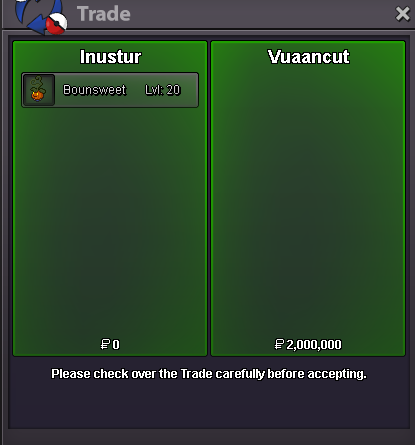
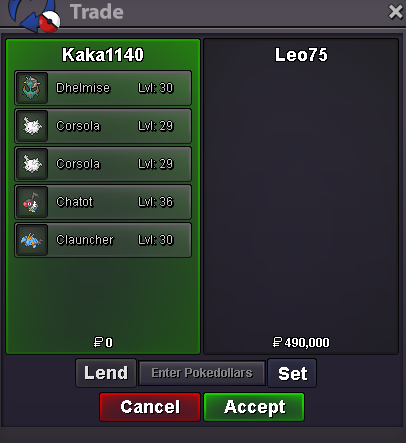
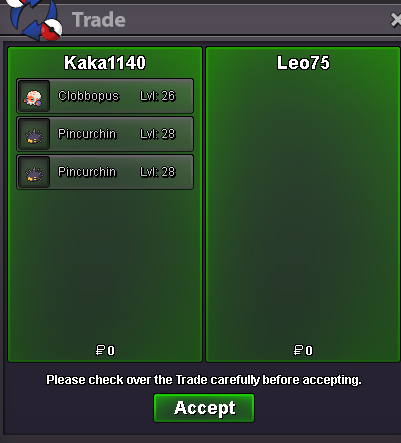
Use the new Trade Zone for auctions and instant-price trades so Pokemon and item offers are easy to find.
All Activity
Past hour
-
Strawhatfrankie joined the community
-
Lunartik0 joined the community
-
Coolestfrankie joined the community
-
Nvhoor joined the community
-
Khub18 joined the community
-
Doubleaim joined the community
-
Mephil joined the community
-
bumping for you guys, so cool to help beginners <3 , great event ;)
-
+1 it would make my life so much easier for real
Today
-
Kamil1231 joined the community
-
Aryminh joined the community
-
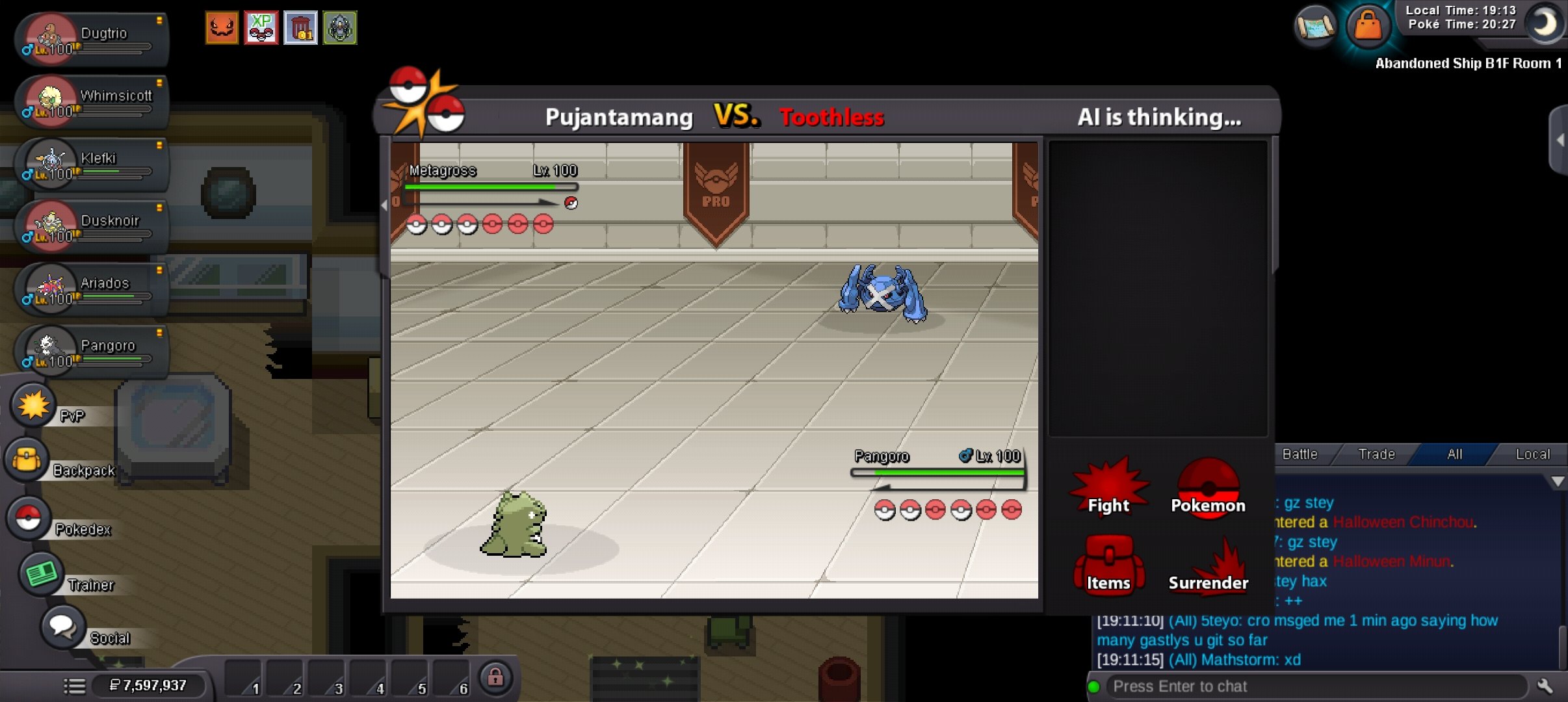
Hi. My game got stuck mid boss battle and I had to force quit for it to work again. Do I get a rematch please?🥲🥲
-
Anebot joined the community
-
Hello there, For the moon encounter you require Membership
-
so i entered the entrance and spoke to the guy, and when i was walking around the plate sensors was working as i was getting the message, but i didnt know what i was doing at first. upon realising which way i am suppose to go after standing on the plates. now i dont get any sort off message so say ive stood on a plate or nothing, ive tried re logging, going away from that area and returning and nothing is happening, any help is much appreciated thanks
-
I wtb gengar quest 3 service.
-
I’ve spent 5 to 6 hours hunting for Gible in both the Moon area and the second floor of Mount Unison, but I still haven’t managed to catch one. Are there any tips, or would using a membership package make it any easier to catch a Gible?
-
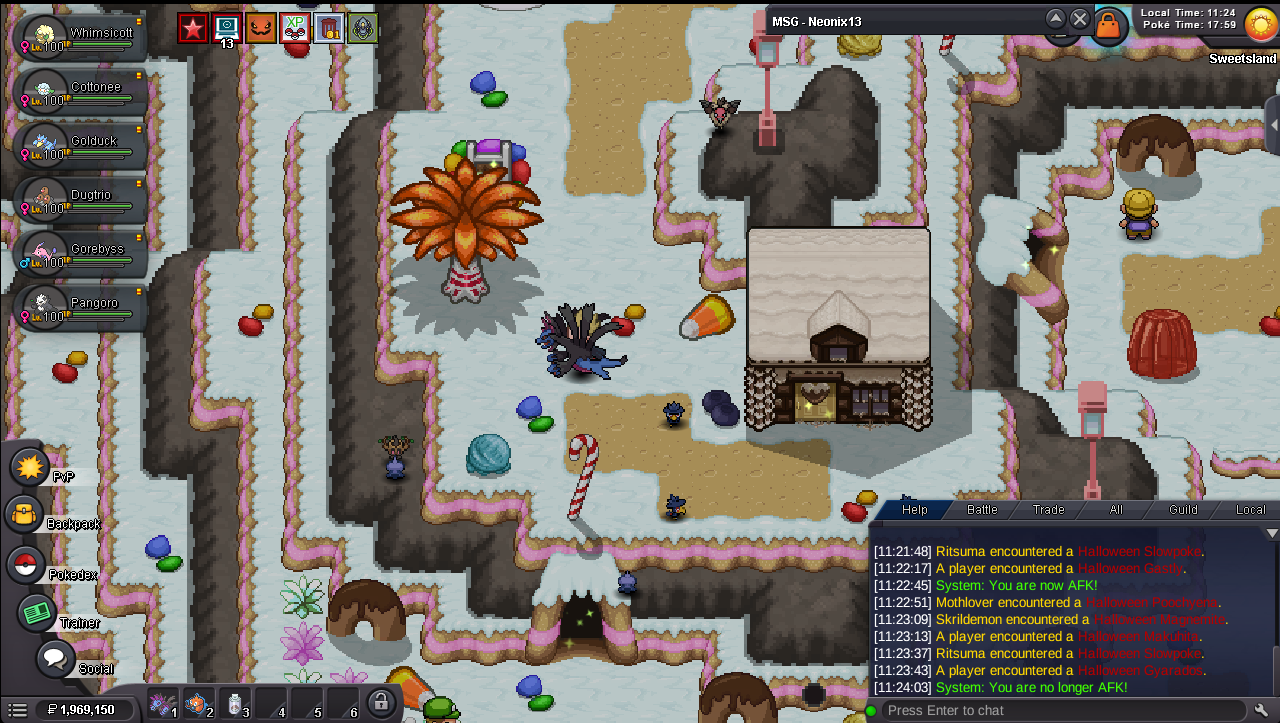
After I managed to solve the 3 meanlook minigames. I used escape rope to grab my boss team. Unable to see the witch that brings me back inside the house.
-
up
-
I confirm that the rename was successful, as last request before this topic to be closed,is it possible to get in guild section also tag for silver. Our guild will exist in both servers but atm we have only tag for gold.
-
Hi! As said above, the error was not on your end so please do not stress over it! I will be awaiting your confirmation that you received the Guild Name change, once i have i will close this thread! Thanks, Satellar ⭐ Please refrain from contacting staff members directly for private support
-
Hi! @Akinator10 As said above, you can use a mysterious candy to help with evolving a level 100 Pokémon! You can indeed find these candies in Department Stores in each region, And/Or through the PVE Coin shop! You can find the PVE Shops in: Celadon Mart 4 in Kanto Goldenrod Mart 5 In Johto Lilycove Department Store 2F In Hoenn Veilstone Department Store 4F / Battle Tower Entrance in the Fight Area In Sinnoh Please let me know if i can help further! Otherwise i will close this thread! Thanks, Satellar ⭐ Please refrain from contacting staff members directly for private support
-
Hello dear PRO Staff, I hope you are doing well. My previous account, Fabioklasen, was permanently banned for Macro Usage and Mass Account, and my ban appeal has been denied. First of all, I would like to sincerely apologize for my past mistakes and for any trouble I may have caused. I fully respect the staff’s decision, and I understand that my previous ban is final. I am not here to question that decision or request another appeal. I have created a new account, and I would kindly like to ask whether I am allowed to start over and continue playing PRO, considering my previous ban reasons. I genuinely enjoy this game and would be very grateful for the opportunity to make a fresh start while fully respecting all the rules. I completely understand if there are restrictions in my specific case. I simply wanted to ask for clarification before continuing. Thank you for your time.
-
I am currently stuck in the Sinnoh region due to a progression lock regarding HM07 Waterfall. I transitioned from Hoenn to Sinnoh without collecting the original HM from the Cave of Origin. Consequently, the backup item spawn in Sinnoh Safari Area Zone 4 is failing to render. Because I have not yet defeated the Sinnoh Elite Four, I am currently locked in sinnoh and couldn't return to hoenn to retrieve it. Could a staff member please inspect my account variables and manually credit HM07 Waterfall to my inventory? Thank you for your time and assistance. In-Game Name: Cord3lia Server: Gold
-
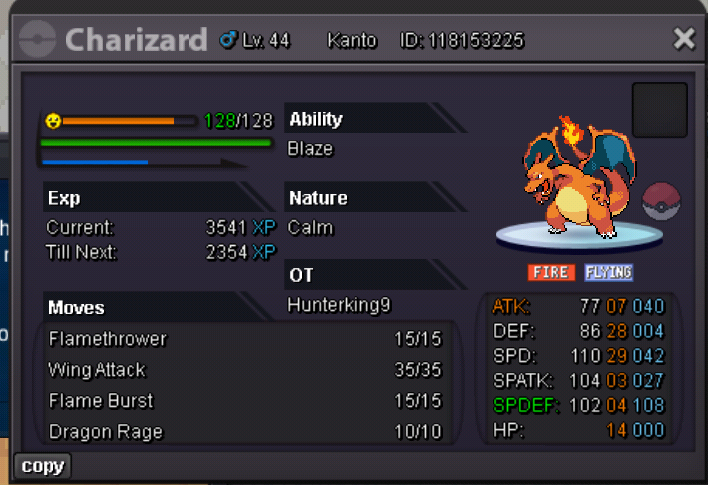
Hello pro team, I completed my event quest (darkrai quest) and i didn't get clone starter poke. I got normal one. It's this a bug or something I do wrong. My friend got one but not me . I attached my poke screenshot. This one I get .
 If is not problem, can you share the error in personal message,so in future i can be prepared. Might be something that i miss spelled or something.bump!Hello! The exchange has been completed, and the mounts have been replaced as requested. Please be more careful when making exchanges in the future, as we cannot guarantee that similar requests will be approved again. Since everything has been resolved, I'll go ahead and close this thread. If you need help with anything else in the future, please feel free to create a new one. Kind regards. Hallowglow.Great serviceHello! The exchange has been completed, and the mounts have been replaced as requested. Please be more careful when making exchanges in the future, as we cannot guarantee that similar requests will be approved again. Since everything has been resolved, I'll go ahead and close this thread. If you need help with anything else in the future, please feel free to create a new one. Kind regards. Hallowglow.Another quest done. Thnx much, Glhf!
 In-game name: Trihaohao2 Server: Gold Timezone: GMT+7 I need help evolving my Dusclop into a Dusknoir. I'm available from now GMT+7. Thanks!Hi! @Vangogsan Firstly i would like to apologize for your guild name not being changed earlier on, There was an error when changing your Guild name on gold that slipped through during your original request post. Please accept my apology on the delay on the name change and the lack of communication regarding this. Please understand this was not on your end and you as a player did nothing wrong to delay this Guild name change and it is entirely on our end. Your request has now been done on Gold, Before i close this thread i will await for a confirmation from you that you can see it ❤️ Thank you so much for your patience and hopeful understanding! Satellar ⭐