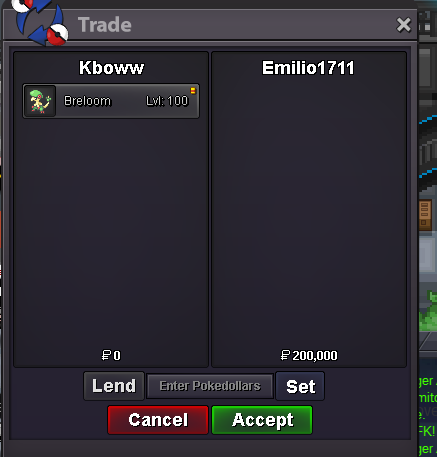
New Trade Zone
Trade Zone is now live
Use the new Trade Zone for auctions and instant-price trades so Pokemon and item offers are easy to find.
Leaderboard





Popular Content
Showing content with the highest reputation on 01/17/25 in all areas
-
2 points
-
2 points
-
1 pointThis is a Gold server auction players from Silver can transfer. Fake offers will be reported. 15min rule applied. S.O: 1.1m Min raise: 20k Time: 72 hours (after the first bid) Insta: 2m TIME

 1 point
-
1 pointC.O. 500k Min Bid 50k Insta 2.5m Ends in 48 hours from start point End Point - 12:31am,20/1/25,IST GMT +5.30 Accept CC (450k), IV Reroll (500k) and Pokedollars
 1 point
-
1 pointAuction Details: Start Price: 1m End Point: 72 hours (after start price is met) Insta Price: 3m Minimum Raise: 150k Accepted Payments: Pokedollars, Coin Capsules (x1 Coin Capsule = 400k), IV Reroll Tickets (x1 IV Reroll Ticket = 500k)

 1 point
-
1 pointstart 300k winner by tynnn co 450k min bid 50k no insta end 24hours after first bid ( 9:30pm - 18/1/2025 GMT +7 ) end auction
 1 point
-
1 point
-
1 point1 point1 point1 pointGliscor won by Princessacadance with 900k:
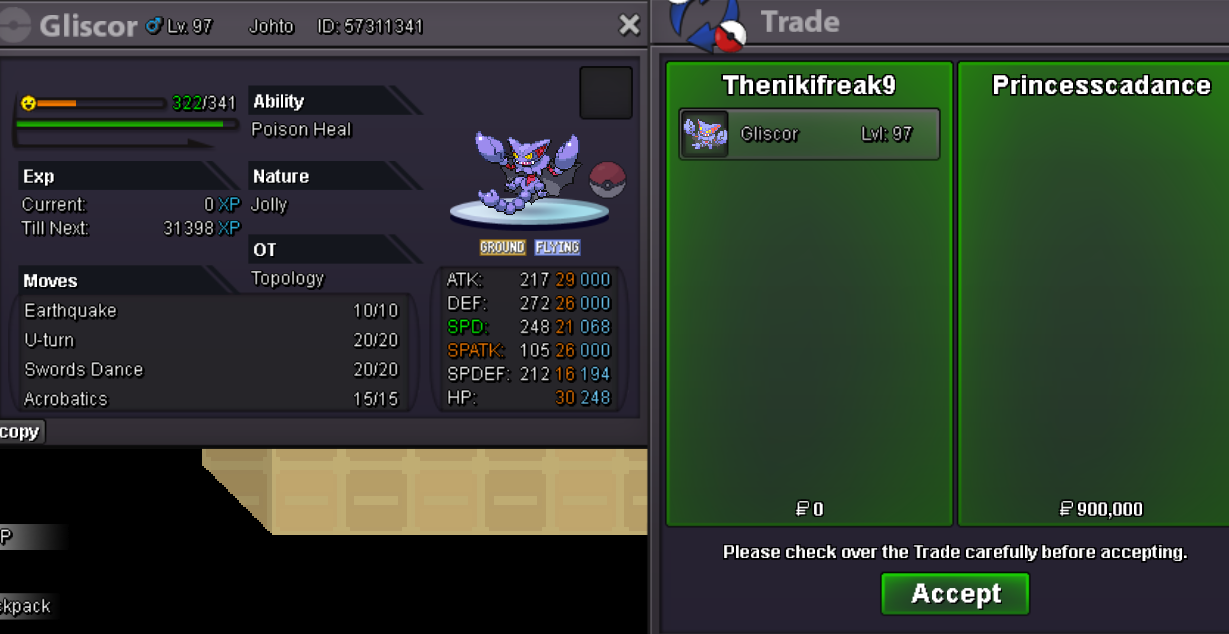 1 point1 point1 point900k gliscor1 point1 point1 point1 point1 point1 point1 point1 point1 point1 point1 point1 point1 point1 point1 point1 point1 point1 point1 point1 point1 point1 point1 point1 point1 point1 point1 point1 point1 point1 point1 point1 point1 point1 point1 pointGz boss @Xxxrosxxx I'll message u when I see u online for the transact!1 pointYou won. I am Goldenrod.1 point1 point