New Trade Zone
Trade Zone is now live
Use the new Trade Zone for auctions and instant-price trades so Pokemon and item offers are easy to find.
Leaderboard
-
Monstercreaek
Registered User4Points792Posts -
Tito92
Registered User2Points6Posts -
Messijohn
Registered User2Points213Posts -
Slokokaturt
Registered User2Points163Posts



Popular Content
Showing content with the highest reputation on 06/08/26 in all areas
-
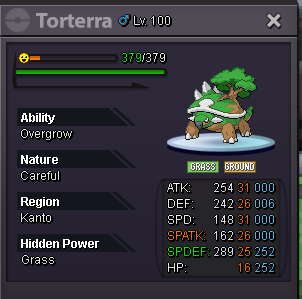
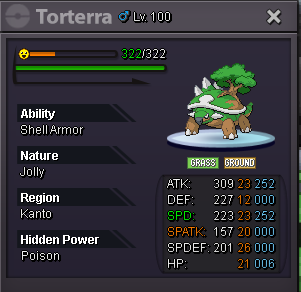
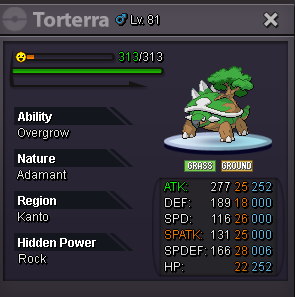
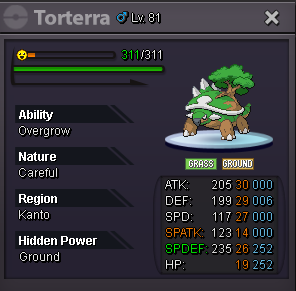
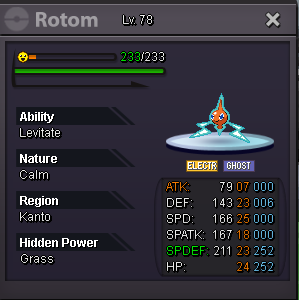
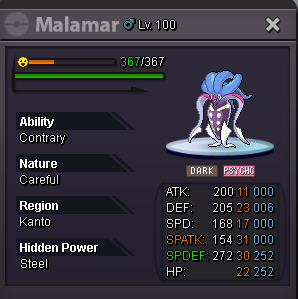
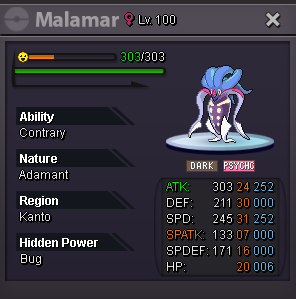
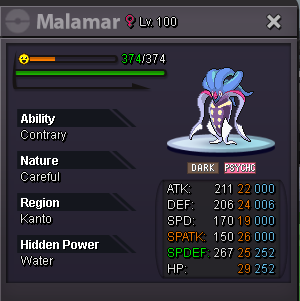
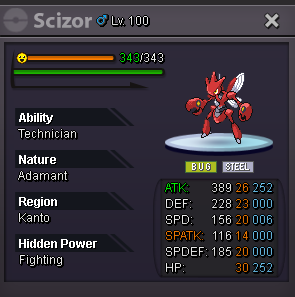
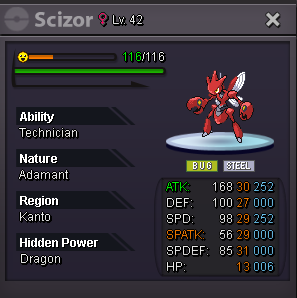
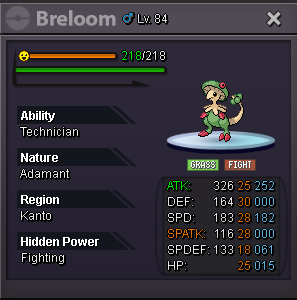
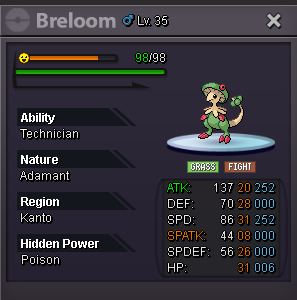
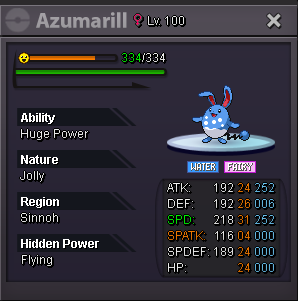
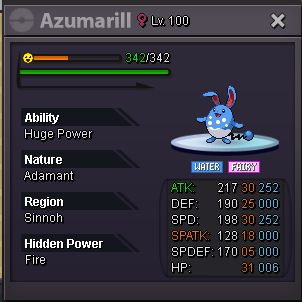
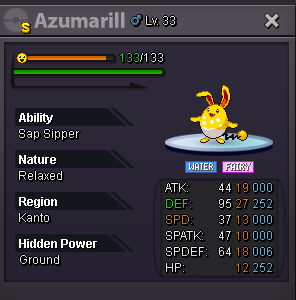
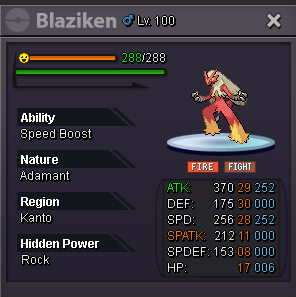
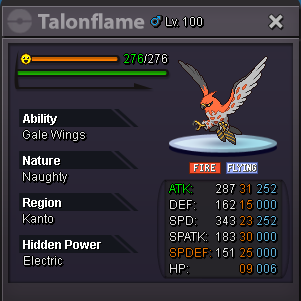
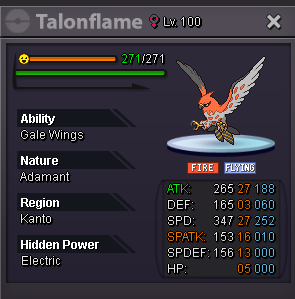
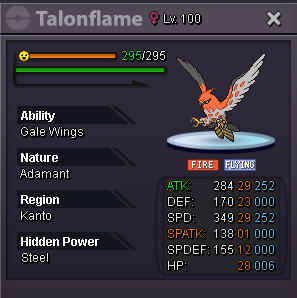
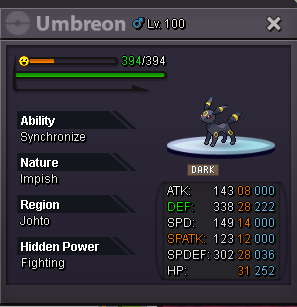
Spoiler Spoiler 💌Thank all of you for visiting my shop💌 Spoiler
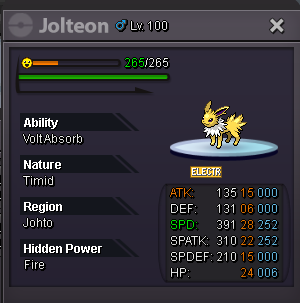
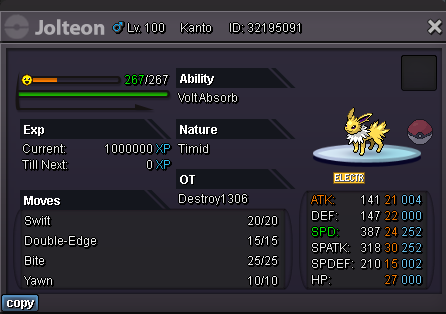
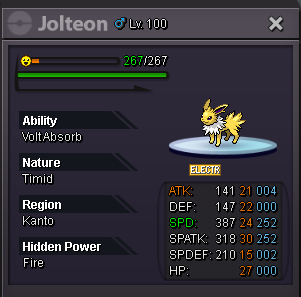
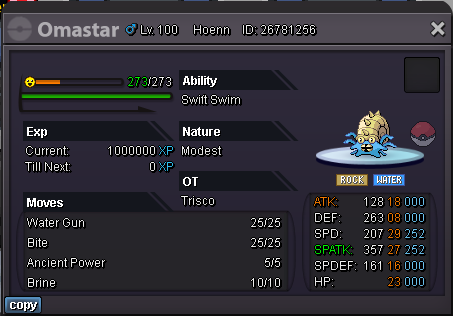
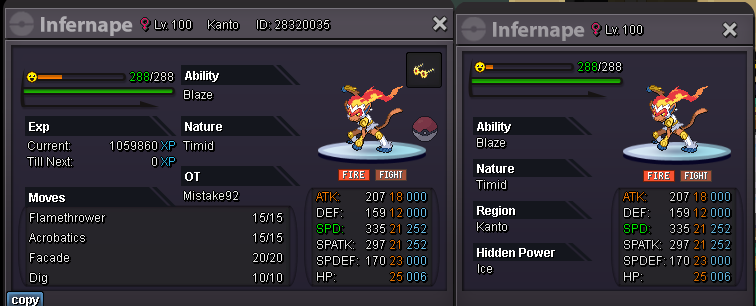
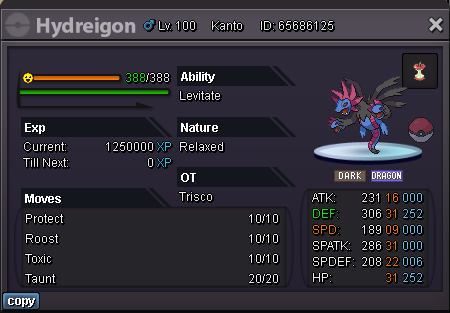
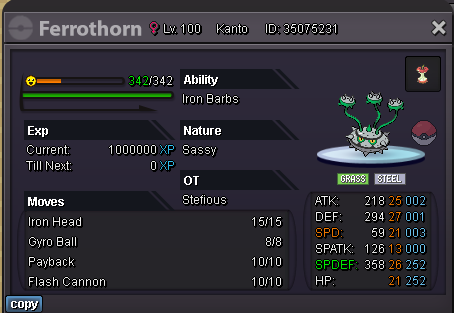
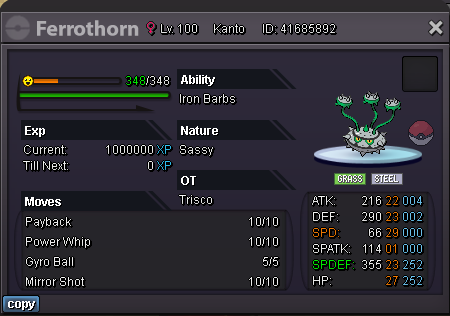
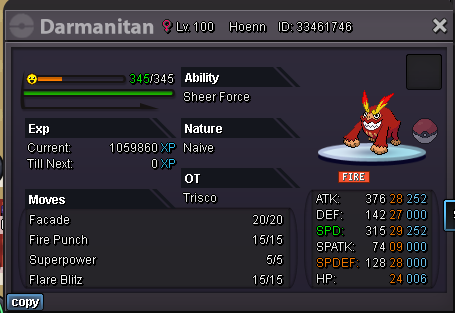
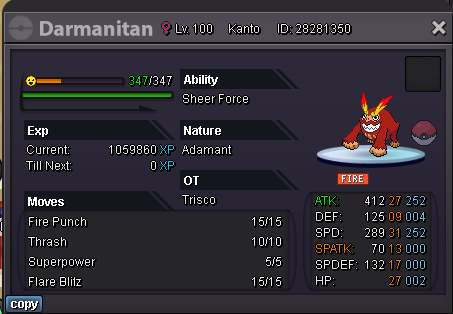
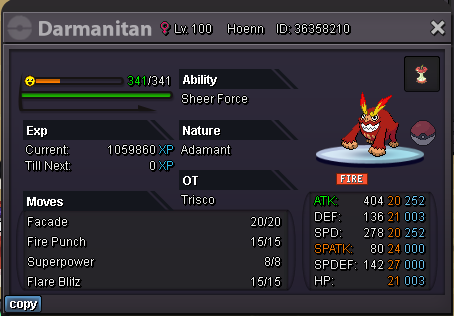
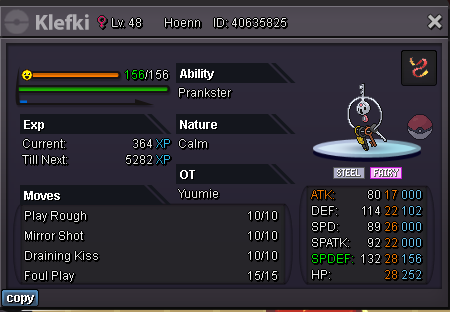
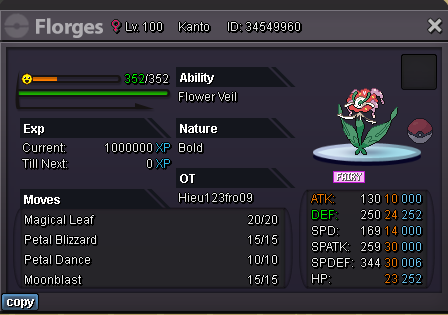
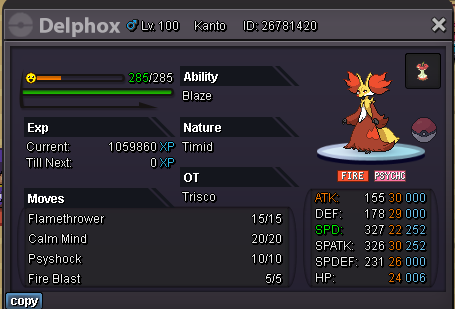
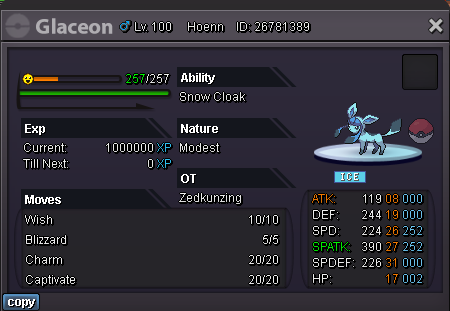
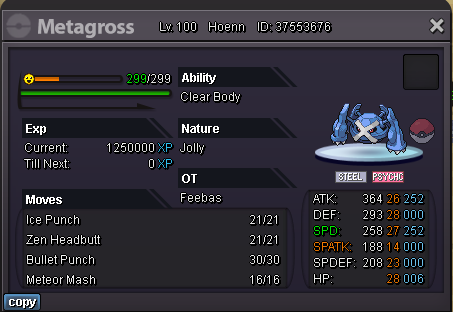
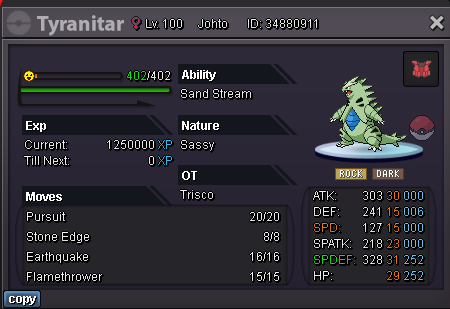
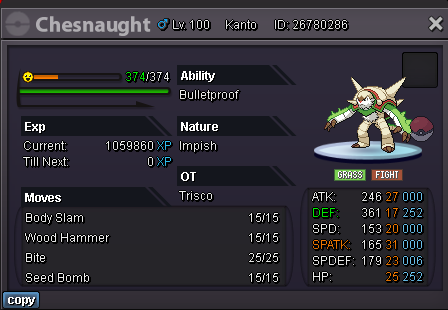
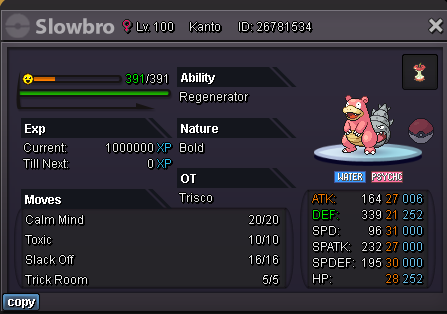
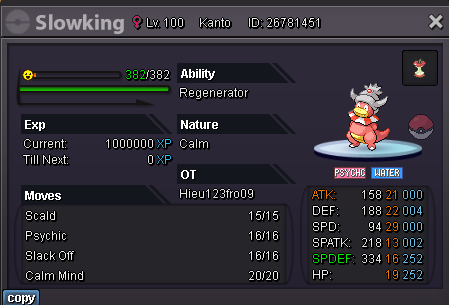
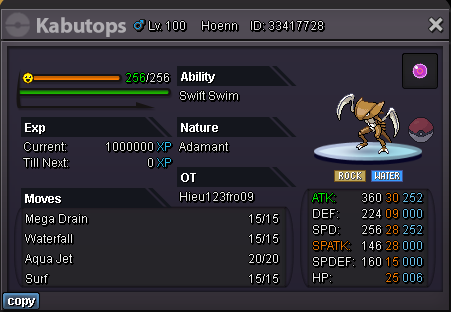
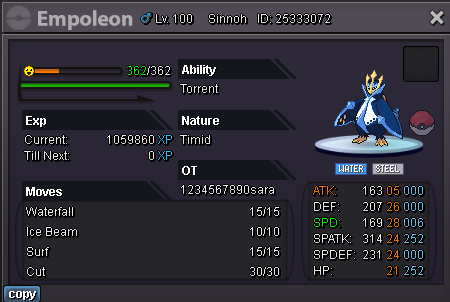
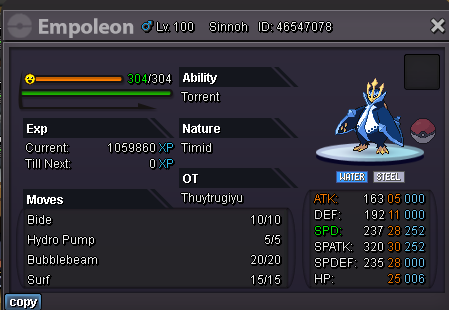
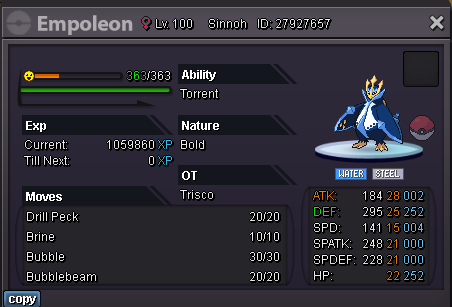
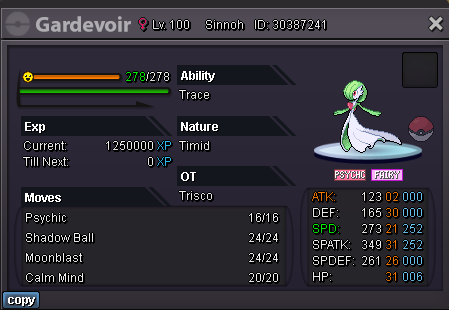
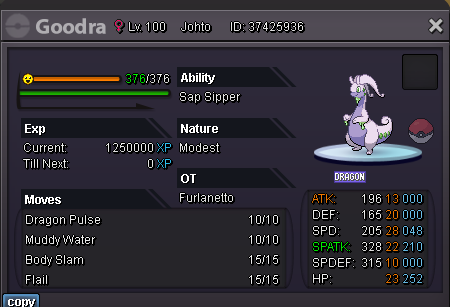
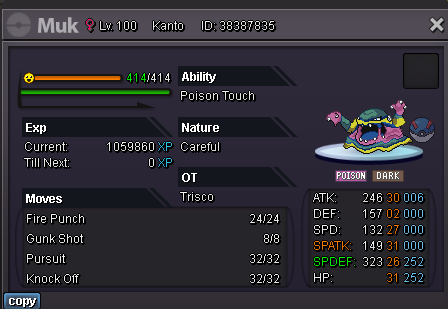
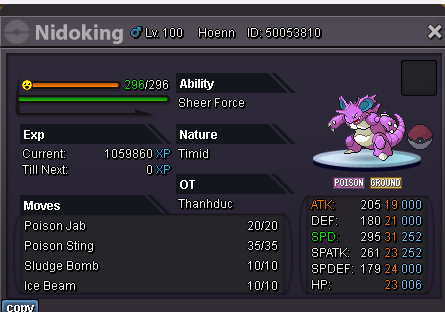
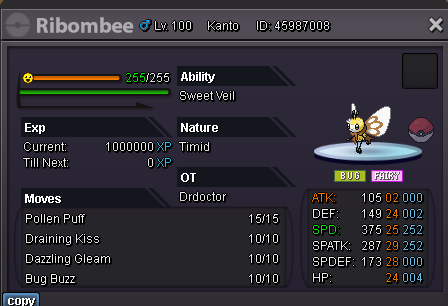
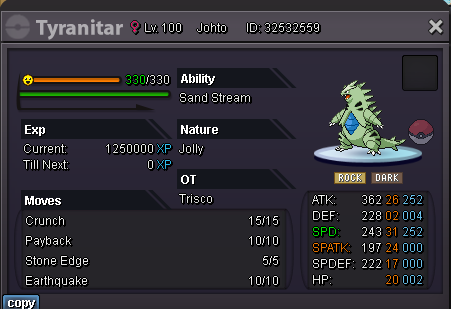
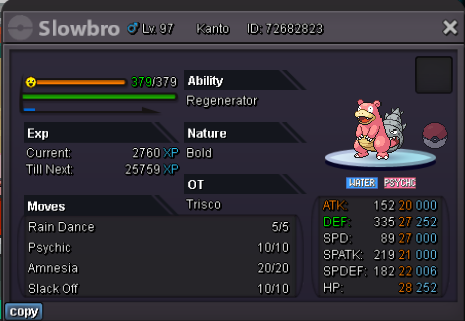
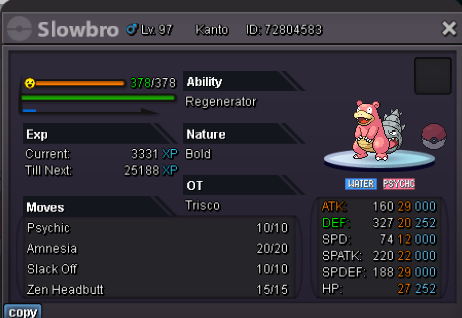
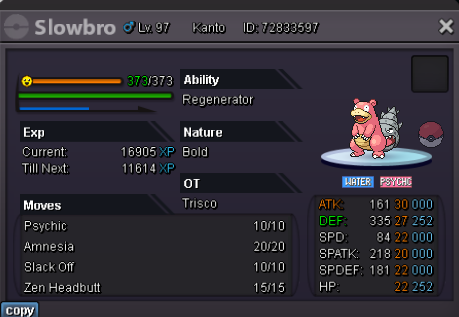
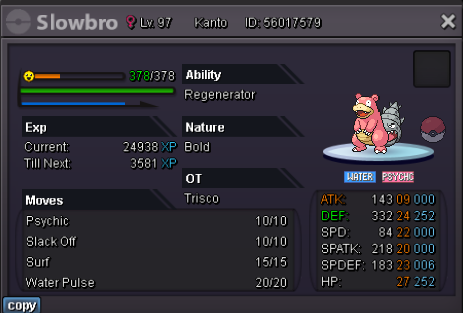
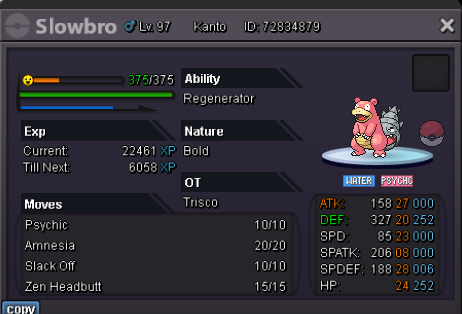
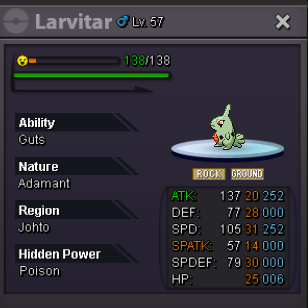
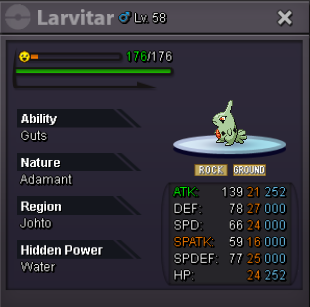
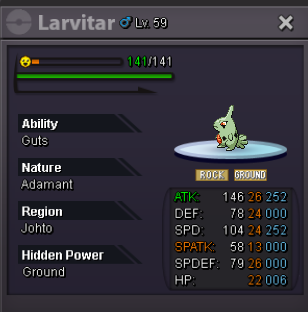
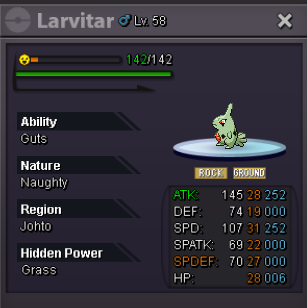
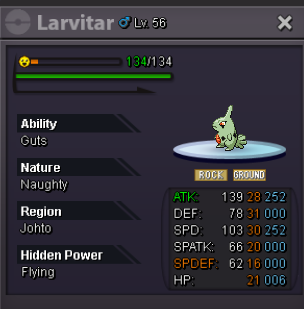
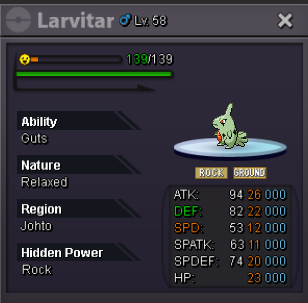
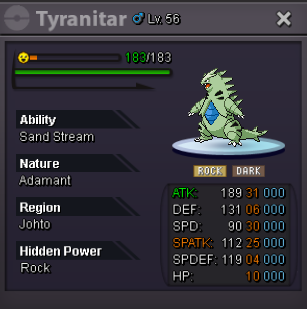
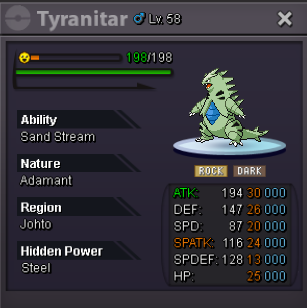
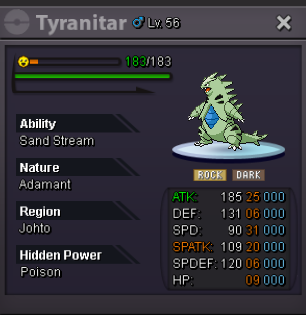
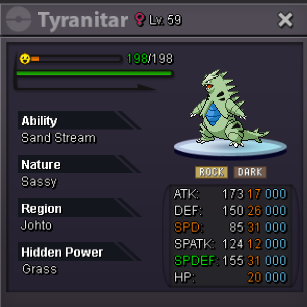
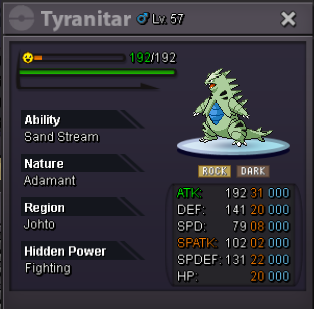
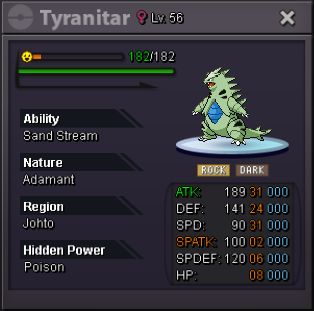
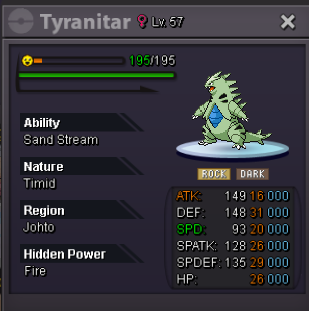
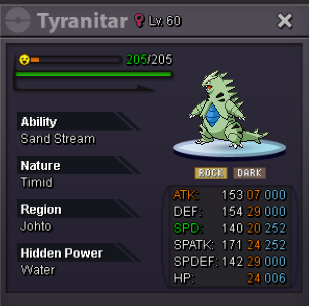
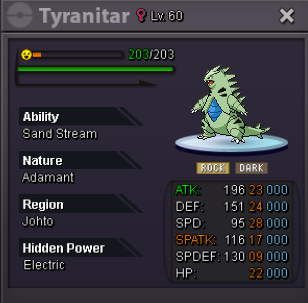
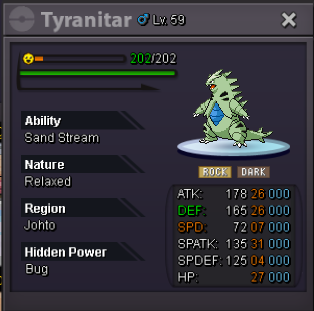
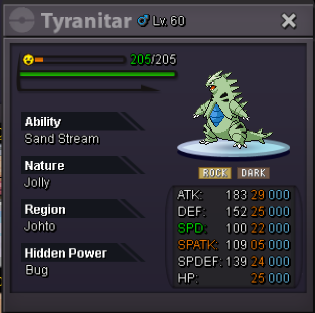
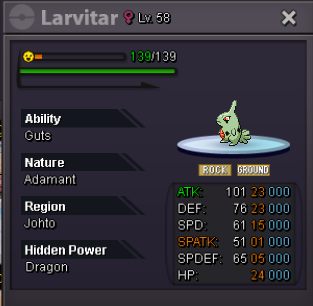
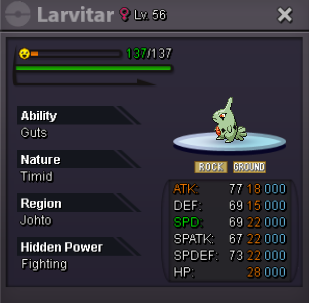
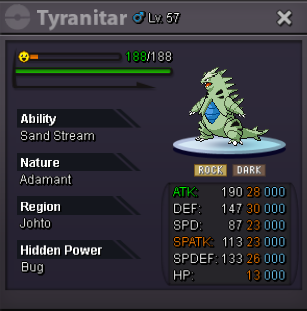
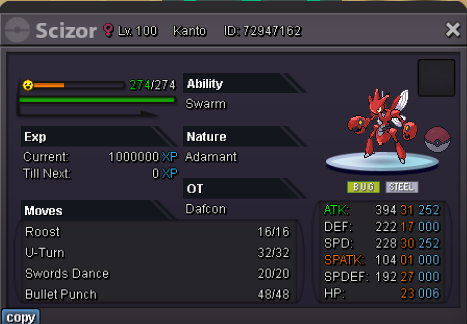



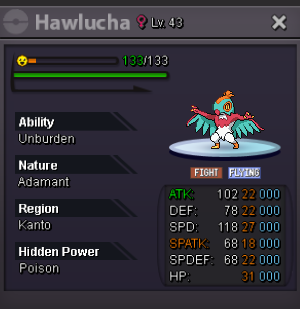
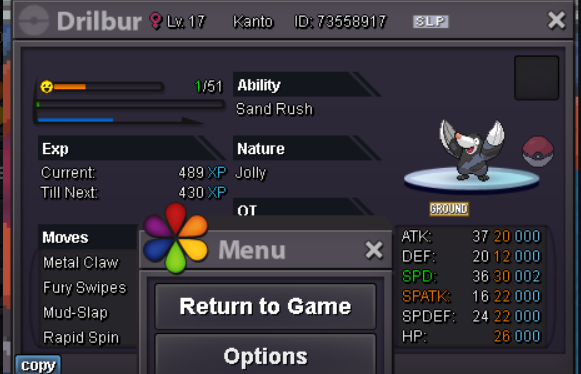
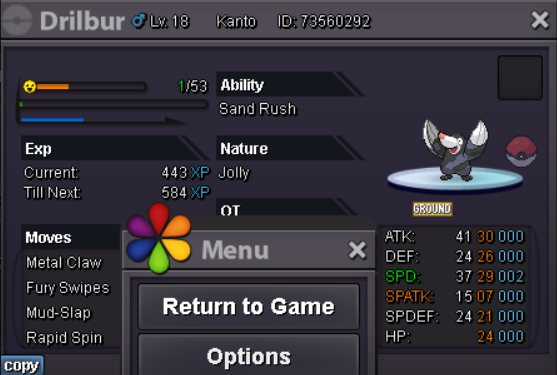
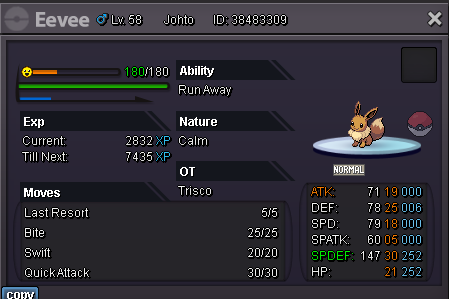
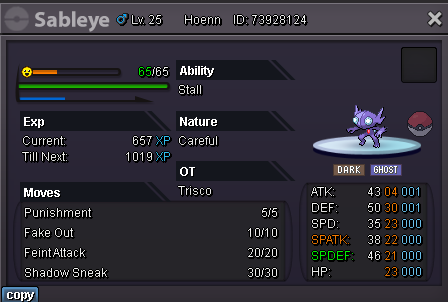
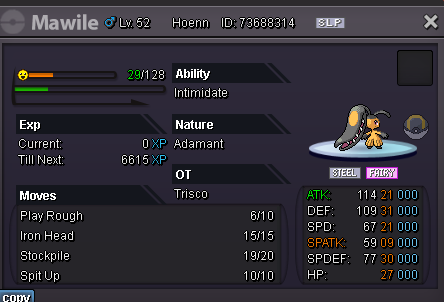
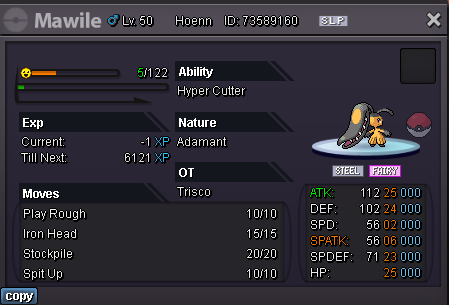
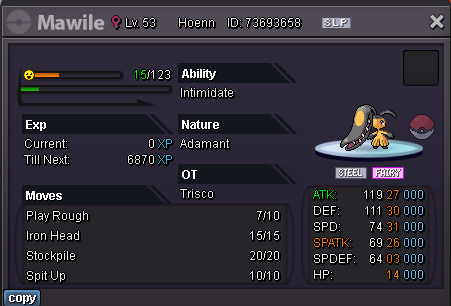
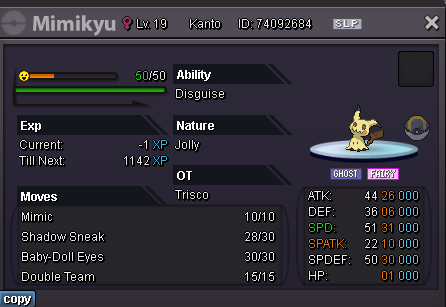
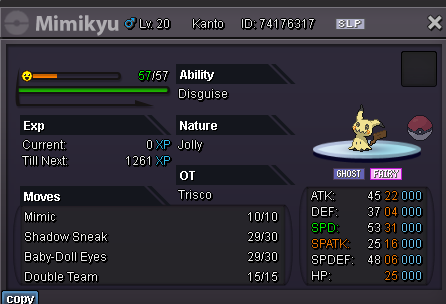
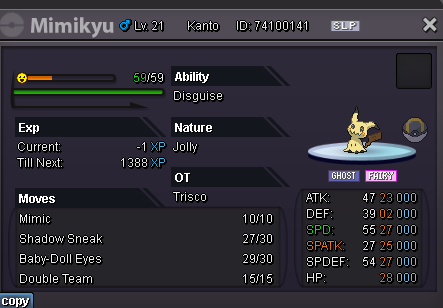
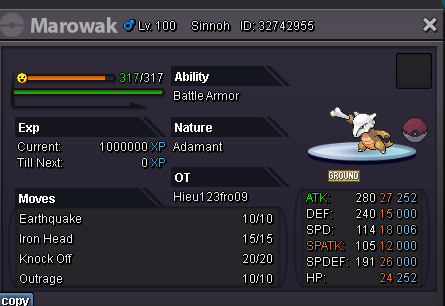
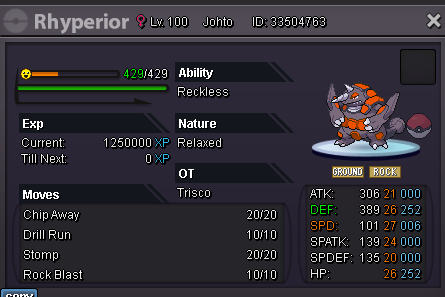

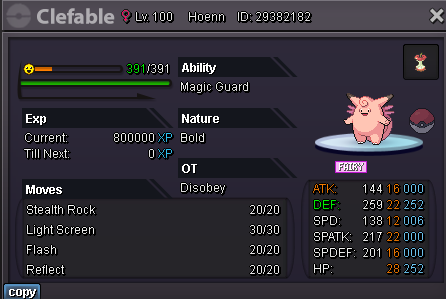


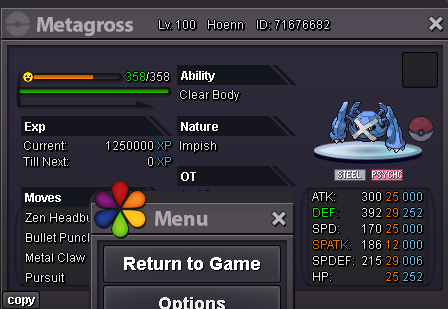
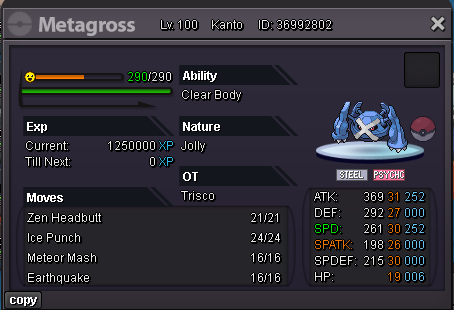
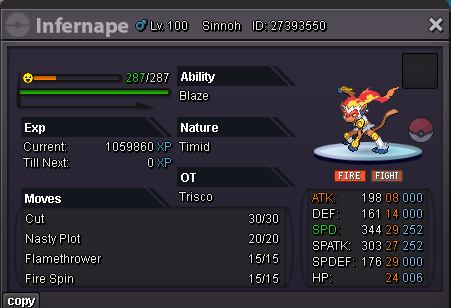


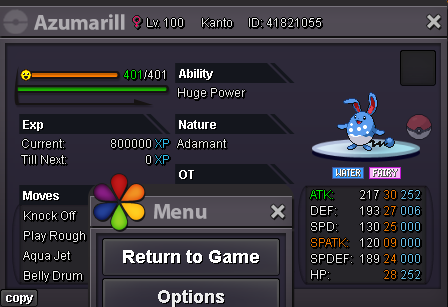

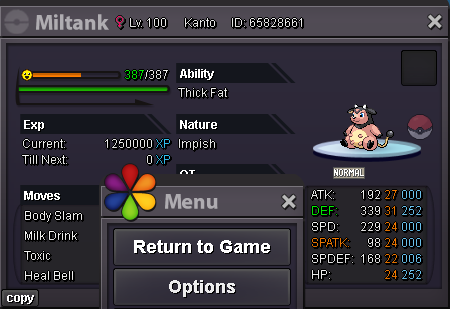
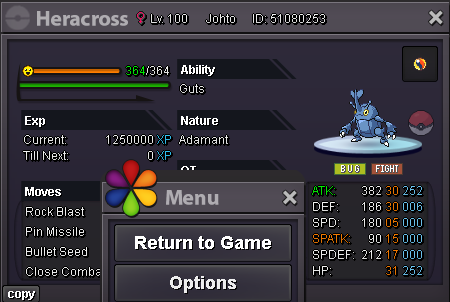
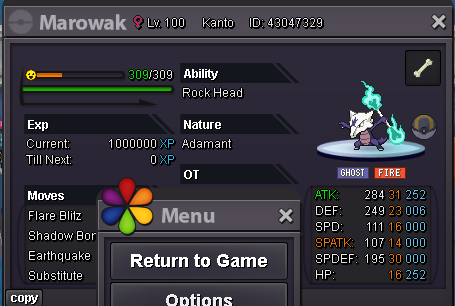


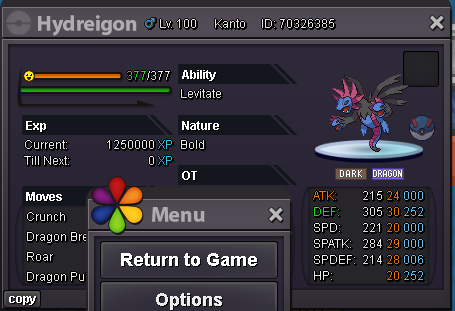
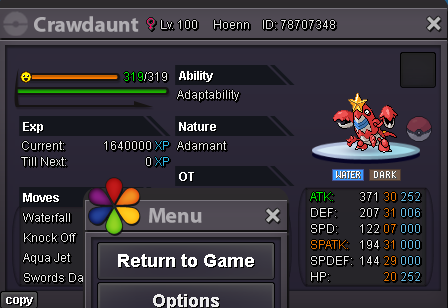

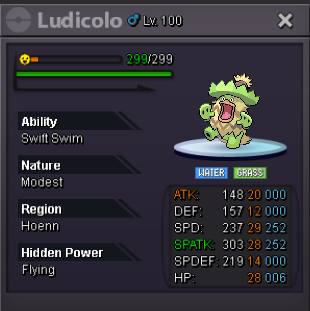


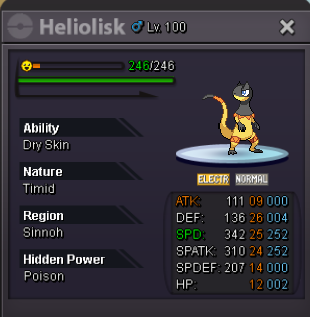

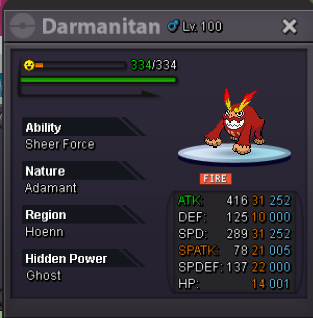
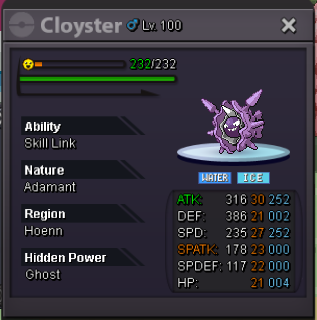
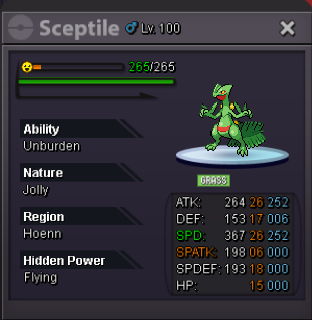


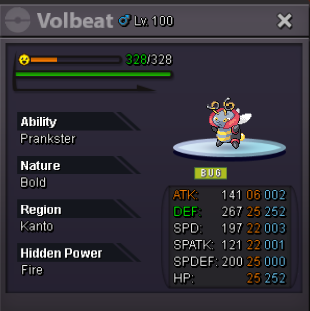

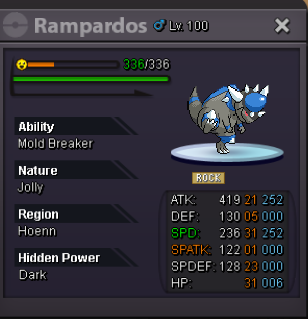


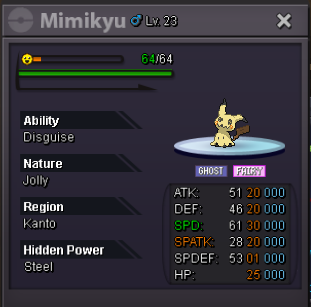

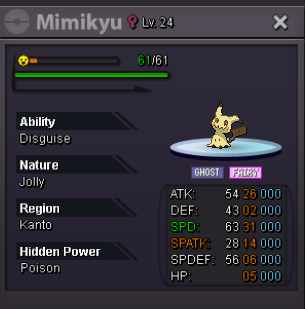
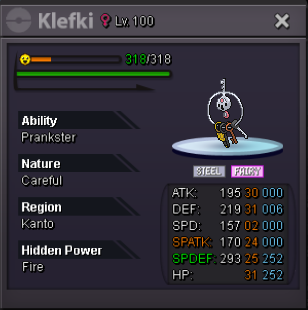
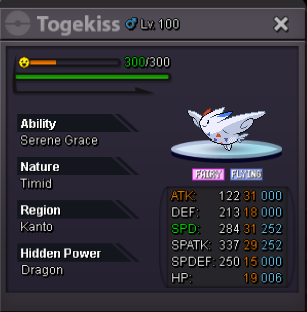


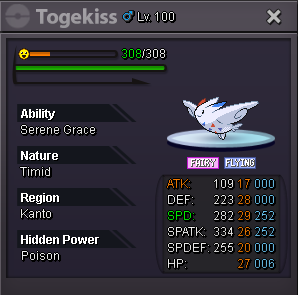
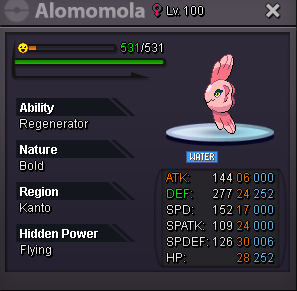
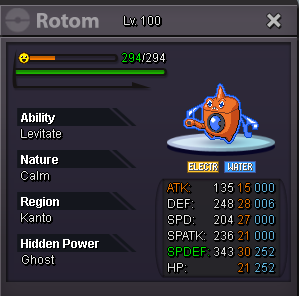
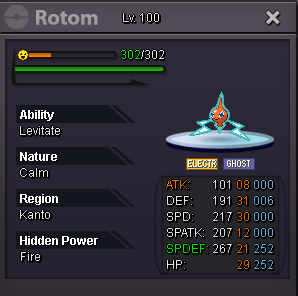
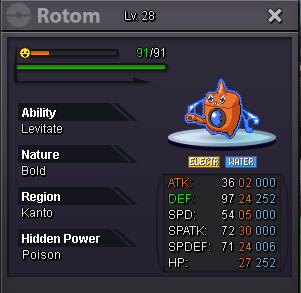
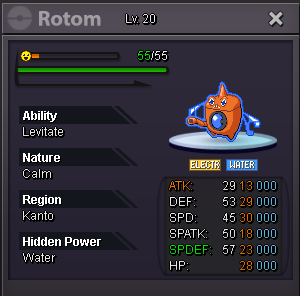
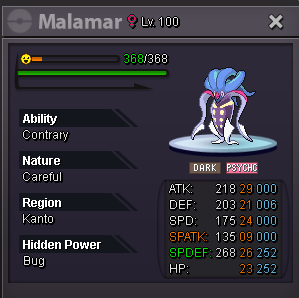
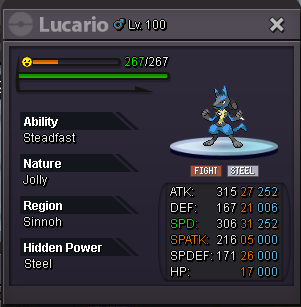
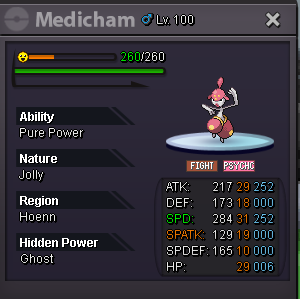
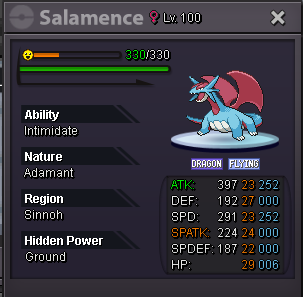
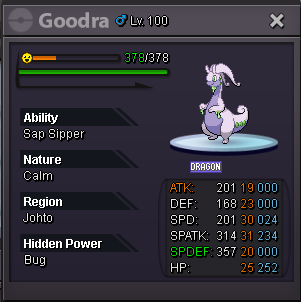
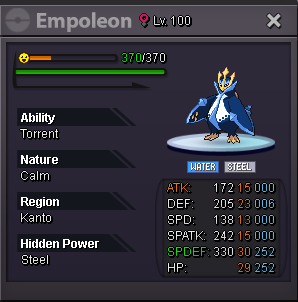
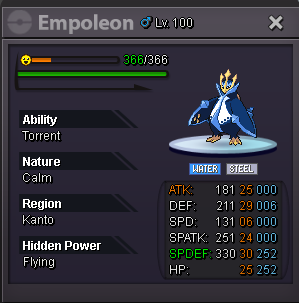
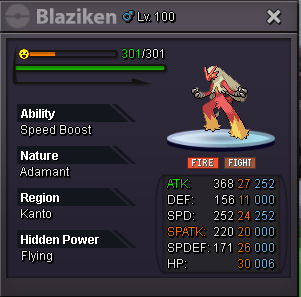
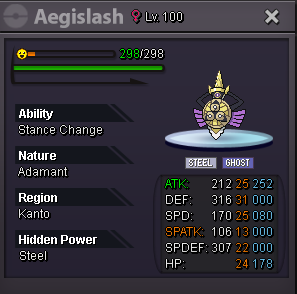
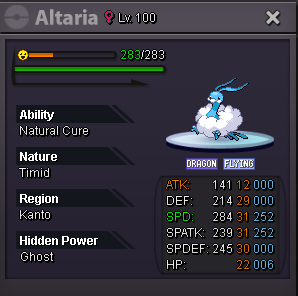

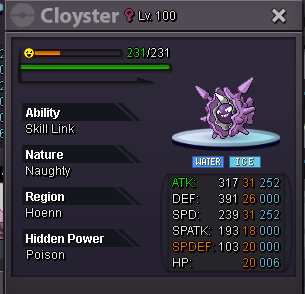
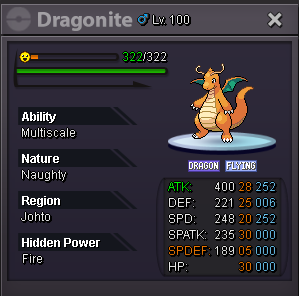
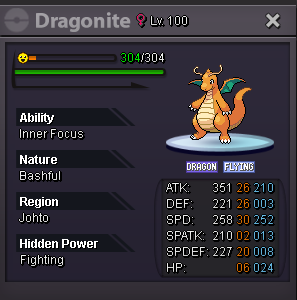
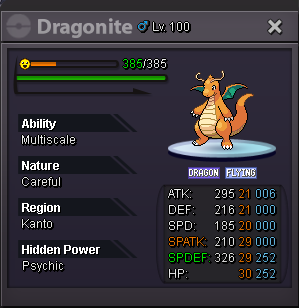
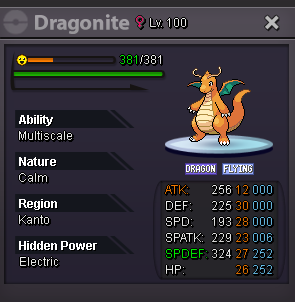
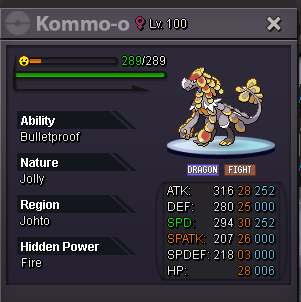
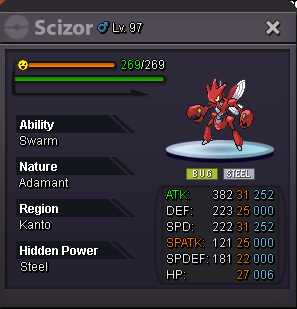
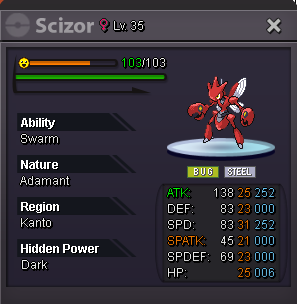
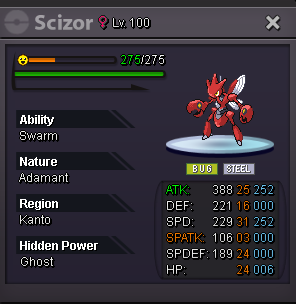
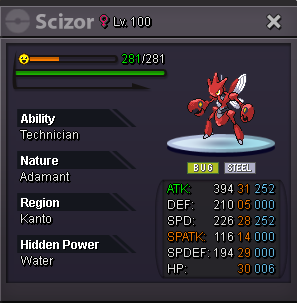
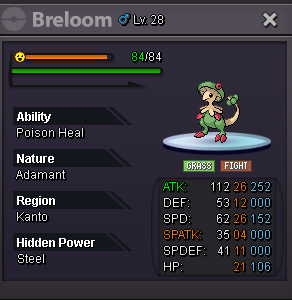
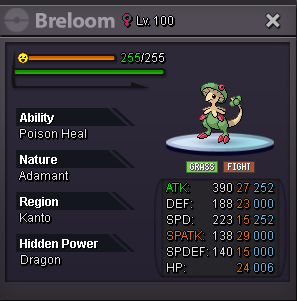
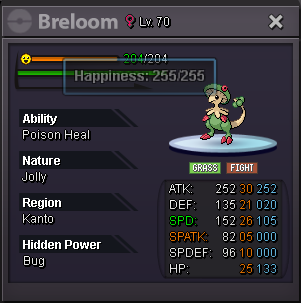
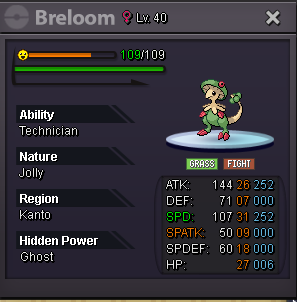
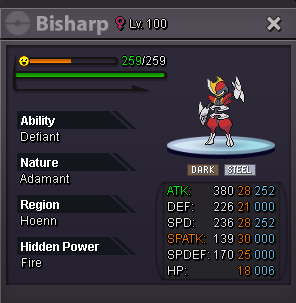
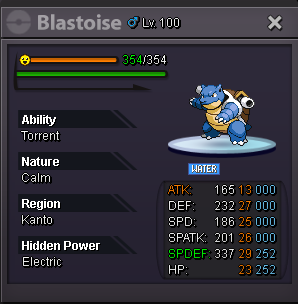
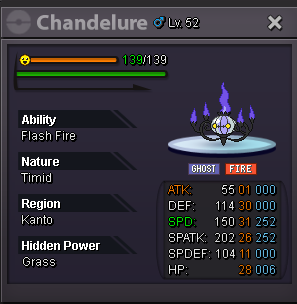
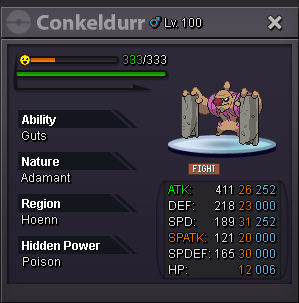
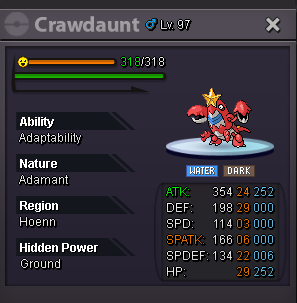
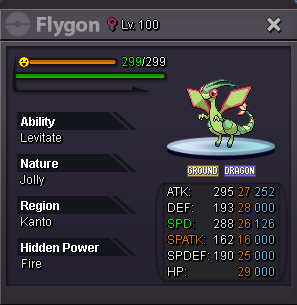
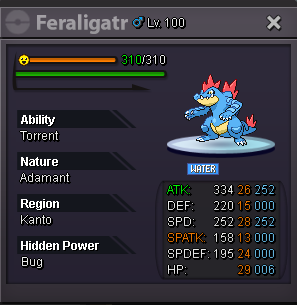
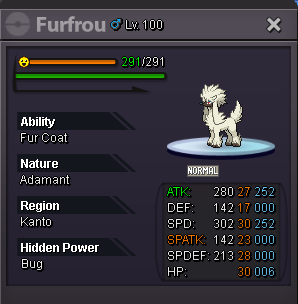
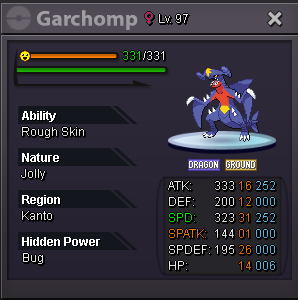
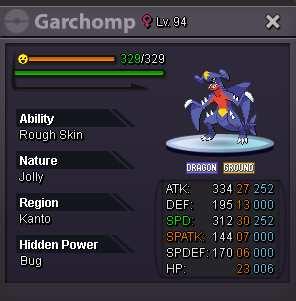
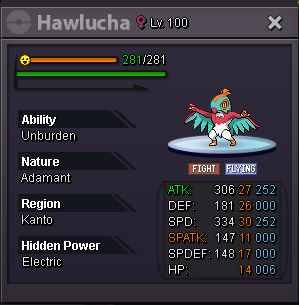
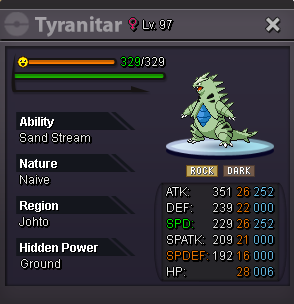
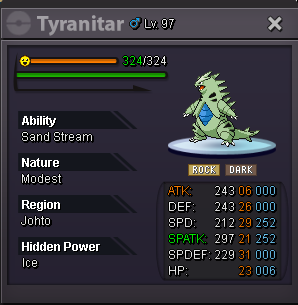
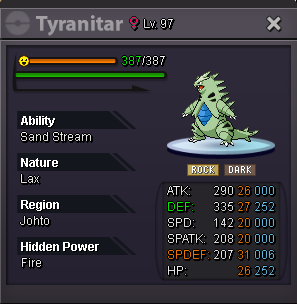
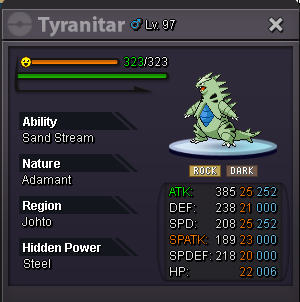
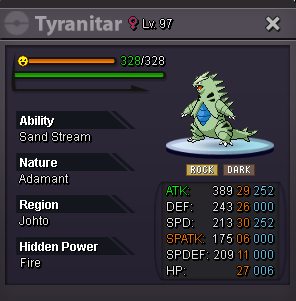
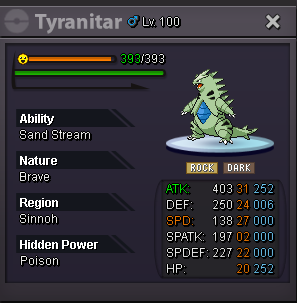
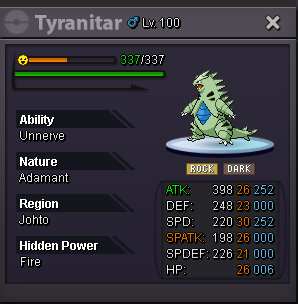
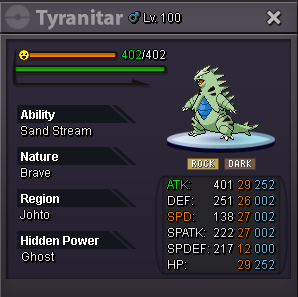
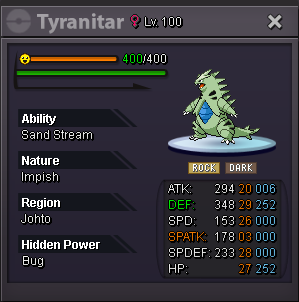
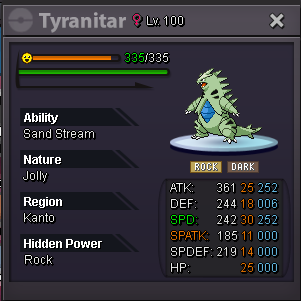
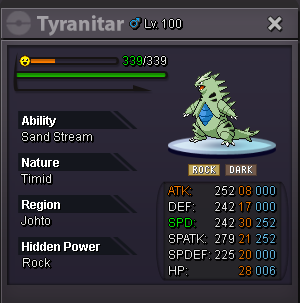
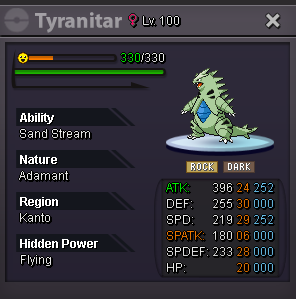
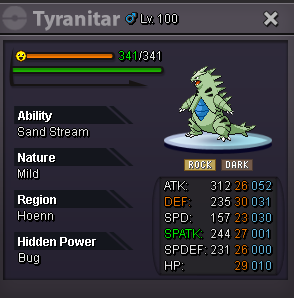
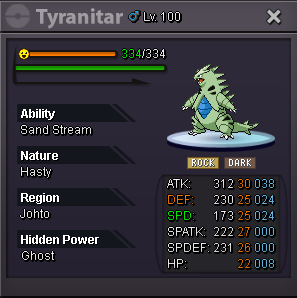
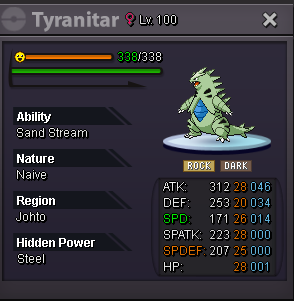
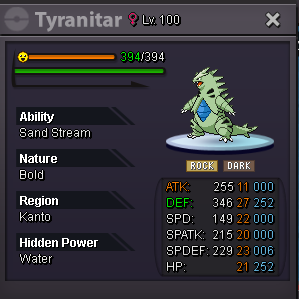
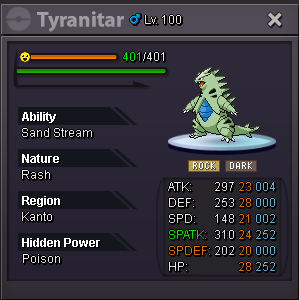
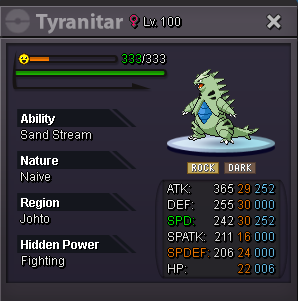
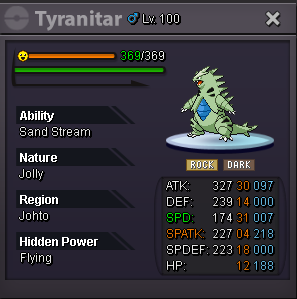
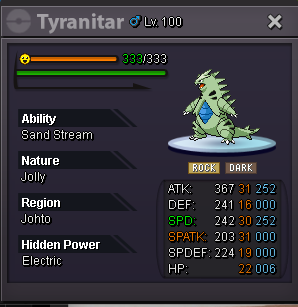
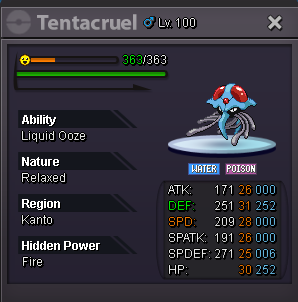

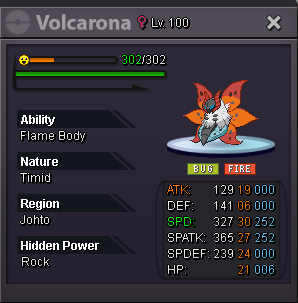
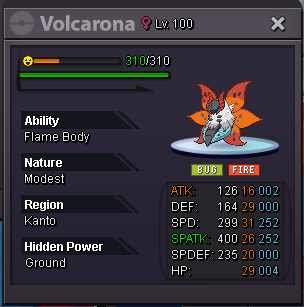
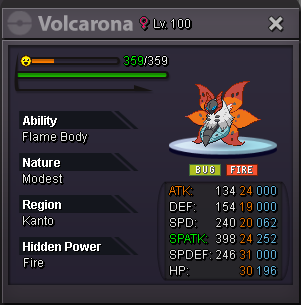
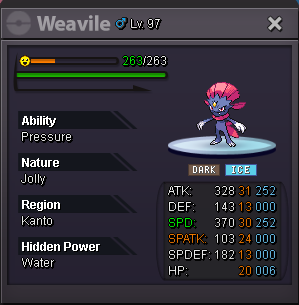



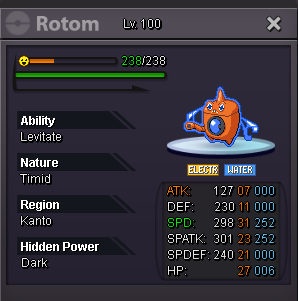
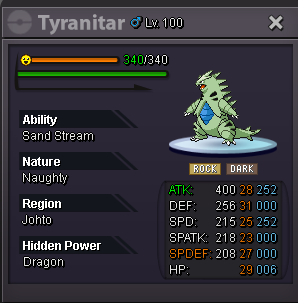
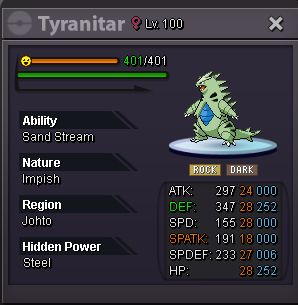
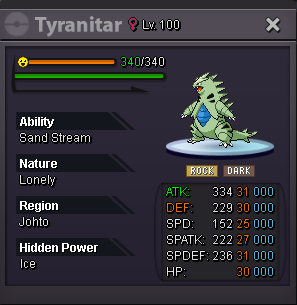
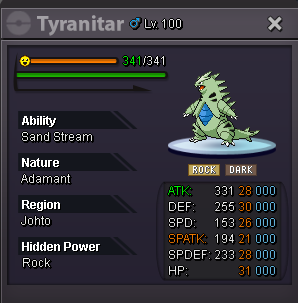
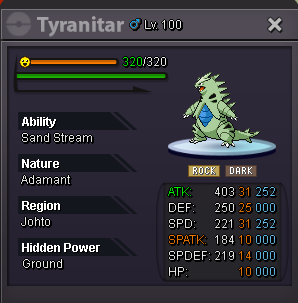
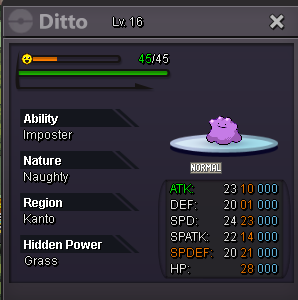
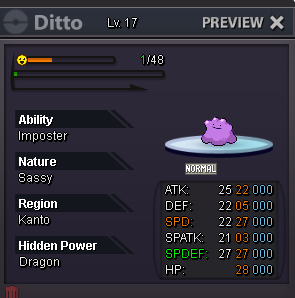
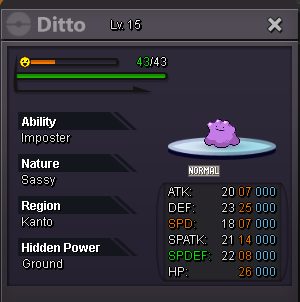
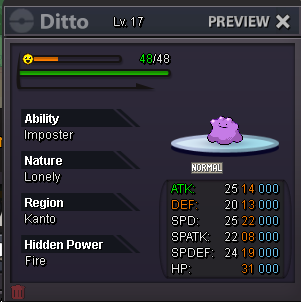 1 point
 -
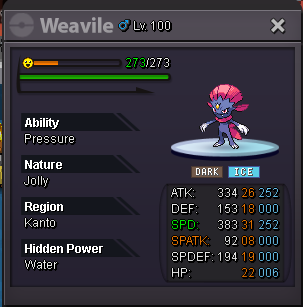
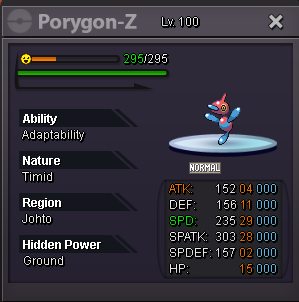
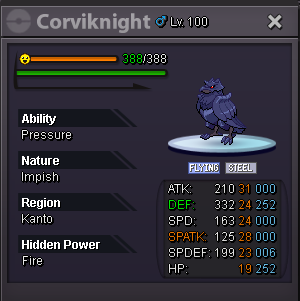
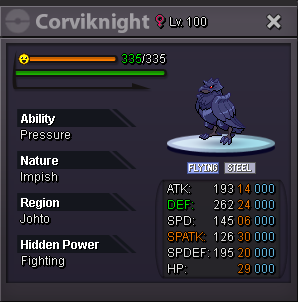
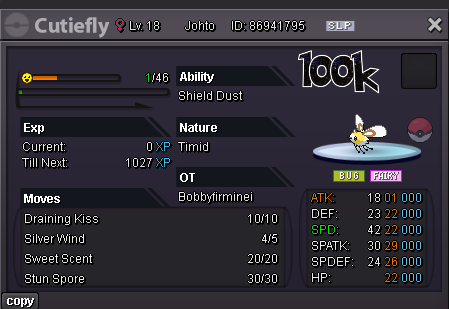
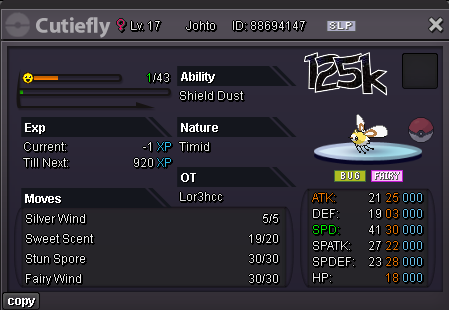
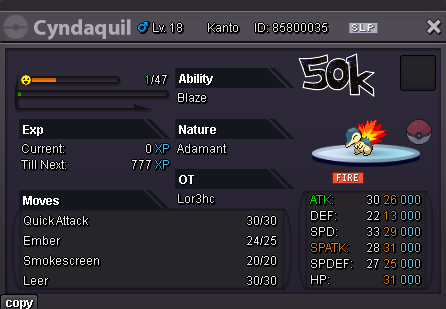
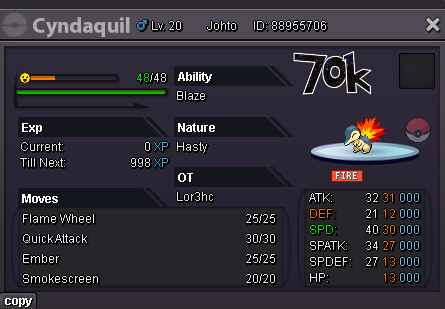
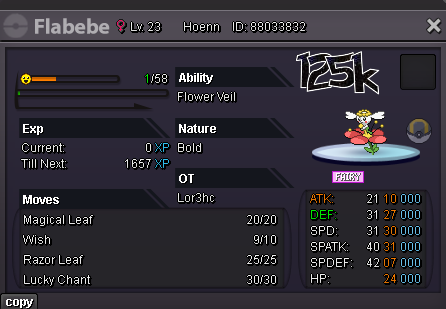
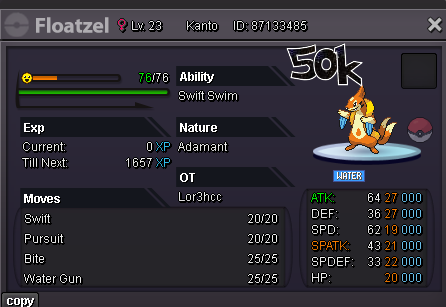
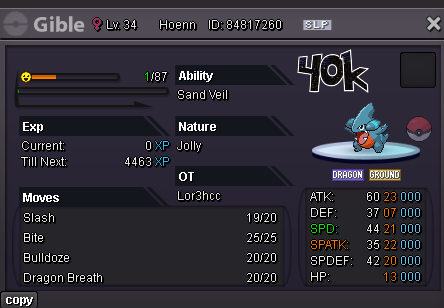
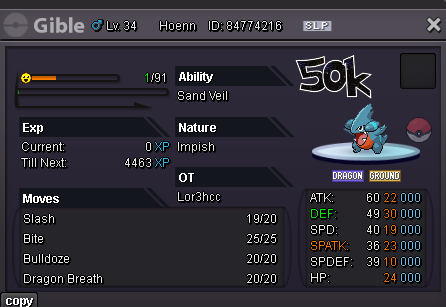
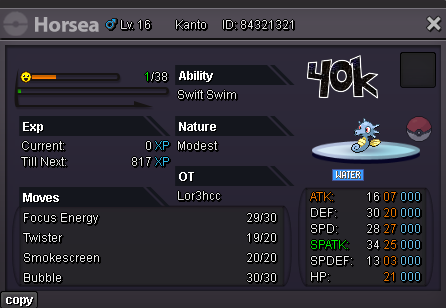
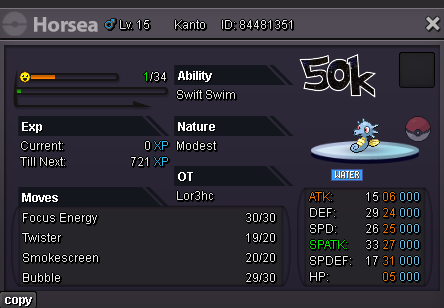
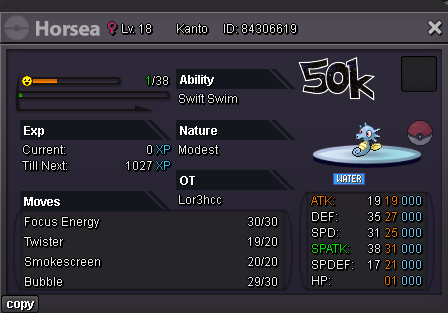
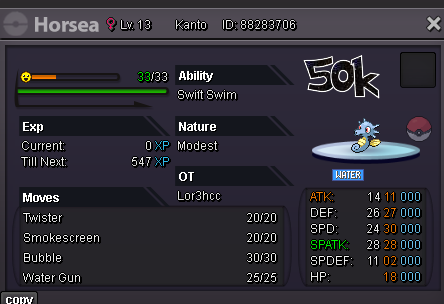
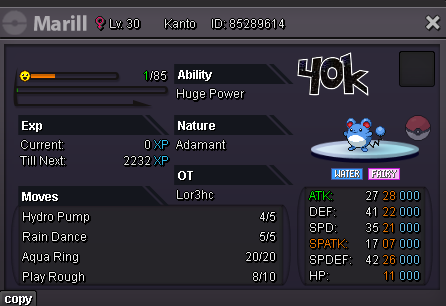
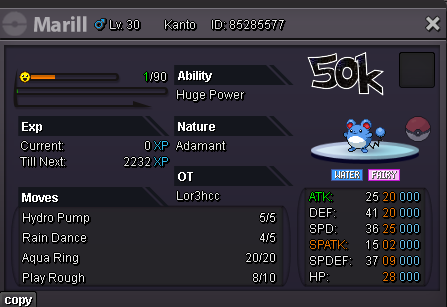
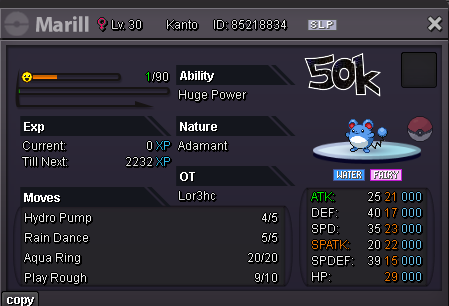
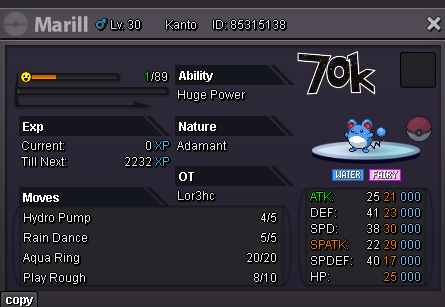
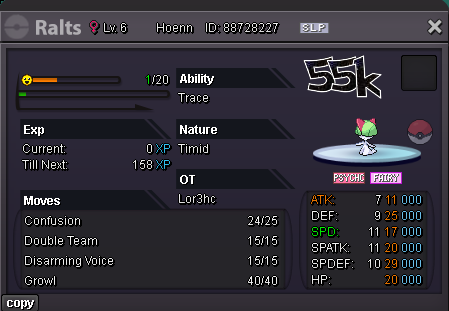
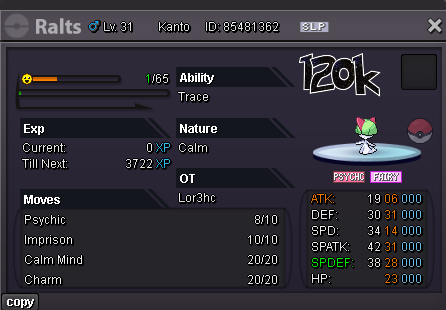
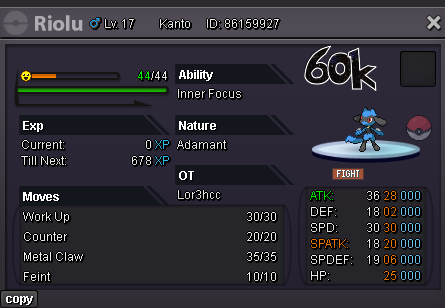
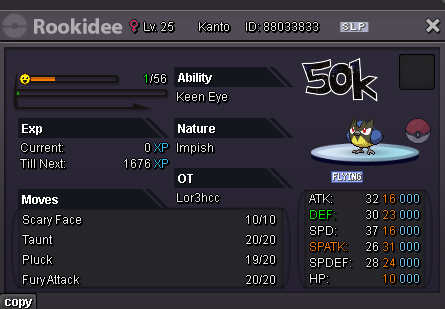
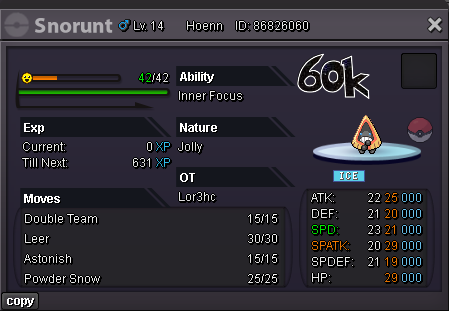
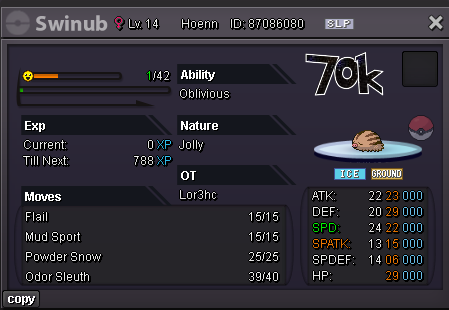
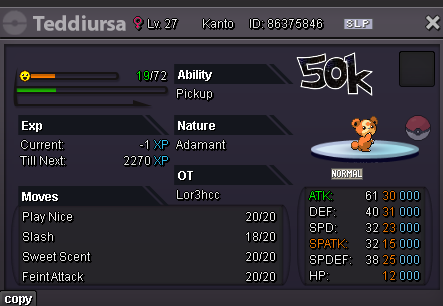
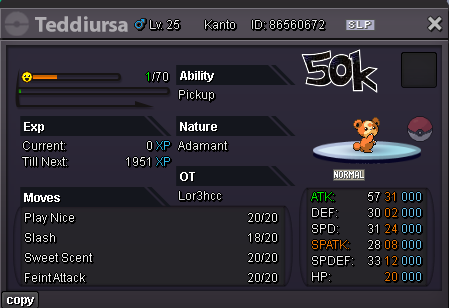
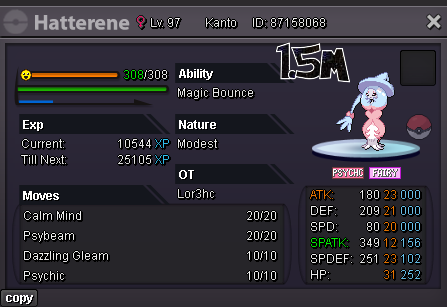
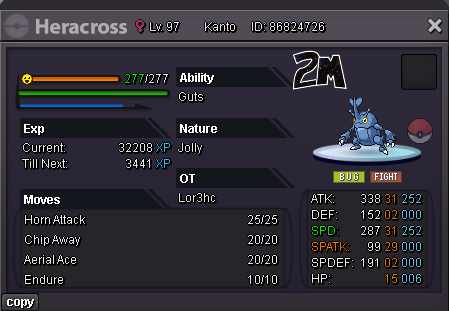
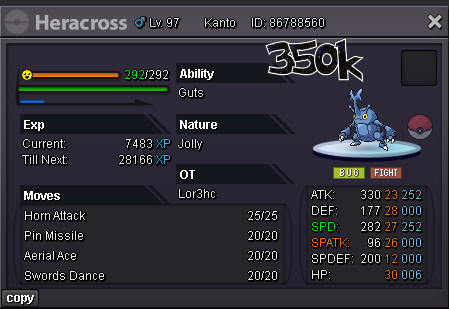
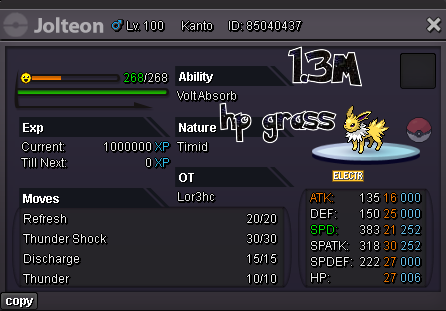
~ Welcome to the Darkness Shop ~ ~ Shop Rules ~ 1. Feel free to make an offer, but must be reasonable offer. 2. Fake offers will be reported. 3. This is a GOLD server shop, Silver players are welcome, but they have to transfer if they want to purchase. 4. I can decline ur offer if i dont like it. 5. If we reach an agreement, u can't refuse the payment after. (rule applied both in game and on forum) 6. Discount price applied if u buy more than 3 Pokémon, u free to make an offer but i will decide if suit me. 7. Be respectful and fair, i will be the same with you. ~ Contact ~ IGN : Lor3hc & Lor3hcc Discord : Lor3hc ~ Payments Accepted ~ Pokédollars Coin Capsule = 500k Reroll Ticket = 750k Nature Reroll Ticket = 350k Black Medallion = 250k ~ Last Update 29/07 ~ Check this link to see whats new -> Click here <- ~ Untrained Pokémon ~ Spoiler ~ Trained Pokémon ~ Spoiler ~ Mounts & Clothes ~ Spoiler ~ Misc Items & TM ~ Spoiler

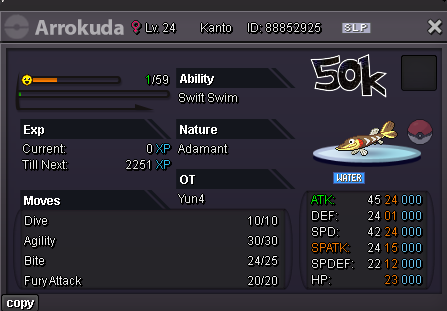
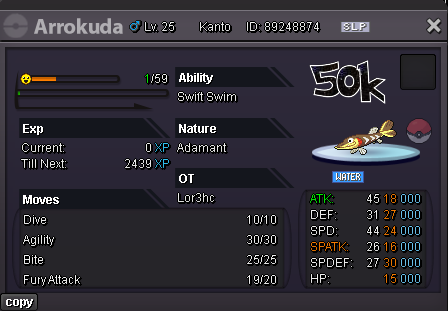
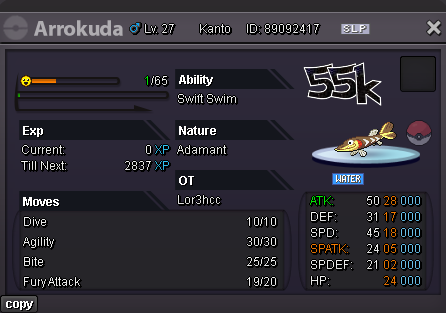
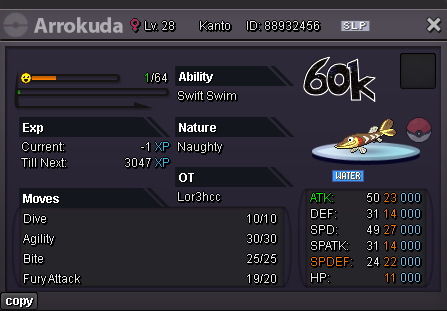
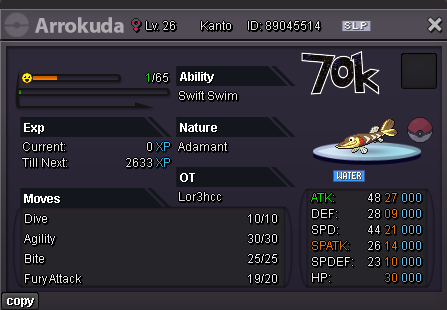
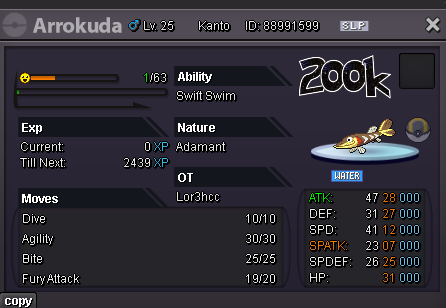
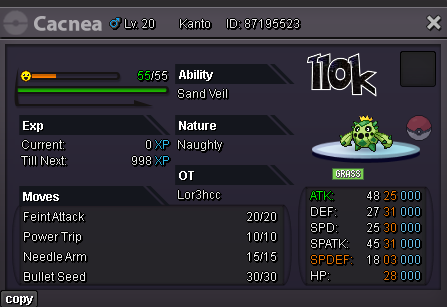
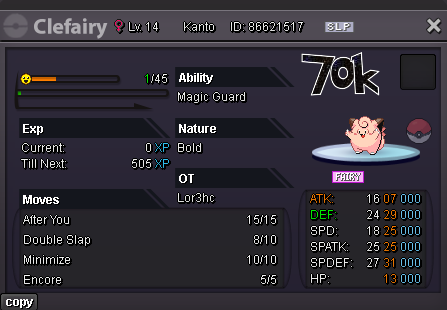
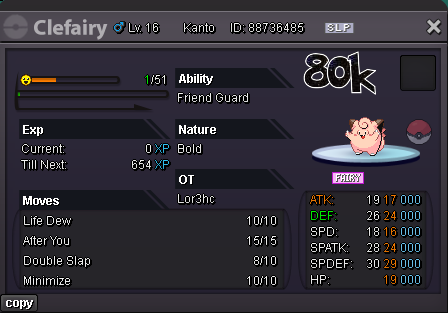
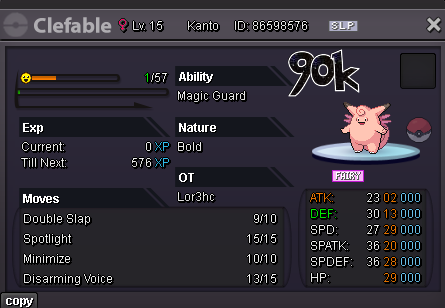
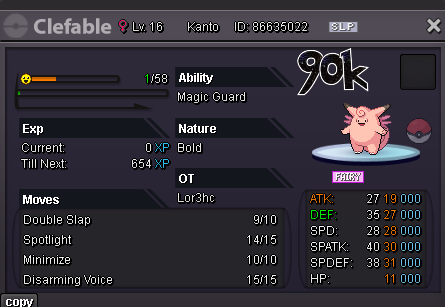
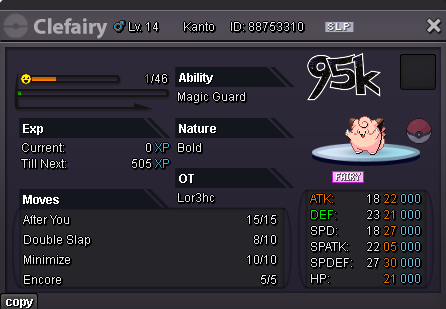
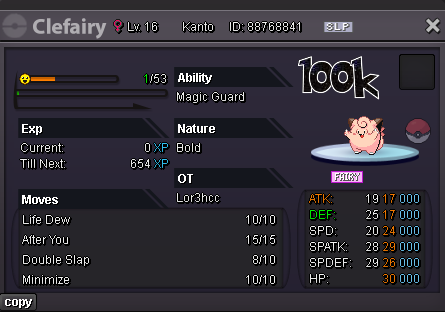
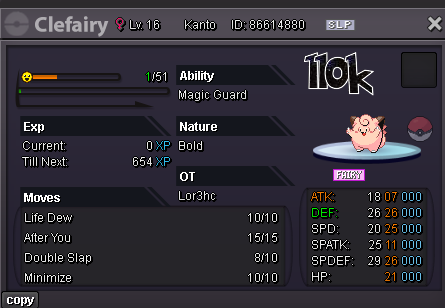
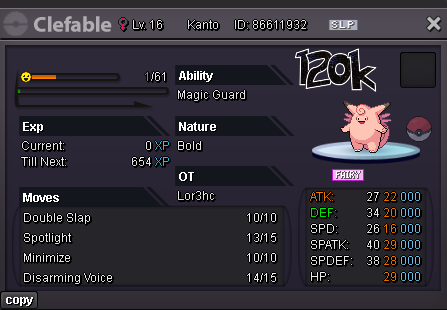
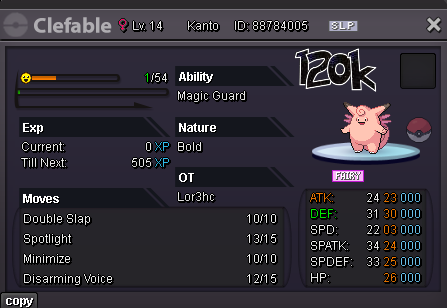
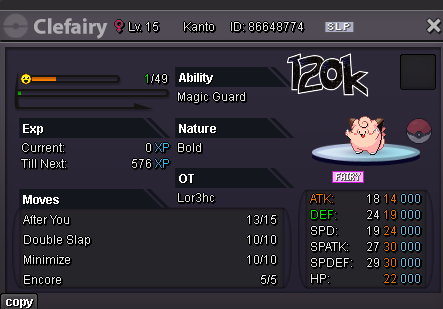
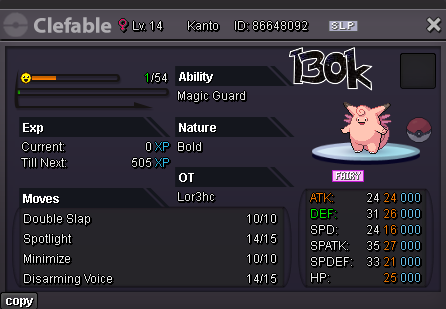
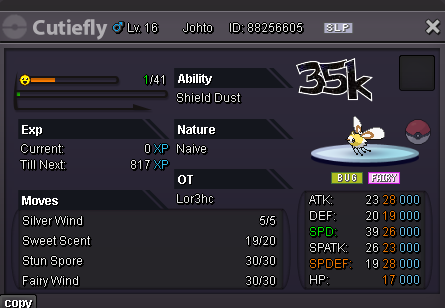
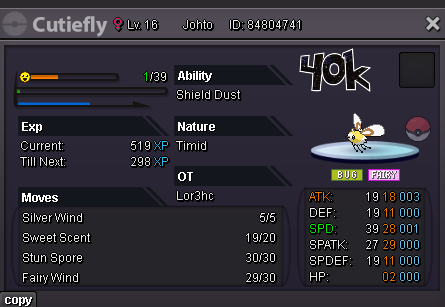
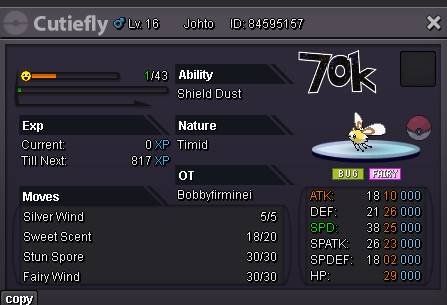
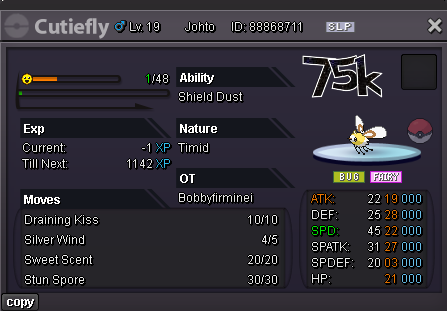
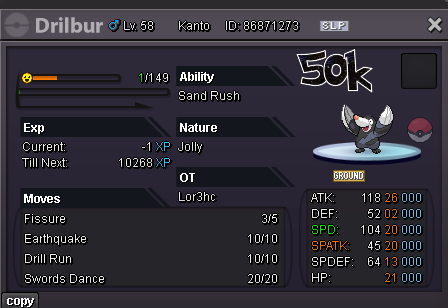
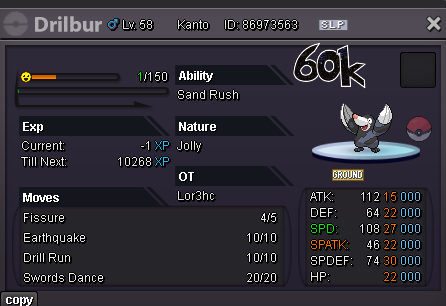
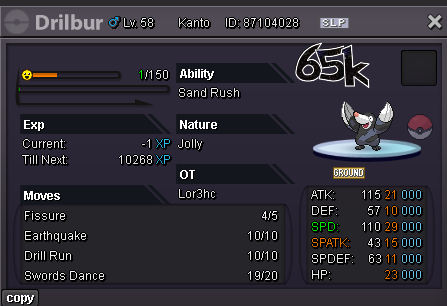
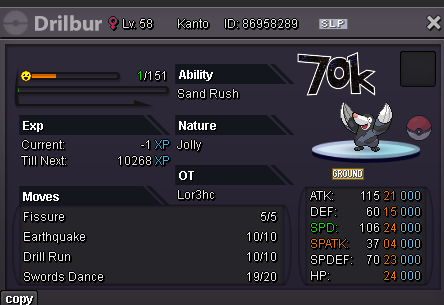
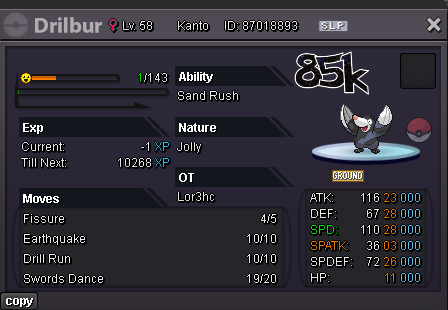
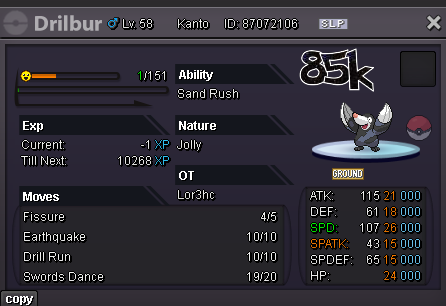
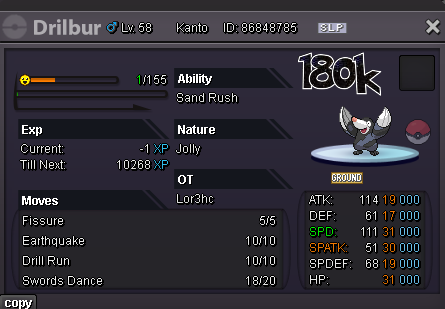
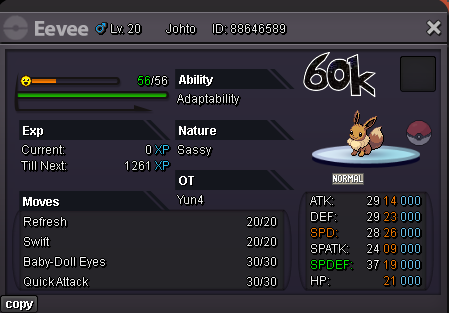
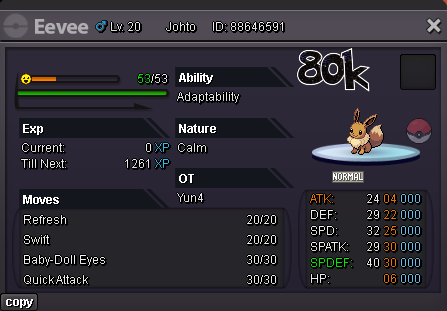
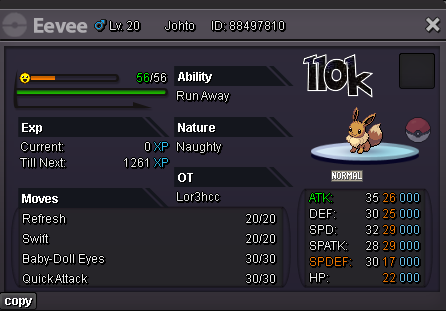
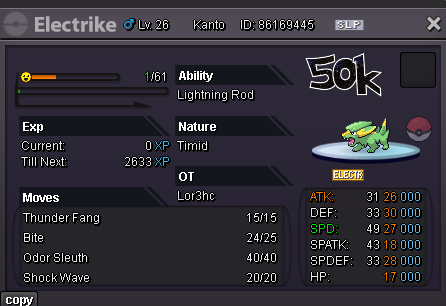
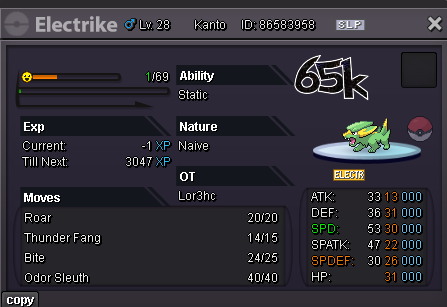
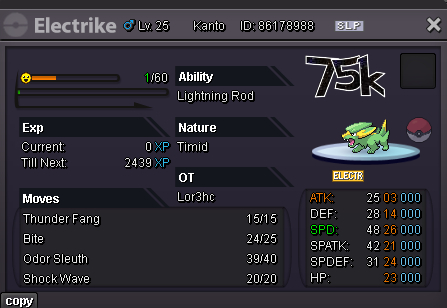
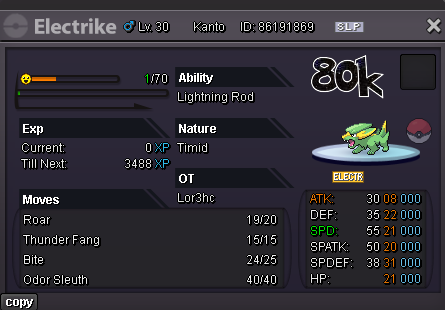
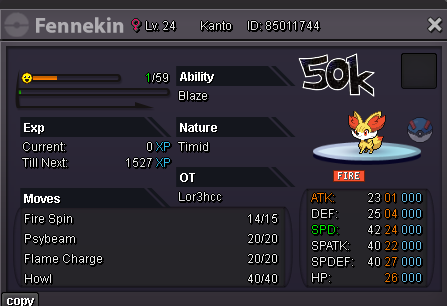
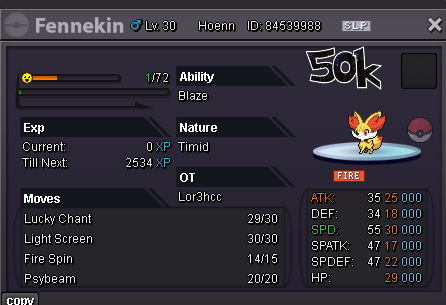
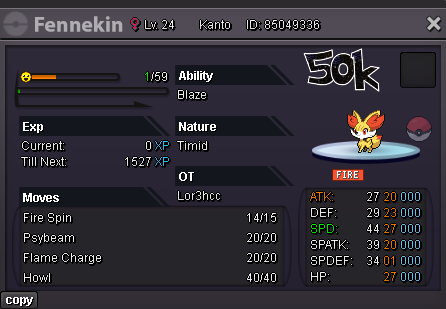
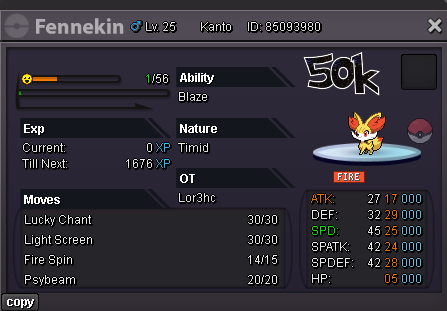
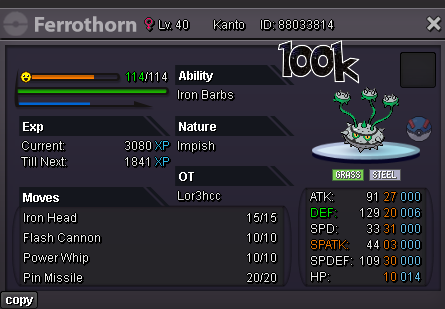
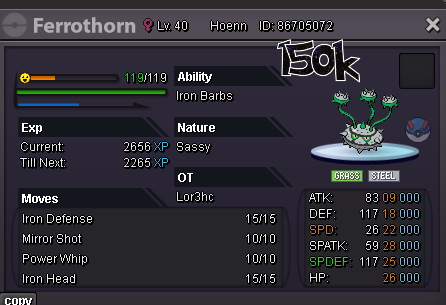
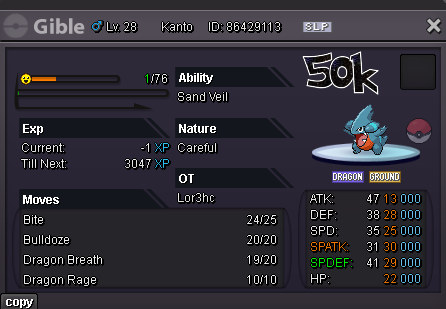
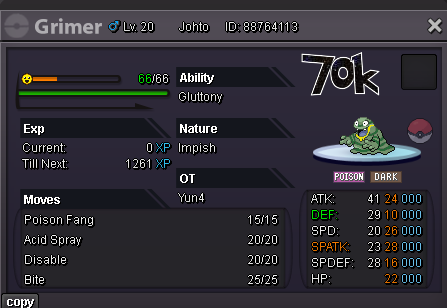
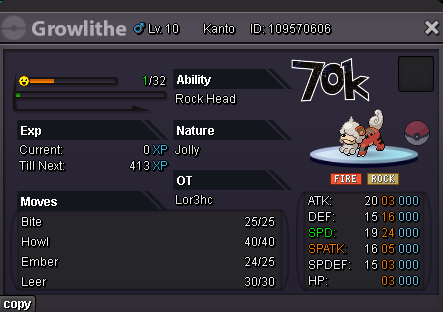
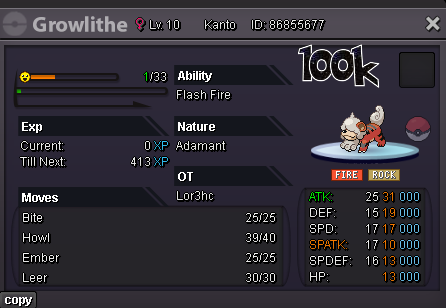
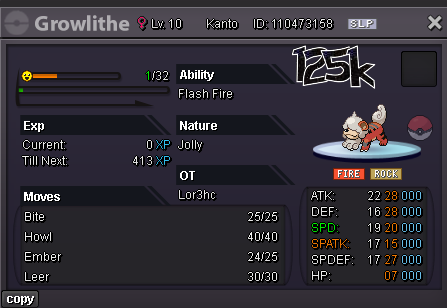
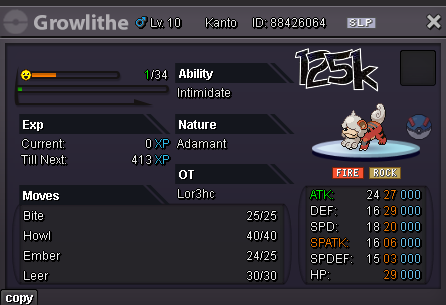
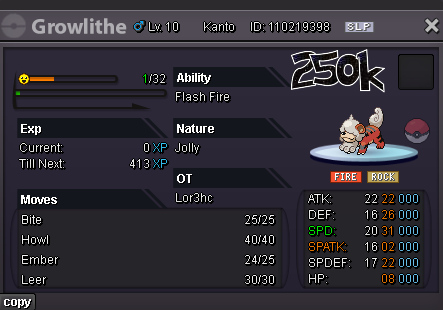
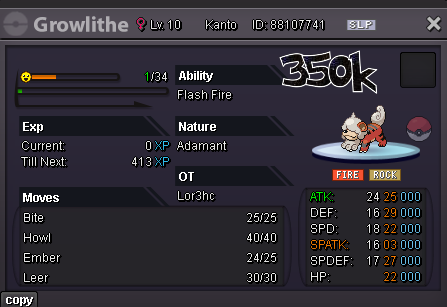
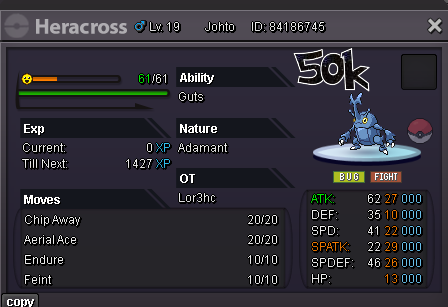
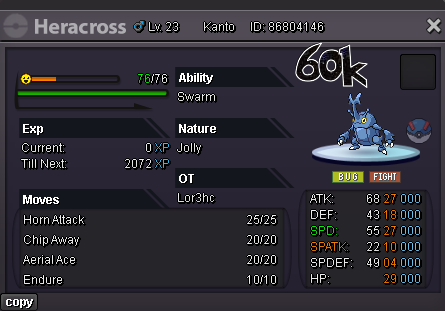
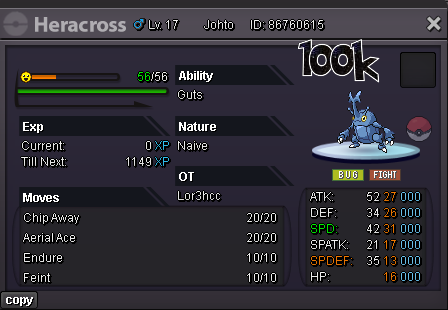
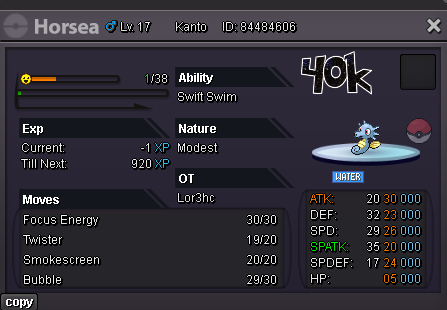
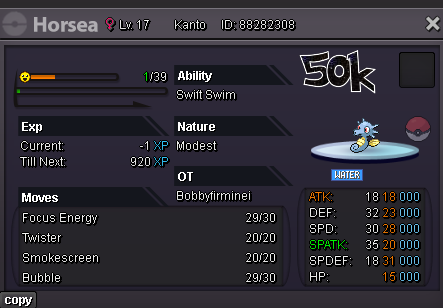
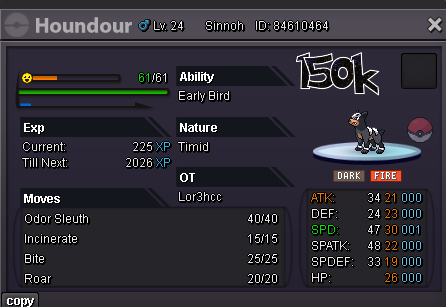
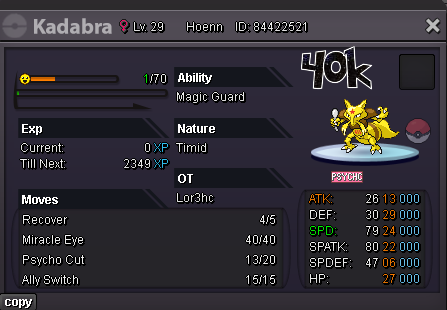
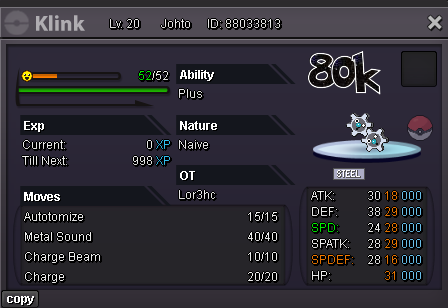
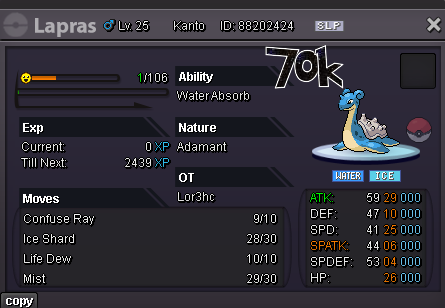
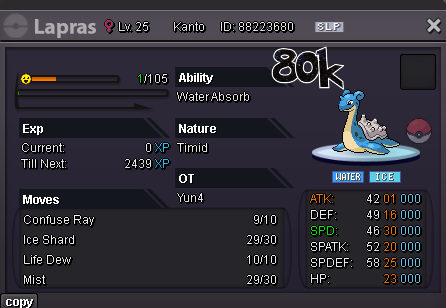
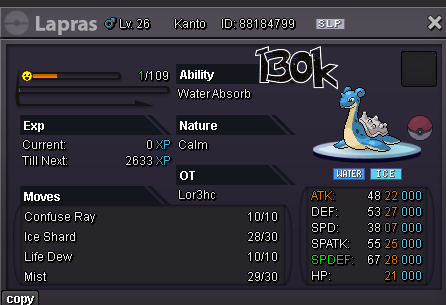
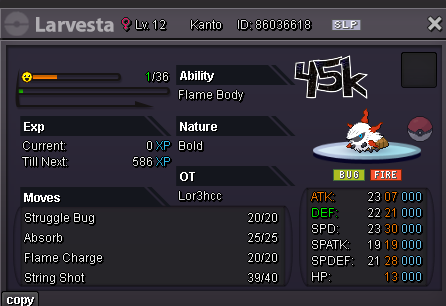
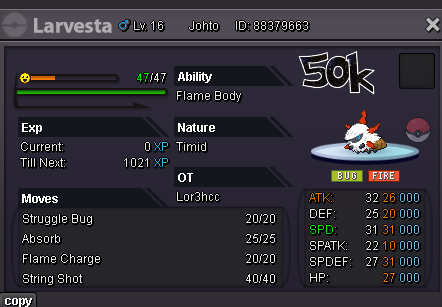
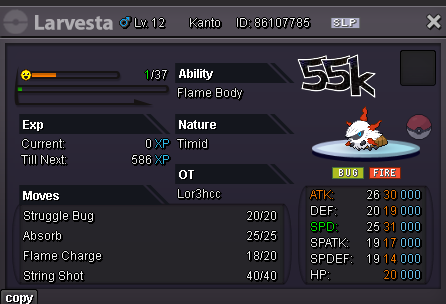
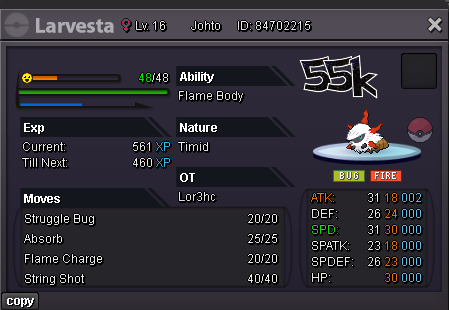
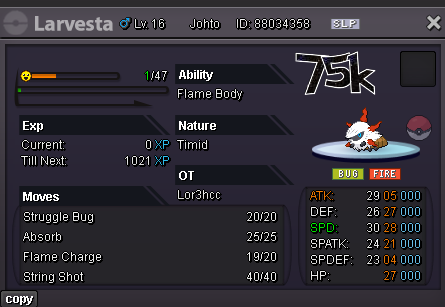
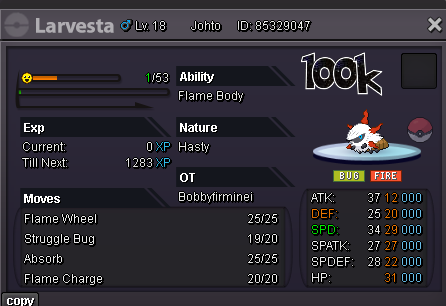
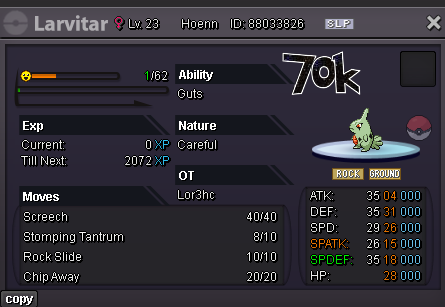
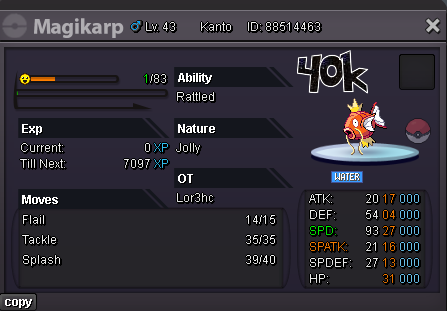
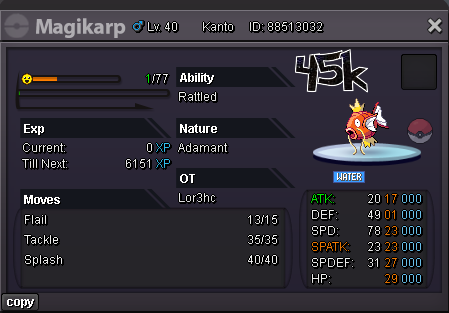
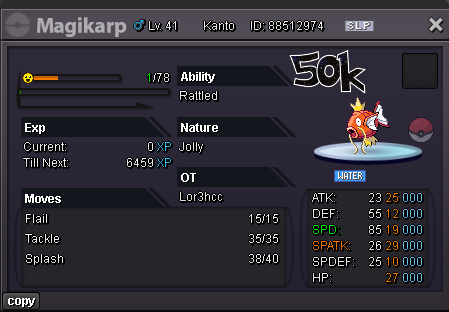
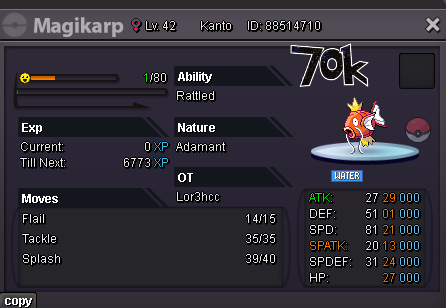
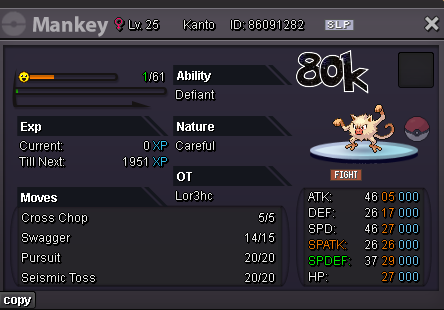
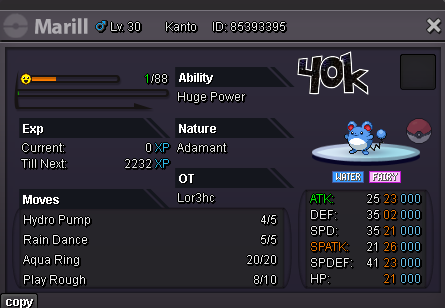
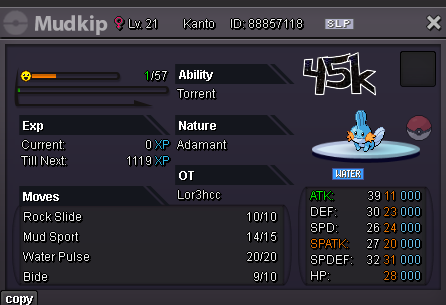
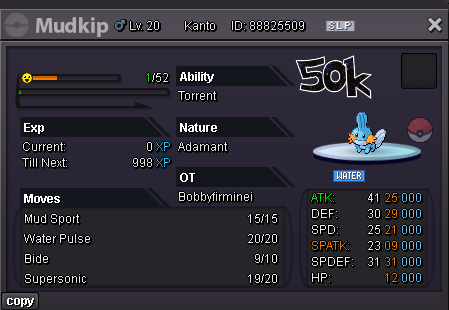
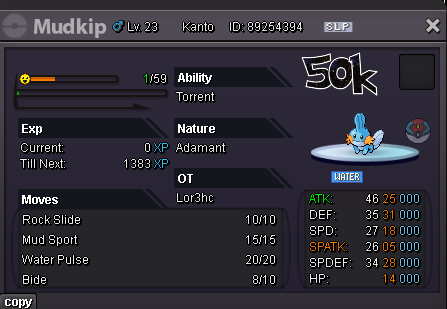
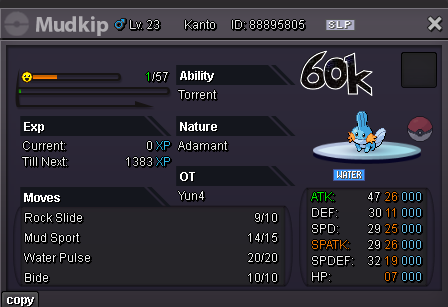
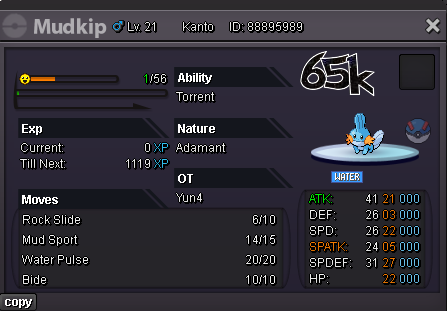
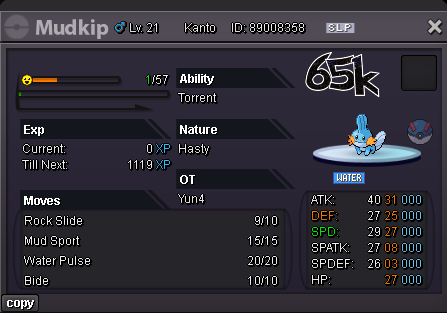
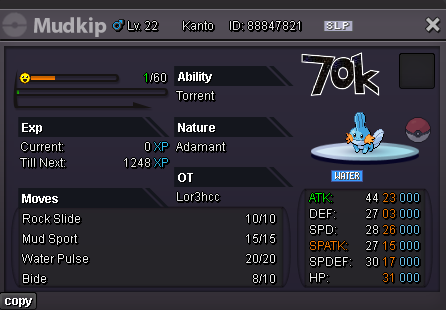
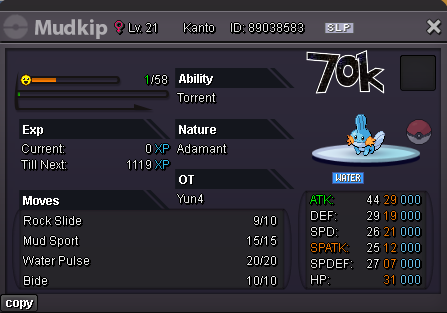
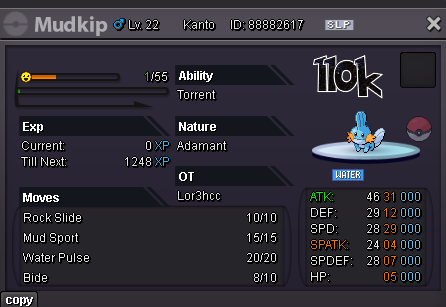
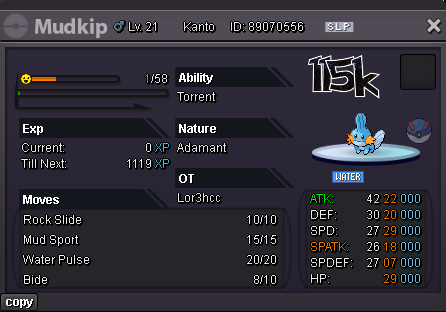
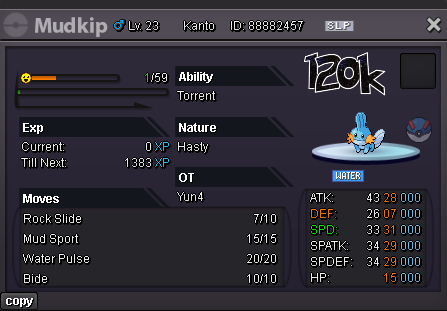
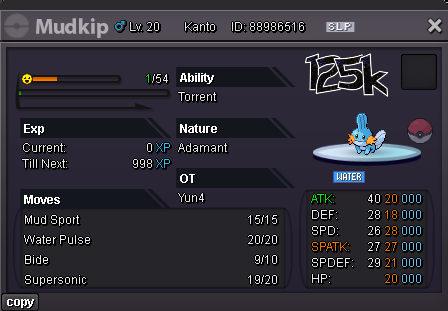
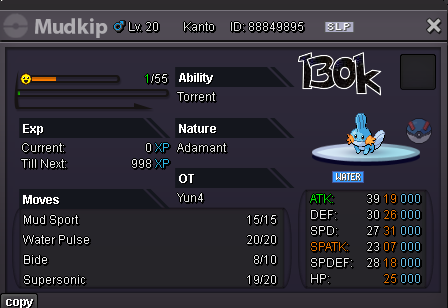
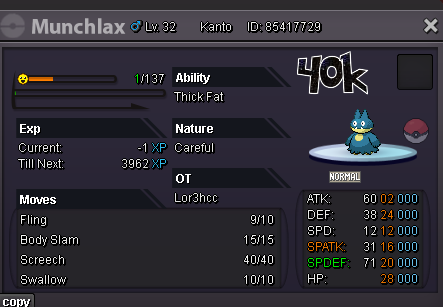
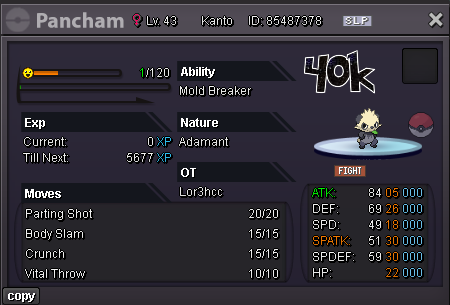
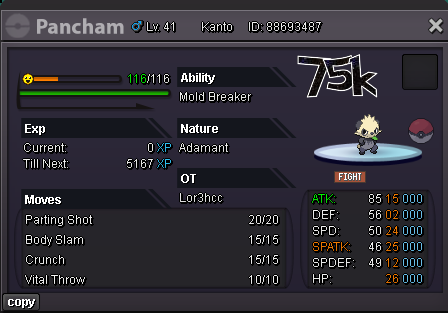
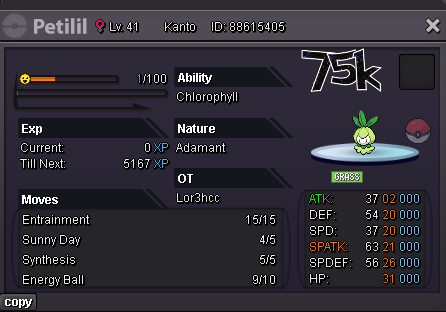
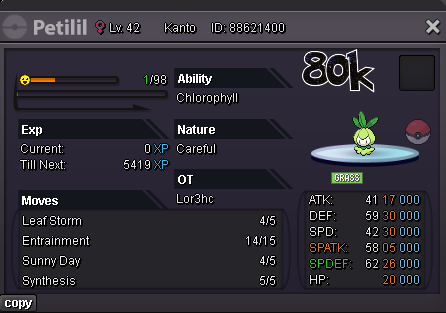
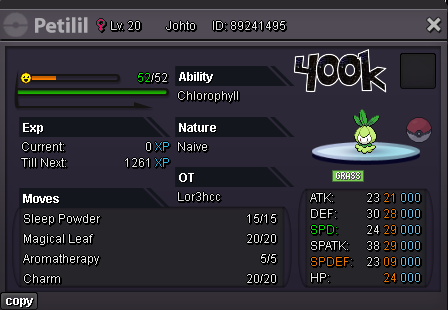
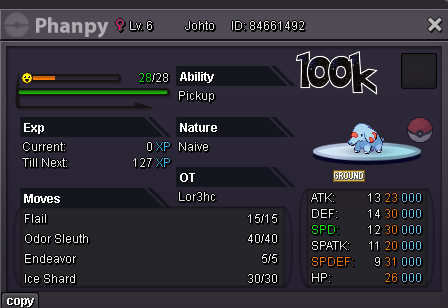
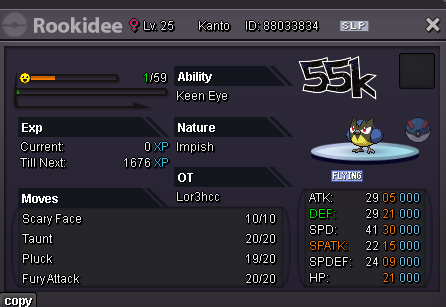
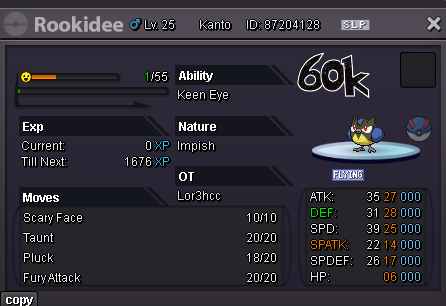
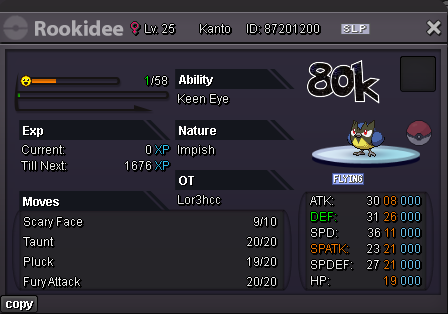
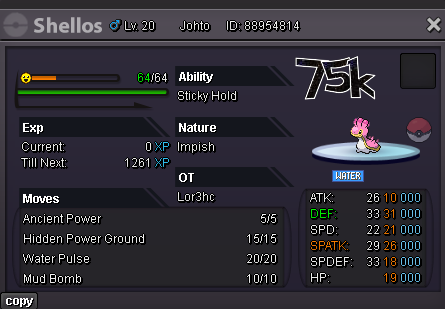
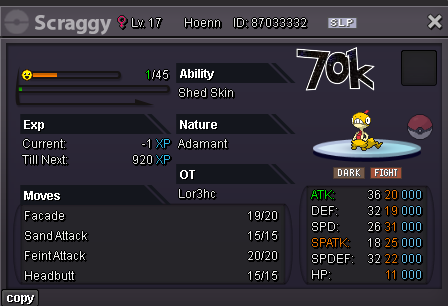
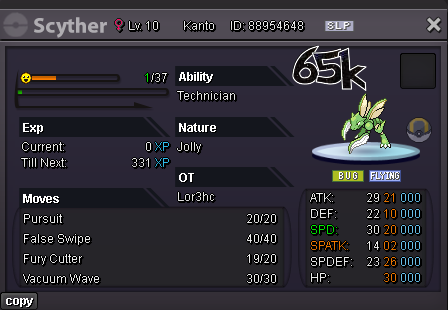
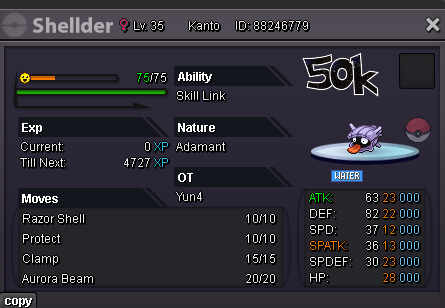
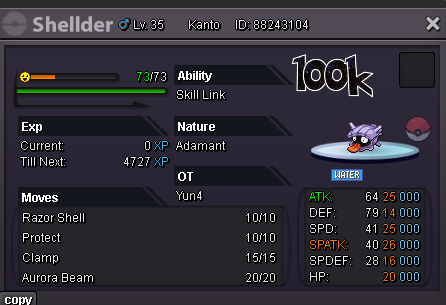
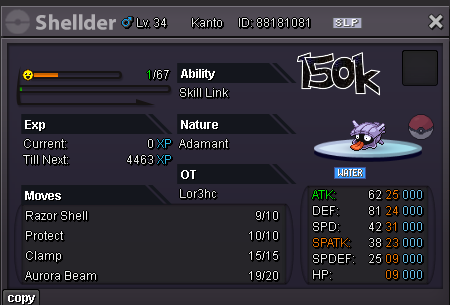
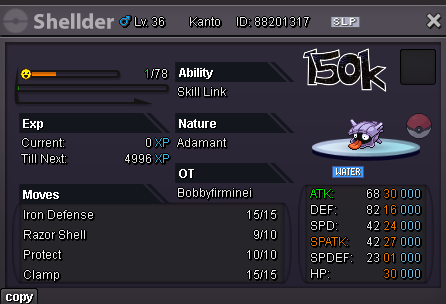
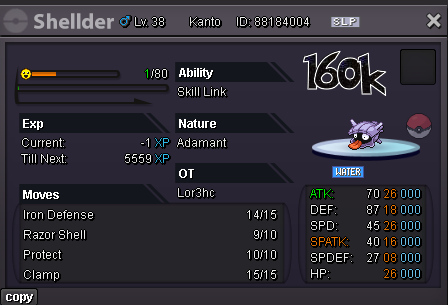
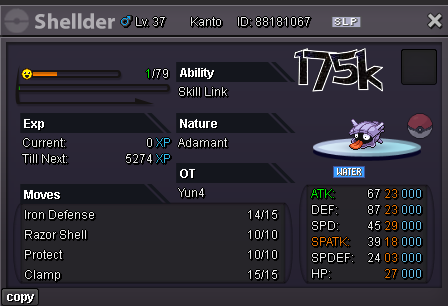
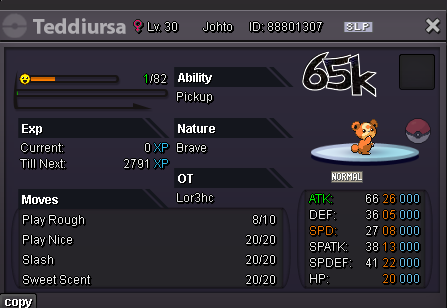
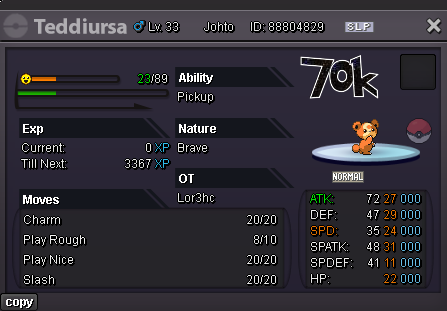
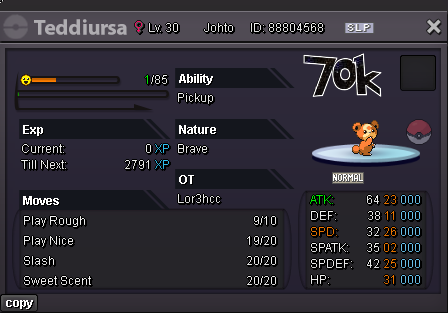
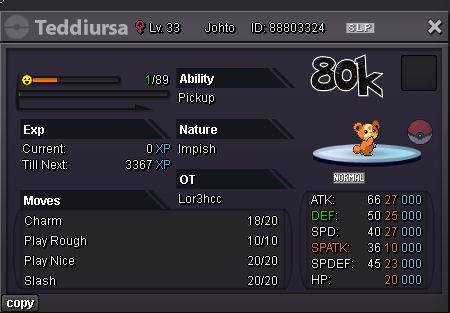
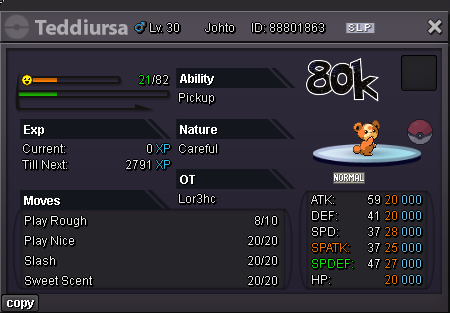
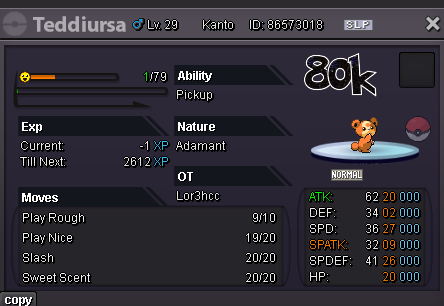
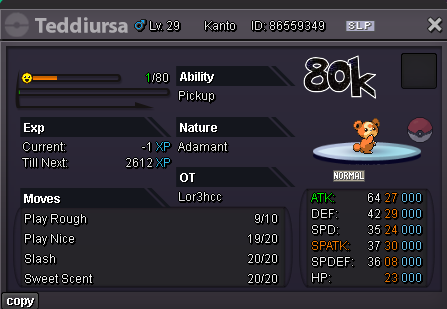
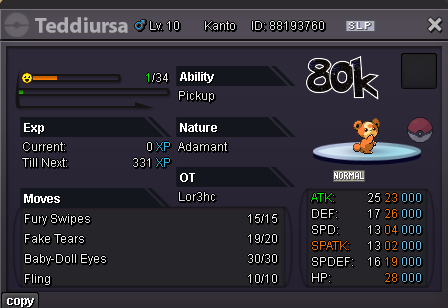
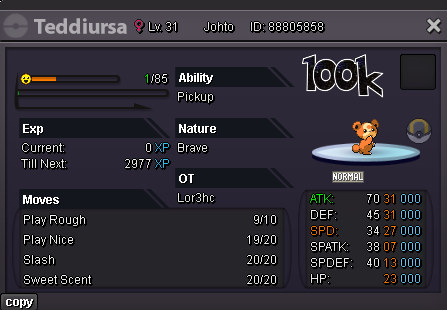
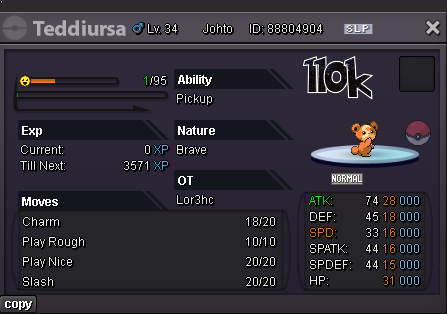
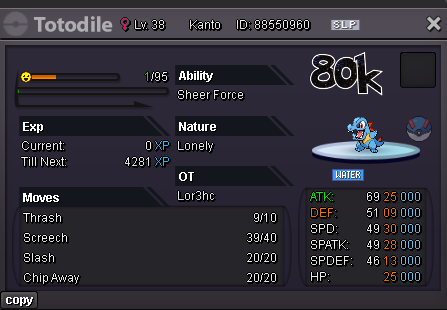
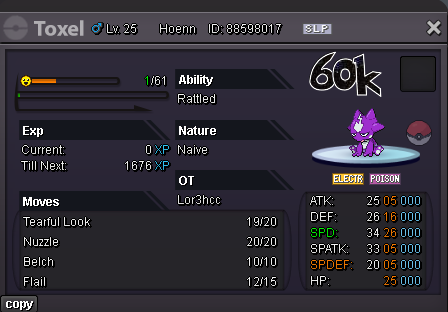
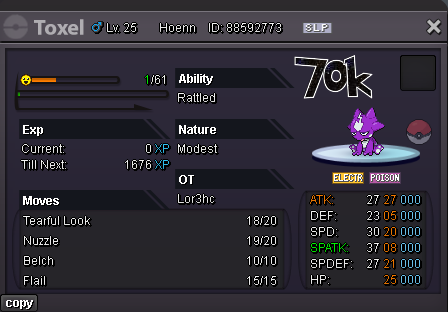
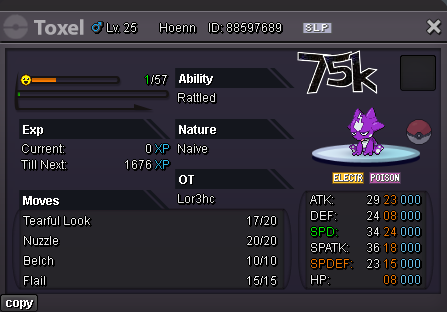
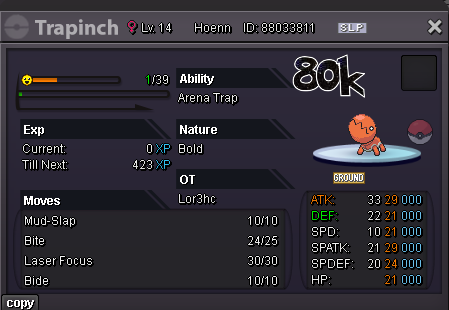
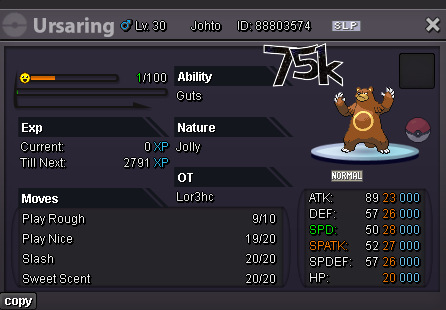
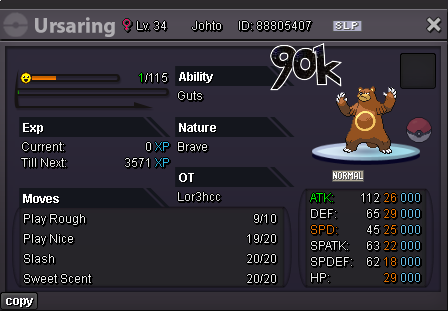
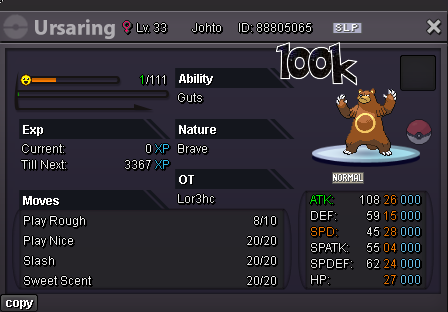
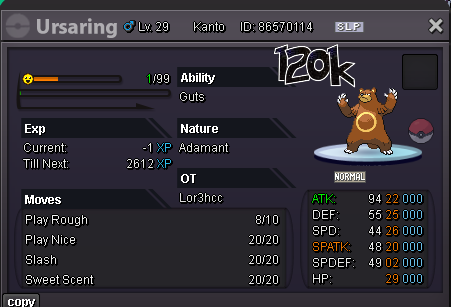
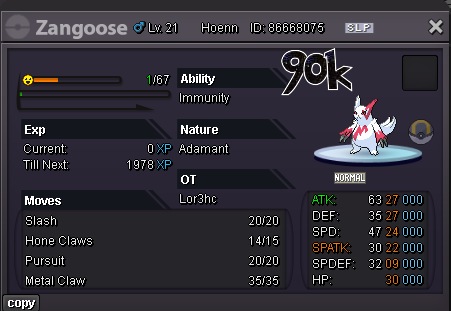
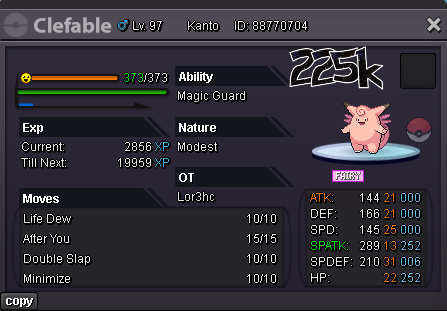
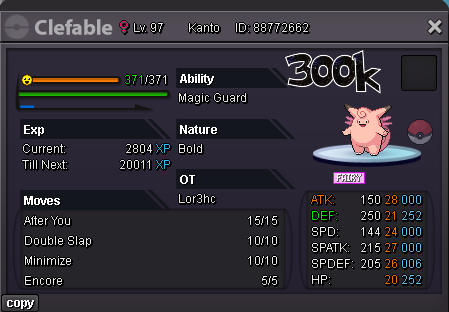
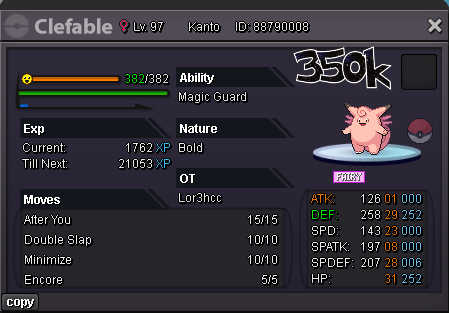
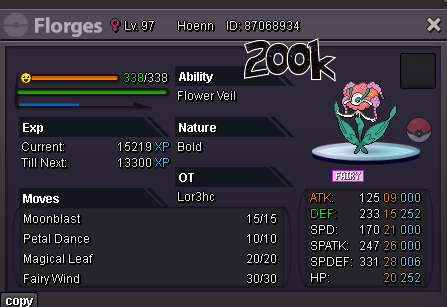
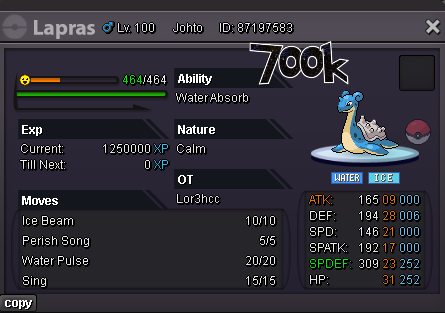
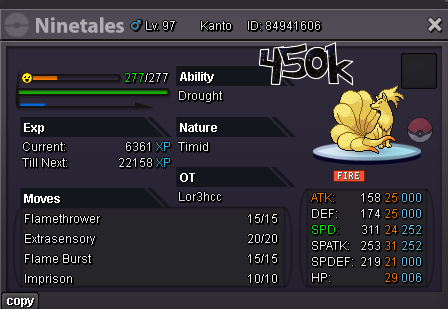
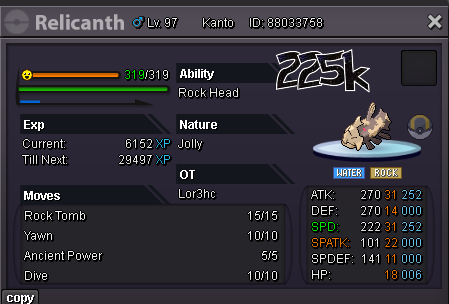
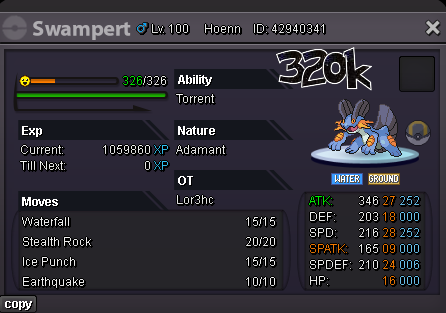
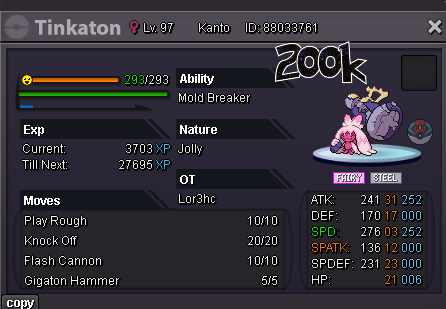
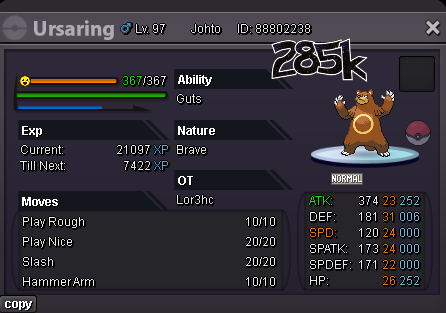
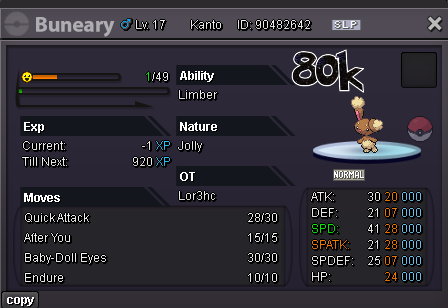
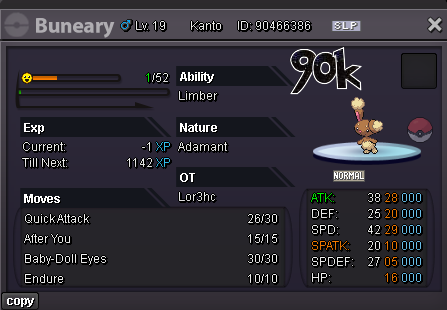
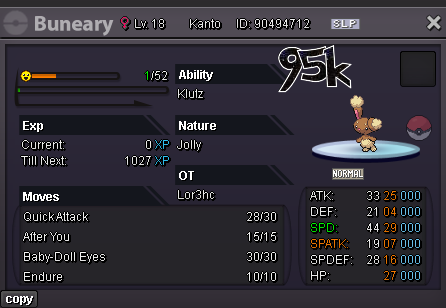
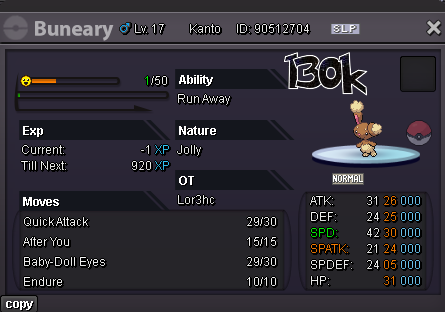
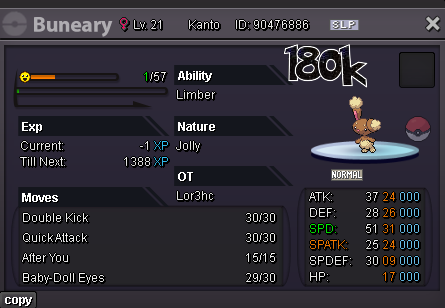
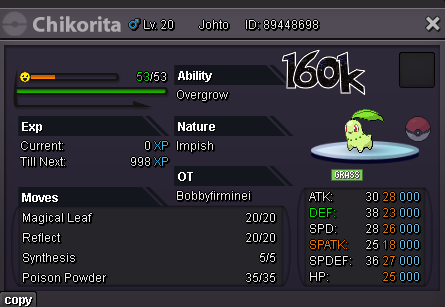
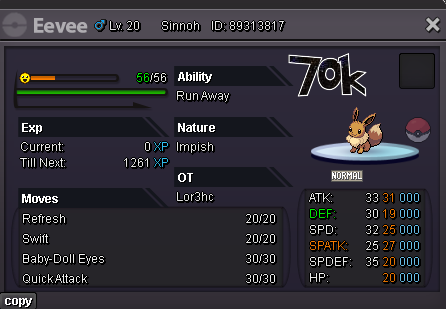
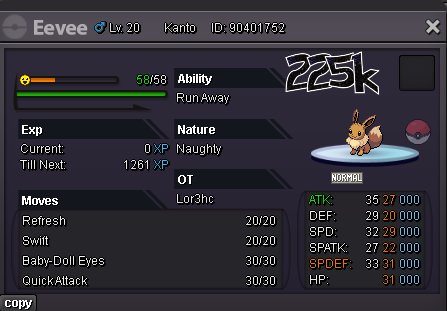
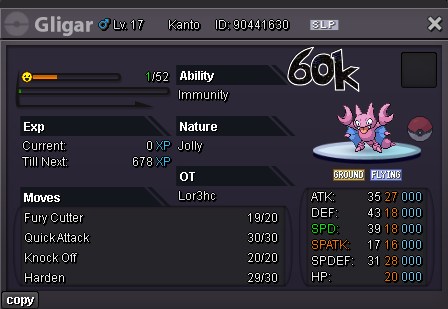
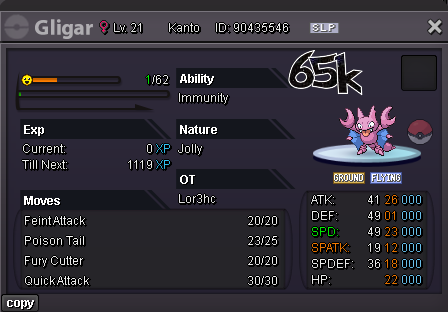
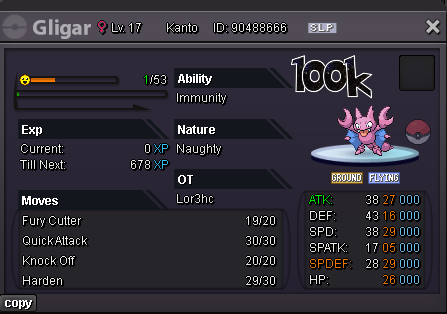
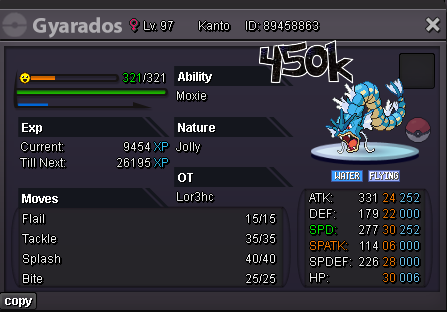
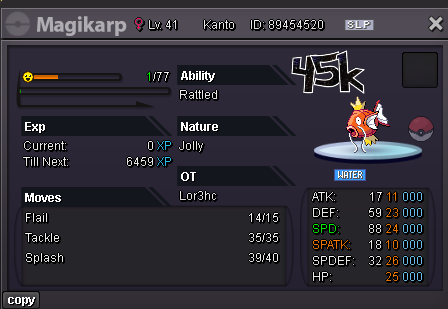
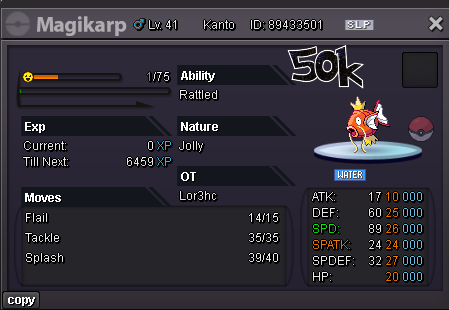
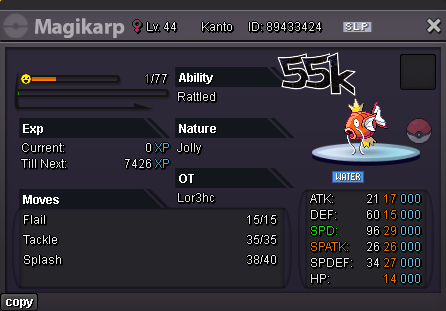
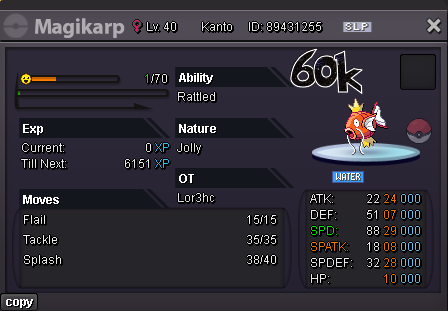
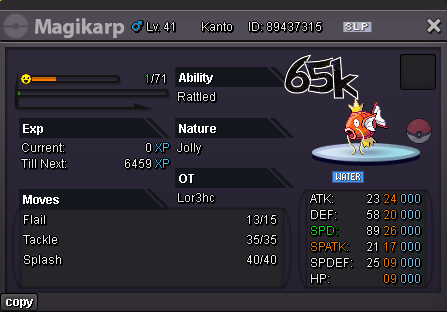
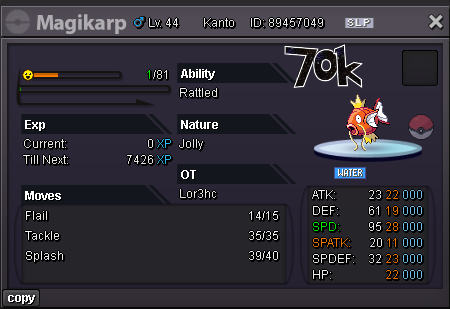
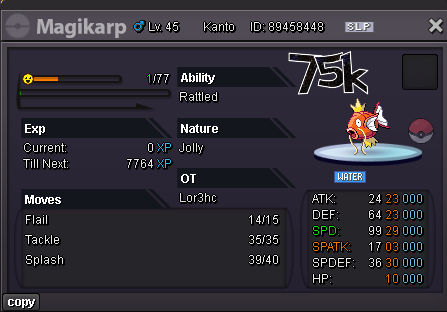
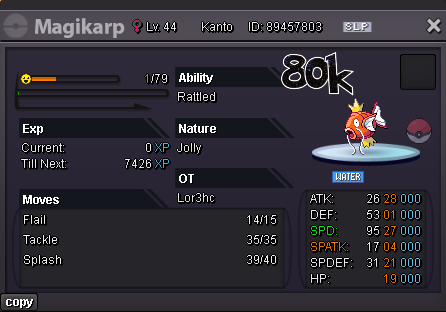
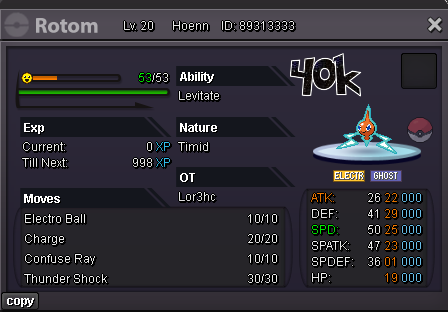 1 point
 -
Start 150 k each Min raise 50 k Accept cc 500 k Rr 700 k 48 hours after first bid for each mon
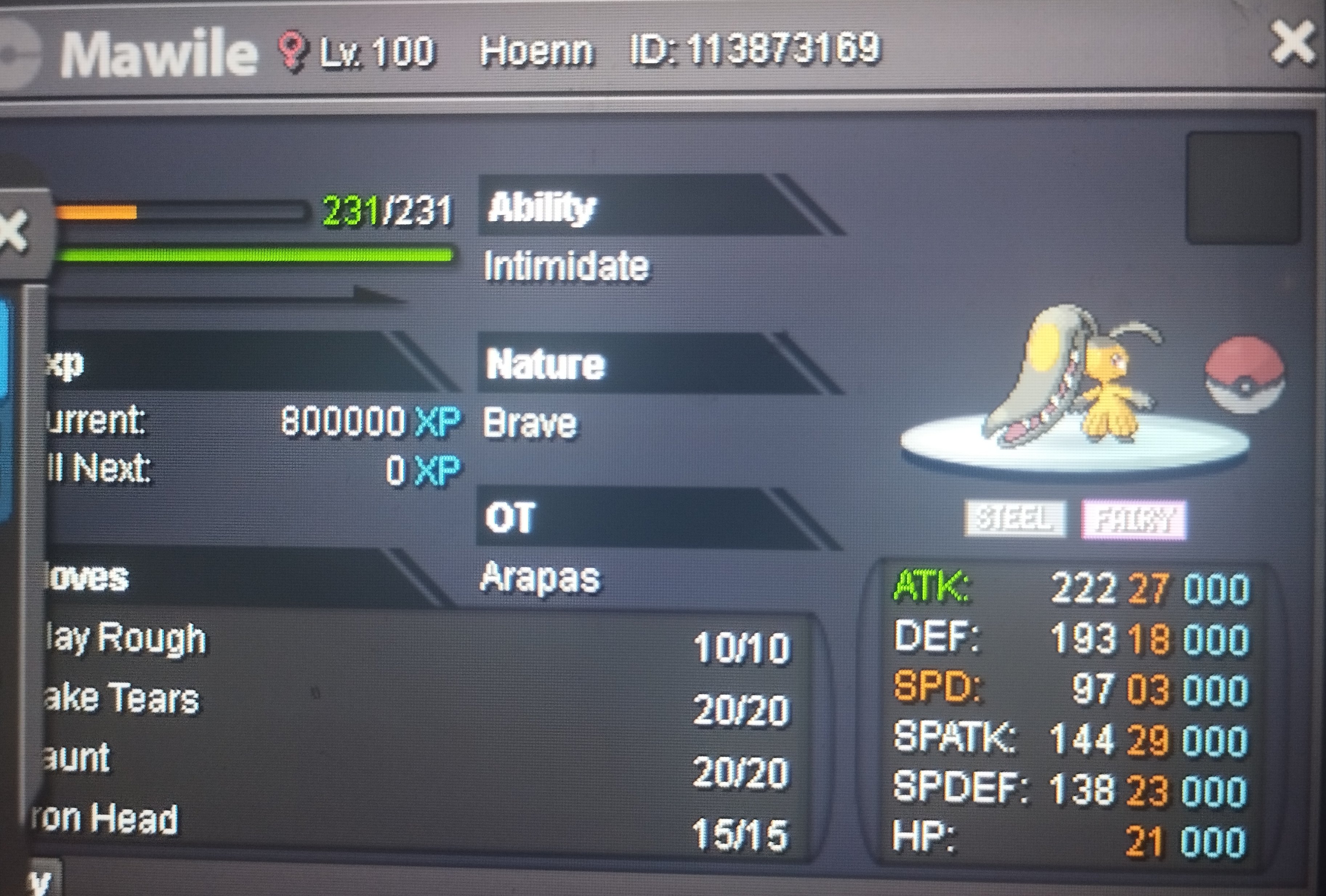
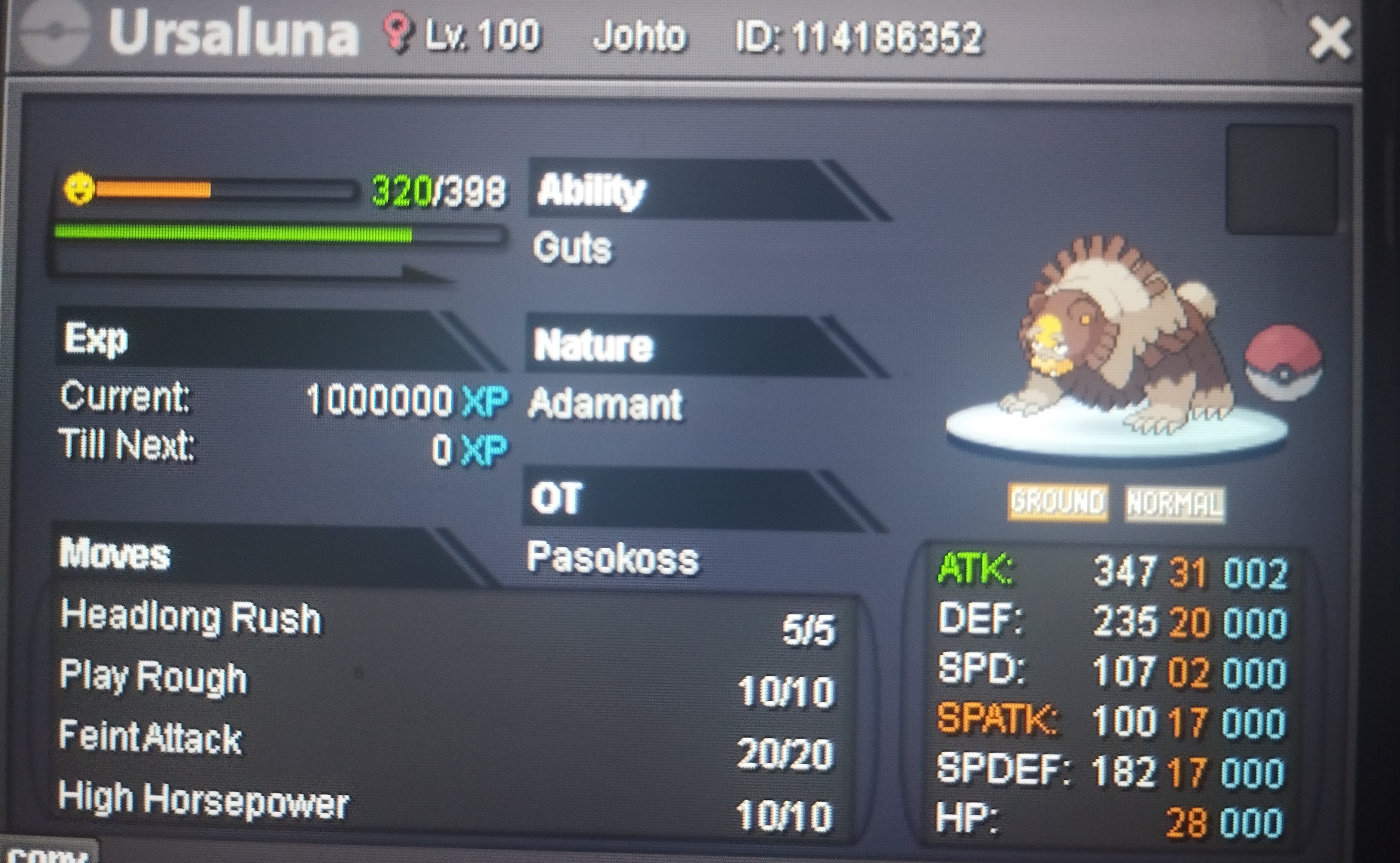
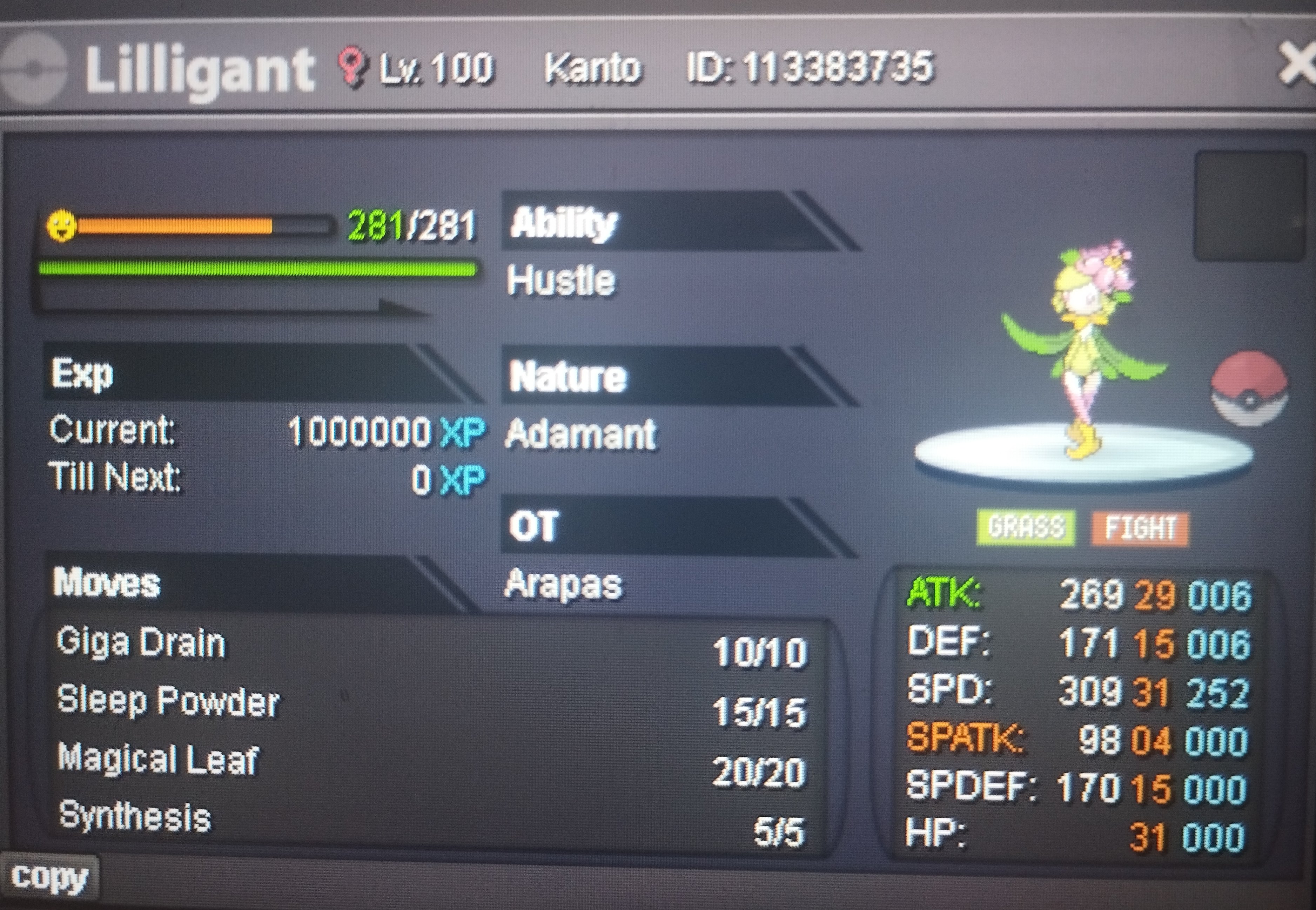
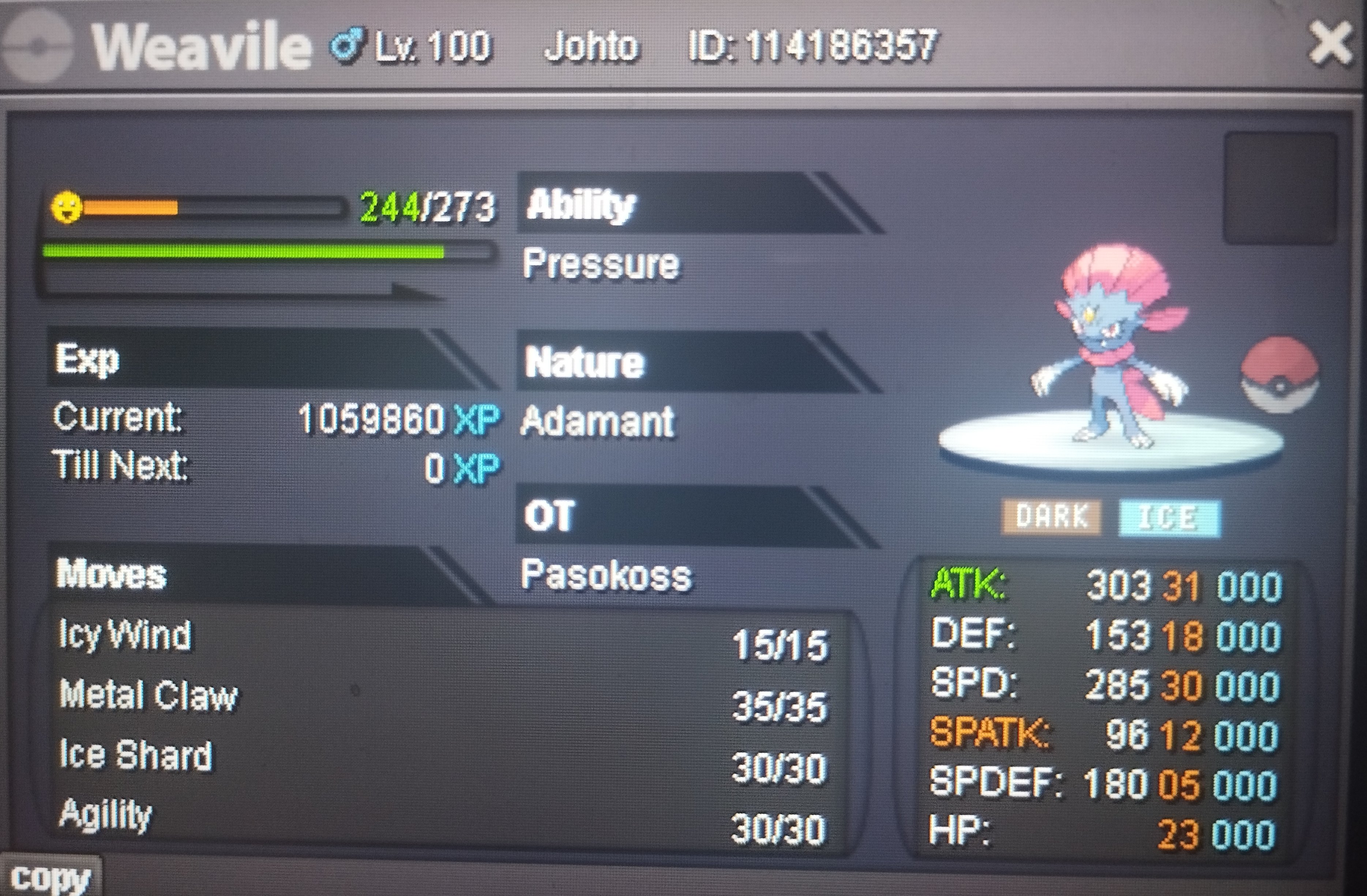
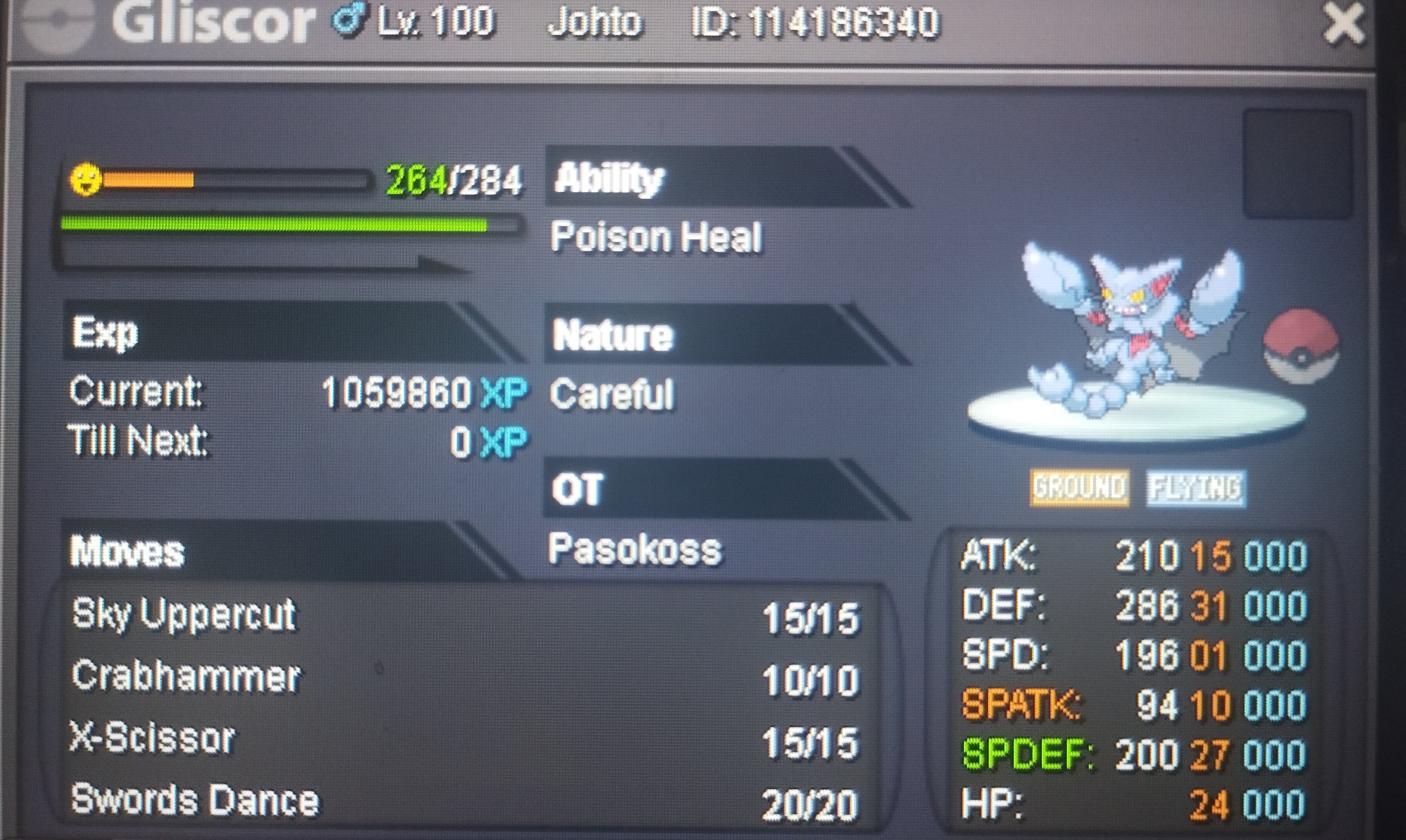 1 point
 -
1 point@Whirr Sorry, golduck, primeape and beedril are over. Only anhilape and ludicolo still running1 point
-
1 point
-
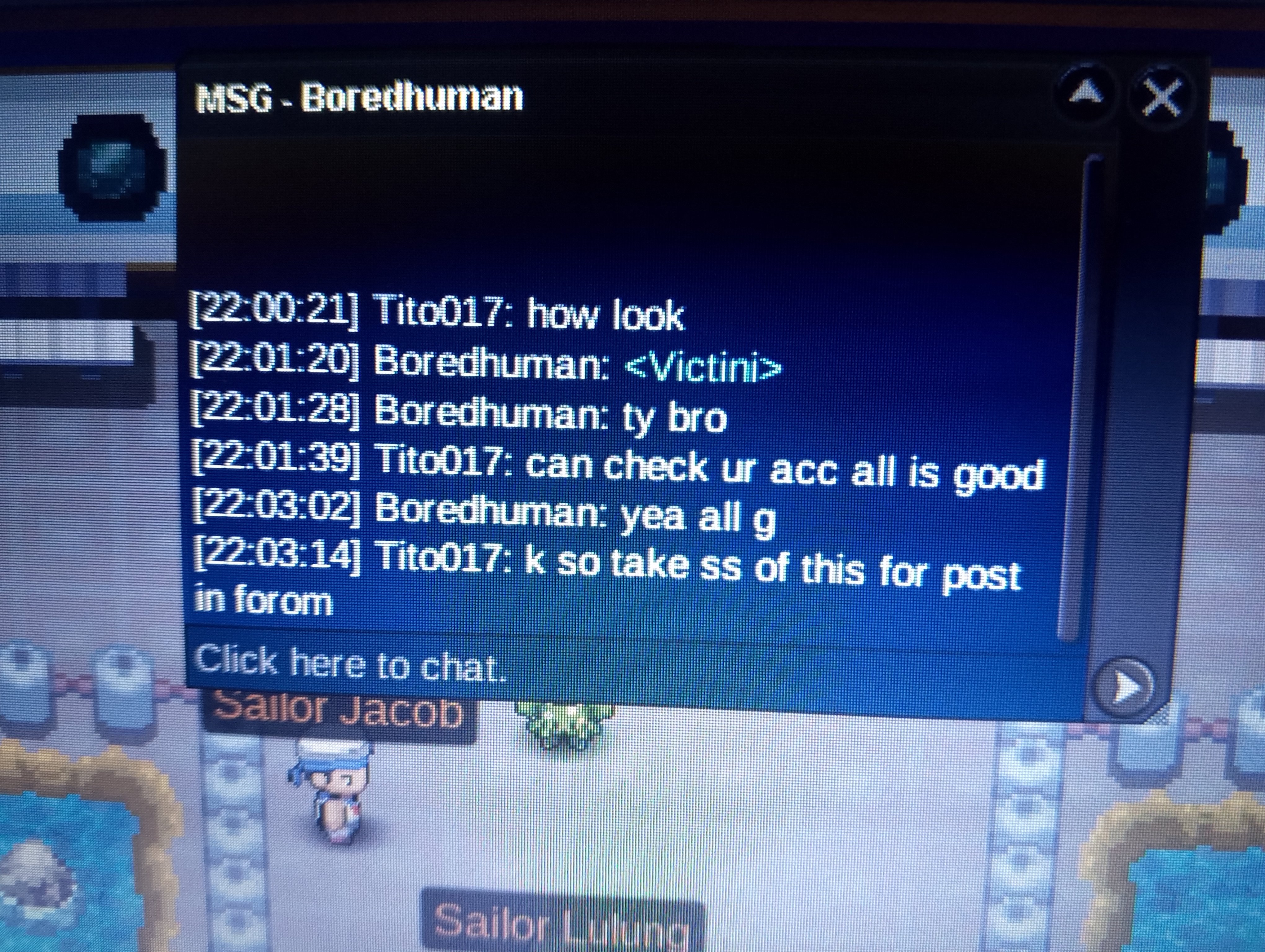
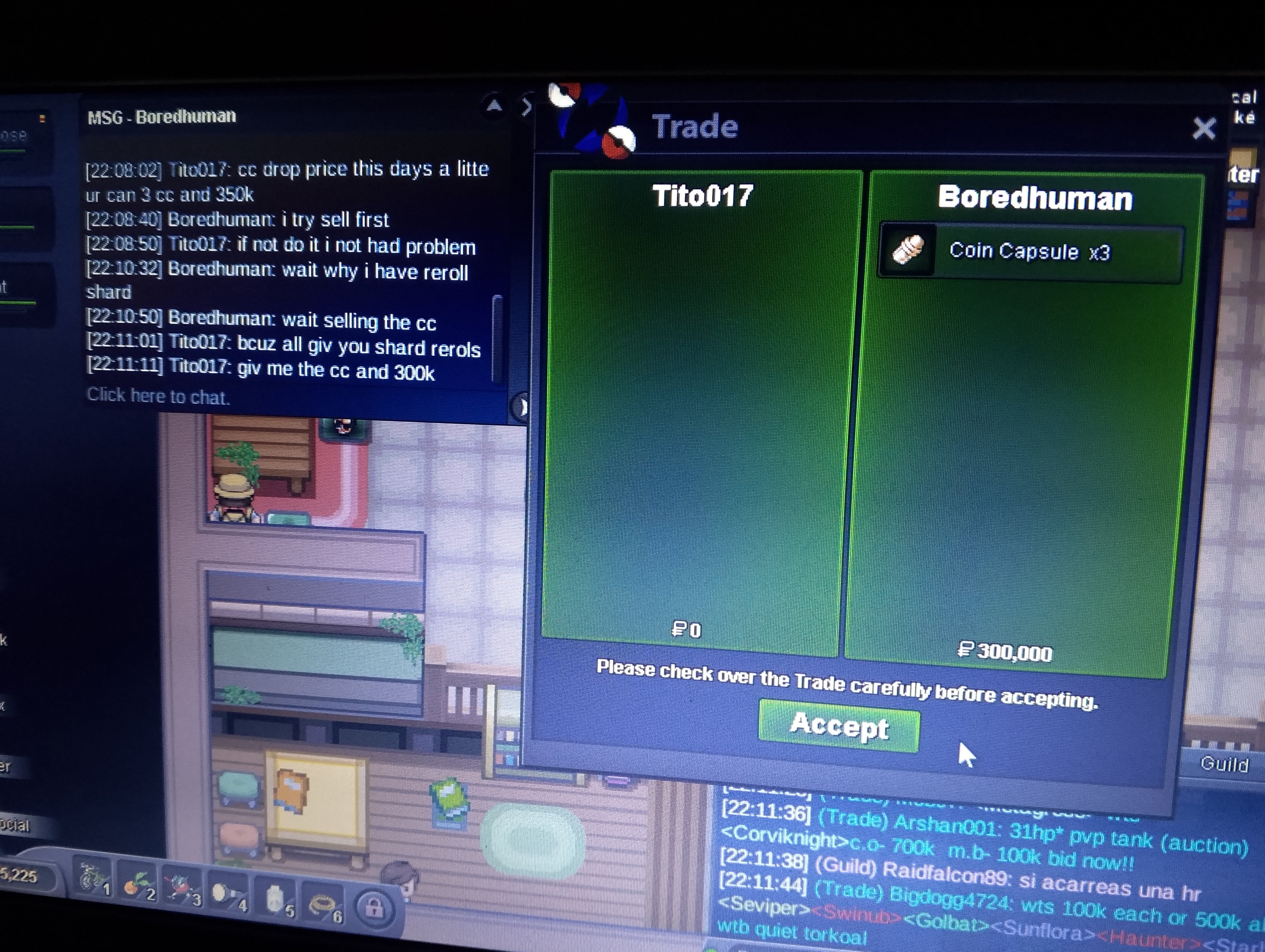
Mutilple services done for me friend kirito @Boredhuman dark stone, dragón spiral tower, unlock cráter Town +victini dungeon
 1 point
 -
400k weavile-300k ursa-300k mawile1 point
-
1 point
-
Lilligant 400k, weavile 250k and mawile 200k.1 point
-
IGN: Redmoonash Service Ordered: Leveling Service Feedback: (see below) Feedback for leveling service of 5 Pokemon by Advay0, delivered by Godpriyangshu: - The service was accurate to the description for leveling, 90k each (outside of events). - The leveling service was fast (under a day), which is a big plus. - The service provider was able to meet me anywhere so I was able to continue what I was doing, which is a plus. - Verdict: 10/10. Good fast and reliable service. Thanks.1 point
-
1 point
-
1 point
-
1 point
-
1 point
-
1 point
-
1 point
-
1 point
-
1 point
-
1 point
-
1 point
-
Alright then glad to see you're not facing issues with the quest anymore. Good luck for the Victini! I will hence lock this thread as resolved. Hope you have a great day, Fusionflair1 point
-
1 point
-
1 point
-
1 point
-
1 point
-
1 point
-
250k Gliscor1 point
-
200k Weavile 200k Gliscor1 point
-
1 point
-
1 point
-
1 point
-
1 point
-
1 point
-
1 point
-
1 point
-
1 point
-
1 point
-
1 point
-
1 point
-
1 point
-
1 point
-
1 point1 point0 points0 points0 points0 points0 points0 points0 points0 pointsHello @Zncholo and @Sarks, Please complete the trade within the next 24 hours. If you still need help after the deadline please let me know by using the report button! Best regards, Hizukii0 points