New Trade Zone
Trade Zone is now live
Use the new Trade Zone for auctions and instant-price trades so Pokemon and item offers are easy to find.
Leaderboard
-
Magikarpsh
Registered User1Points236Posts -
Omenrl
Registered User1Points781Posts -

Royaltiz
Registered User1Points6Posts -

Nox
Registered User1Points114Posts


Popular Content
Showing content with the highest reputation on 08/03/26 in all areas
-
1 point1 pointHi everyone, I just wanted to make this post to say thank you to all the players who helped me during my journey. Over the past week, I asked quite a few questions in-game, and many of you took the time to answer them, explain where to go next, and help me whenever I got stuck. Without that help, I definitely would have spent a lot more time wandering around. Today, I'm happy to say that I finally completed the Sinnoh story and earned all 8 Gym Badges, then defeated the Elite Four and Cynthia. It feels great to reach the end of this chapter. I'm not posting this to brag. I'm simply proud of the progress I've made and grateful for all the friendly players who helped me along the way. Now the real adventure begins: PvE PvP Boss battles Special quests Legendary content Building stronger teams I'm really looking forward to discovering everything the endgame has to offer. One thing I'm curious about: How long did it take you to finish your first region (or Sinnoh) when you started PRO? Did you complete it quickly, or did you take your time exploring? Thanks again to everyone who helped me, and good luck to all the new trainers starting their journey. 🥳
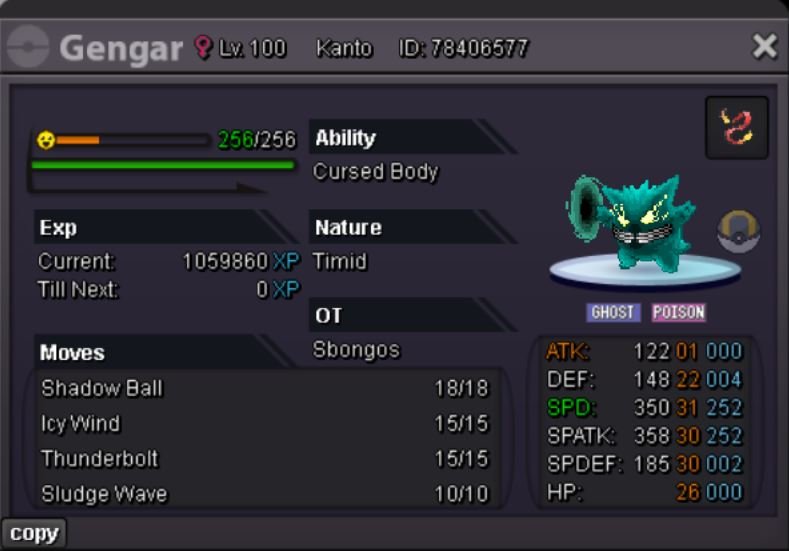
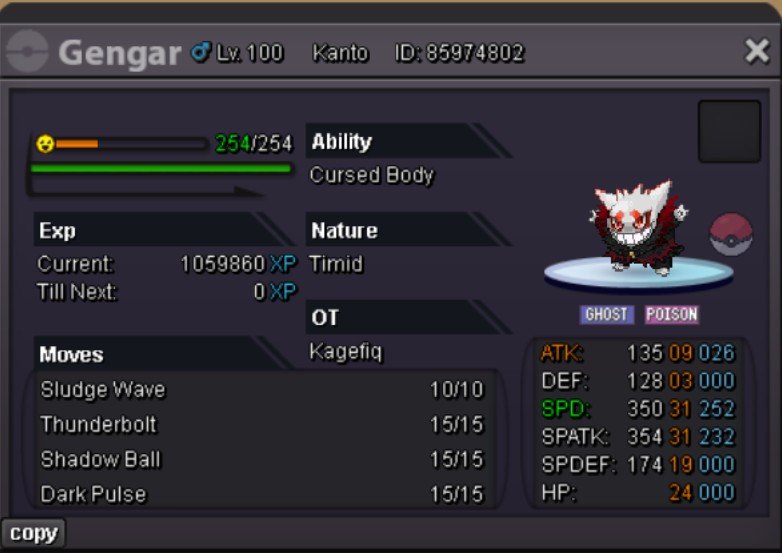
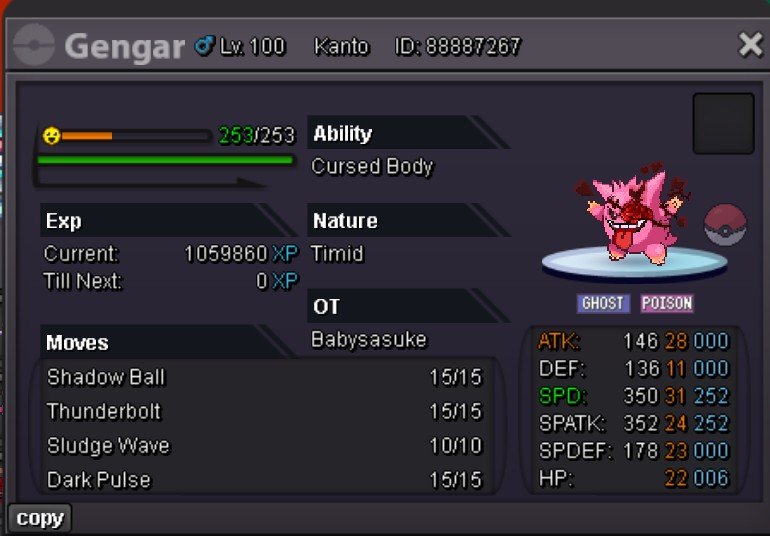
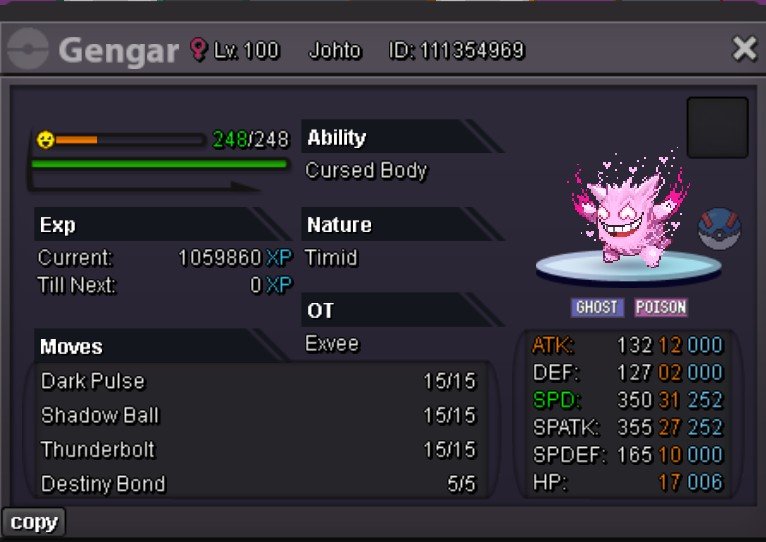
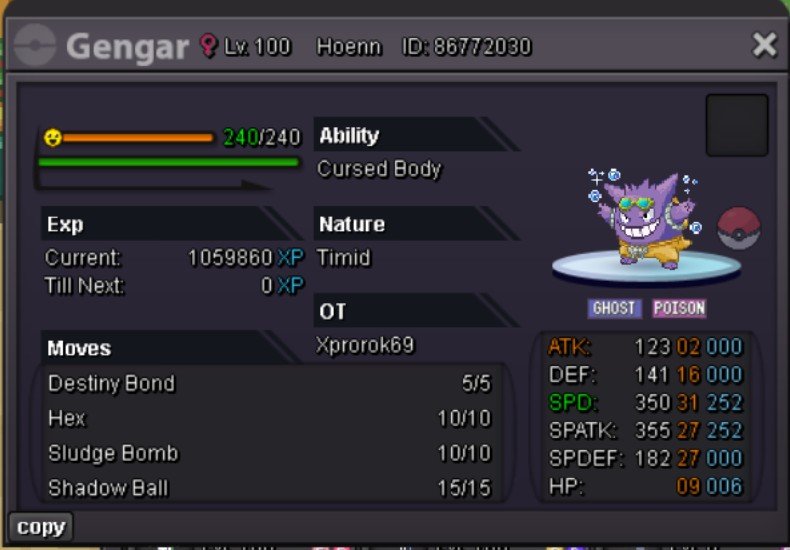
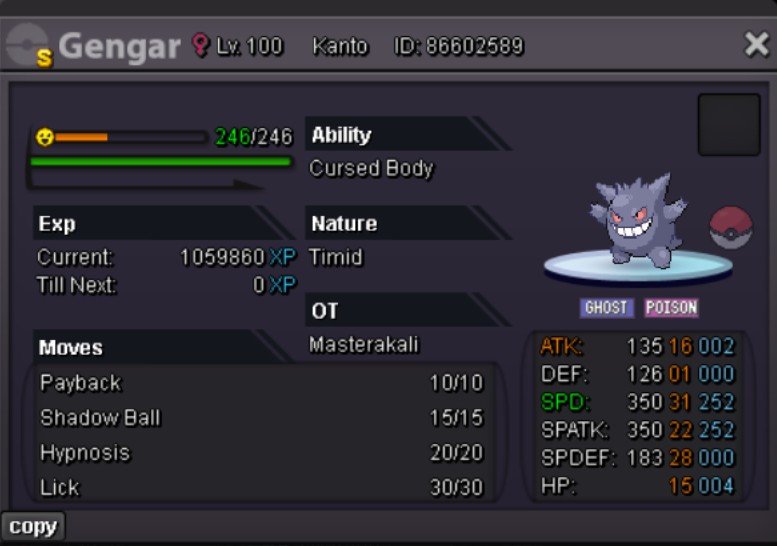
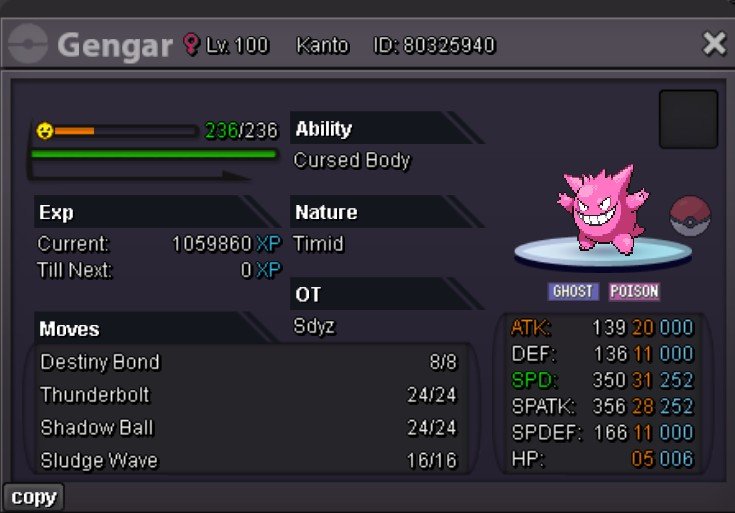
 1 point1 pointHello guys, I was thinking about how to make PvP more appealing to players and I am realizing that many players who are trying to get interested in PvP lack resources to know where to start. PRO format as you may know is kind of unique with an exclusive mix of DexPool / mechanics / moves that may make infamous smogon sets not relevant as to how one poke would perform in PRO (mystical fire TM wher?) In order to make PvP more accessible to new players, I think a forum section specifically designed for anybody to suggest their team team and allow people to comment / upvote / downvote them would help people keeping track of the meta and maybe help even average player have a more accurate idea on what to hunt / what to keep in mind when building Since any people could post their team, having a filter option for upvotes would also be a cool way to easily see the most « approved » teams the community like the most (Also downvotes ig so that could always be a fun challenge for top players to try and win with the worse teams 🤣 - obviously non priority) Maybe a rating system could also help new players get a general impression on how a team could work (obviously a biased feature but I trust council and our experienced players to make sure this is as educational as it can be) — As in players could rate the team the same way they place bids, so that you can quickly also see when someone rated it Please interact with this post if you this this may or may not be a good idea Add any features / tools you think that would fit such section1 point1 pointBeen wanting to make this post for a little bit, so here it is. After about a year and a half of searching (and an insane amount of money), I have completed a collection of form gengar’s, all timid 31 speed and PvPable. Now of course I’m missing a shadow Gengar. However, after asking around different dungeon circles and people who know a lot about what’s been caught, I’ve never been shown one and no one seems to know of one that exists. So if you have it - hit me up! Maybe I will buy it 😃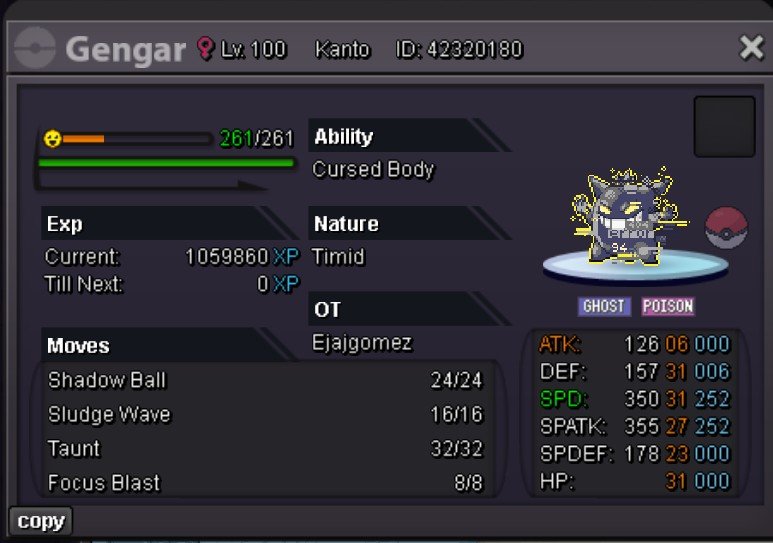
 1 point1 point