




New Trade Zone
Trade Zone is now live
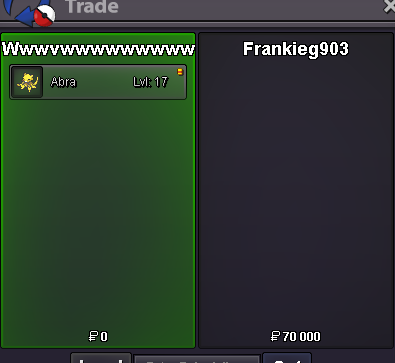
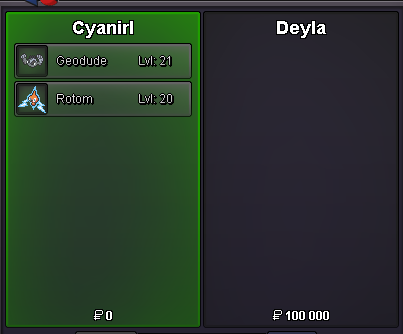
Use the new Trade Zone for auctions and instant-price trades so Pokemon and item offers are easy to find.


Cyanirl
Registered User
-
Joined
-
Last visited
Everything posted by Cyanirl
-
-
Cyanirl Gold gmt+2 Rank 10
-
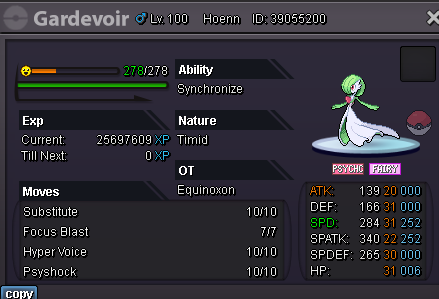
removed Nidoking: Sheer Force, Naive, 31SPD, 25+SPATK, 25+ATK, 20+ IVs
-
-
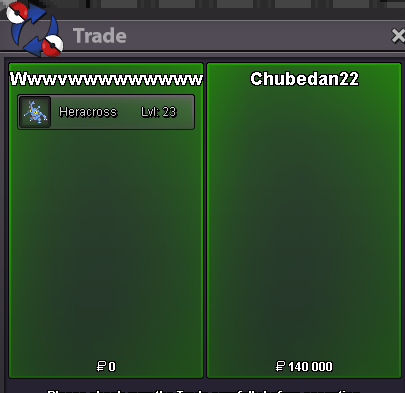
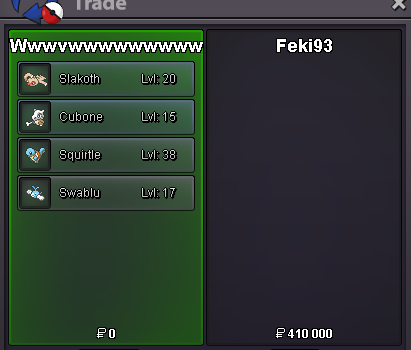
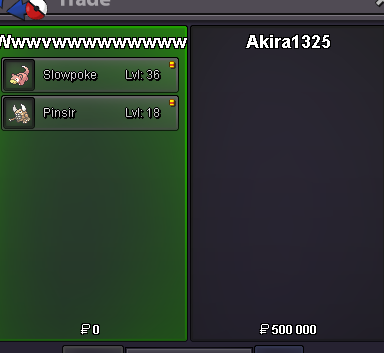
msg me on discord Cyan#5247STARTSold alreadyif 12pm is noon,then yeaye dm me chief Cyan#5247nvm lulso 500k insta 4m min bid 100k 2d auction cc 350k rr 550k
 bumpremoved Jellicent: Water Absorb, Bold, 25+





Account
Navigation
Search
Configure browser push notifications
Chrome (Android)
- Tap the lock icon next to the address bar.
- Tap Permissions → Notifications.
- Adjust your preference.
Chrome (Desktop)
- Click the padlock icon in the address bar.
- Select Site settings.
- Find Notifications and adjust your preference.
Safari (iOS 16.4+)
- Ensure the site is installed via Add to Home Screen.
- Open Settings App → Notifications.
- Find your app name and adjust your preference.
Safari (macOS)
- Go to Safari → Preferences.
- Click the Websites tab.
- Select Notifications in the sidebar.
- Find this website and adjust your preference.
Edge (Android)
- Tap the lock icon next to the address bar.
- Tap Permissions.
- Find Notifications and adjust your preference.
Edge (Desktop)
- Click the padlock icon in the address bar.
- Click Permissions for this site.
- Find Notifications and adjust your preference.
Firefox (Android)
- Go to Settings → Site permissions.
- Tap Notifications.
- Find this site in the list and adjust your preference.
Firefox (Desktop)
- Open Firefox Settings.
- Search for Notifications.
- Find this site in the list and adjust your preference.