




New Trade Zone
Trade Zone is now live
Use the new Trade Zone for auctions and instant-price trades so Pokemon and item offers are easy to find.


Cyanirl
Registered User
-
Joined
-
Last visited
Everything posted by Cyanirl
-
start 😄
-
removed impish sand force hippo
-
removed quiet slowking
-
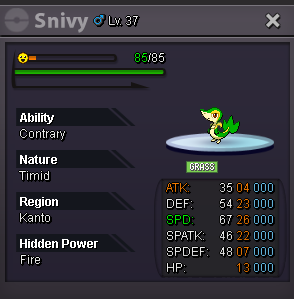
Yo, for the 3rd time of the day (ive been online for an hour) i got stuck ? i have to relog everytime 🙂 https://gyazo.com/0bb390f63aaec04dcf5b8293fd493107 it happened twice when i was doing the bet race on vulcan island shore, and now it just happened after i left the pc. 😄yo im selling my snivy 5m Cyan#5247
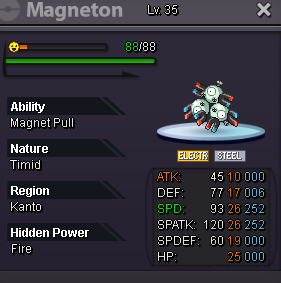
 bumphp fightingHey im selling my hp fire magneton So 800k mini bid 100k 2days auction after first bid 2.5m insta cc: 400k reroll: 700k rc: 6k cash
 living the sonic life xdbump

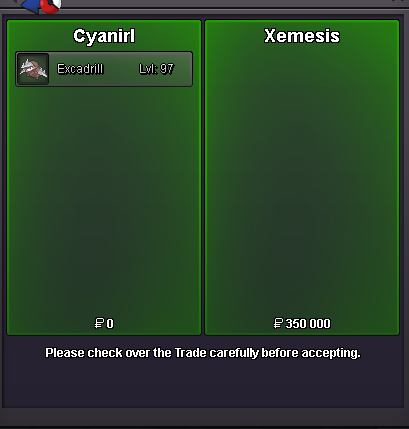
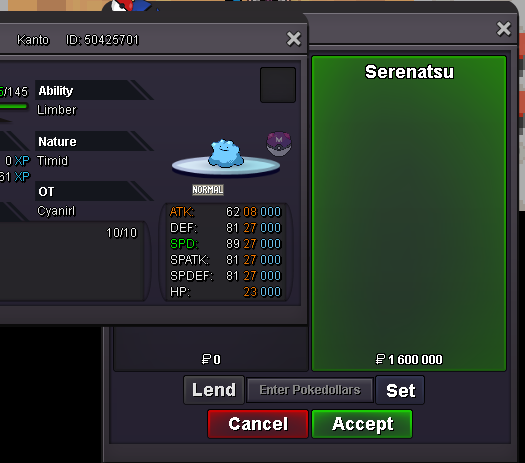
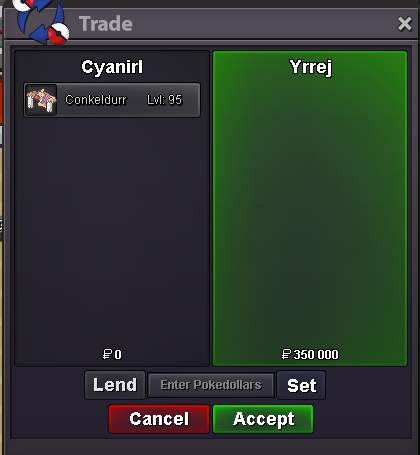

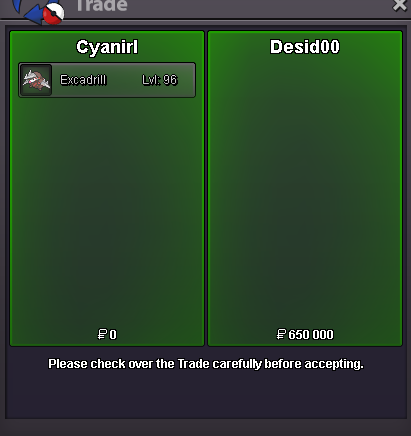
Account
Navigation
Search
Configure browser push notifications
Chrome (Android)
- Tap the lock icon next to the address bar.
- Tap Permissions → Notifications.
- Adjust your preference.
Chrome (Desktop)
- Click the padlock icon in the address bar.
- Select Site settings.
- Find Notifications and adjust your preference.
Safari (iOS 16.4+)
- Ensure the site is installed via Add to Home Screen.
- Open Settings App → Notifications.
- Find your app name and adjust your preference.
Safari (macOS)
- Go to Safari → Preferences.
- Click the Websites tab.
- Select Notifications in the sidebar.
- Find this website and adjust your preference.
Edge (Android)
- Tap the lock icon next to the address bar.
- Tap Permissions.
- Find Notifications and adjust your preference.
Edge (Desktop)
- Click the padlock icon in the address bar.
- Click Permissions for this site.
- Find Notifications and adjust your preference.
Firefox (Android)
- Go to Settings → Site permissions.
- Tap Notifications.
- Find this site in the list and adjust your preference.
Firefox (Desktop)
- Open Firefox Settings.
- Search for Notifications.
- Find this site in the list and adjust your preference.