




New Trade Zone
Trade Zone is now live
Use the new Trade Zone for auctions and instant-price trades so Pokemon and item offers are easy to find.


Cyanirl
Registered User
-
Joined
-
Last visited
Everything posted by Cyanirl
-
bump
-
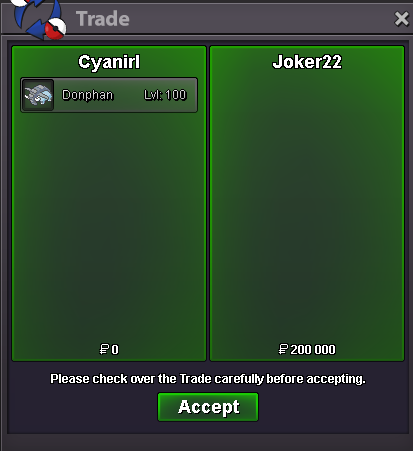
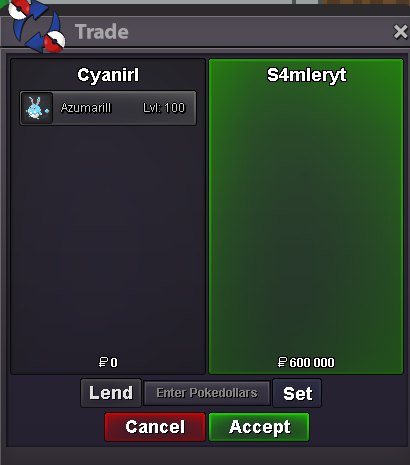
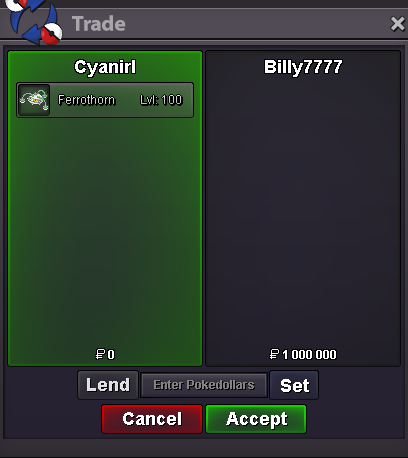
S.O. 500k INSTA 4M MINI BID 200K 2DAYS AUCTION Buyers from silver server are welcome, but they have the responsability to transfer server 🙂 CC 380k RR 700k Good luck for bidding ! Discord: Matthieu#5247 IGN: Cyanirl
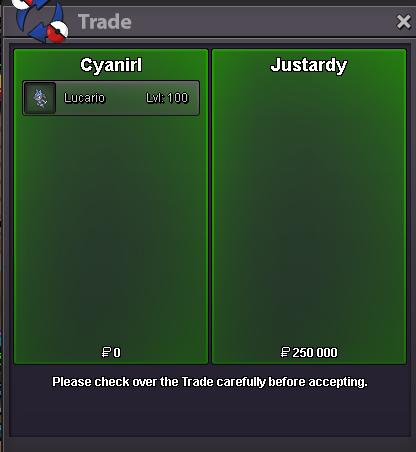
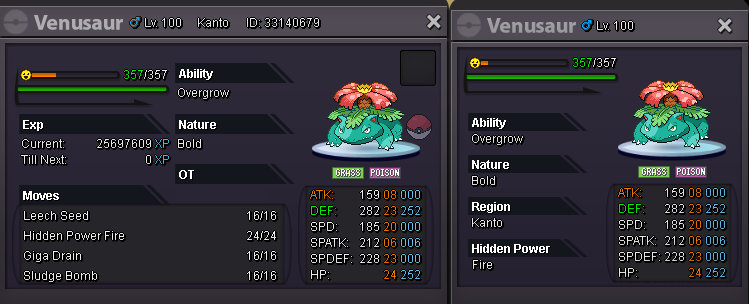 Added: - hp ground Charizard - jolly Tyranitar - relaxed hp fire Tangrowth - two Swampert - ada LucariocanceledS.O. 1.5M INSTA 4M MINI BID 200K 2DAYS AUCTION Buyers from silver server are welcome, but they have the responsability to transfer server 🙂 CC 380k RR 700k Good luck for bidding ! Discord: Matthieu#5247 IGN: Cyanirl
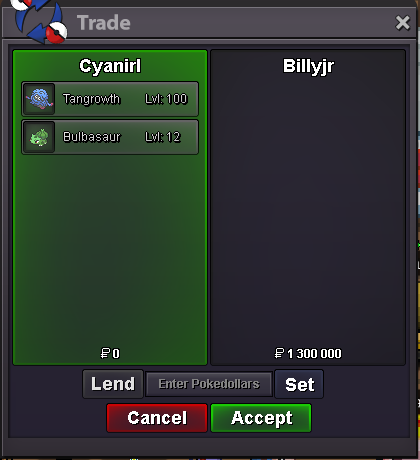
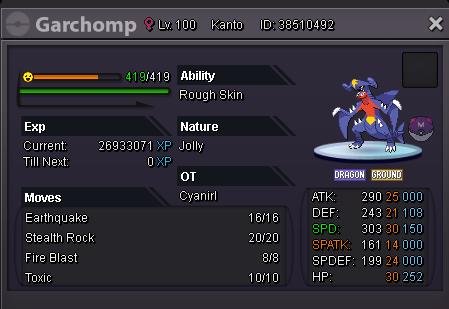 startwtb ada scizor 25+ high budget Matthieu#5247 Cyanirl@Hawluchaahi, can you check this auction pls ?Auction is not over... so i bid 1.2m1m@onkaryes sure 🙂 lmk when u are online-Added: - hp ice bulbasaure - Dragonite - hp grass Greninja - Naughty Lucario - Sassy TangrowthHi, i think i trashed a good tangela, is it possbile to restore them ? pls gold server -Cyanirl https://gyazo.com/00701e7522324240fe5798cdc5f5de04-Lowered some prices


Account
Navigation
Search
Configure browser push notifications
Chrome (Android)
- Tap the lock icon next to the address bar.
- Tap Permissions → Notifications.
- Adjust your preference.
Chrome (Desktop)
- Click the padlock icon in the address bar.
- Select Site settings.
- Find Notifications and adjust your preference.
Safari (iOS 16.4+)
- Ensure the site is installed via Add to Home Screen.
- Open Settings App → Notifications.
- Find your app name and adjust your preference.
Safari (macOS)
- Go to Safari → Preferences.
- Click the Websites tab.
- Select Notifications in the sidebar.
- Find this website and adjust your preference.
Edge (Android)
- Tap the lock icon next to the address bar.
- Tap Permissions.
- Find Notifications and adjust your preference.
Edge (Desktop)
- Click the padlock icon in the address bar.
- Click Permissions for this site.
- Find Notifications and adjust your preference.
Firefox (Android)
- Go to Settings → Site permissions.
- Tap Notifications.
- Find this site in the list and adjust your preference.
Firefox (Desktop)
- Open Firefox Settings.
- Search for Notifications.
- Find this site in the list and adjust your preference.