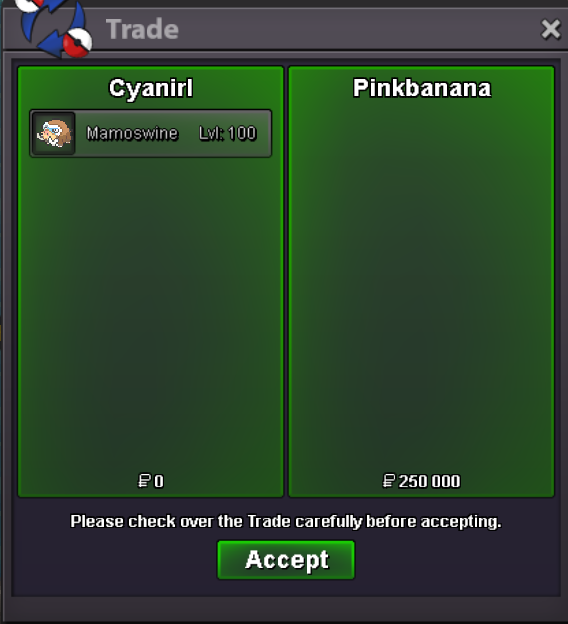
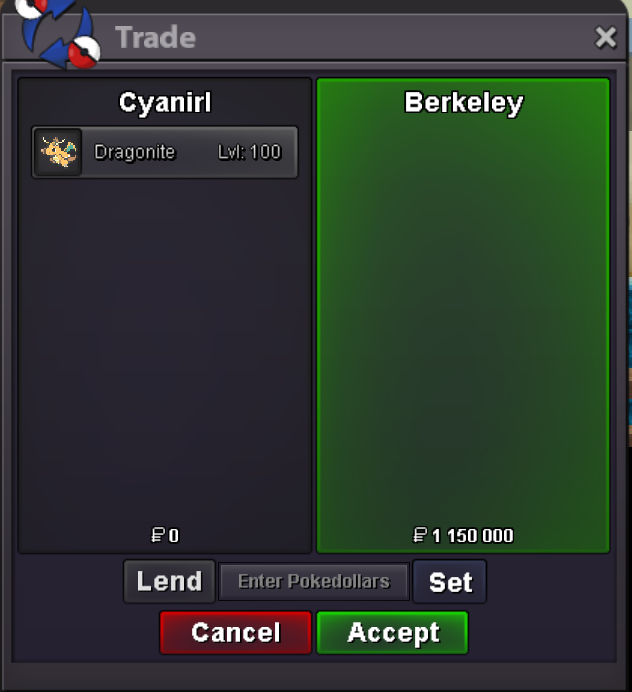
New Trade Zone
Trade Zone is now live
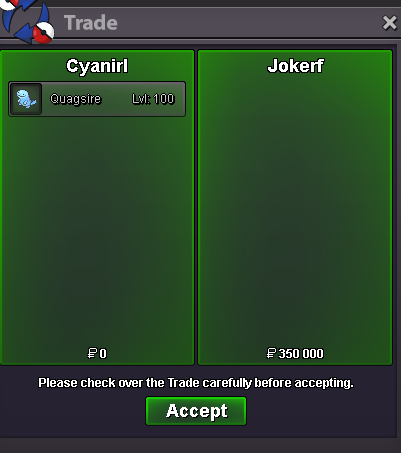
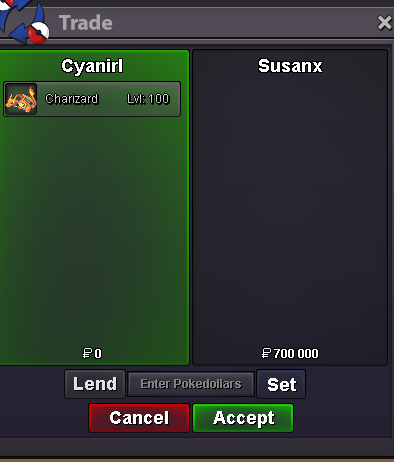
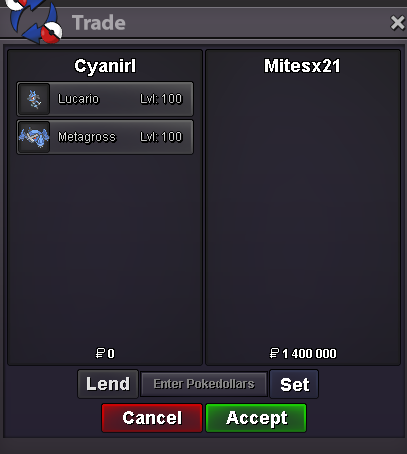
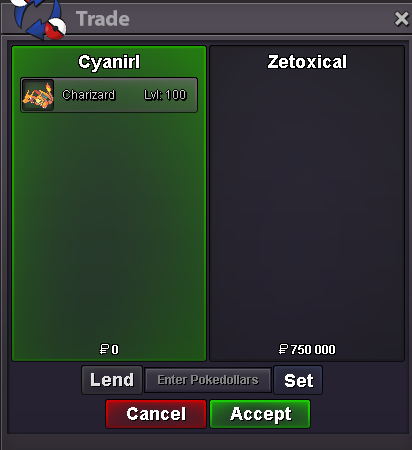
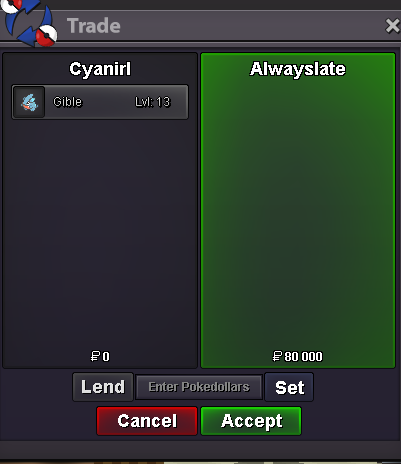
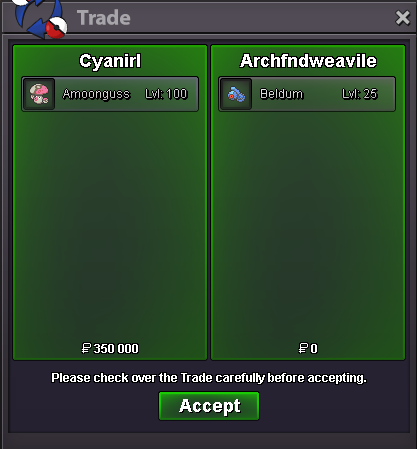
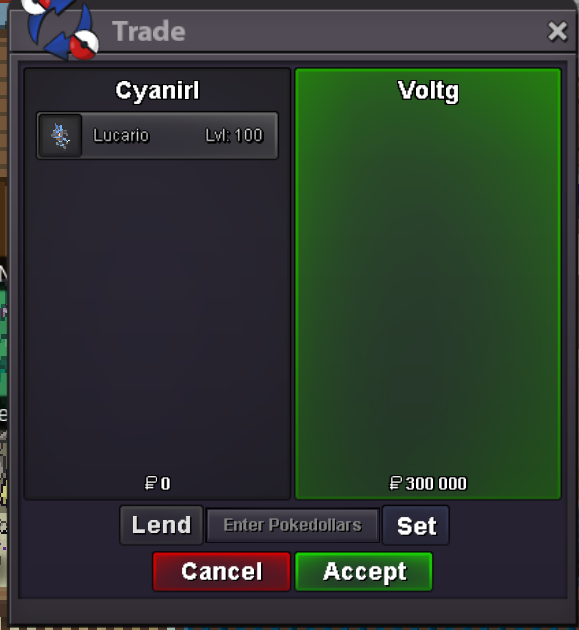
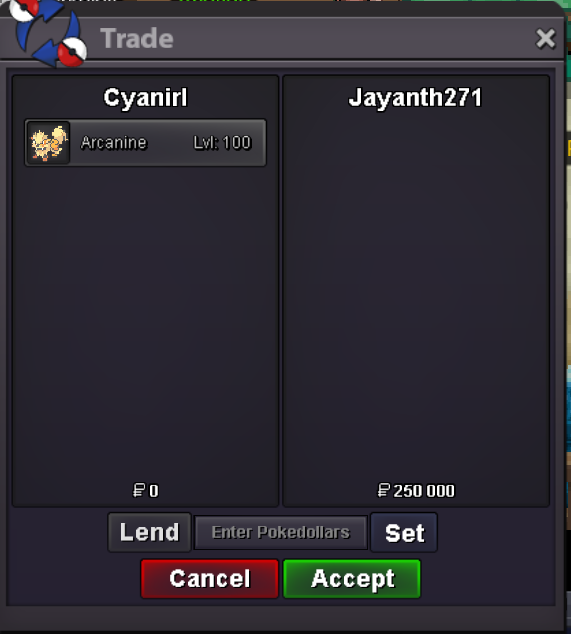
Use the new Trade Zone for auctions and instant-price trades so Pokemon and item offers are easy to find.


Cyanirl
Registered User
-
Joined
-
Last visited
Everything posted by Cyanirl
-
2h17m left

-
Auction end in 20h
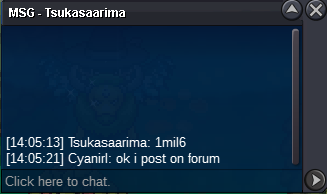
-
-
Auction end on thursday 27 at 8:52 am GMT +2
-
start
-
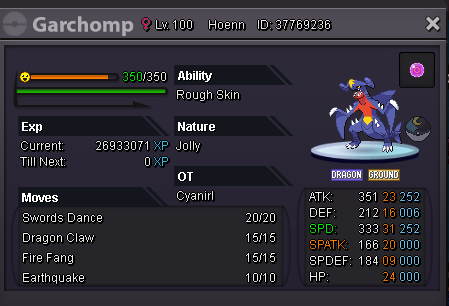
S.O. 1M INSTA 4M MINI BID 200K 2DAYS AUCTION Buyers from silver server are welcome, but they have the responsability to transfer server :) CC 380k RR 680k Good luck for bidding ! Discord: Matthieu#5247 IGN: Cyanirl
-
u can pm on discord: Matthieu#5247 or in game: Cyanirl
-
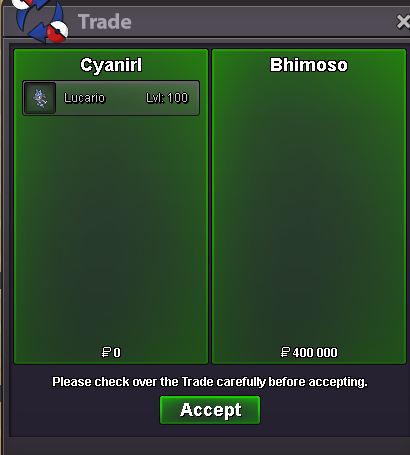
Hi, I checked: https://replay.pokemonshowdown.com/gen7anythinggoes-1168294627 / https://prowiki.info/index.php?title=Move_tutors and realized we dont have a smack down tutor or tm. If it is coded is it possible to have a tutor or a tm ? -Cyan :D-Added a sassy Ferrothorn -Added a Gardevoir -Added a Lucario -Added a Quagsire -Added a Torkoal -Added a riolu -Added 3 Clef -Lowered some prices31 speed lucario
 ok pm on discord when u are online :)-Added a 31 speed Azumarill -Added a 31 speed Metagross -Added a timid Charizard -Lowered some pricesHi, I was battling against grunts and i got a dc. I got tp back to pc but now paul is invisible. Server gold IGN moutoncyan :D
 pm me on discord when u r online :)
Account
Navigation
Search
Configure browser push notifications
Chrome (Android)
- Tap the lock icon next to the address bar.
- Tap Permissions → Notifications.
- Adjust your preference.
Chrome (Desktop)
- Click the padlock icon in the address bar.
- Select Site settings.
- Find Notifications and adjust your preference.
Safari (iOS 16.4+)
- Ensure the site is installed via Add to Home Screen.
- Open Settings App → Notifications.
- Find your app name and adjust your preference.
Safari (macOS)
- Go to Safari → Preferences.
- Click the Websites tab.
- Select Notifications in the sidebar.
- Find this website and adjust your preference.
Edge (Android)
- Tap the lock icon next to the address bar.
- Tap Permissions.
- Find Notifications and adjust your preference.
Edge (Desktop)
- Click the padlock icon in the address bar.
- Click Permissions for this site.
- Find Notifications and adjust your preference.
Firefox (Android)
- Go to Settings → Site permissions.
- Tap Notifications.
- Find this site in the list and adjust your preference.
Firefox (Desktop)
- Open Firefox Settings.
- Search for Notifications.
- Find this site in the list and adjust your preference.