




New Trade Zone
Trade Zone is now live
Use the new Trade Zone for auctions and instant-price trades so Pokemon and item offers are easy to find.

Everything posted by Poopsmagoops
-
Ok CO is @Makiz with 2.5m
-
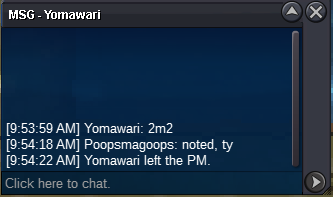
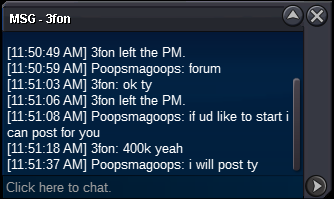
I had a bid for 2.2 in game, from @Yomawari , but as Makiz bid it before I could post I think Makiz is current high bidder. Maybe a mod could help a bit?
-
@Partha69 time is not up at all. Still a few hours left. Auction ends at 1:23 pm US central time.
-
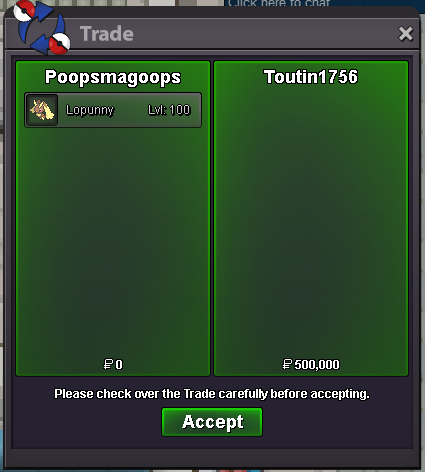
SO 350k no insta min raise 50k Accept pokedollar, 380k cc, nature rr 380k, 680k iv rr ticket 72hr auction after start offer
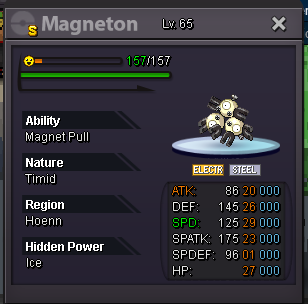 I buy
I buy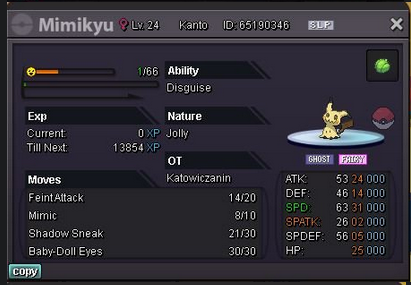 I buy this lopunnyYesLopu ends in 24 minAuction ends 3hr 50 min@Freaxx min bid is 25k. u must bid 605,555for chansey
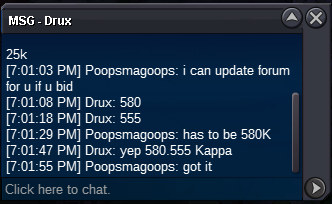 CO 555,555K Min raise 25k no insta, ends 8/26 at 11:51 am CST PVP move set ready (fakeout, power up punch, return, HJK) SO 450K min raise 50k Auction ends 10:37 am cst on 8/27 other payment methods include: - Coin Capsules-- 350k - IV Reroll Ticket-- 650k - Nature Reroll Ticket-- 300k - Rare Candy-- 6.5k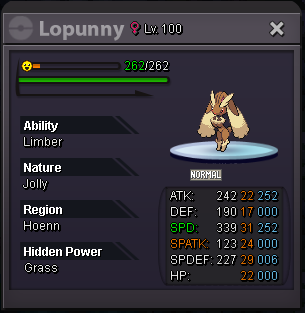
 startIt’s not auction.offers below please
 1. What's your Player name (IGN)? PoopsMagoops 2. Number of hours played? 554 3. What's your favorite Pokemon? Bisharp 4. What do you enjoy doing the most in PRO? (Hunting, PvP, trading, etc) Hunting 5. How old are you? (Optional) 28I know not all of these are not epic 20+ but the ones that aren't are very close to being so, and are rare. so take that as you will.
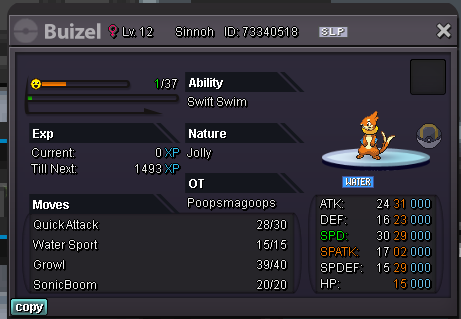

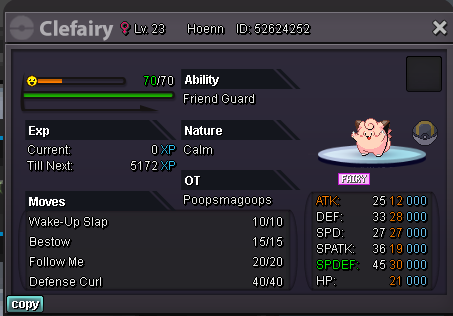
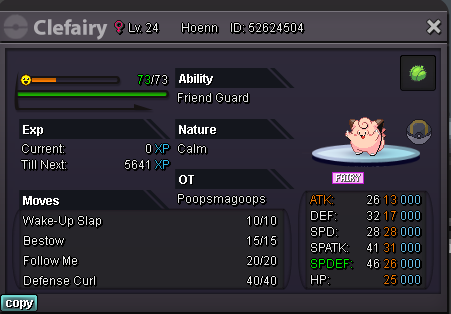
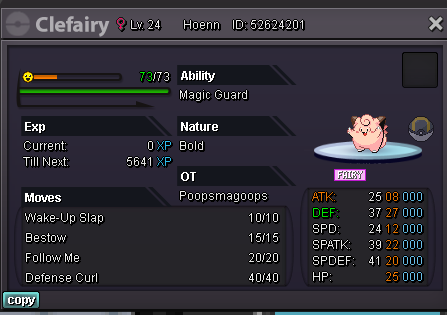
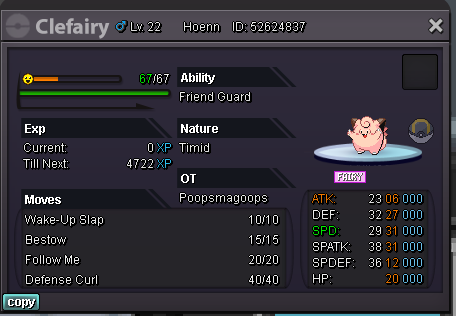
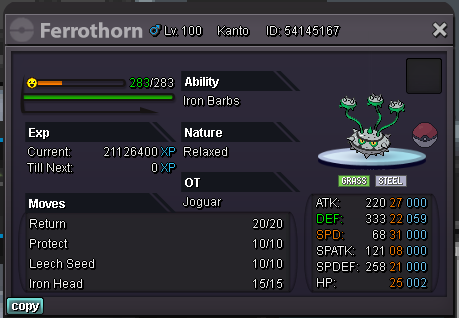
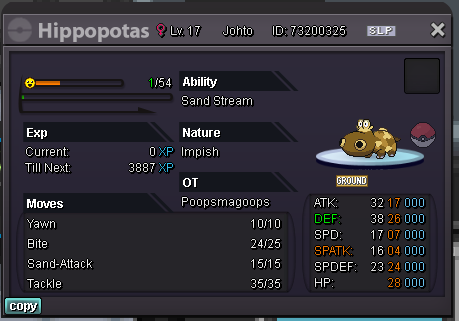
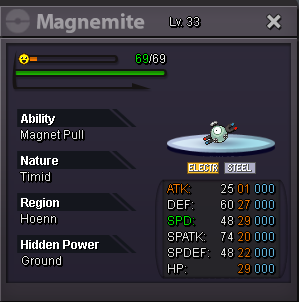


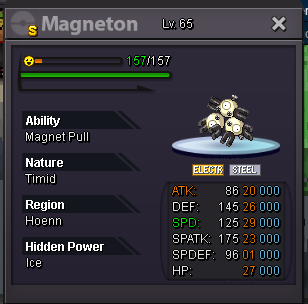


 650k450k

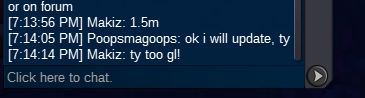
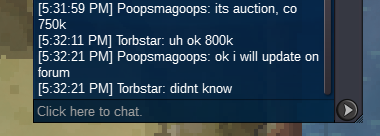

Account
Navigation
Search
Configure browser push notifications
Chrome (Android)
- Tap the lock icon next to the address bar.
- Tap Permissions → Notifications.
- Adjust your preference.
Chrome (Desktop)
- Click the padlock icon in the address bar.
- Select Site settings.
- Find Notifications and adjust your preference.
Safari (iOS 16.4+)
- Ensure the site is installed via Add to Home Screen.
- Open Settings App → Notifications.
- Find your app name and adjust your preference.
Safari (macOS)
- Go to Safari → Preferences.
- Click the Websites tab.
- Select Notifications in the sidebar.
- Find this website and adjust your preference.
Edge (Android)
- Tap the lock icon next to the address bar.
- Tap Permissions.
- Find Notifications and adjust your preference.
Edge (Desktop)
- Click the padlock icon in the address bar.
- Click Permissions for this site.
- Find Notifications and adjust your preference.
Firefox (Android)
- Go to Settings → Site permissions.
- Tap Notifications.
- Find this site in the list and adjust your preference.
Firefox (Desktop)
- Open Firefox Settings.
- Search for Notifications.
- Find this site in the list and adjust your preference.