New Trade Zone
Trade Zone is now live
Use the new Trade Zone for auctions and instant-price trades so Pokemon and item offers are easy to find.


Norex
Discord Moderator
-
Joined
-
Last visited
Everything posted by Norex
-
-
Hey, I would like to buy that Eevee. I will contact you on discord about it
-
-
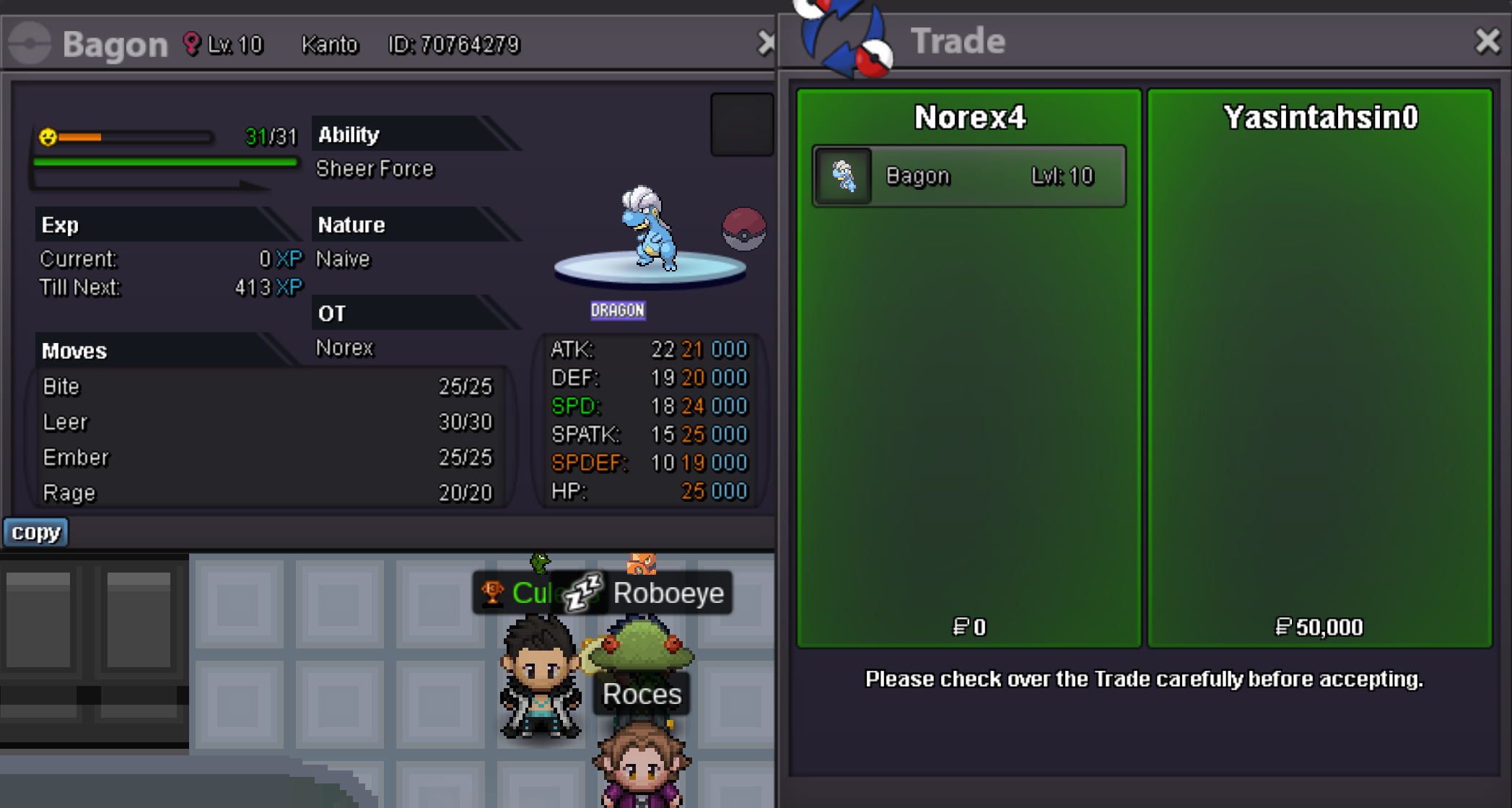
Bagon 50k sold.
-
-
You are looking at the HP stat 163/163 and not the happiness. The orange bar is the happiness and you can check the stat with /happy 1-6 in the ingame-chat, the number indicates the party-slot you want to check. So /happy 1 to check the Sudowoodo in the first party slot.
-
Insta 8m from Norex3 account
-
-
-
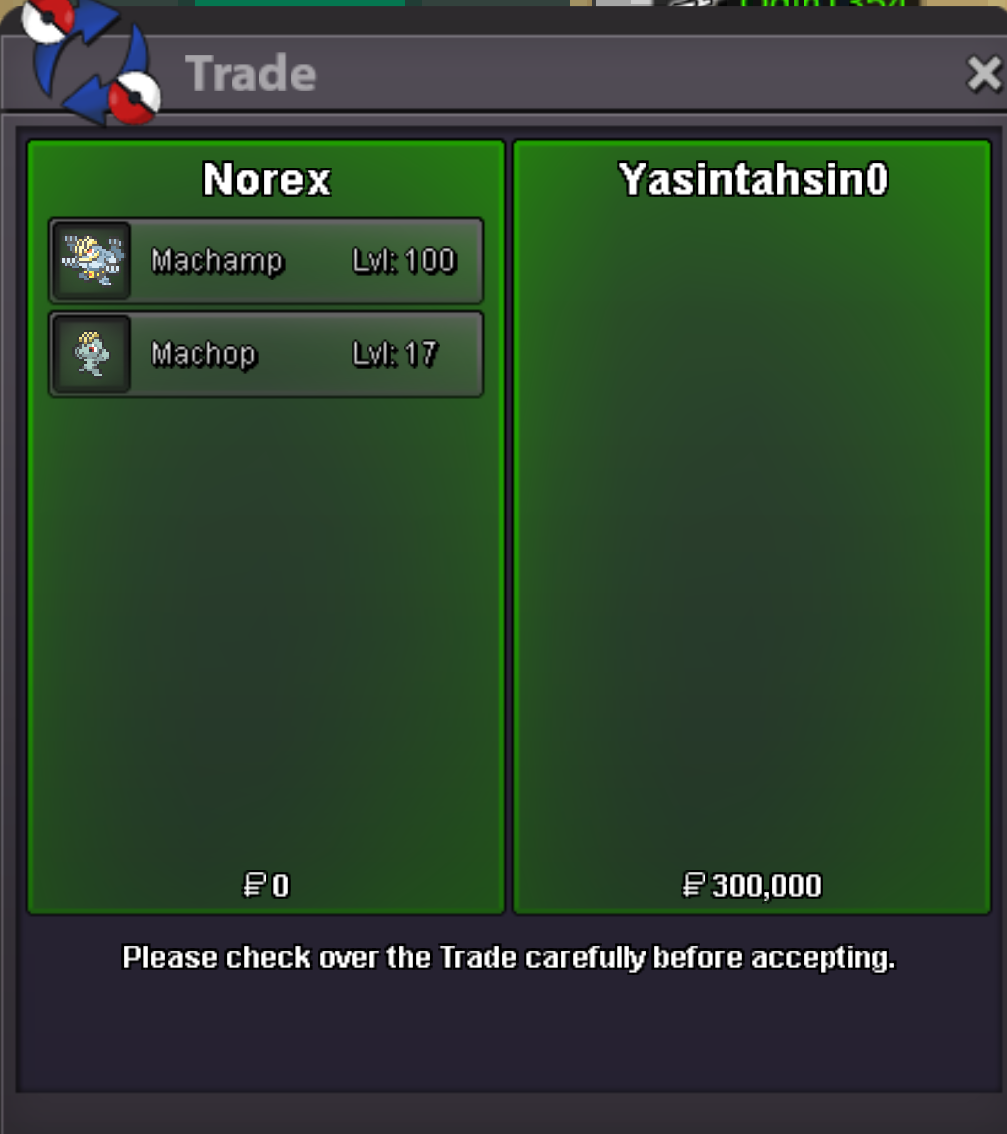
Machamp 250k sold. Machop 50k sold.
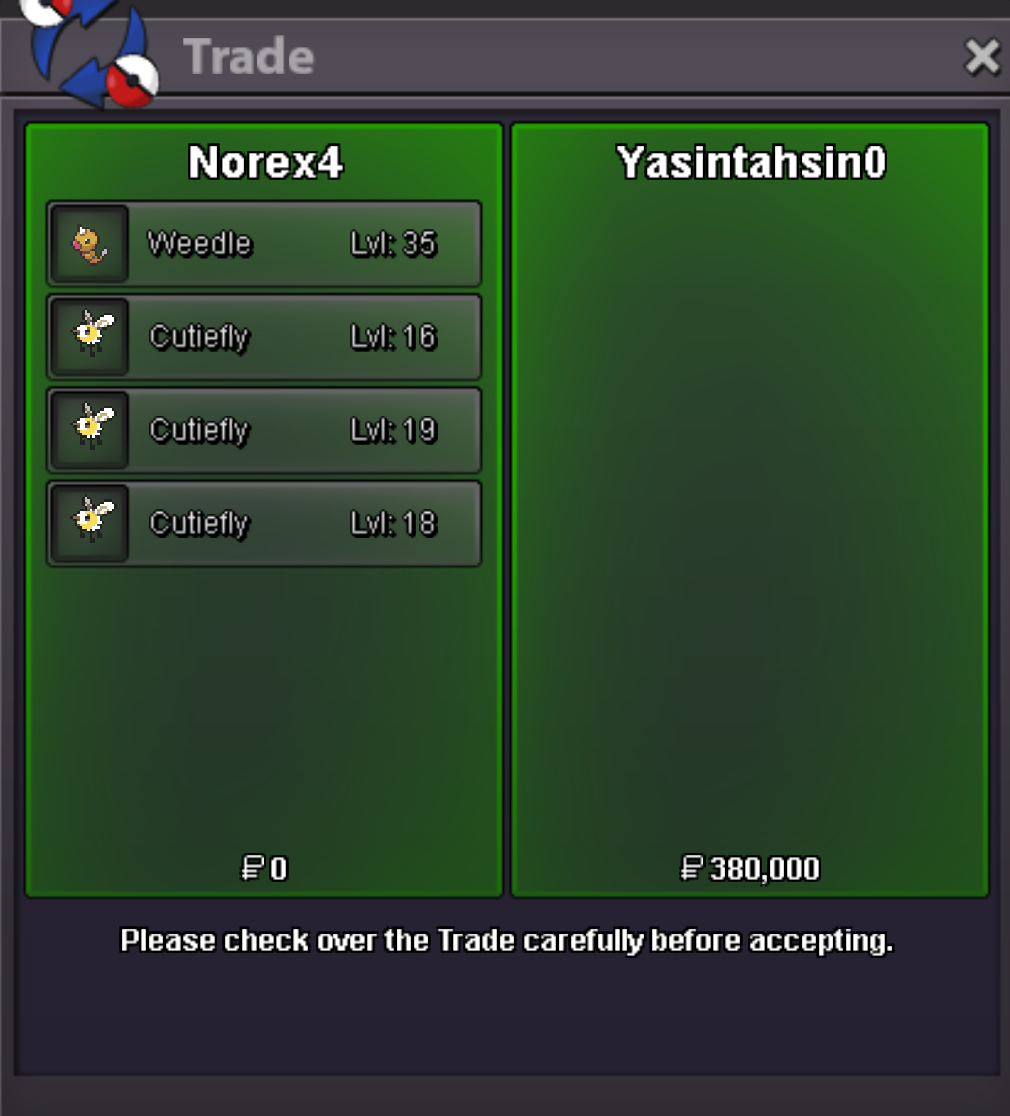
 Weedle 60k sold. Cutiefly 70k sold. Cutiefly 150k sold. Cutiefly 100k sold.
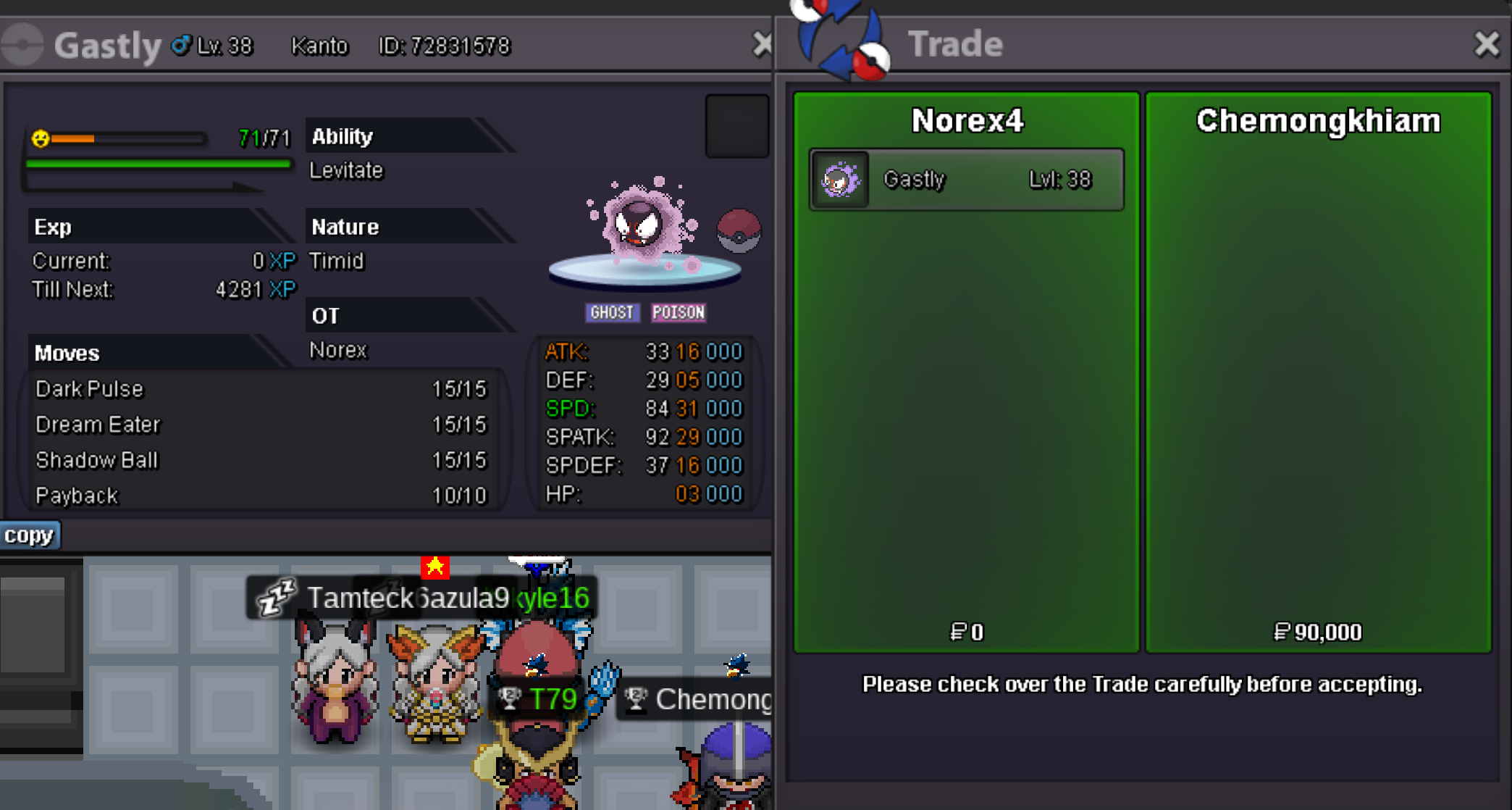
 Gastly 90k sold.
 Username: Norex Server: Gold Country/Timezone: Germany / GMT+2As pokemon are released in the box (pc) it would be related to the planned box-rework more or less.2.7m Hawlucha2.6m Hawlucha2.3m Hawlucha2.1m Hawlucha1.7m Hawlucha1.5m Hawlucha1.2m HawluchaThe content-team plans to release every legendary pokemon but it simply needs time to create the content around them.That suggestion was already denied with reasoning in the past: https://pokemonrevolution.net/forum/topic/214061-suggestion-random-ranked-avoid-last-opponent/?do=findComment&comment=1250360That would be something for the box-rework which is already on the devs to-do list: https://pokemonrevolution.net/forum/topic/159019-dev-to-do-list/#comment-881115