




New Trade Zone
Trade Zone is now live
Use the new Trade Zone for auctions and instant-price trades so Pokemon and item offers are easy to find.

Tejkkapadia123
Registered User
-
Joined
-
Last visited
Everything posted by Tejkkapadia123
-
Username: tejkkapadia123 Server: silver Country/Timezone: UAE
-
I'll buy the 5.5m Hatterene
-
I am not online I can come in 12 hours
-
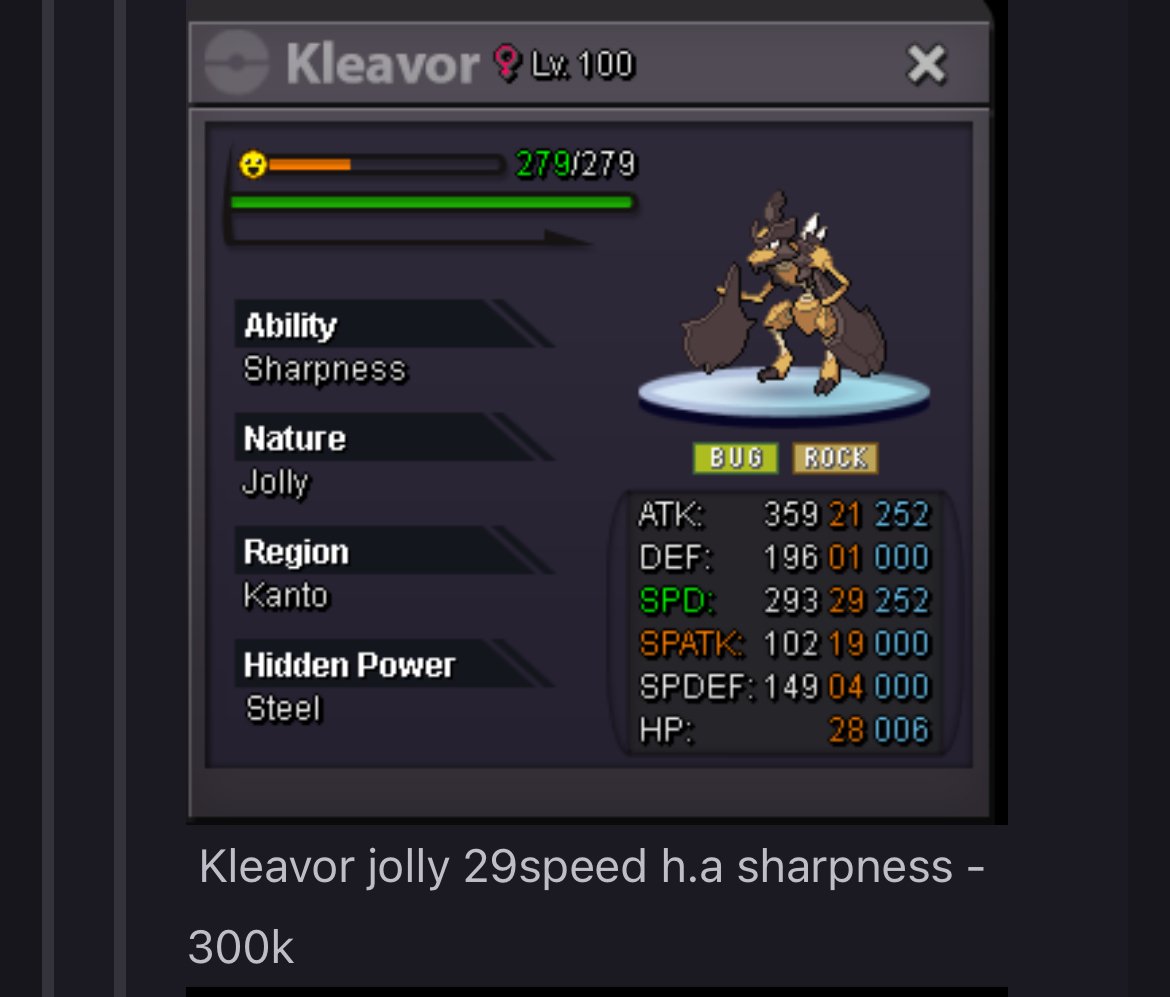
I buy
-
I’ll buy them with my main and alt
-
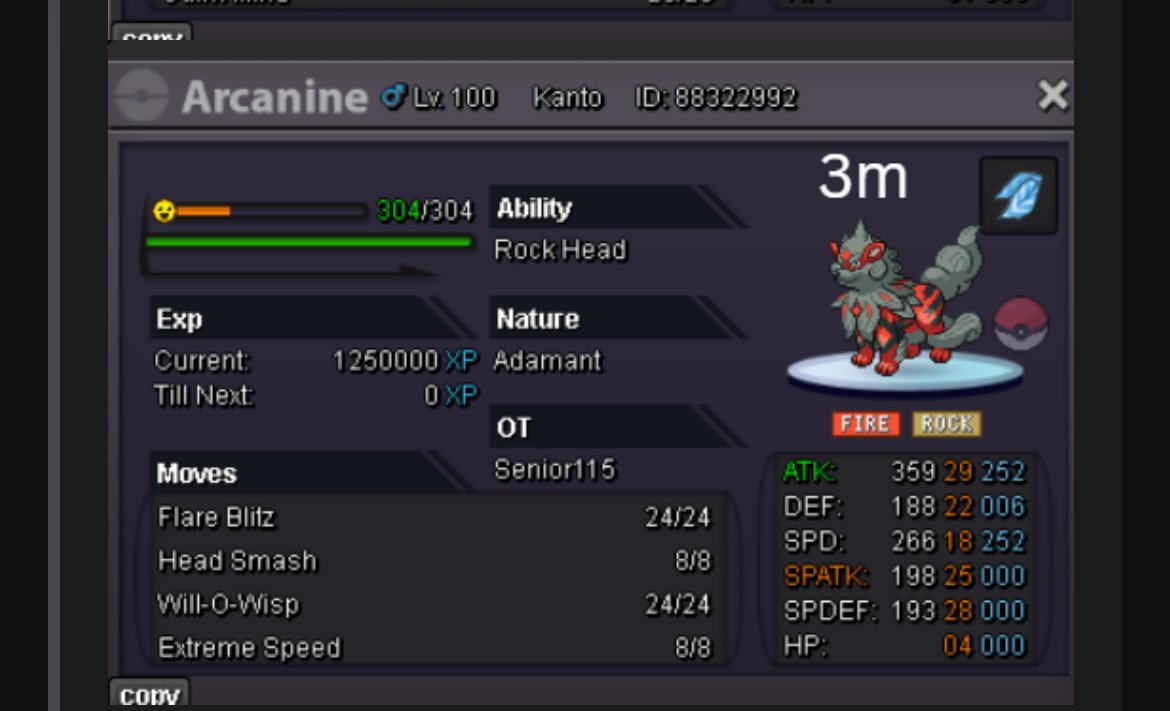
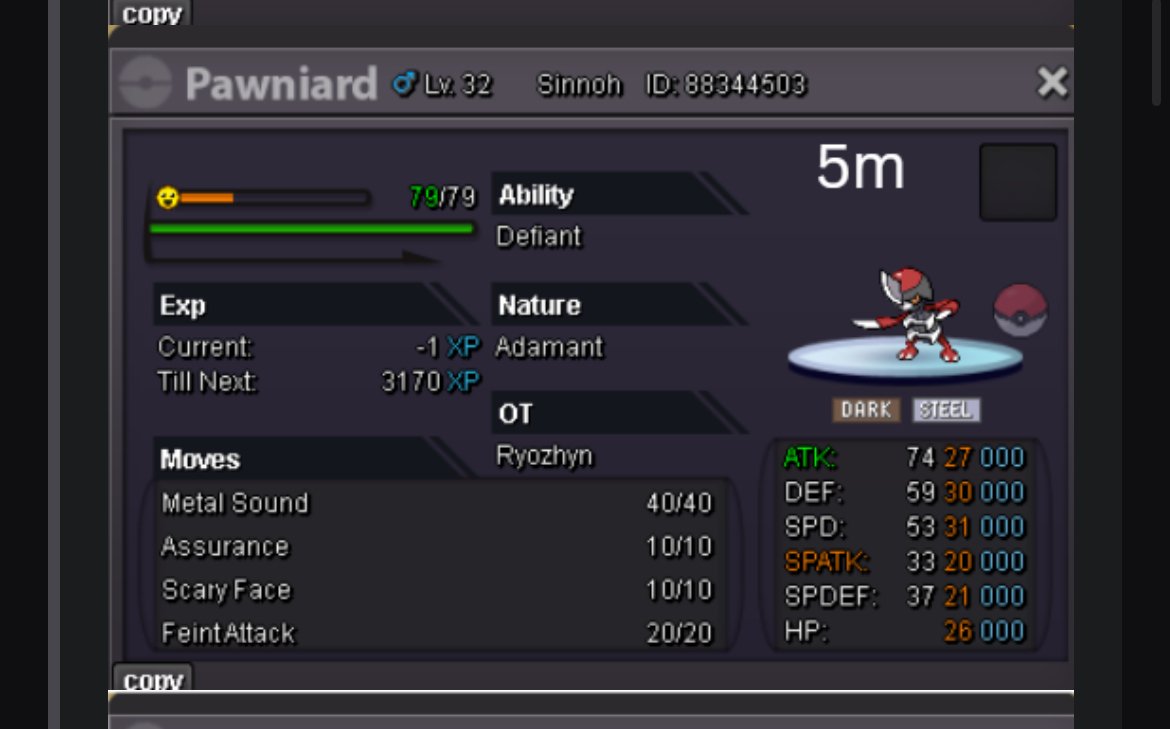
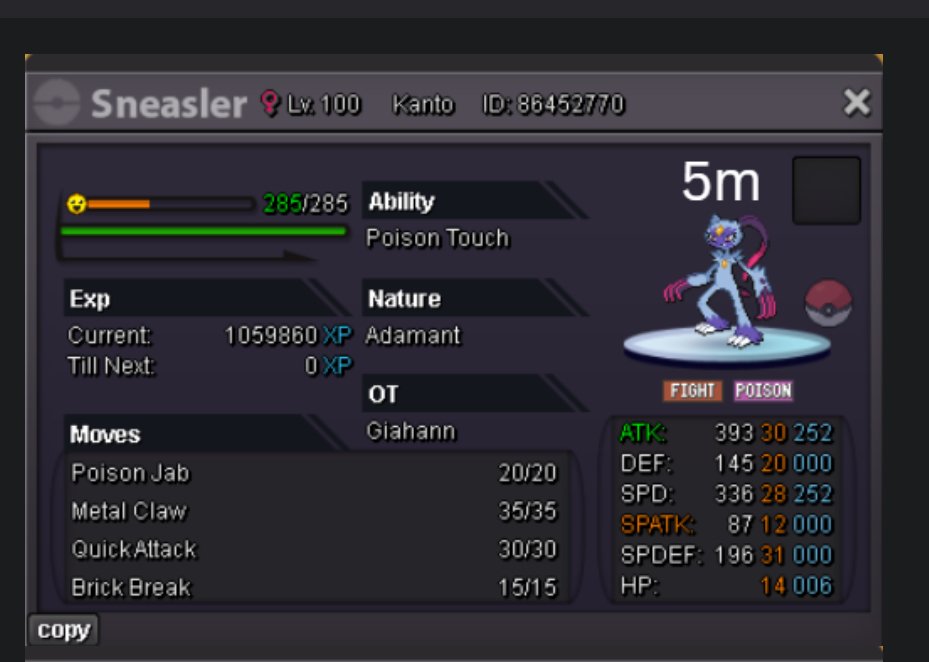
I’ll buy these 3. Let me know when you’re available
-
Bro I am online rn can you come ?
-
Buddy please reply when can we collect ? Can any staff look into this ?
-
Nice pokes
-
Bro when can I collect ?
-
I think I win
-
300k solosis
-
I’ll buy the metagross 4m one
-
Start
-
Start solosis
-
1.9m ani
-
Ape 1.5m
-
Is it still open ?
-
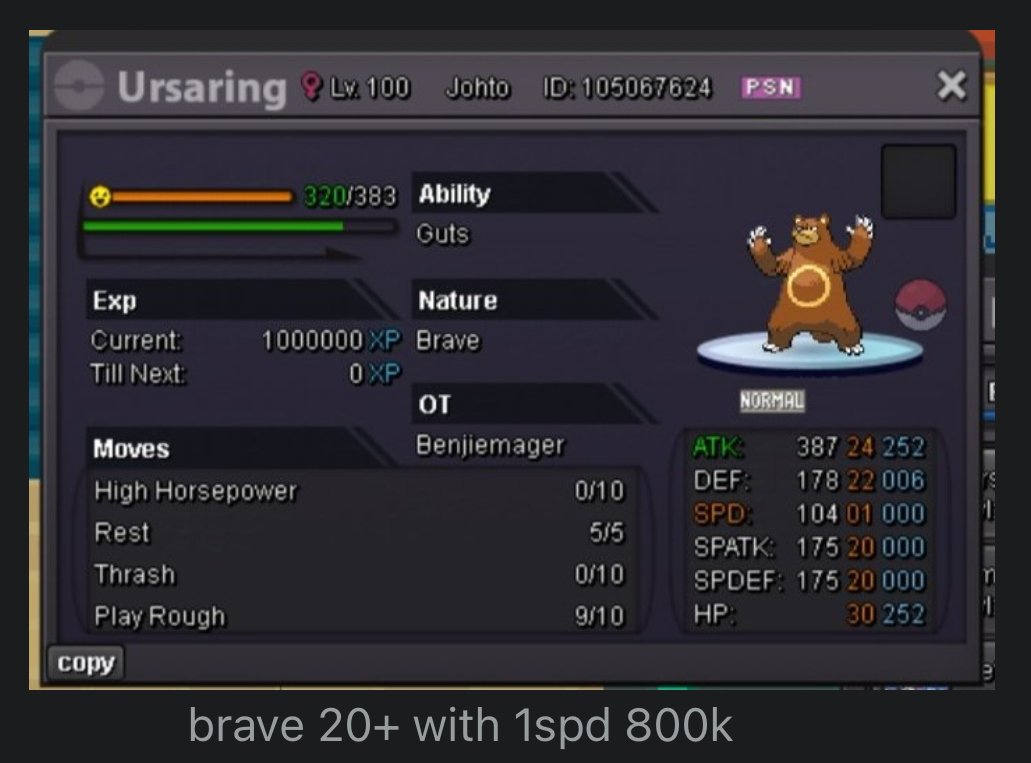
I buy this ursaring
-
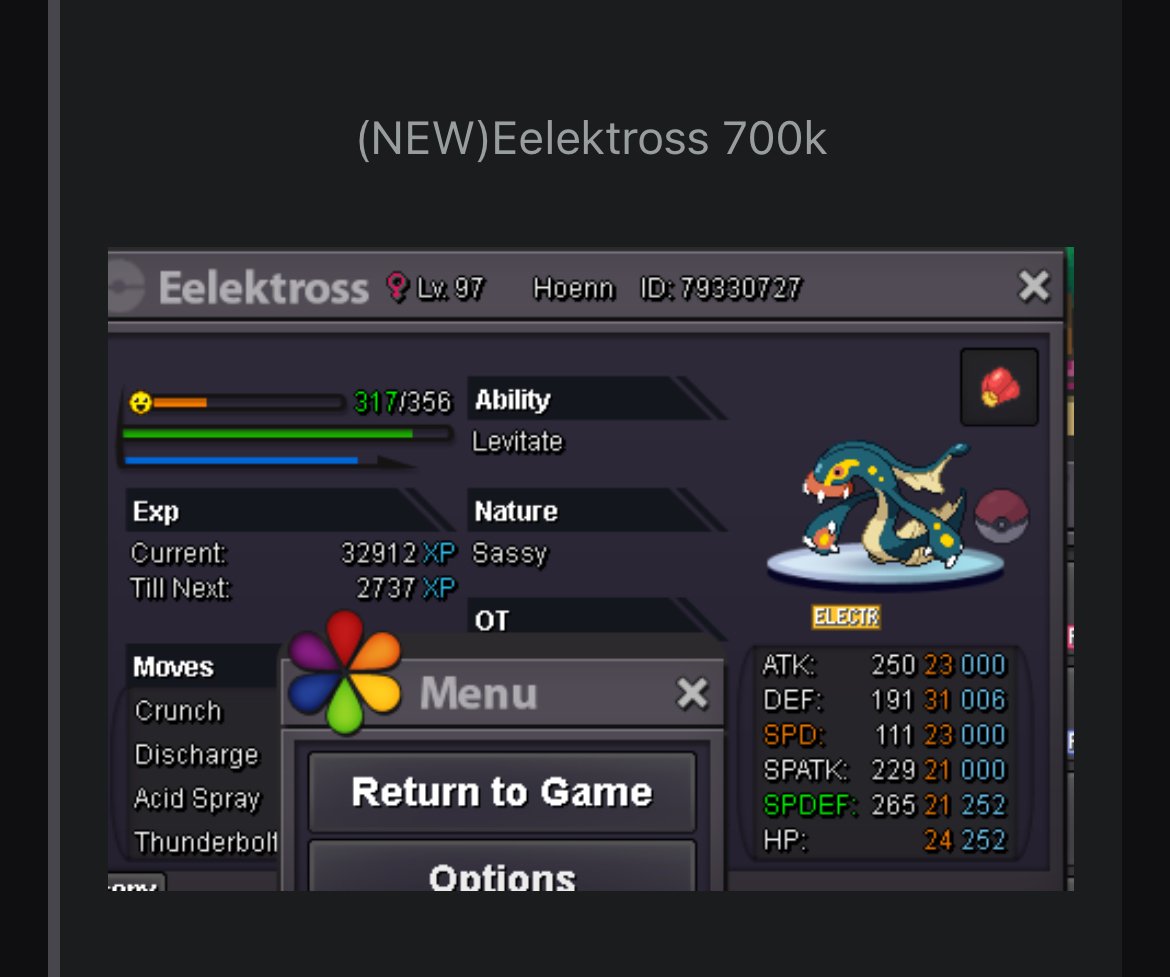
I buy the eelectross the sassy one (on gold)
-
StartStart I’ll transfer if I win
-
Tejkkapadia123 gold gmt Dubai
-
Message me
-
The first bid came at 5.33 pm Sunday Dubai time & I bid at 5.33 pm Tuesday
-
Please let me know if I won because I will have to change the server. Acc to the time I posted the bid on the last min

