




New Trade Zone
Trade Zone is now live
Use the new Trade Zone for auctions and instant-price trades so Pokemon and item offers are easy to find.

Gonebewin
Registered User
-
Joined
-
Last visited
-
Thank you for your service, sorry if sometimes we bother you with our behavior
-
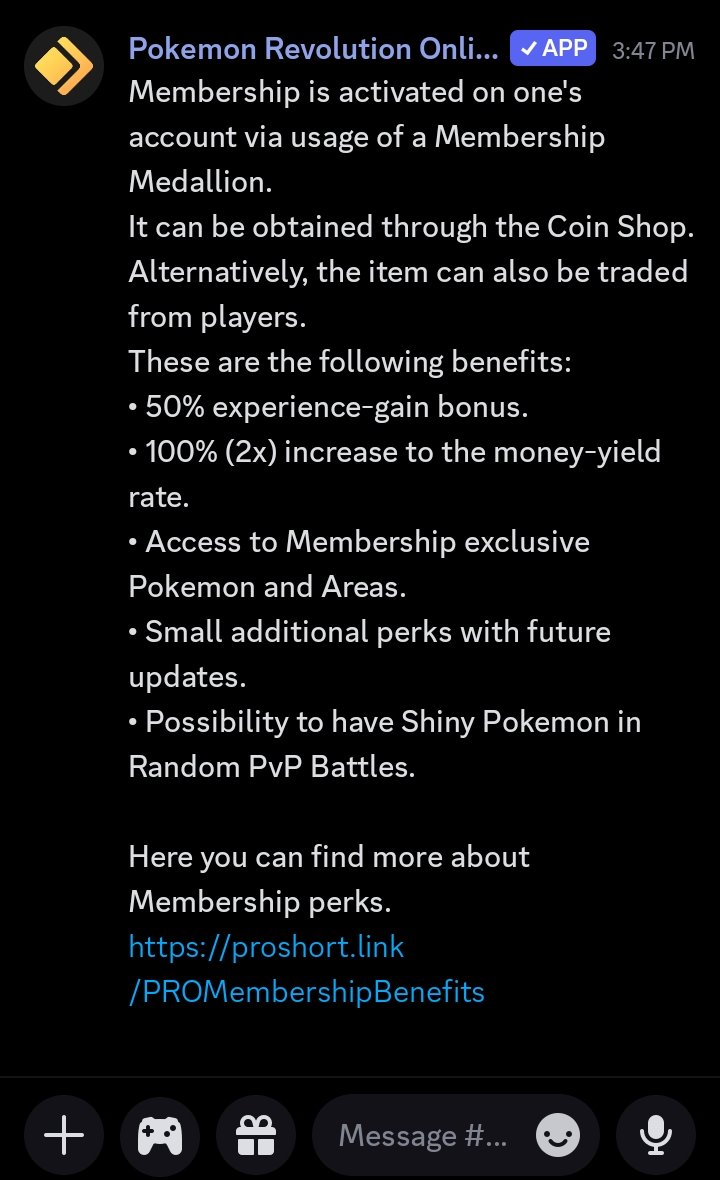
Before I make any suggestions, let's examine it. In Pokemon Revolution, it seems like there are still only a few maps or areas specifically for membership. From there, I see an opportunity to maximize this. For example: - Add a special membership-only area/map in the Johto/Sinoh/Hoenn Safaris. Select a few special Pokémon in these areas, such as in the Kanto Safari. - Add a special membership-only area/map in the BCC. - Add a special membership-only area/map for annual/monthly events. - Add a special membership-only area/map in the supermarket (to purchase certain items that previously required PVP/PVE Coins, you can now use PokéDollars, but it's certainly expensive). Benefits: - Increase the value of membership subscriptions. - Simplify membership for players. - Speed up membership turnover. - A new, special atmosphere
-
-1 not agree
-
+1
-
I have something interesting... How about each month, a certain number of Pokémon are banned from PvP list, and each season, they're different. That sounds fun. for example this month cleabel & lando, next month garcomp & latios etc. The positive impact is that players will think hard about changing their PvP team every season. Ty
-
+1
-
Amazing collection basil👍
-
-
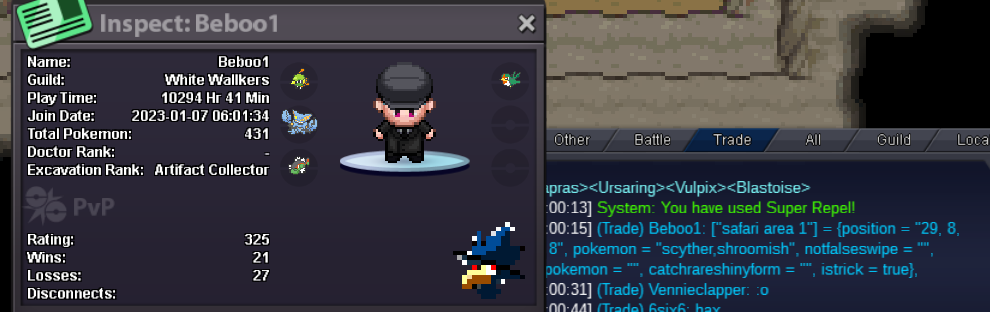
first, maybe you already know that illegal use in pro is strictly prohibited, such as auto hunting / auto move etc. maybe you also often encounter, you know how come the user has been banned but how come the pokemon is held by someone else. in the small hearts of pure players, of course, they don't like loopholes like this and it seems unfair .. here I have an idea: 1. what if all OT players who are permanently banned because of the illegal program are deleted / returned to their pc. 2. what if his pokedollar is reset, for example he got it from selling pokemon from his bot. 3. here I want to reduce the loopholes for cheating that can harm / make lazy pure players play this game. Yes, that's enough suggestions from me .. if there is input please write ... * the pictures below are only some examples of people who take advantage of illegal programs and get shiny / godly pokes. *sorry I wrote with translator
-
Up
-
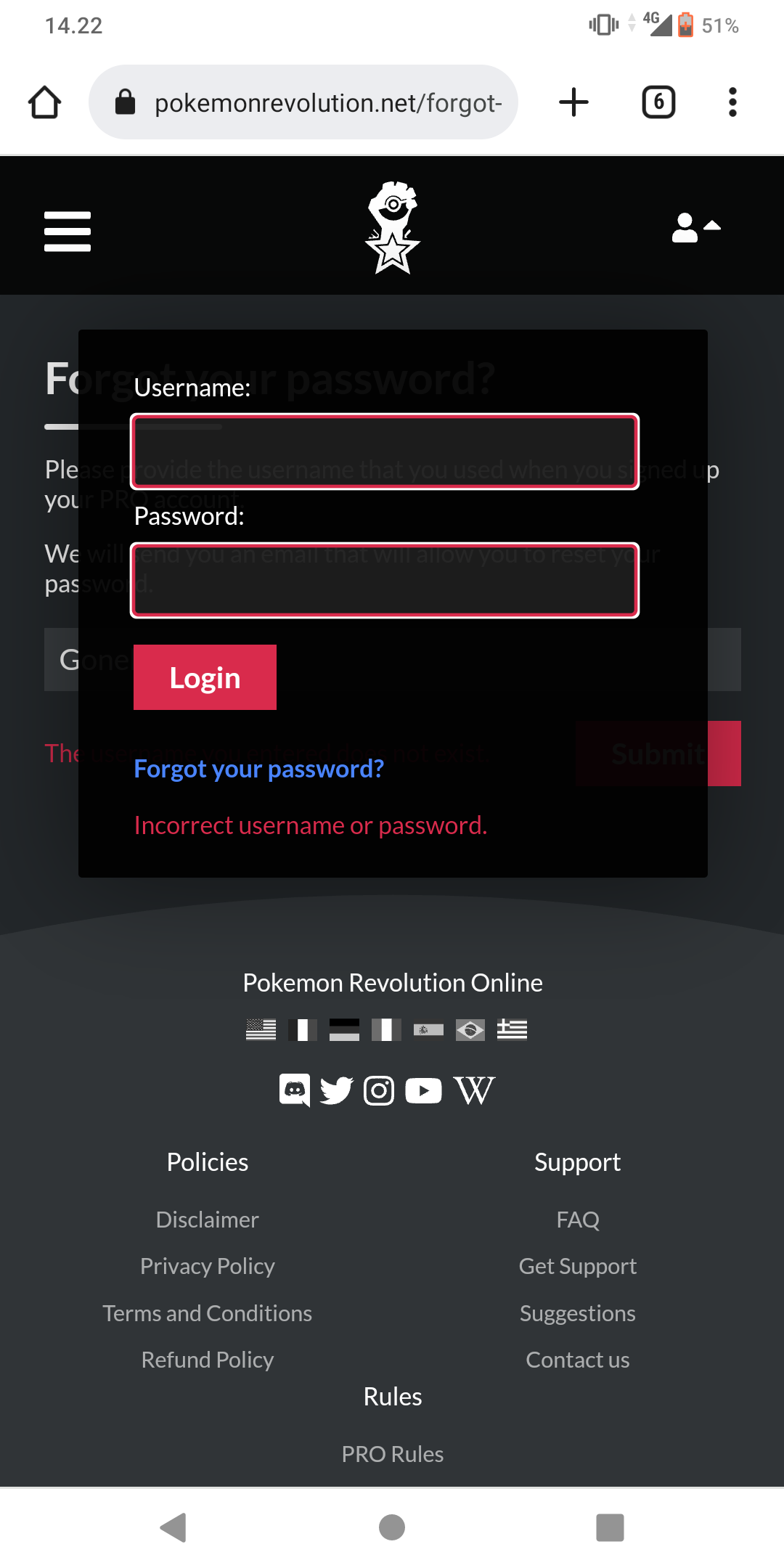
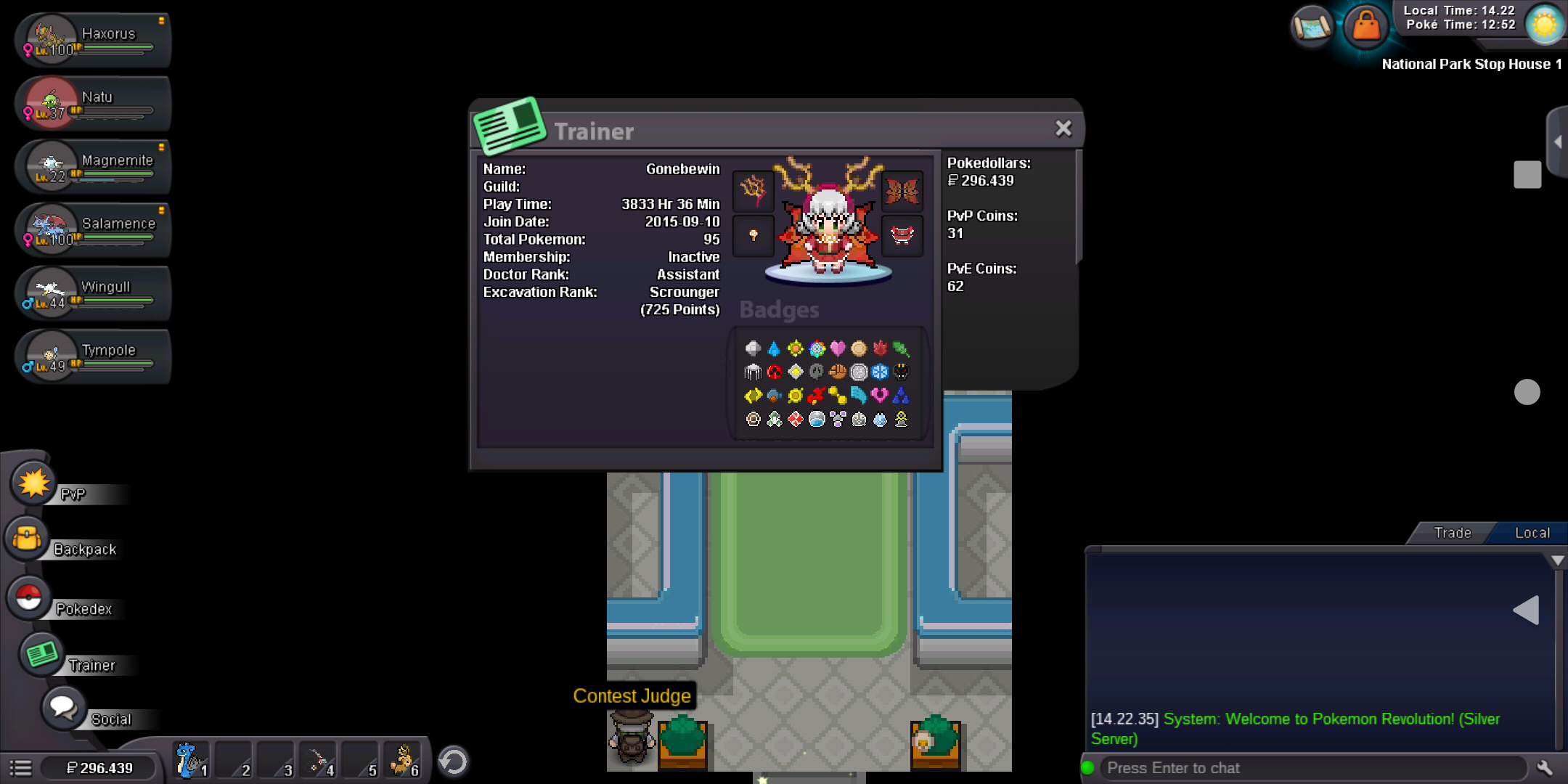
Cant login my account on the dashboard .. I'm sure the password and id are correct but it still doesn't work.. I can't reset the dashboard password either. Never share id/password.. But can login game.. Please fix it

-
What if the pvp rank is made even more interesting, I'm afraid the team that will be used will only be in every season. and in the end the winner is only that person... My suggestion: 1) Make every season there is a pokemon that cannot be used (so later all players start assembling a team each season & all pokemon can be useful).. 2) make a quick fight 3 pokemon against 3 pokemon or make 6 pokemon in one team it must be level 50 or a certain level Thank you in advance.. sorry if there are mistakes
-
Cant install new cilent For android in samsung galaxy prime.. pleaae fix..
-
hi ^^ welcome in game and happy playing pro, lets catch pokemon :Smile:
-
i dont agree with this ide, because why TOP Play Time rank not have prizes ?? :Frown:

