New Trade Zone
Trade Zone is now live
Use the new Trade Zone for auctions and instant-price trades so Pokemon and item offers are easy to find.

Isildurr2x
Registered User
-
Joined
-
Last visited
Everything posted by Isildurr2x
-
It's coming soon
-
3.2m
-
Yep, there is a section in player zone just for this
-
2.6m
-
Yeah for real +1, I know a lot of people must have thought about the same thing 🤣
-
What kind of action is taken for the example provided of emoji harassment? (If allowed to share that kind of info)
-
It's a little annoying but it doesn't seem to affect auctions where it hinders the pokemon reaching a reasonable and desired price imo. You're right though, it is a way of bypassing the rules and commenting on an auction so it would be great if that was restricted and enforced when it comes to the emojis
-
999k
-
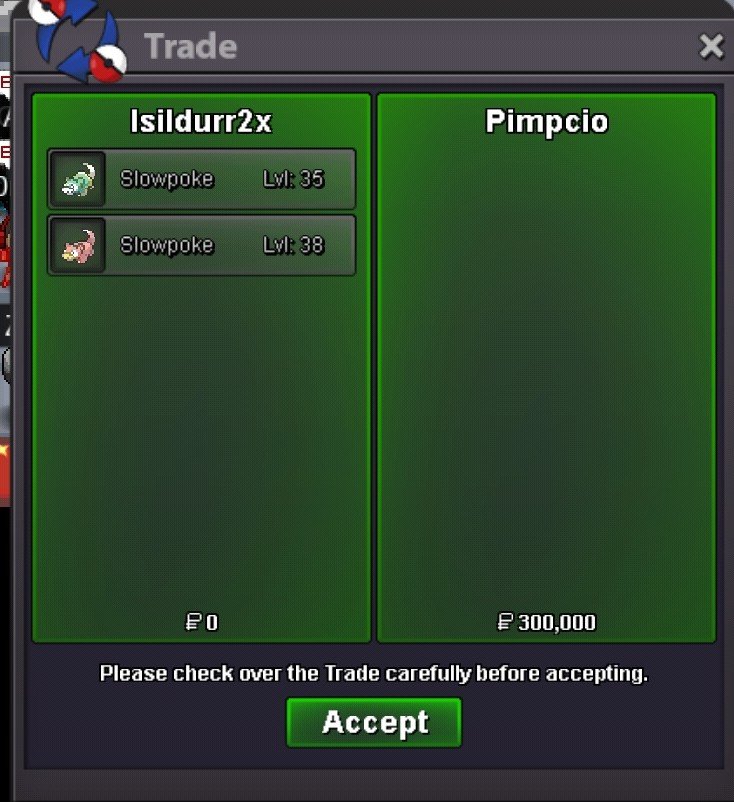
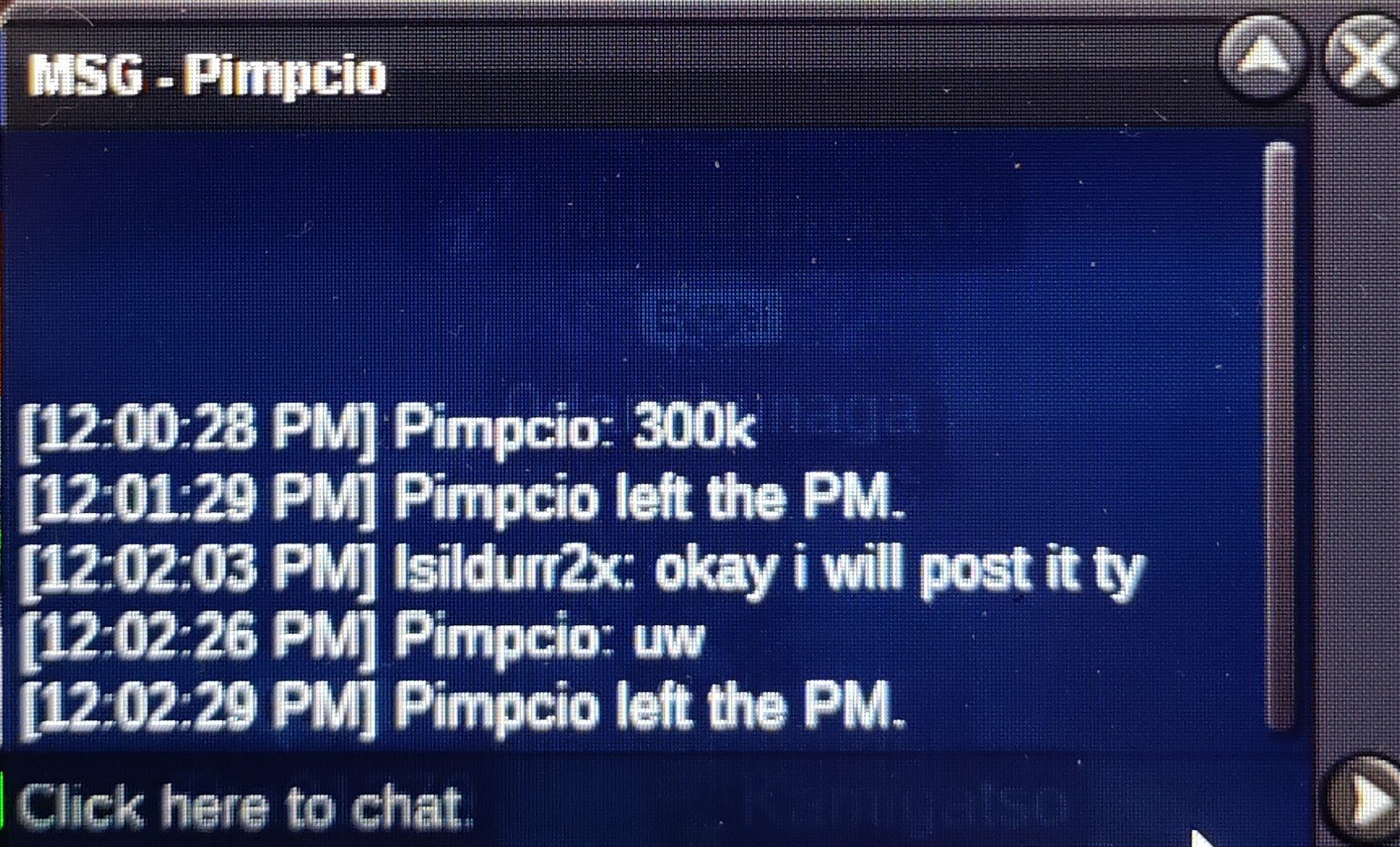
Add me on discord bro Isildurr2x#5660@Pimpcio , you win, let me know when you are availableBump, less than 2 hours leftStart 5k Min bid 5k 24 hours from first bid Accept poke dollars **NOTE** This is one auction for BOTH slowpoke. Winner gets BOTH
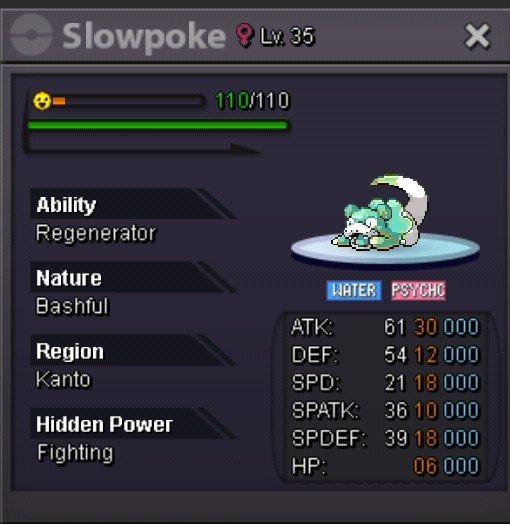
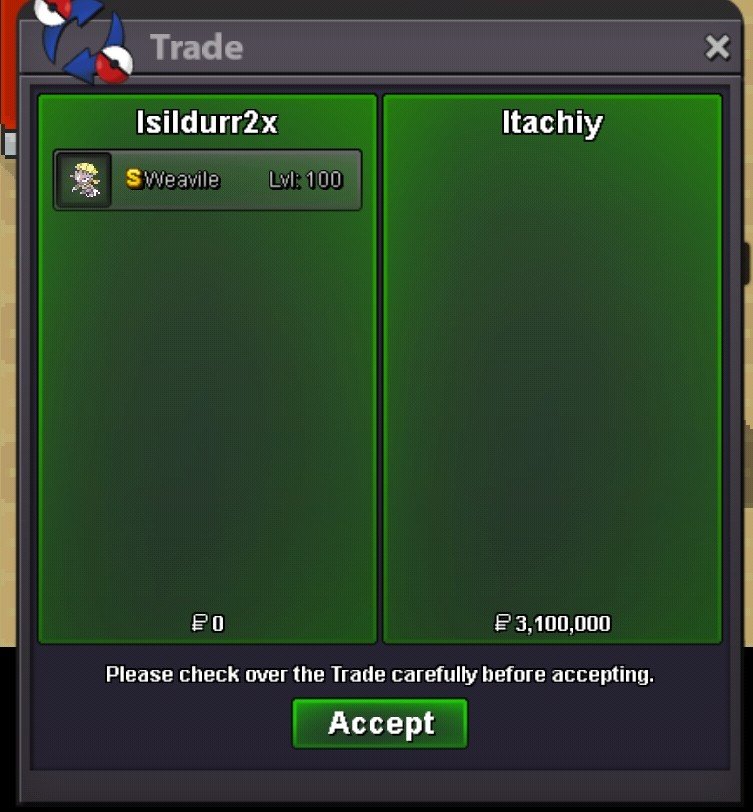
 How much for the summer clothes? And Xmas dragonair mount? TyNice one, any b.o so far?C.O 3.1m
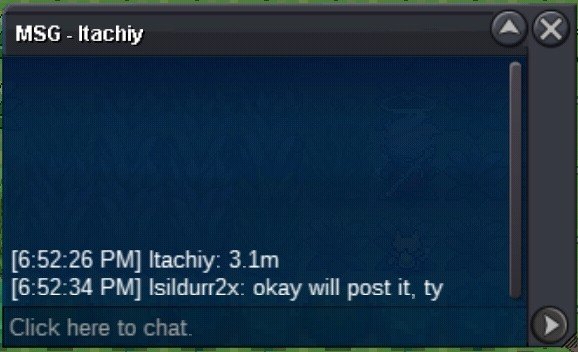 Bump around 1 hour leftC.O 3m
 Start 5k Min bid 5k 24 hours from first bid Accept poke dollars, cc@350k Accept cc for up to 50% of end price
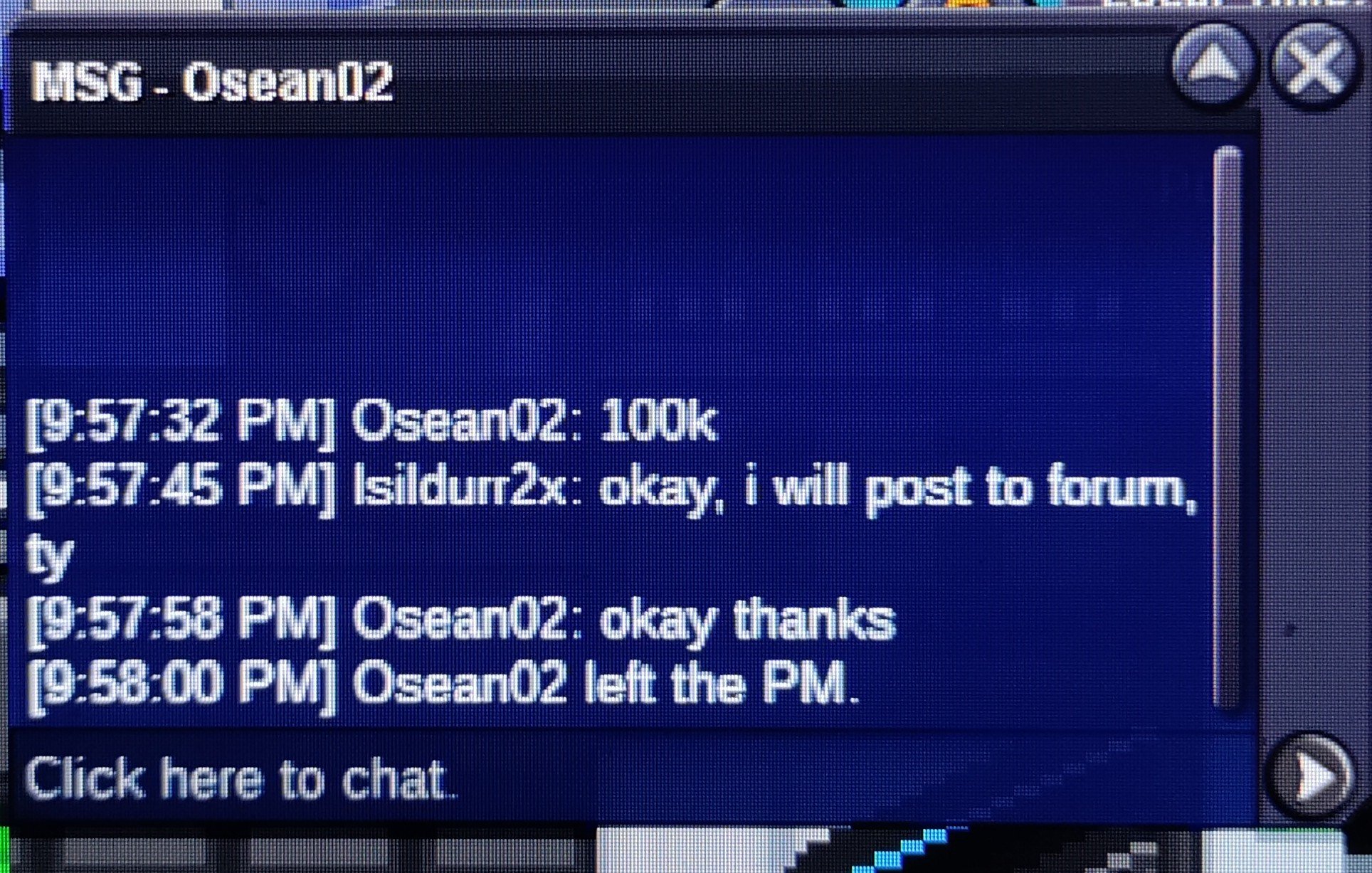
 150kShow the 125k bid please