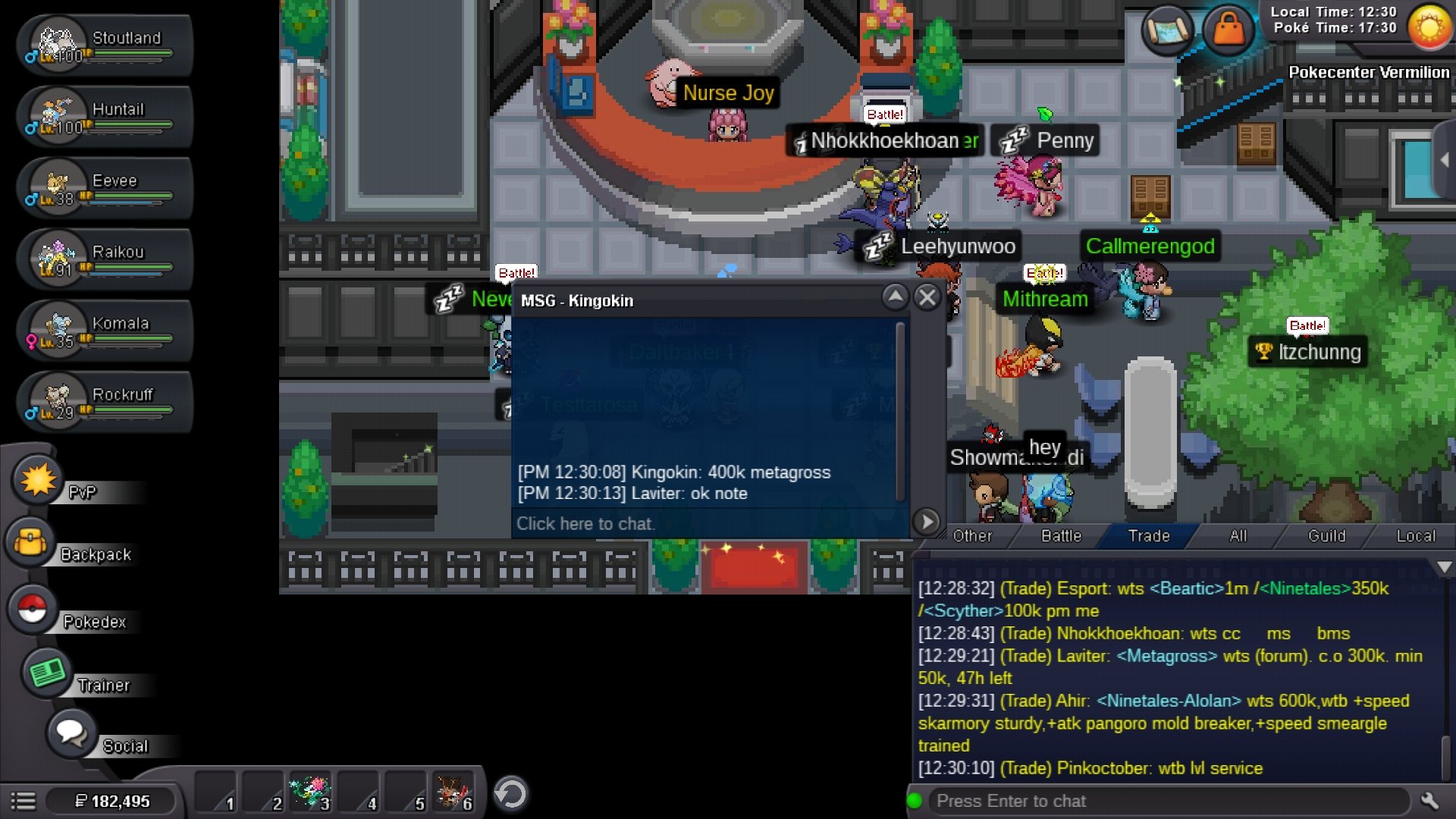
New Trade Zone
Trade Zone is now live
Use the new Trade Zone for auctions and instant-price trades so Pokemon and item offers are easy to find.

Laviter
Registered User
-
Joined
-
Last visited
Everything posted by Laviter
-
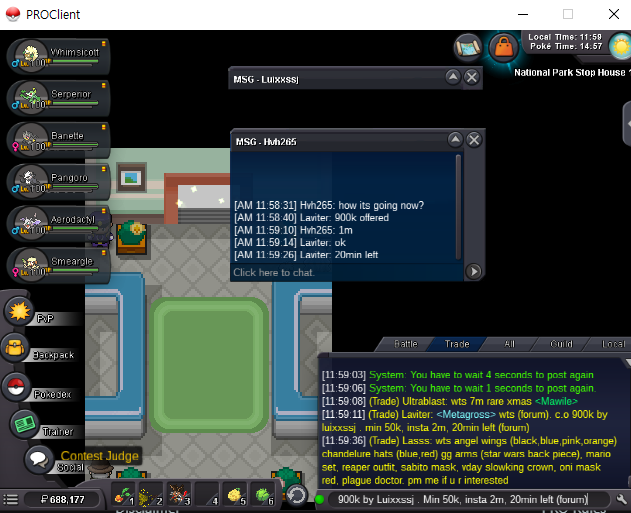
I am just wondering about end time. minute? or second? If second time is also important, all users should check time with second. And there is another problem. Because forum couldn't show second, the bidders of forum can't know correct end time. @Monteria @Polteageist tell me correct policy of PRO
-
@Monteria end time is 21:17. creato offered 21:17. is it done? or not?
-
-
1.8
-
Magne 100k wtb
-
-
breroom 600k can u?
-
start
-
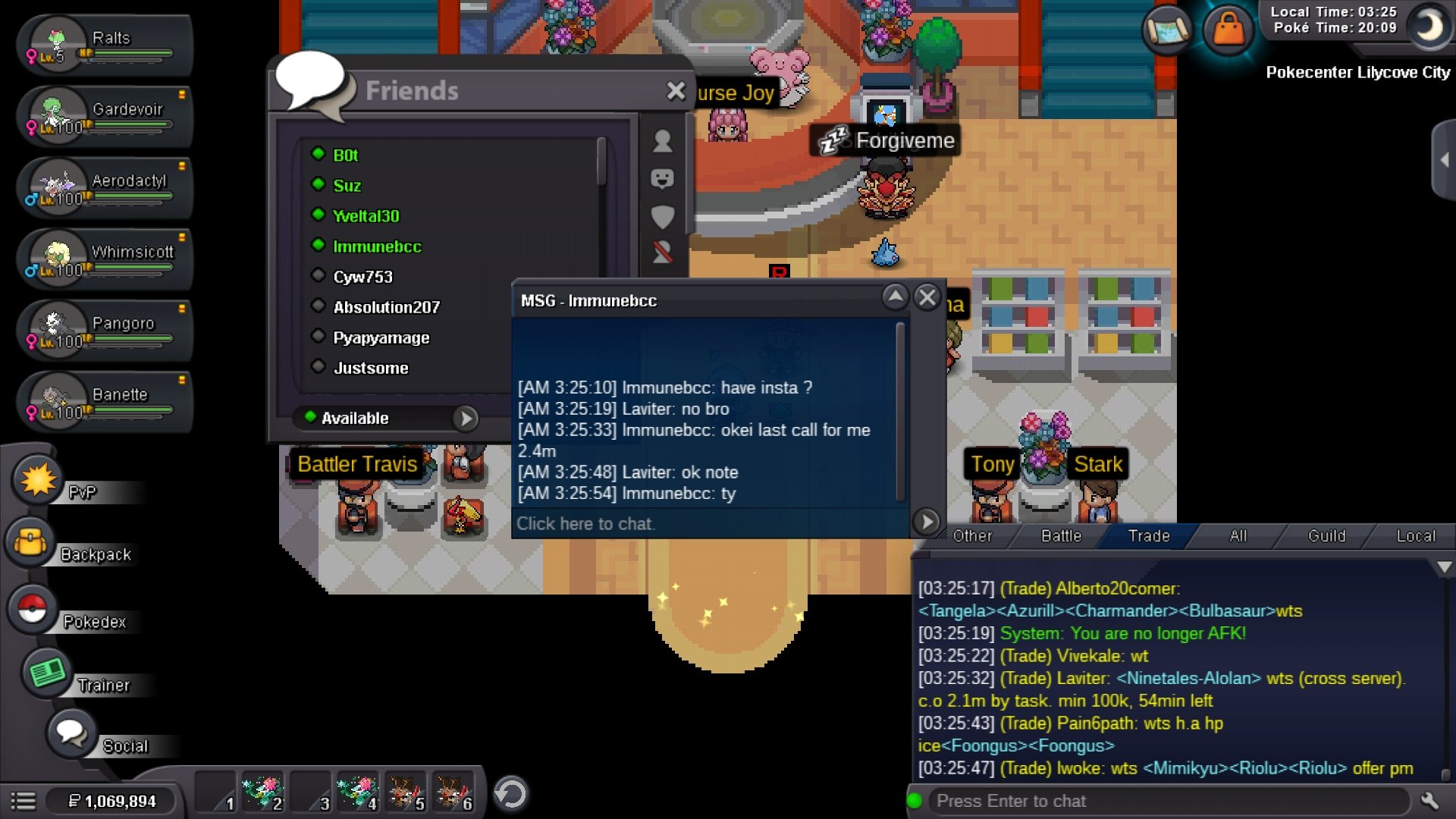
2.4m sold Ty and close
-
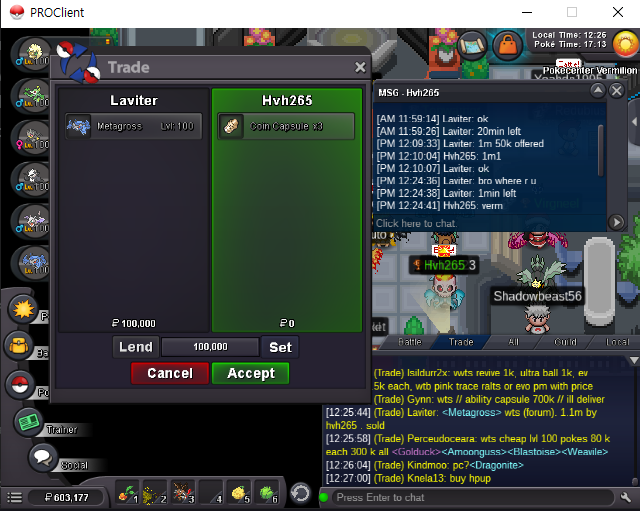
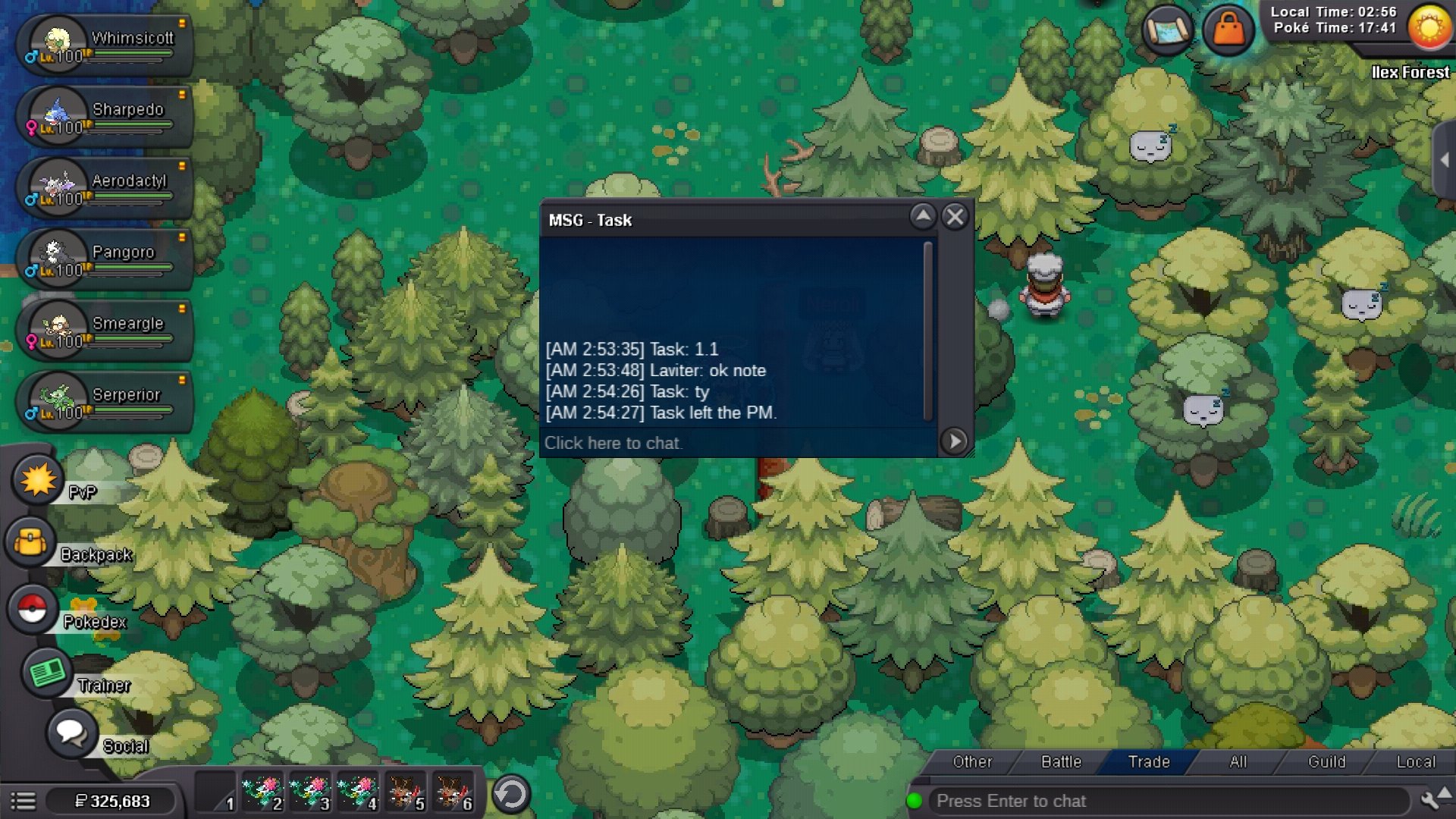
1.1m (Silver)
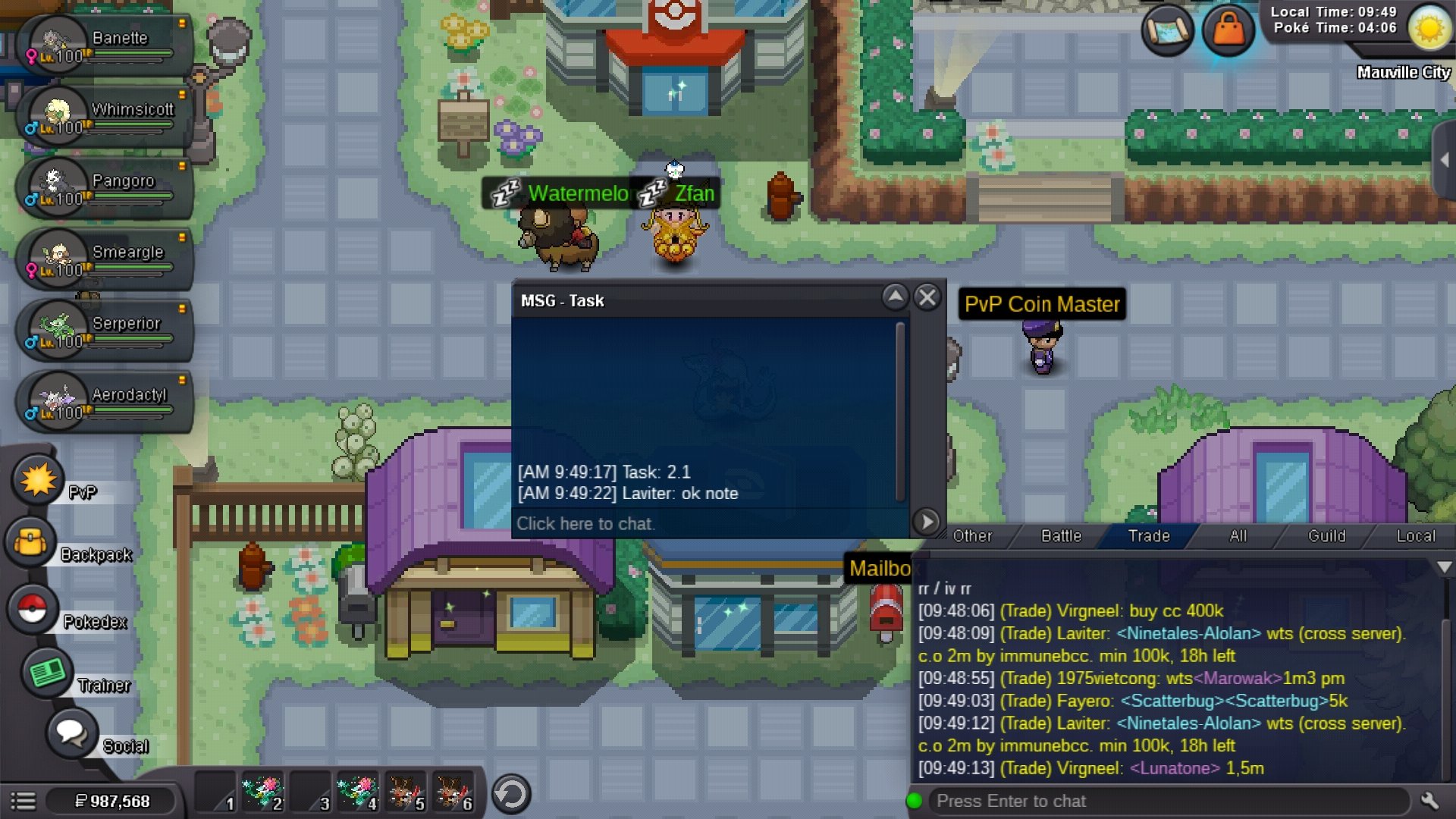
 Sold 2.4m by immunebcc (silver) Min raise : 100k No Insta End time: Feb, 9th, 04:19 AM (GMT+9) CC: 400k IV Reroll Ticket: 700k Nature Reroll Ticket: 350k Rare candy: 7k
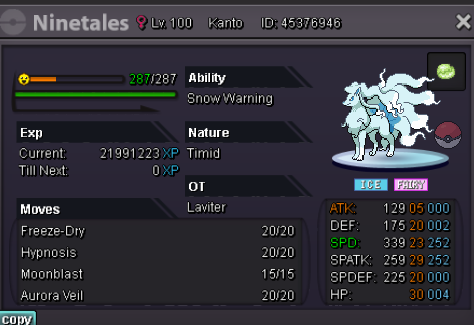 Chandelure sold? If not. I will buy2.7mstart
Account
Navigation
Search
Configure browser push notifications
Chrome (Android)
- Tap the lock icon next to the address bar.
- Tap Permissions → Notifications.
- Adjust your preference.
Chrome (Desktop)
- Click the padlock icon in the address bar.
- Select Site settings.
- Find Notifications and adjust your preference.
Safari (iOS 16.4+)
- Ensure the site is installed via Add to Home Screen.
- Open Settings App → Notifications.
- Find your app name and adjust your preference.
Safari (macOS)
- Go to Safari → Preferences.
- Click the Websites tab.
- Select Notifications in the sidebar.
- Find this website and adjust your preference.
Edge (Android)
- Tap the lock icon next to the address bar.
- Tap Permissions.
- Find Notifications and adjust your preference.
Edge (Desktop)
- Click the padlock icon in the address bar.
- Click Permissions for this site.
- Find Notifications and adjust your preference.
Firefox (Android)
- Go to Settings → Site permissions.
- Tap Notifications.
- Find this site in the list and adjust your preference.
Firefox (Desktop)
- Open Firefox Settings.
- Search for Notifications.
- Find this site in the list and adjust your preference.